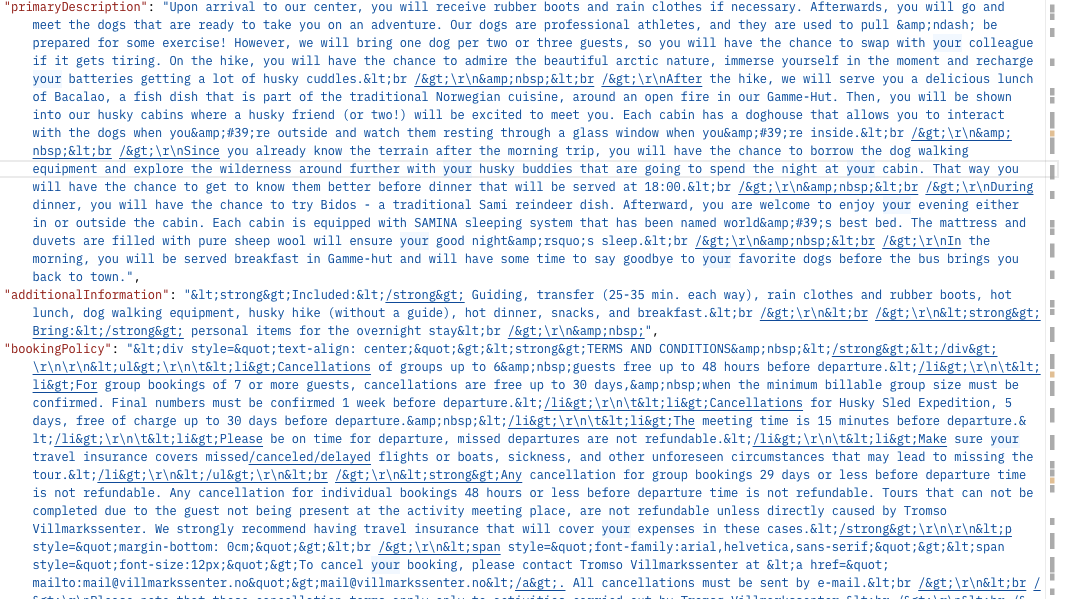
Is there any simple way to display this type of data returned from an API in a dmx-html properly
Hey Paul,
You get this data from an API…
Can’t you just insert paragraphs in your page and assign their dmx-html attribute the specific data?
(eg dmx-html="data.promaryDescription")
That was the first thing i tried, but instead of getting rendered html, i got this.
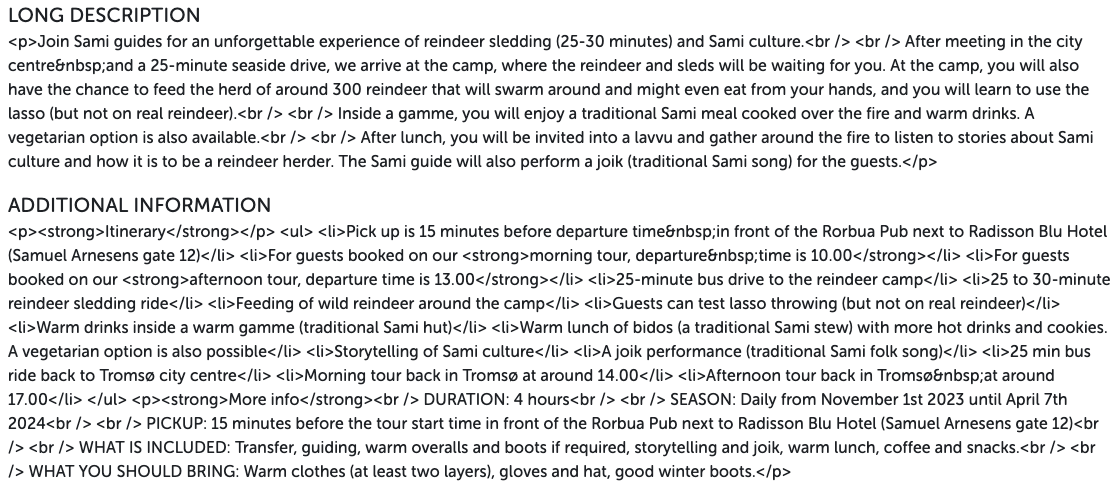
I tried first decoding in the server action with .decodeBase64, and decodeBase64Url, and .urldecode, but none seem to work well enough to then at a second pass run through the dmx-html, wondering if there is some other way.
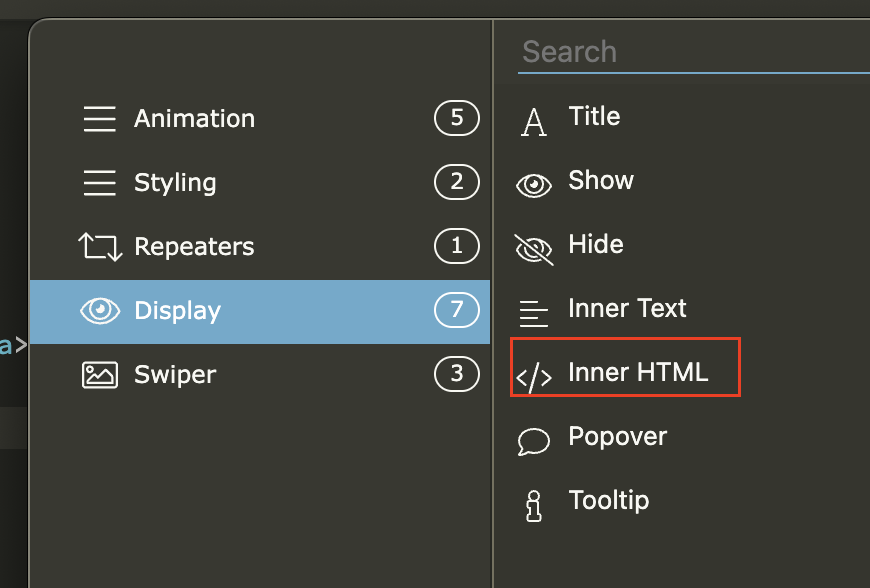
Thanks Brad, sadly I already tried that, but didn’t work, I need to decode first, and then do an inner html on it, but I just can’t quite figure out the best way to go about it.
What about using a Summernote region? You can decode first and then insert the result into a Summernote region.
Here’s a library I make use of that might help. I use it in RunJS.
2 Likes
Thank you Ken, that worked perfectly.
2 Likes