{
             "books" :
             [
             {"bookid":"b1", "title":"The Lion, The Witch and The Wardrobe"},
             {"bookid":"b2", "title":"Lord of the Rings"},
             {"bookid":"b3", "title":"Aesops Fables"}
             ]
    }
I have 3 buttons set up on different parts of a page.
I want to be able to assign a bookid to the buttons and depending on the bookid the button text should be the corresponding title from the json file.
Should i make the Button Properties ID to say “b2”. Then use that to set Dynamic Attribute Inner Text of Button after looking up the corresponding title in the json file. But i don’t know what the expression should be.
I want to add them statically because they are on different parts of the page , the positioning flexibility of statically adding them is important to me
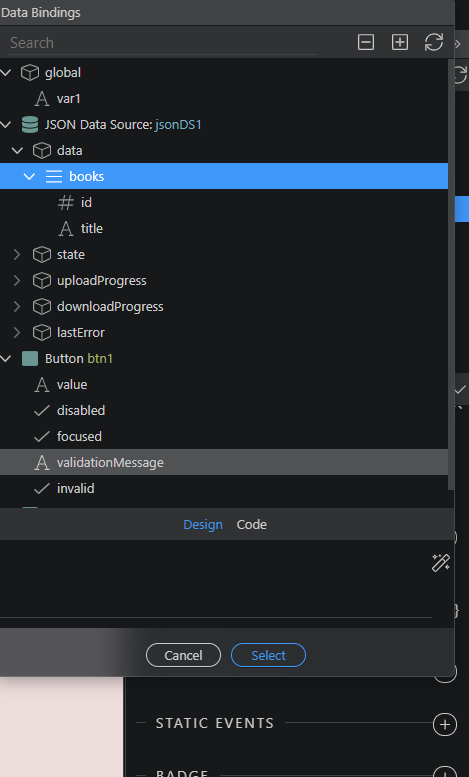
Then use the JSON Data Source component in App Connect to create a data source out of it. When you do this the data will be available in the dynamic attributes picker.
I mean how should i write an expression that looks up the id of button , then looks up the json to find the book with the same id and then retrieves the title of the book ? I don’t know the syntax
That’s a bit complex to achieve the way you are trying to do it.
You can’t get the ID of the button when filtering the data source, but you can get its value. You can add value="b1" to your button with id="b1" and use this value to identify the button and filter the data source.
Your inner text code will then look like: