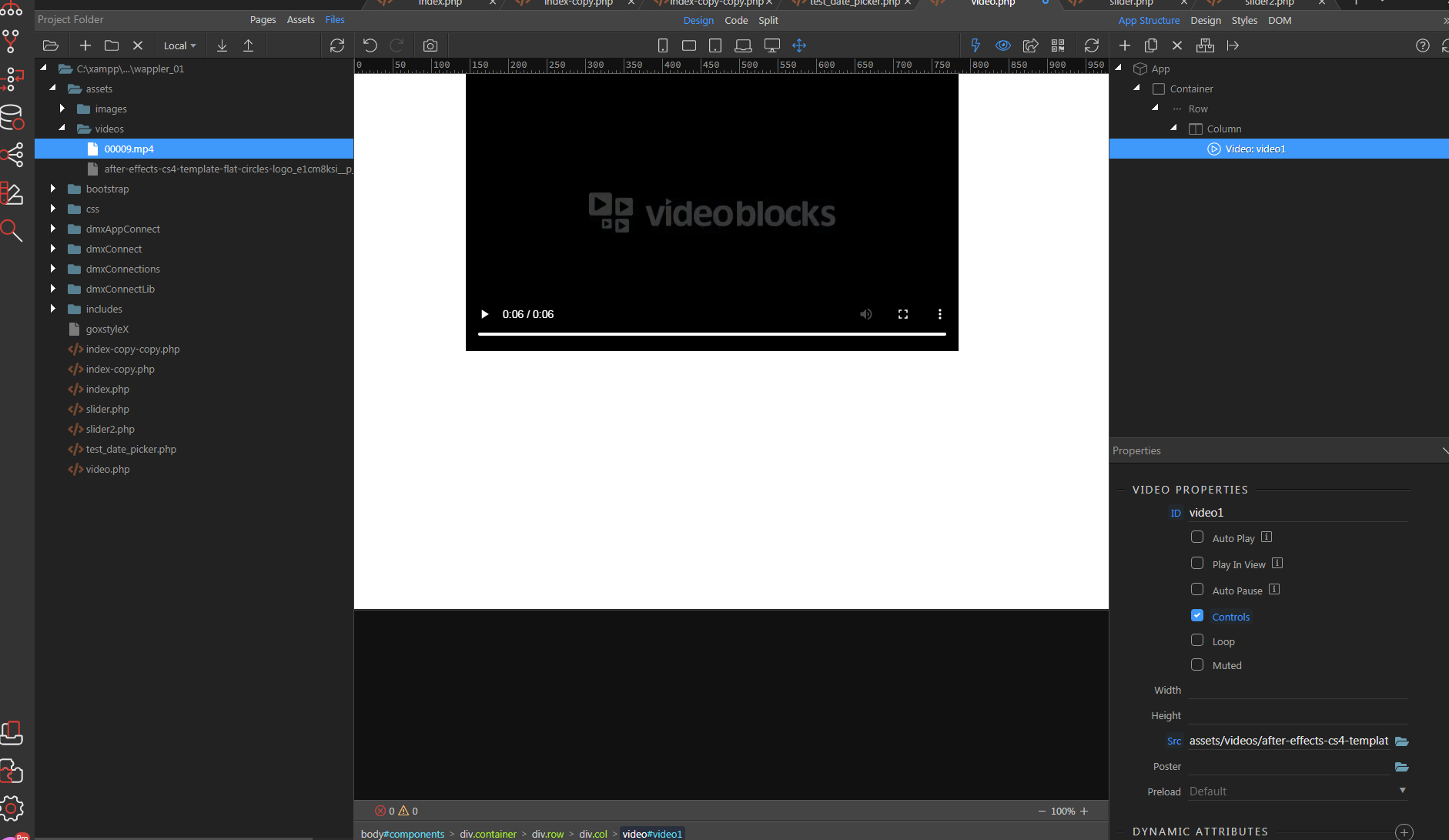
Why there is no sound on video?
How to get audio output?
What to type in a search in the Documents to find the answer?
I`ll use this topic to find the answers which are impossible to find. 
Why there is no sound on video?
How to get audio output?
What to type in a search in the Documents to find the answer?
I`ll use this topic to find the answers which are impossible to find.
For this community to help you, it is best to ask one question per topic. It is also best if you supply examples of what you want.
Thank you Ben.
It is testing on clean php page.
container/row/column added video
video is mp4 from assets/videos.
Video works with sound in Windows.
How did you add the video on the page exaxctly?
With picker, click on folder
Sorry, can you show a screenshot of how/where is the video added? Are you sure you are not referring to the background video component?
Ok great, so what’s the problem exactly? You preview your page in your browser and there is no sound?
Exactly.
It should be the simplest thing to do.
Please provide a link to your page where we can check this. This doesn’t really sound to me like a problem with Wappler.
OK, it was locally on XAMP.
I`ll uploud it on server in a sec.
Found the problem.
The video must be chosen from the design area, not from the Video properties panel. That`s the way for the video to be properly imported.
Not sure what you mean by this.
Both insert the video using a src="..." attribute
Yes, you are right.
Maybe the restart has done the job.
Thank you