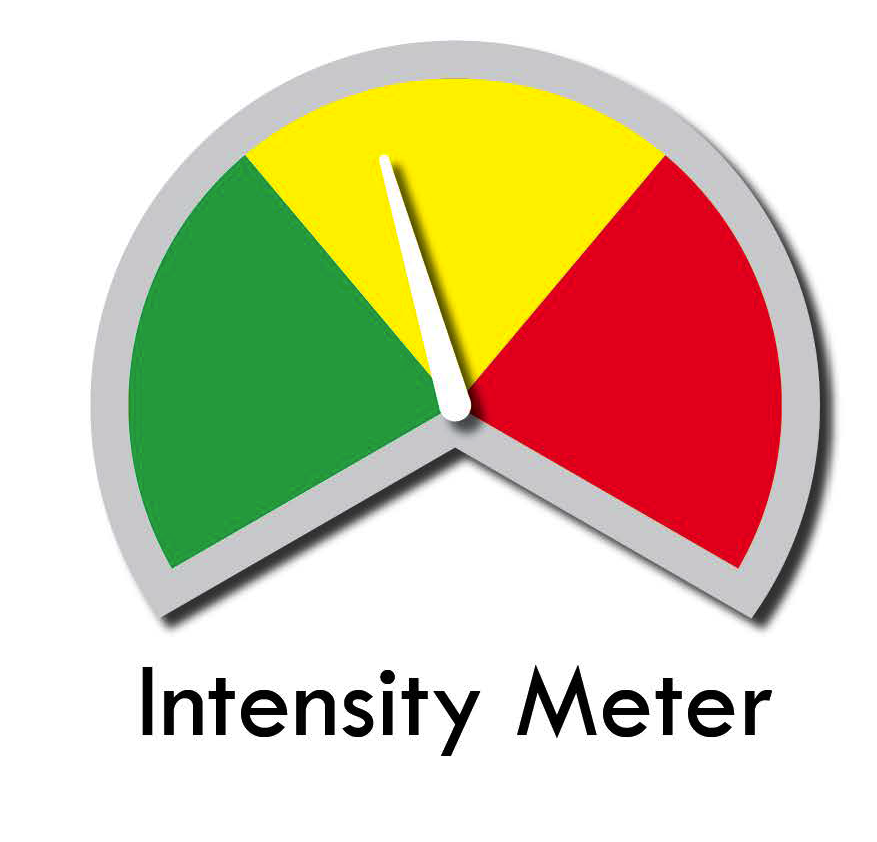
Would anyone know where to start with Wappler to add a gauge to a web page? I am creating a simple tool that accepts user input in the form of a dial that allows users to turn setting an intensity level that is reflected on a 1-9 scale. The results are displayed on the gauge. I uploaded a sample image as an example of the gauge face. The only thing missing is the digital scale, 1-3 will place the needle in the green and so on up to 9?
Looks like a CSS or JS task, not related to Wappler.
Have you tried searching on Google?
However, if you just want three different images, you can make use of dynamic src binding in Wappler.
Something like:
dmx-bind:src="txtInput1.value <= 3 ? 'one.png' : txtInput1.value <= 6 ? 'two.png' : 'three.png'"
@sid I did and came up with a node package node-red, which I installed and am playing with it now. I think a pertinent question is how to use it within Wappler. It actually creates a JSON file that I bet I could import. You most likely know more than I do about this package but it is event-driven so I am thinking that I could have the user move a slider that would set the needle.
Regarding the option you suggested, I was thinking that would work too. I would like to see if I can get the node-red option to work first. Seems like it could be pretty cool.
Lol. I am a nodejs newbie.
NodeJS does not work on client side in Wappler. So you can't really this package in that manner.
Maybe looks for a JS version of it.. Or another JS library.
1 Like
Maybe Google Charts could be a solution:
https://developers.google.com/chart/interactive/docs/gallery/gauge
2 Likes
I was able to get a gauge working running on my computer but not yet in Wappler. I installed the node-red package and created the gauge with a slider that fulfills my objective
node-red_gauge
My issue now is how do I get started incorporating it into my Wappler page? There must be some guidance for including node packages, would that work?
NodeJS packages are not supported on client side in Wappler.
So you need to find a JS library for this.
1 Like