I have a project that was started before wappler automatically created the ‘www’ folder that is required to add an extension. Is it possible to install an extension in my project?
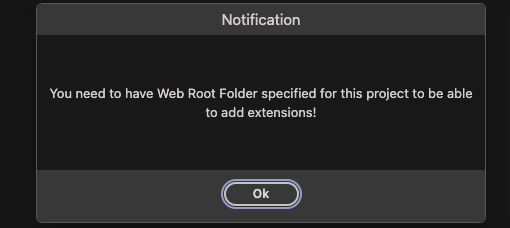
Good question. I’ve had the same issue so keen to know how to resolve.
- Backup your project folder to be safe
- In the project options choose a new subfolder www as project root.
- Save the options. Wappler will ask you if you want to move your project files to the new web root
- Confirm that and the files will be move to the new structure
- Test if it is all fine and your project is working well
- Then you can now also install custom extensions in the project options
1 Like
That won’t work for me as I am using MAMP Pro as my local server. If I do that can I change the local server to Wappler built in server?
What is the issue with MAMP and this? How is your project folder set up/where is it located?
MAMP can’t find the files aas there are now in a different folder. Also on publish to remote it creates a www folder and tries to put the files in there.
It’s just a real mess. I have reverted everything. This project is just too important to mess with right now. The extension in this project is not critical at this point.
All you need to do is to tell MAMP which folder is your project root now. That's why i asked you how is your project set up - is it in a subfolder in your MAMP root? Or are the project files directly in the MAMP root?
It’s in a sub folder in my MAMP root. Also in a sub folder on my production server.
I have another project that is reaching end of life. I will test further with that project.
Any of my new projects are set up properly with Wappler server. Thanks for your help, Teodor. Much appreciated.