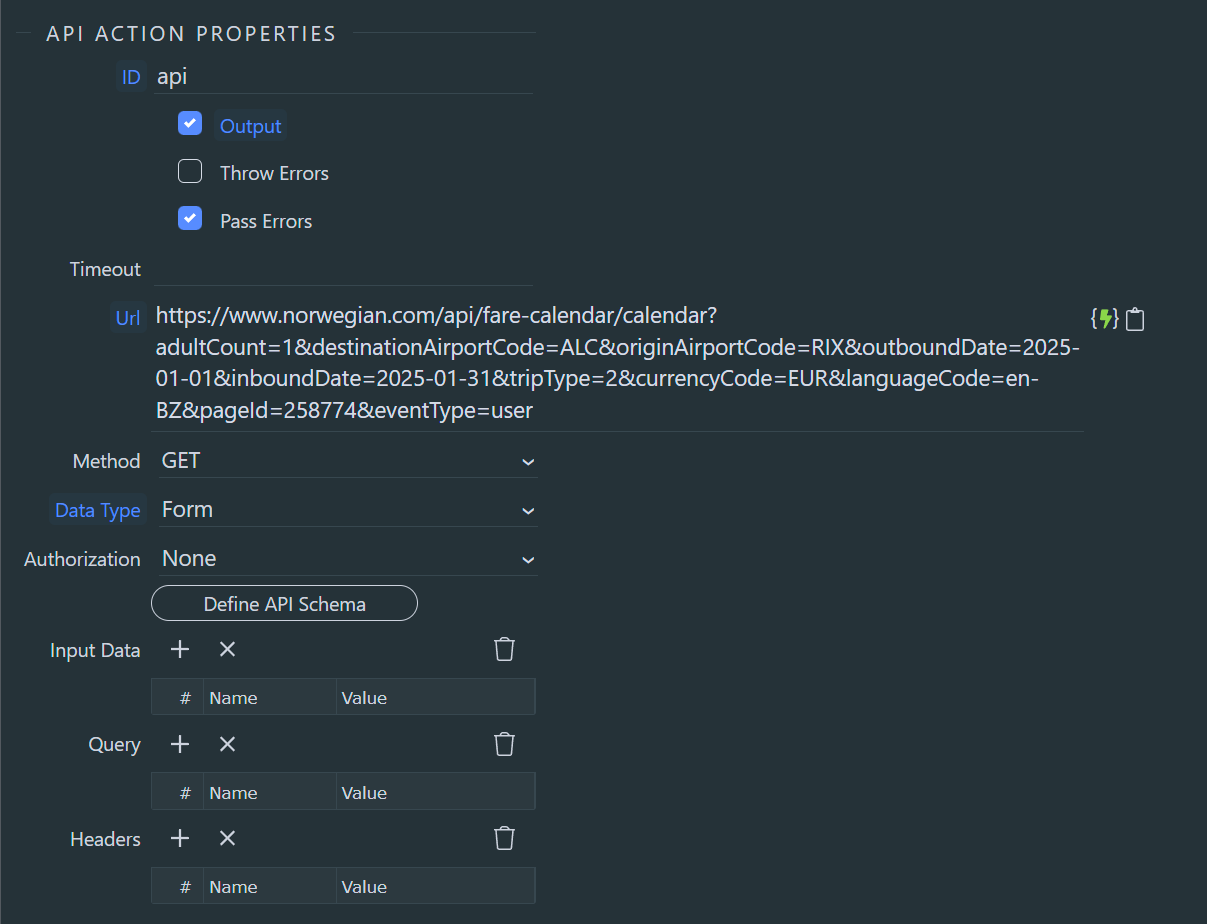
If you create a mock API endpoint using Mockoon, Beeceptor or Mockbin and perform the same API calls, you can see the difference in request headers between API Action and Wappler API Fetch Schema.
You can apply the same "magic" by replicating the request headers of the API call that works.
Note as such API has bot protection, it's likely such "magic" won't work for long once you start generating traffic to it.
I believe you missed the point. Let me re-phrase:
I can spam with Fetch Schema (without setting up additional header, cookies, whatsoever) and each time it returns a proper answer from API with data I need, but it won't work if run it in Wappler.
And I'm asking Wappler team - is it possible to run "regular API call" using same mechanics as "Fetch Data" is using?
I explained how to replicate the same mechanics, I just couldn't explain "why" because the exact natures of the differences are intricate to e.g. the libraries being used to perform the HTTP request and the way Wappler team coded such calls internally. An average user wouldn't know there was a difference, but you found out because the bot protection allows and the other disallows.
My explanation in the 1st paragraph provides you the way to see for yourself the differences in request headers.
In the 2nd paragraph I explain you can create the headers that work
in order to replicate the "magic".
The 3rd paragraph provides an opinion for what might happen in the future, but the 1st and 2nd paragraphs answer your question 2
Edit: It's like using different browsers, the User-Agent header is different, and the bot protection doesn't like one
Hello @Notum, this is a common "problem", the thing here is purely CORS, the browser blocks the response when there's no allow origin header, so any browser will send a preflight check and block it when there's a security policy running, postman don't..
You can easily check this, by running on console a fetch with the url and see the response:
Access to fetch at 'https://www.norwegian.com/api/fare-calendar/calendar?adultCount=1&destinationAirportCode=ALC&originAirportCode=RIX&outboundDate=2025-01-01&inboundDate=2025-01-31&tripType=2¤cyCode=EUR&languageCode=en-BZ&pageId=258774&eventType=user' from origin 'http://localhost:4000' has been blocked by CORS policy: Response to preflight request doesn't pass access control check: No 'Access-Control-Allow-Origin' header is present on the requested resource. If an opaque response serves your needs, set the request's mode to 'no-cors' to fetch the resource with CORS disabled.
Franse, he mentions the problem occurrs with API Action step, the screenshot is from the server-side API Action. CORS only applies to browsers, so it can't be that problem