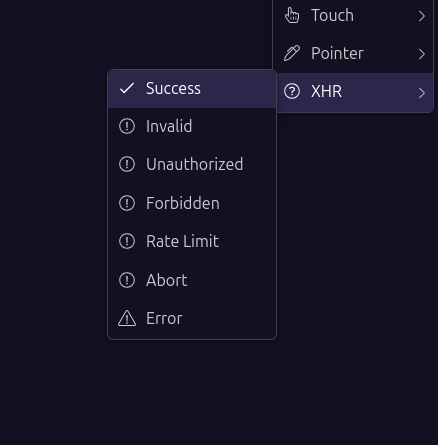
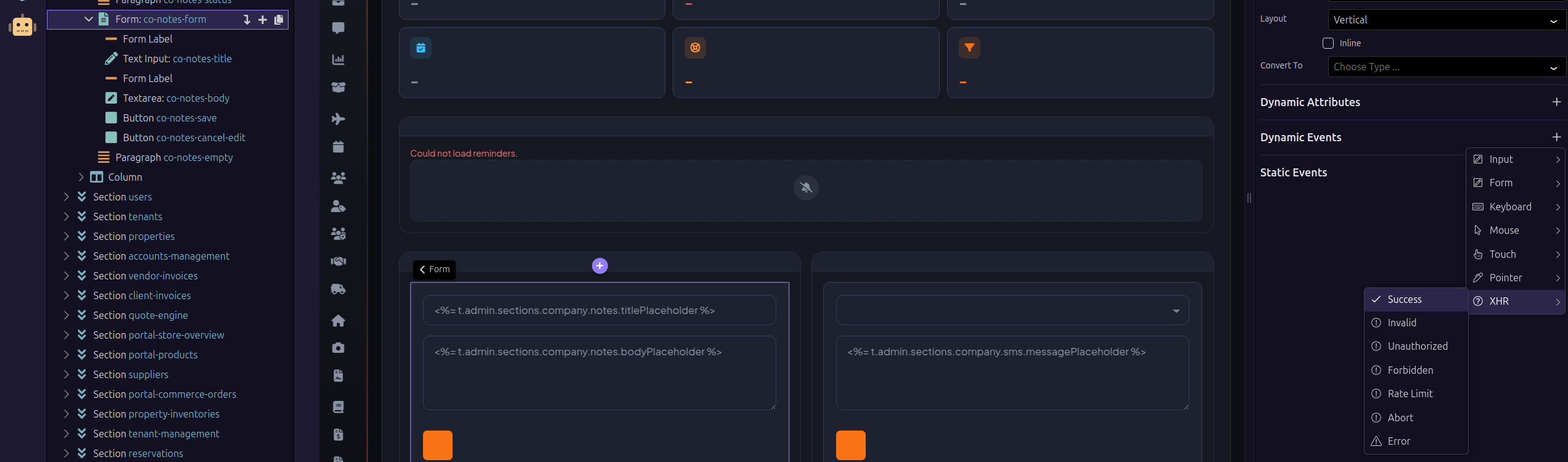
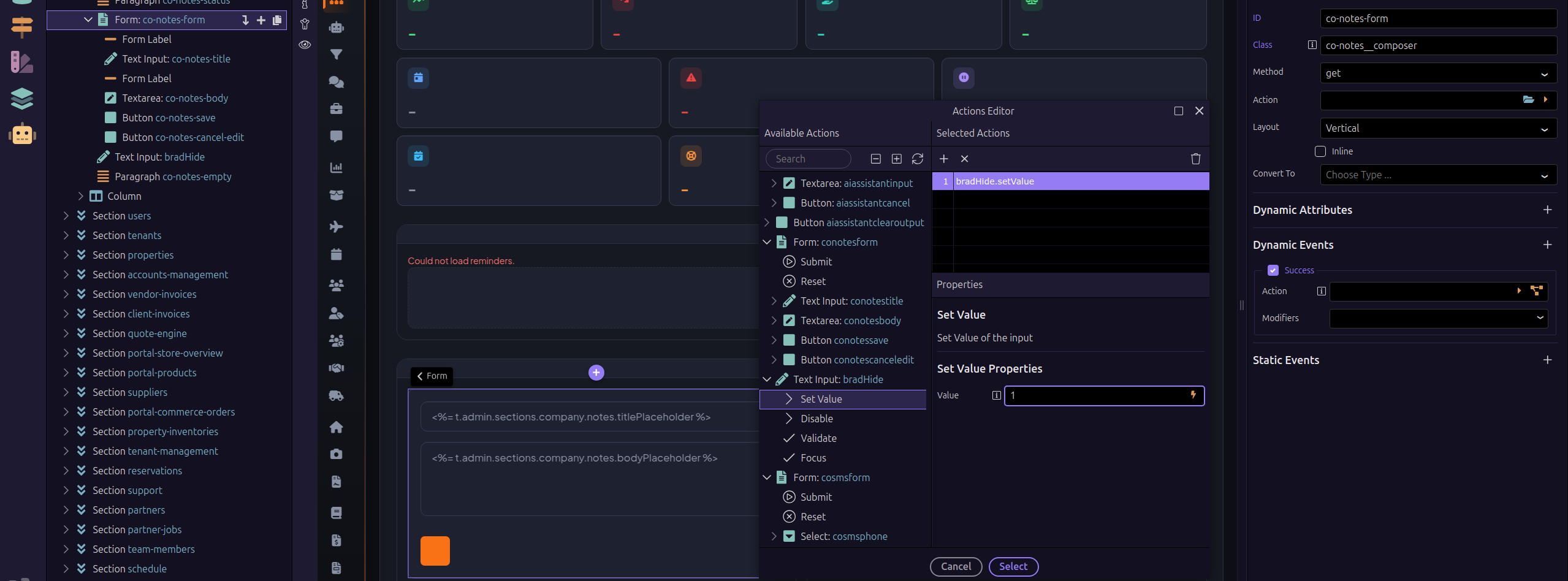
I'd just had a hidden input and populate it with 1/0 based on success, then a show/hide based on the value of the hidden input Brad. That way can always reset the hidden input easily. If you want persistence then use a cookie or local storage item to store the value.
That makes sense, cheese. But can you set a form field vale to a field after the form has been submitted? I'm not sure I can use a cookie or local storage as it is in a dashboard application where the form will be available from a client profile. So staff may fill out the form for one client and then go to another client profile and fill out the form again.
That is what I was expecting to see, but the form is not in the list. I obviously have something set up wrong. Thanks for your guidance. I think that should work and would be my best bet, just have to figure out why the form isn't showing in the list.
I will work on it. Thanks again for your help. Much appreciated.
Thanks Brad and Cheese — the discussion helped me think through the flow more clearly.
I ended up taking a slightly different approach using an App Connect variable to track the submission state. It keeps everything declarative and can be set entirely through the Wappler UI, which I found made the setup a bit simpler for this particular use case.