Just tried to upload a new version of extension to npm.
First time since new access token system implemented on npm.
Have generated access token but anyone know how to use this within the Wappler environment?
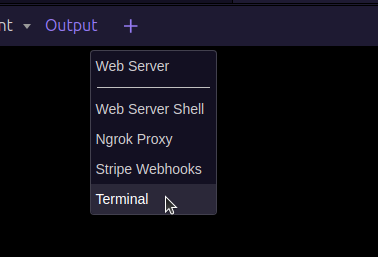
Tried login via terminal (my normal route), it took me to the usual browser login screen ,logged in with username/password and entered resultant 2FA code.
Assumed all was ok but when i tried to upload i get a pemission error.
I assume somewhere/somehow the access token needs to be passed to npm at login but i have no idea how.
Try setting the token first:
npm set //registry.npmjs.org/:_authToken=YOUR_TOKEN_HERE
npm login --registry=https://registry.npmjs.org/
1 Like
Gemini has made some suggestions i can try.
1 Like
Sod it, time for alcohol.
Merry christmas all
1 Like
@ben, have you resolved this issue?
Hi Brian,
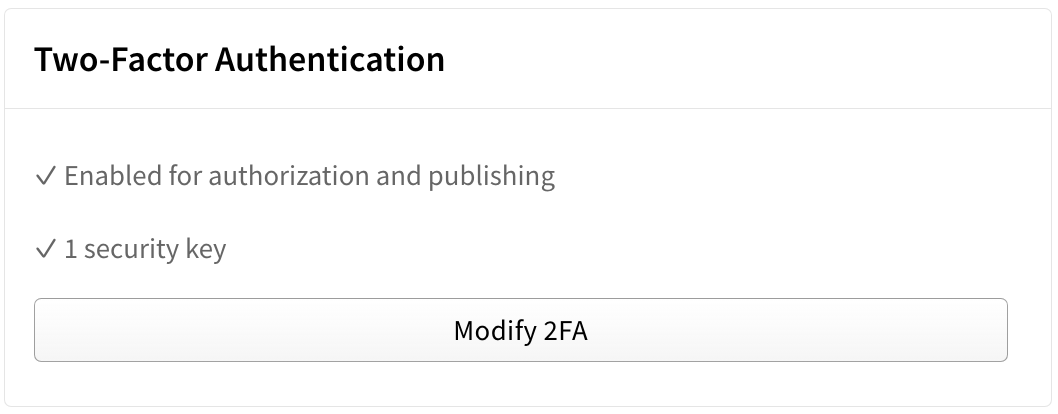
I set up a security key (just another name for the MFA) - this gave me full access to publish the packages without needing an access token.
Can you explain?
In the npm Account settings, there's an option to enable Two factor Authentication. Once setup, this enables authorization and publishing without requiring an access token.
You will still be required to authenticate when publishing a package in Wappler. But 2FA will give your login full access to publish.
3 Likes
Thanks you so much, that did the job!
3 Likes