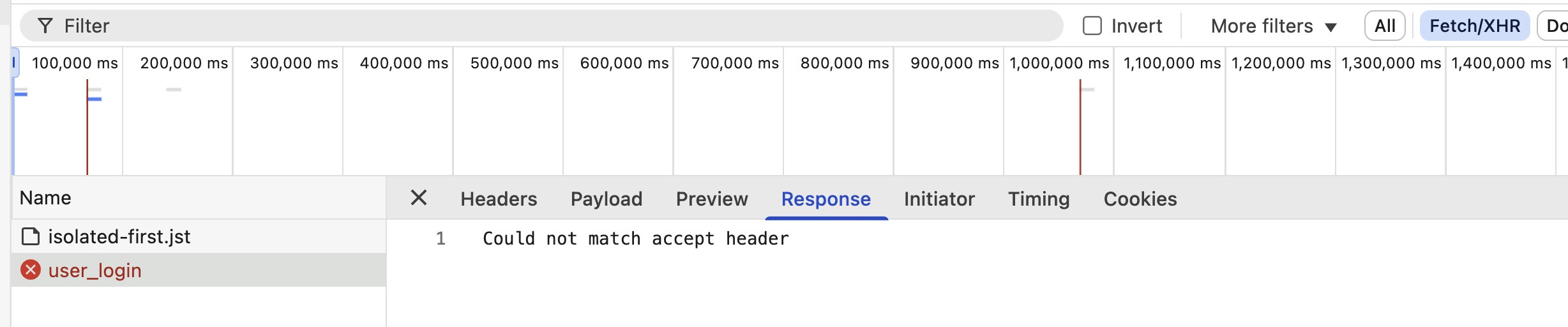
I uploaded my nodejs site to my hosting server - a2hosting. It is a “members section” for a union. Index page is a login page. When logging in I am getting a 406 “not acceptable error”. The Response Header is expecting Content-Type text/html: charset=utf-8.
The Request header is set to Accept application / json.
So seems like the client is saying "I only accept JSON",. ', but server is
replying with HTML and I get the error.
What’s the fix and how do I implement it? Thanks for your help!
When you inspect the login using dmx.app.data do you see some error?
Using Capacitor Http Plugin I can see this:
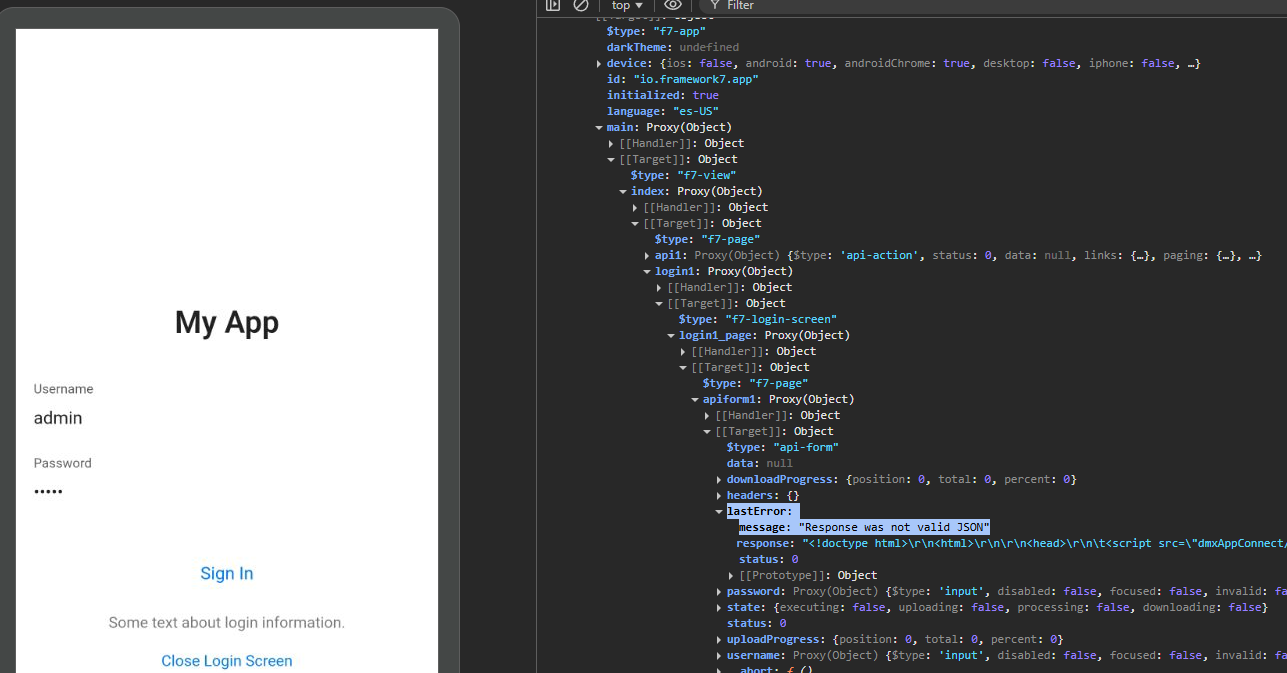
I suspect it's somehow related
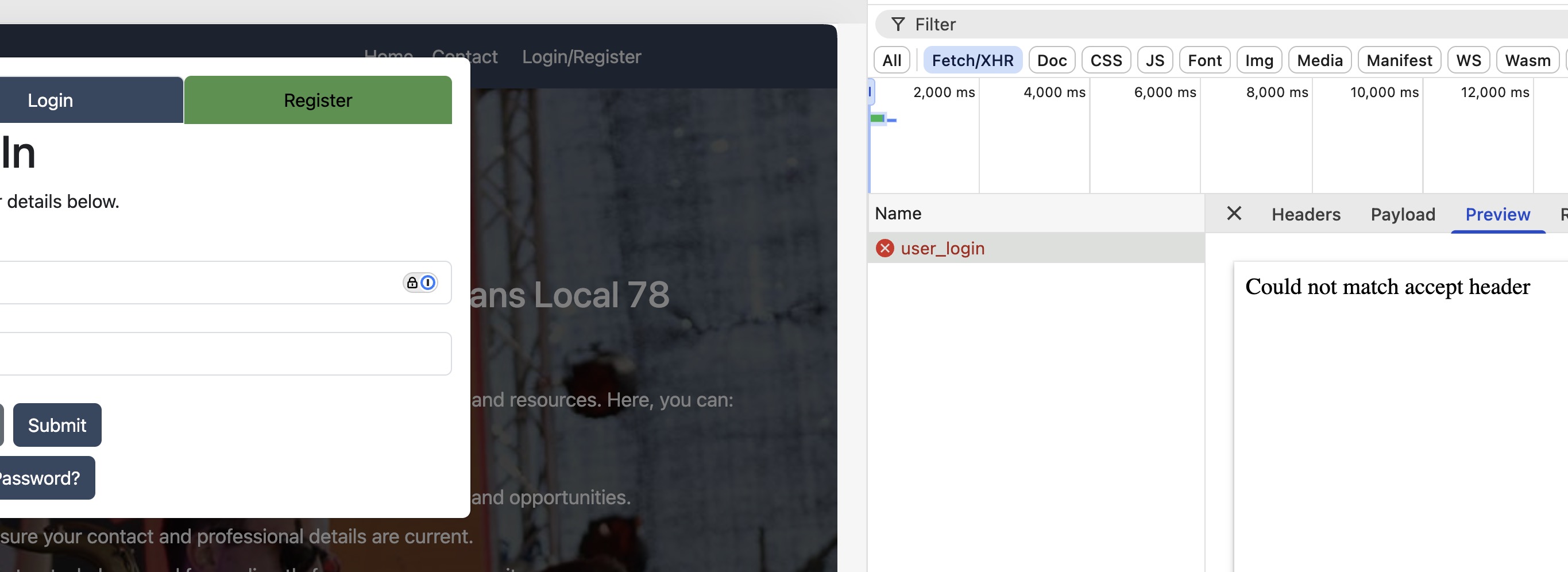
Ok, but can you navigate on console and see if you have an error on the login form?
On console type: dmx.app.data and see if login form → last error → message is the same
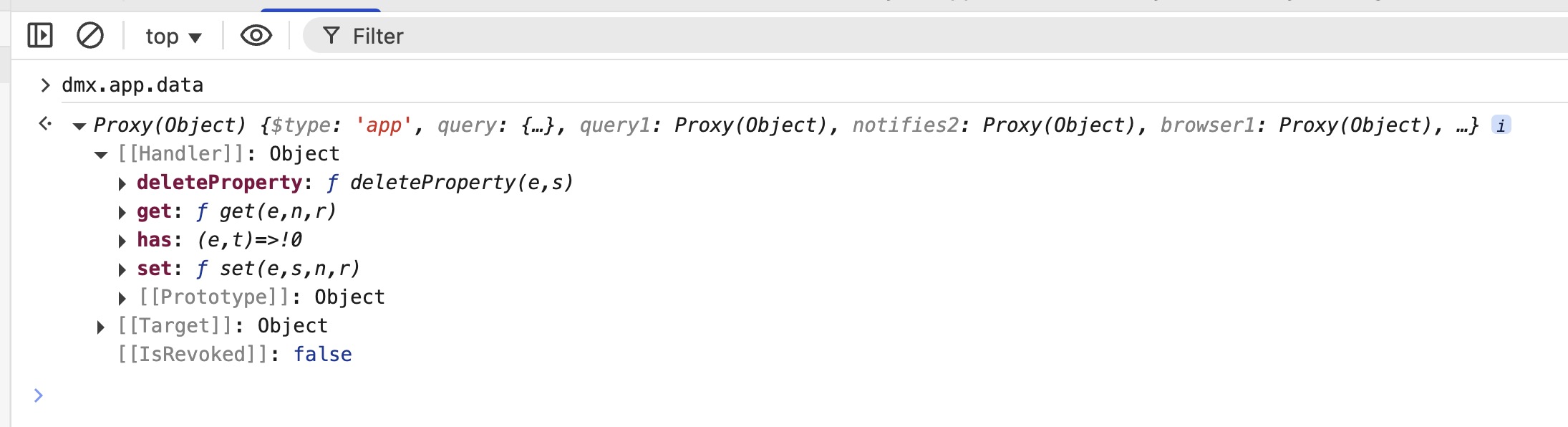
Click on target and then expand all the tree until you find the login form
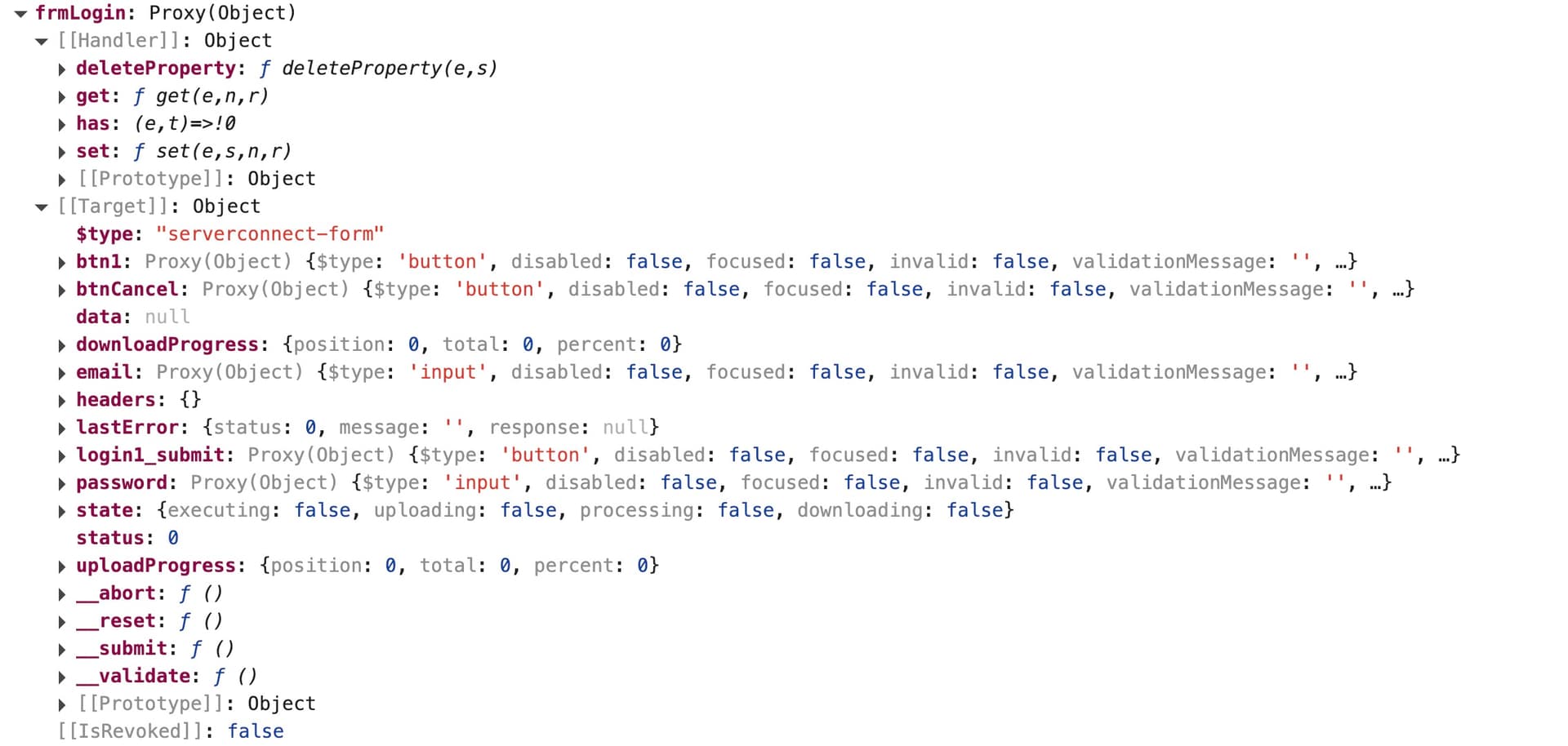
Are you showing this before or after sending a request?
Try to login and then check again that tree (be careful don't share your password here)
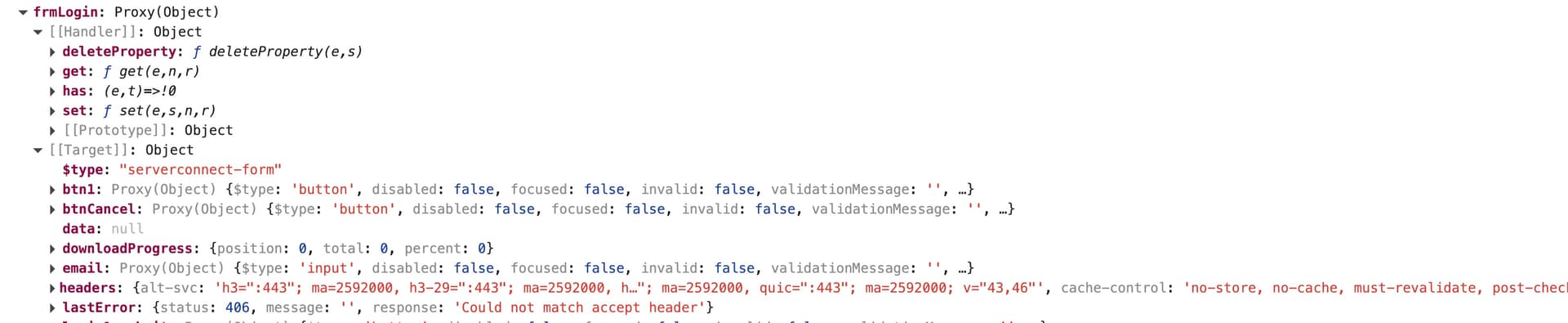
Can you post the code of your login form here?
<form id="frmLogin" method="post" is="dmx-serverconnect-form" action="/api/security/user_login" dmx-on:success="scUserLoggedin.load({});notifies2.success('You are now logged in.');modal1.hide();browser1.goto('/members/index')" dmx-on:unauthorized="notifies2.danger('Unauthorized')">
                        <div class="row">
                          <div class="col-12 ">
                            <div class="row">
                              <div class="col">
                                <h1>Log In</h1>
                                <p class="text-h3">Enter your details below.</p>
                              </div>
                            </div>
                            <div class="row">
                              <div class="col mt-4">
                                <input type="text" id="email" name="email" class="form-control" placeholder="Email" required="">
                              </div>
                            </div>
                            <div class="row mt-4">
                              <div class="col">
                                <input type="password" id="password" name="password" class="form-control" placeholder="Password" required="">
                              </div>
                            </div>
                            <div class="row mt-4">
                          <div class="col mb-lg-2">
                            <button id="btnCancel" class="btn btn-secondary" dmx-on:click="modal1.hide()">Cancel</button><button id="login1_submit" class="btn btn-primary ms-lg-2" type="submit">Submit</button>
                          </div>
                        </div>
                        <div class="row">
                          <div class="col">
                            <button id="btn1" class="btn btn-primary" dmx-on:click.prevent="modal1.hide();modalForgotPassword.show()">Forgot Password?</button>
                          </div>
                        </div>
                      </div>
                    </div>
                  </form>
And your server connect is a regular one? No redirect?
Yes
On your header tab:

Do you have this under request?
accept: application/json
And what’s the server under response? Litespeed/Apache/Nginx?
Sorry Lightspeed
under this is:
Strict-Transport-Security: max-age=63072000; includeSubDomains
Vary: Accept-Encoding
X-Content-Type-Options: nosniff
X-Frame-Options: SAMEORIGIN
X-Powered-By: JoomlaAPI/1.0
Wondering about Joomla - one joomla site in root and 2 more in different directories.
I think this is where the issue comes from..
Don’t know if someone else can join here, but maybe rewriting .htaccess? Thinking loud…
Also found this on a forum:
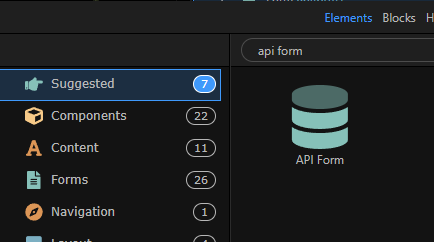
PS: Remember that a login component in Wappler is a form, so instead of using a ServerConnectForm you can use an API Form with the url directly and use the headers that Joomla is asking, for example:
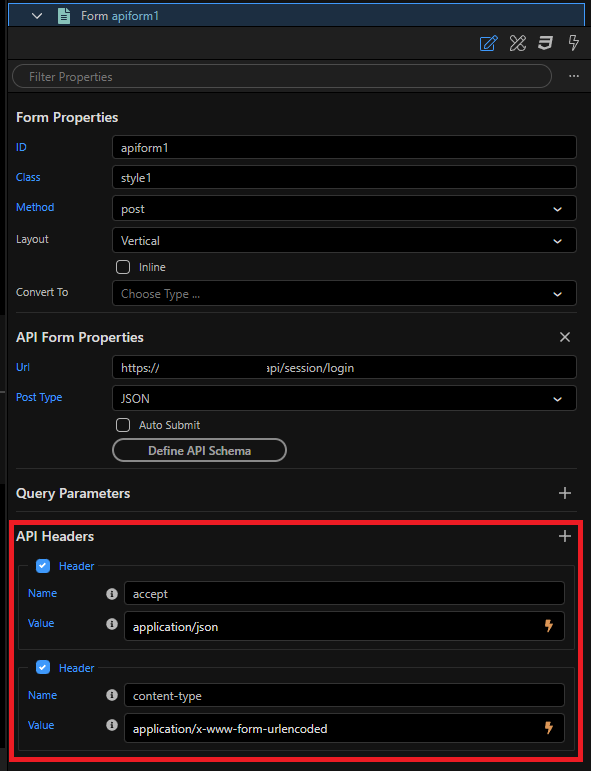
You can also use credentials="true" directly on the code in case you need it..
Thanks so much for your help - I will get back to this tomorrow. Will be away from the computer for the rest of the evening. Thanks again, your the best!
No problem! Seems to be an external problem, not a Wappler one..
So anything you need let us know..
I use a lot Postman for this kind of things..
Hi Franz: Did some searchng and found the following code by adding this to the htaccess file I am now able to login:
RewriteBase /mydirectory.mysite.com
# Check if the requested URI starts with /api
RewriteCond %{REQUEST_URI} ~/api(.*)
# Proxy the request to the Node js server running on port 3000
RewriteRule "api/ (.*)$ http://localhost:3000/$1 1P,L!
# Make sure Apache does not try to serve local files for the Node.js path
ProxyPassReverse /api/ http://localhost: 3000/
I would like to change the code in the server.js file so I can access the app by having it open in the subdirectory instead of root so i can link to it from a page in a joomla site. I’m not sure how to do this can you help me?
Secondly - the mail sever is not functioning:
"status": "500",
"message": "Invalid login: 535 Incorrect authentication data"
I assume that the error means login credentials are not correct , but I know they are. Any suggestions to solve this problem ? Thanks