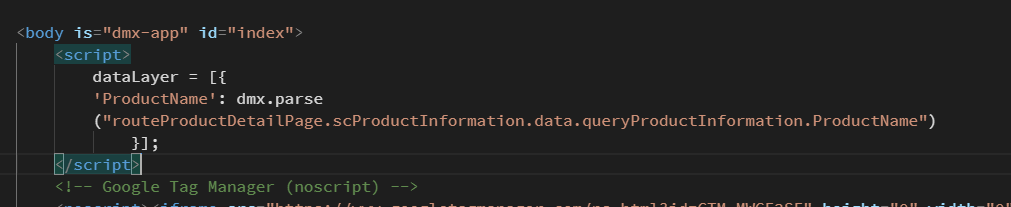
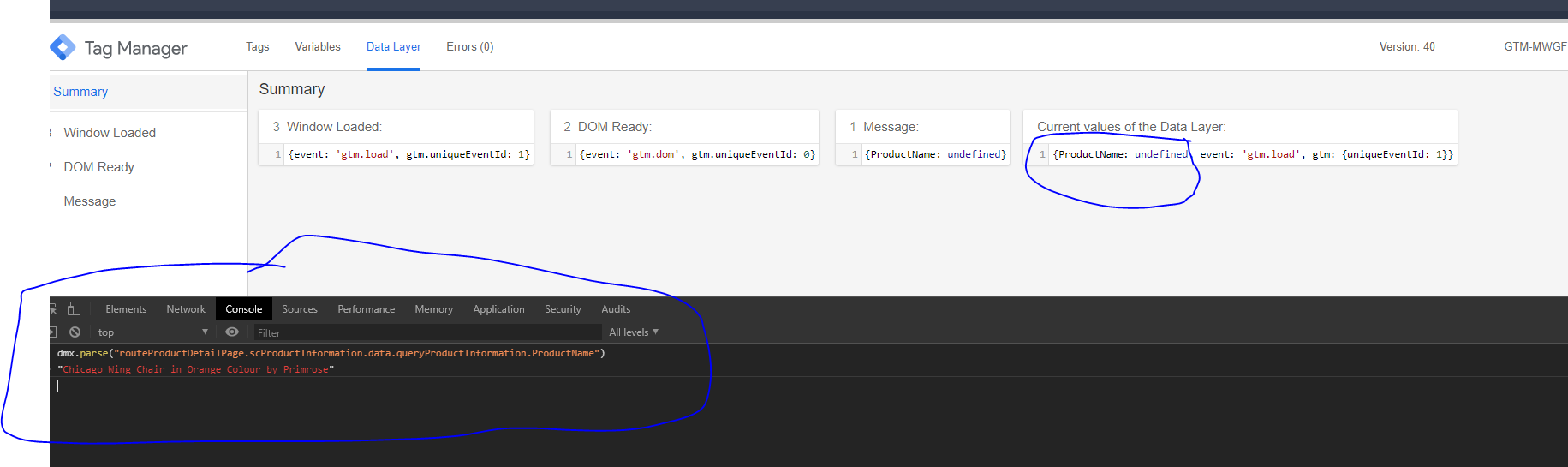
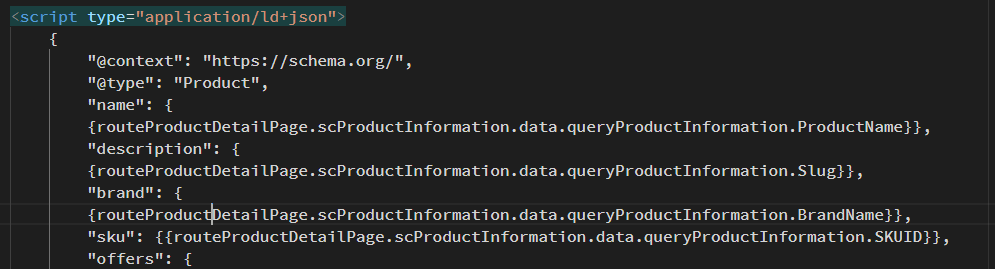
I am trying to implement Json Ld using google tag manager, and script for json ld is generated by gtm dynamically when my product detail page is hit in url in my ecommerce website. GTM tries to read product information from div id which i mentioned in gtm variables.
But because my product detail page is made inside the route. gtm is getting value of div id, but if i place same div id on index page or outside the route it works but not on route pages.
now, google suggests JSON-LD as the recommended method, so we want to config this for our website.
to do this, we are leveraging google tag manager because it is seemingly better way and also takes care of analytics.
problem:
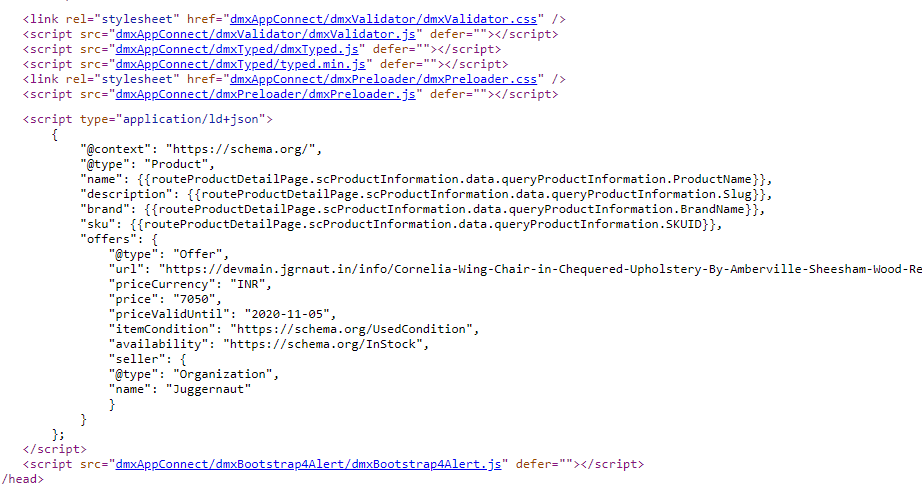
tag manager is unable to read values from the route page of the product, hence on the script code on index, the {{}} mappers are getting replaced with NULL.
objective:
to get the google structured data setup work with Wappler SPA.
maybe we’re doing something wrong here. maybe SPA are supposed to work differently.
it’d be great if the community can help us resolve this.
I have not tried to implement the JSON-LD as yet. But in my mind, I would create the script and replace the static values for dynamic values using the same logic as here.
In this way, each time the URL changes, so will the values within the script.
thanks Ben.
about the method in your previous post - we have config that and are awaiting Google Search Console Verification to be able to see if it worked or not.
About the video - this is actually the first thing we tried, using tag manager - but since our project is SPA, this did not work. the variable values are not readable as the HTML of the SPA child page is not available on the source of the index page at run time.
we’re still looking for ways to implement Structured Data using JSON-LD on a Wappler SPA project.
Yes i have seen the video, i have followed the same approach while defining Google Tag, created variable that are reading value from html div using id or we can also use class. But Google Tag Manager is not able to read those tags because these values inside the div are placed javascript and google tag manager cannot read javascript rendering.
And other reason is pages are created inside the routes, and these html markup are not shown in page source, and page source is the primary source for google bot to fetch the information.