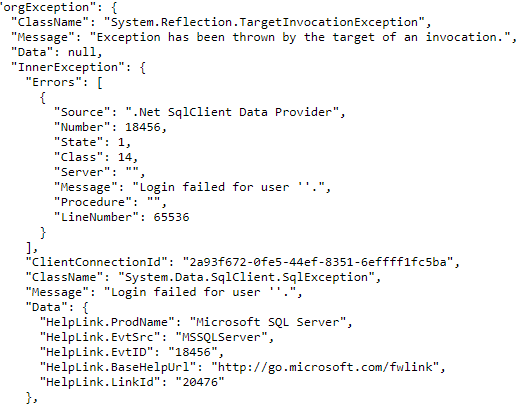
I’ve rummaged through the Wappler docs (older versions of Wappler) and youtube tutes (out of date) and can find nothing on how to send data from a Wappler form to a SQL Server database. I’m using v5.1.4 and the docs do not address this version.
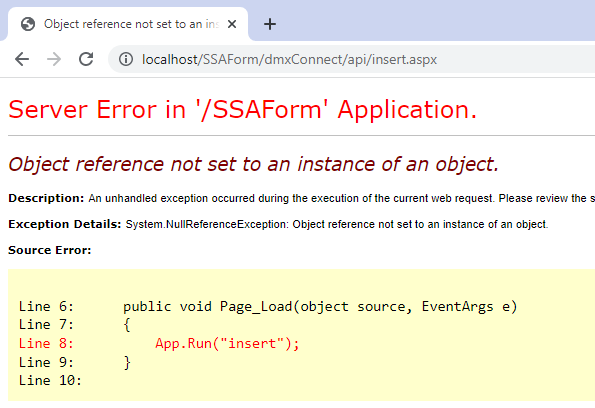
This should be easy if I can learn how a Wappler form connects to an insert query I’ve created under “api”. My attempts at this have failed with the error shown below.
Thank you for any help with Wappler forms.
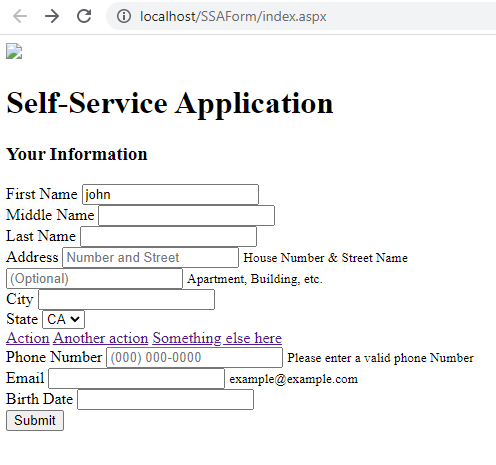
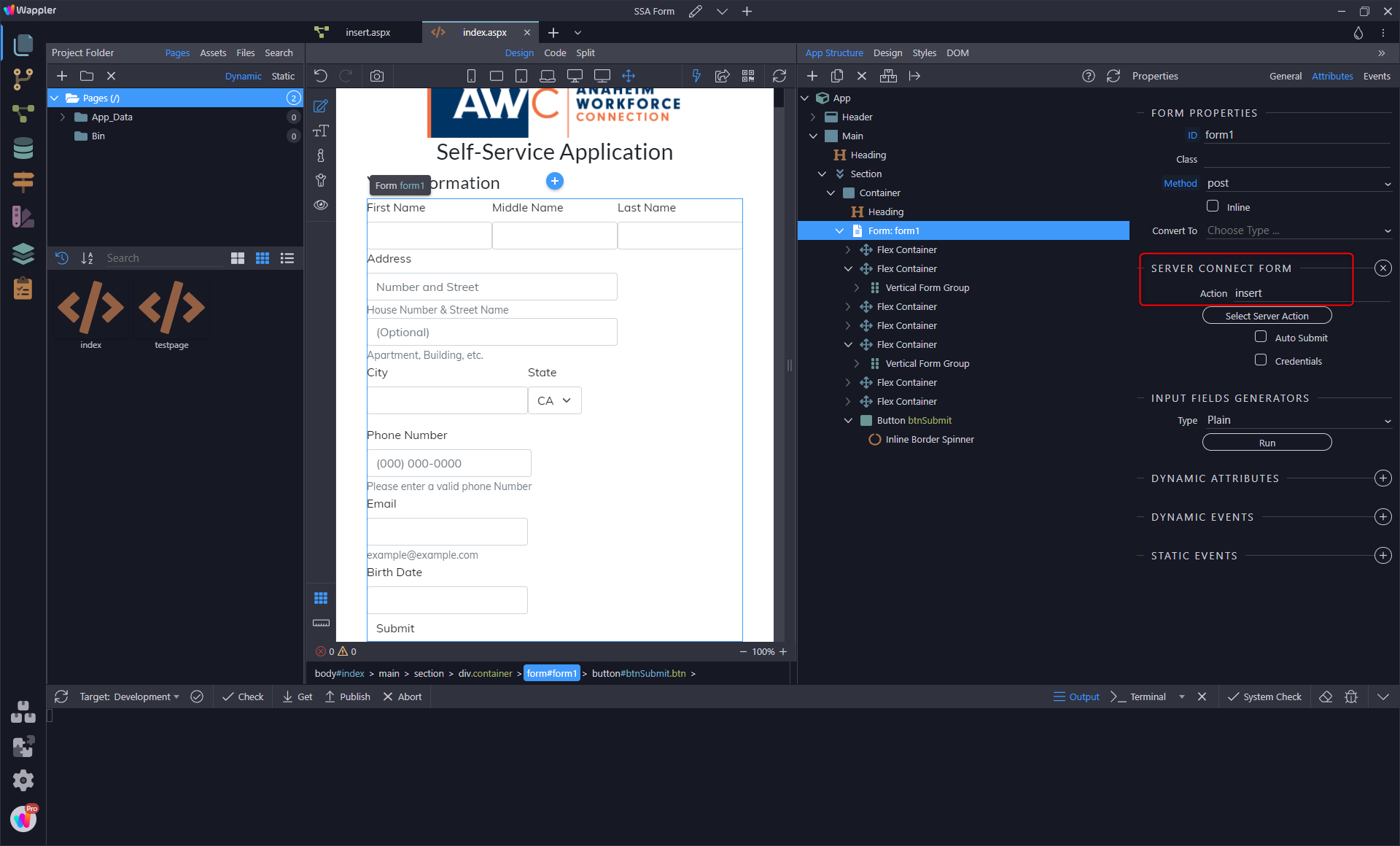
Can you verify that this is a server connect form the reason I ask is it looks like a normal form that’s loaded the url as a page
You can make it a server connect form using either the server connect form component or on the form element the convert to drop down has the option for server connect form
Once it’s a server connect form link you api action
Head into the api action and at the top you see inputs
Click on inputs to the right you will see you can link a page and form once done your will then be able to import inputs
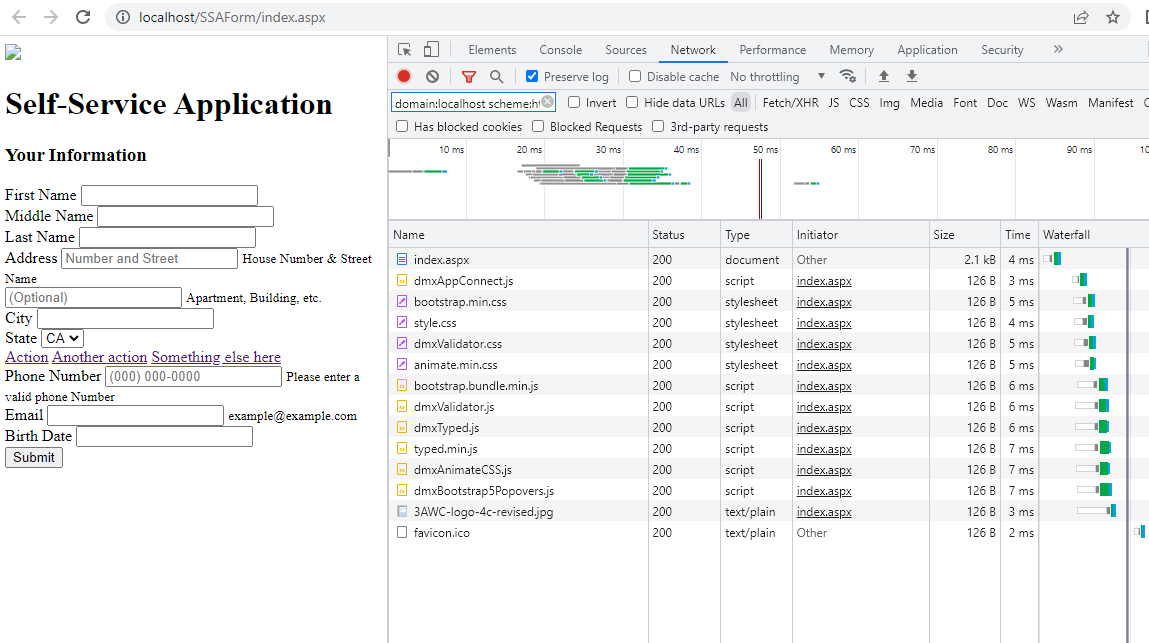
Are you getting any errors in the browser console looks like your page is having issues with it’s stylesheet maybe there is other issues along with this like scripts not been loaded or incorrect paths
I’m using NodeJs so don’t really have much experience with this one to debug issues but sure the community will be able to help
Thanks. Everything seems to be loading, at least there aren’t any error I can see in Chrome. This was a form I converted to a server connect form and it lost all its formatting. Don’t know why.