Hopefully I'm missing something simple. It's been a long day haha.
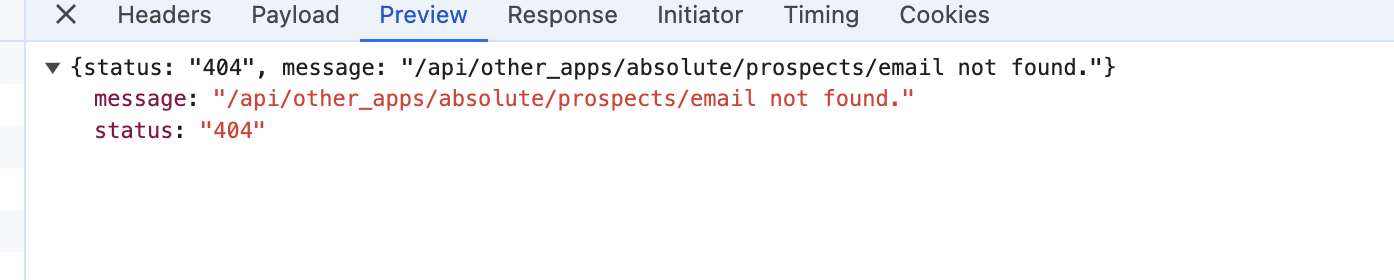
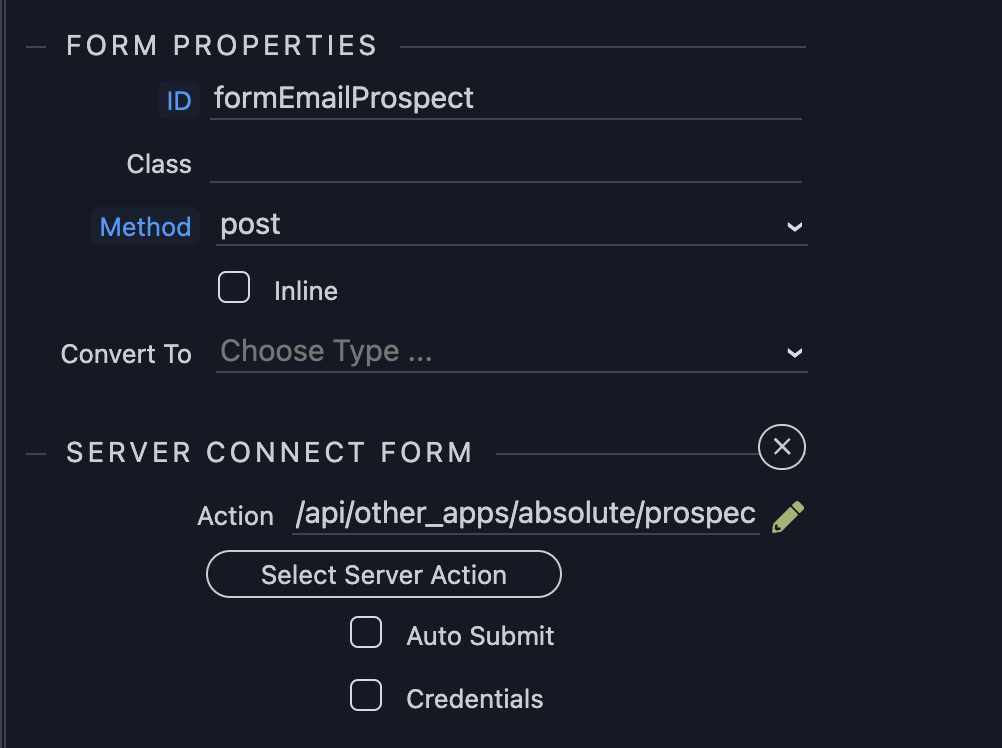
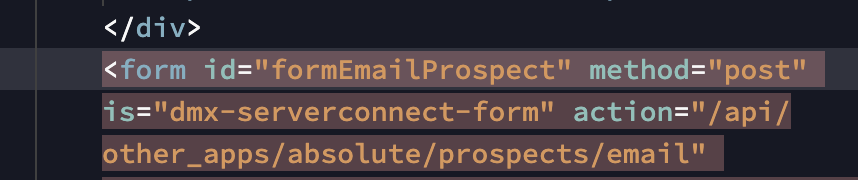
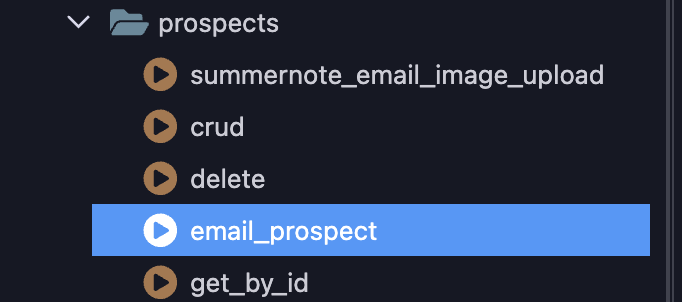
I created a new server connect form and attached the action attribute of the form to my server connect action, but when I submit, I get the following error in the console.
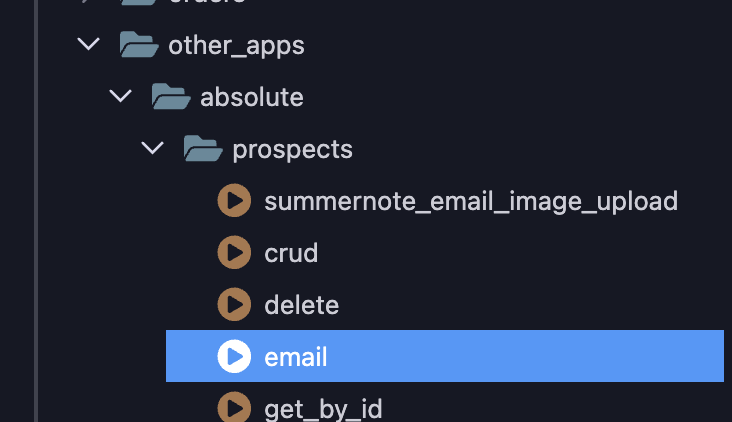
It clearly does exist, as you can see when I click on the server connect button to navigate to the file. It goes right to it.
I have another file in that same prospects folder in a server connect action that works fine.
Wouldn't doubt if I'm overlooking something simple...haha
-Twitch
Cheese
August 22, 2024, 8:14pm
2
One is terminating at /prospects/query and the other is terminating prospects/email . The working example is the one terminating at /prospects/query .
Squash that! My bad...
Maybe try opening it and saving it again...?
Yea this is on my local server, that's why it's so weird.
Cheese
August 22, 2024, 8:17pm
4
Using 'email' may not be allowed or disabled as a name for an Action, try renaming it?
Unfortunately, the only thing that changed was the name of the file in the error...haha
Apple
August 22, 2024, 8:21pm
6
Can you preview the server action in the browser?
This is a classic symptom of NodeJS not being restarted automatically on file changes, but given it's a local server this scenario is unlikely
I always forget about the preview, but still get 404.
all the other ones preview. Let me dig into the file and see if there is something wrong with the json by some chance.
1 Like
franse
August 22, 2024, 8:28pm
9
There a few times that my Wappler local server doesn't restart when I made some changes...
1 Like
Yea, I just thought of restarting, cause I just created a blank, new file and got the 404, as well as when I made a copy of the working query file, it 404'd. (if that's a word) haha. Let me restart that and docker and see what happens.
@franse , that did the trick. Thank you and thank you @Apple for all your help. Love this community. Always on top of it!
-Twitch
2 Likes
This issue is not unusual with.node local server. if strange behaviour is observed, my first action is to restart the server
1 Like
Yea this old PHP guy is still getting used to NodeJS and the whole need to restart stuff after changes….haha