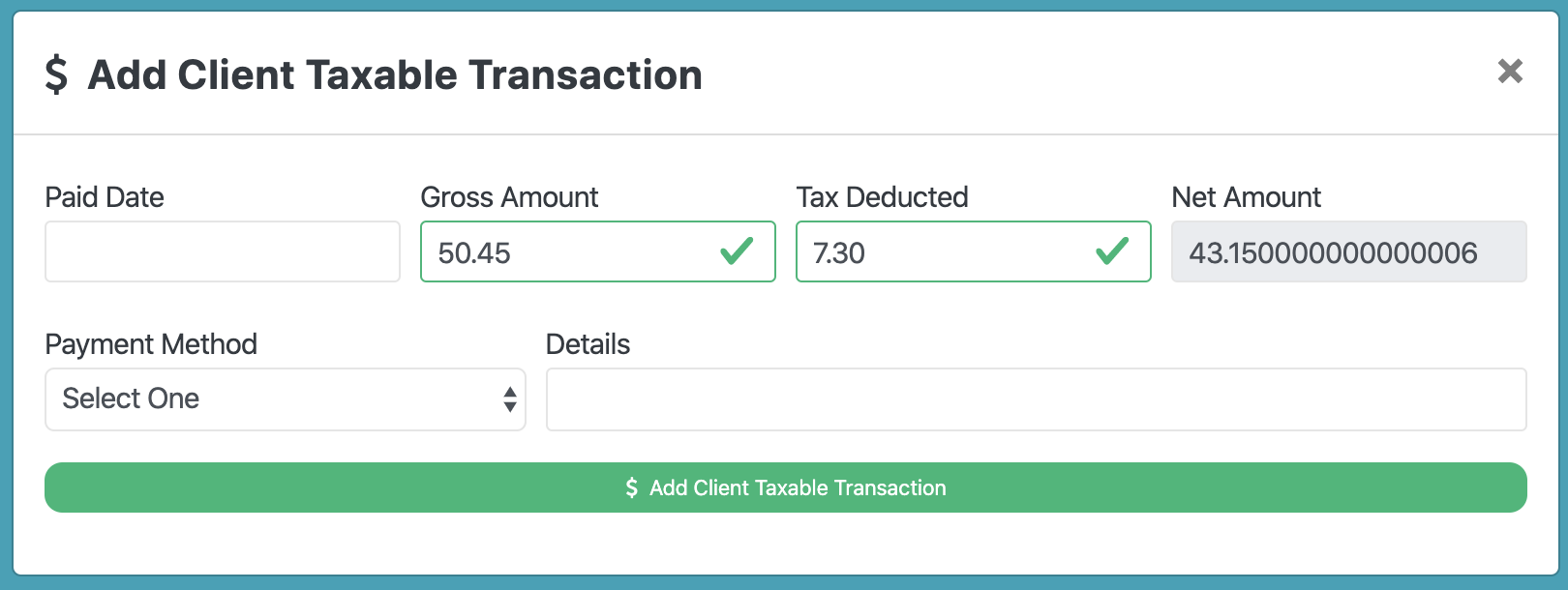
I have a form that calculates values from two fields and populates a third with the result. But the result is not correct?
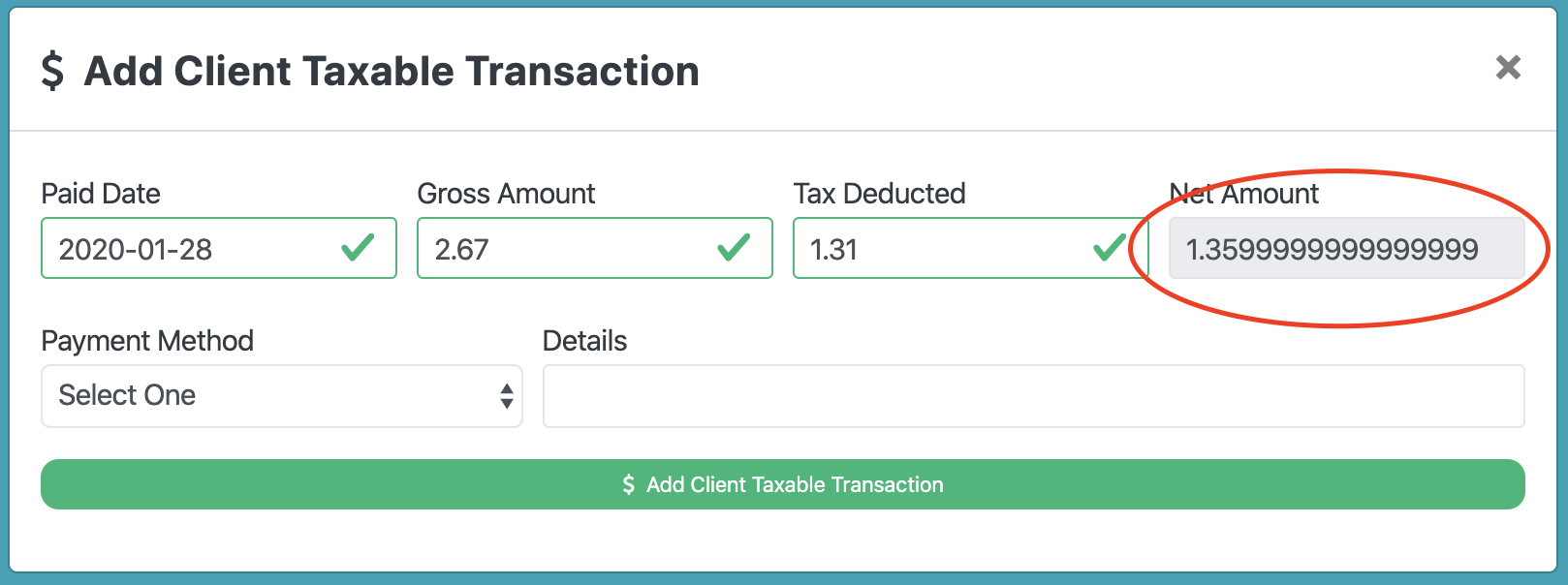
Here is my expression
dmx-bind:value="inputAddTransactionGross.value.toNumber() - inputAddTransactionTaxes.value.toNumber()"
I have a form that calculates values from two fields and populates a third with the result. But the result is not correct?
Here is my expression
dmx-bind:value="inputAddTransactionGross.value.toNumber() - inputAddTransactionTaxes.value.toNumber()"
I suspect this is actually correct. You will need to round the number up.
It has to do with floating point precision – there are lots of articles for explanations out there but suffice to say, it’s not wrong…even though it really looks like it is. 
The round formatter should take care of it for you, just specify the number of decimal digits you want.
Tried that.
dmx-bind:value="(inputAddTransactionGross.value.toNumber().round(2)) - (inputAddTransactionTaxes.value.toNumber().round(2))"
There must be a way to add the round to the actual result that I am missing.
You need to round the result, not the values you get from the inputs.
dmx-bind:value="(inputAddTransactionGross.value.toNumber() - inputAddTransactionTaxes.value.toNumber()).round(2)"
Thanks Patrick, you are a God!