Is there a way to force a site to landscape orientation on mobile?
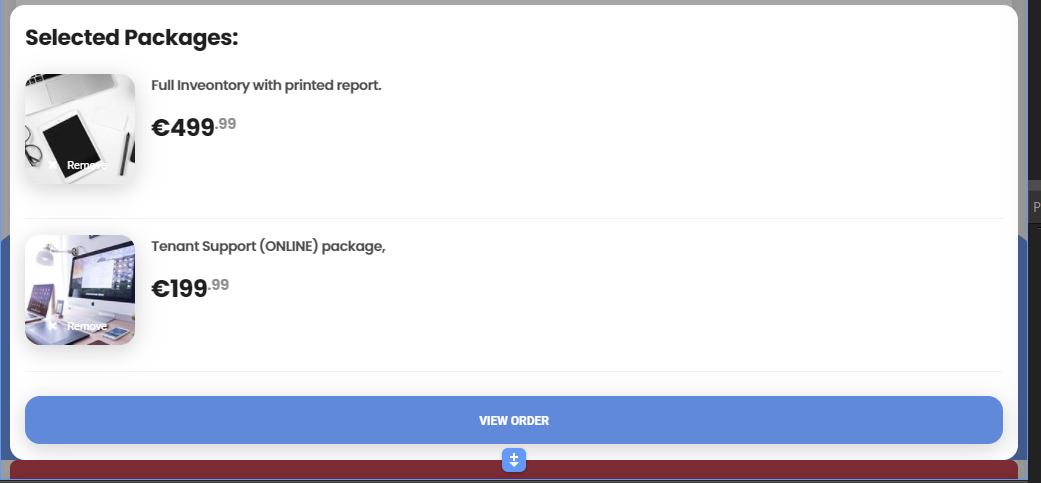
I need to make my shopping cart site more mobile friendly today. Not a big deal but I know some of the tables like checkout won’t fit in portrait mode.
Is there a way to force a site to landscape orientation on mobile?
I need to make my shopping cart site more mobile friendly today. Not a big deal but I know some of the tables like checkout won’t fit in portrait mode.
It’s impossible for ios safari, I’m not sure about other environments.
The tables are useable in portrait mode - by swiping to see the hidden contents. You could also change the layout with CSS (@ben had some details about this) - so all the content is visible.
To force landscape mode, you could probably use the browser component to detect the orientation, and apply a dynamic style to rotate the page 90 degrees.
I wouldn’t force it even if it were easy. Just add a line saying ‘Rotate your phone for a better experience’ or something like that.
Use a styled list or similar to display cart objects. We fade in from the bottom up which works well across all devices. Flex containers are perfect for the job and media queries within css sort out font sizing.
There are settings in Xcode to control orientation and also Cordova plugins, but I think your users will be happier in portrait. Carts can definitely be done in portrait mobile—just limit what you display and dynamically show/hide things, and use mobile elements
Yep, that's what I ended up doing. I love it.
It took a little bit of time but I usually just adjust the row and column sizes for the different viewports which usually works out ok.
For a larger project I’m working on I’ve used the Datatables responsive Bootstrap 4 plugin which makes the tables responsive with scrolling
In the manifest.json file, add the orientation.
{
“name”: “App Name”,
“short_name”: “App”,
“theme_color”: “#2196f3”,
“background_color”: “#2196f3”,
“display”: “browser”,
“orientation”: “landscape”,
“scope”: “/”,
“start_url”: “/”
}