Hi,
I have Fontawesome 6.5.2 added as a Local (free version) icon library in a node project.
Recently, I have noticed that the animations have stopped working. In the example below, I have added dynamic class-toggle fa-spin when server connect form state is executing.
The spinner icon appears correctly but there's no animation.
This used to work correctly in Fontawesome 6.5.2 free version previously. Have the animations been removed from the free version or is it a bug?
<i class="fa-solid fa-paper-plane fa-fw me-1"></i>
      Sign Up
<i class="fa-solid fa-spinner fa-lg ms-1" dmx-class:fa-spin="scf_tenant_sign_up.state.executing" dmx-show="scf_tenant_sign_up.state.executing"></i>
Teodor
October 12, 2025, 9:11am
2
This works fine for me with FA 6.5.2
guptast
October 12, 2025, 10:11am
3
Hi Teodor,
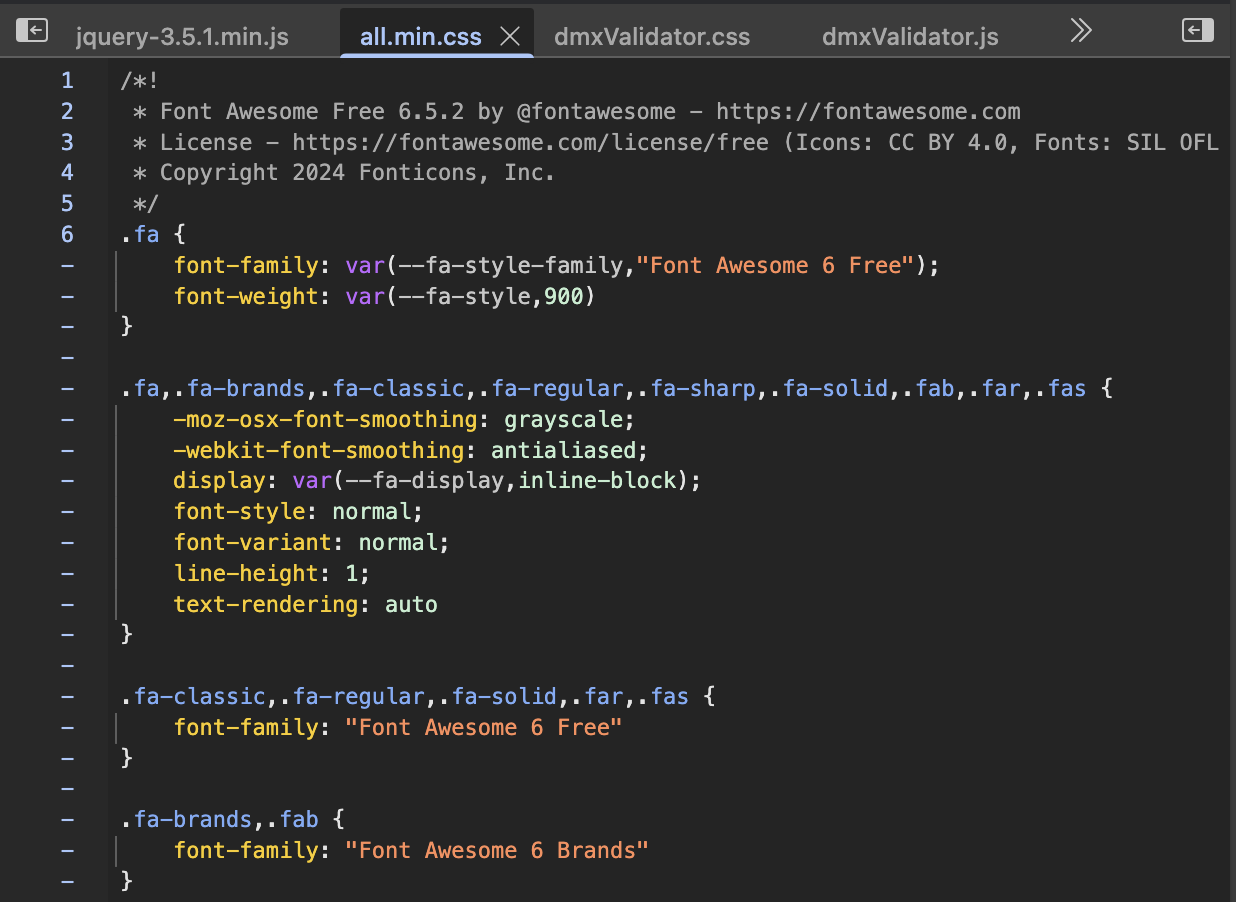
I'm running the docker project locally, and I can see the FA 6.5.2 CSS under Sources in the dev console.
<link rel="stylesheet" href="/fontawesome6/css/all.min.css" />
I have also tested with FA 6.5.2 CDN and it's also not working.
Teodor
October 12, 2025, 10:45am
4
Is the version correct on the server when you check the page source and open the css file?
guptast
October 12, 2025, 11:05am
5
The FA CSS version is correct.
Teodor
October 12, 2025, 11:11am
6
Are you sure your system
Check the settings:
In Windows 11: Settings > Accessibility > Visual Effects > Animation Effects
In macOS: System Preferences > Accessibility > Display > Reduce motion.
guptast
October 12, 2025, 11:23am
7
This was the issue. I had enabled Reduce Motion on my Mac. I had no idea that this also disabled animations for font icons.
The font icon animation is working correctly after I disabled the setting to Reduce Motion.
Thank you for helping me in troubleshooting and resolving this issue.