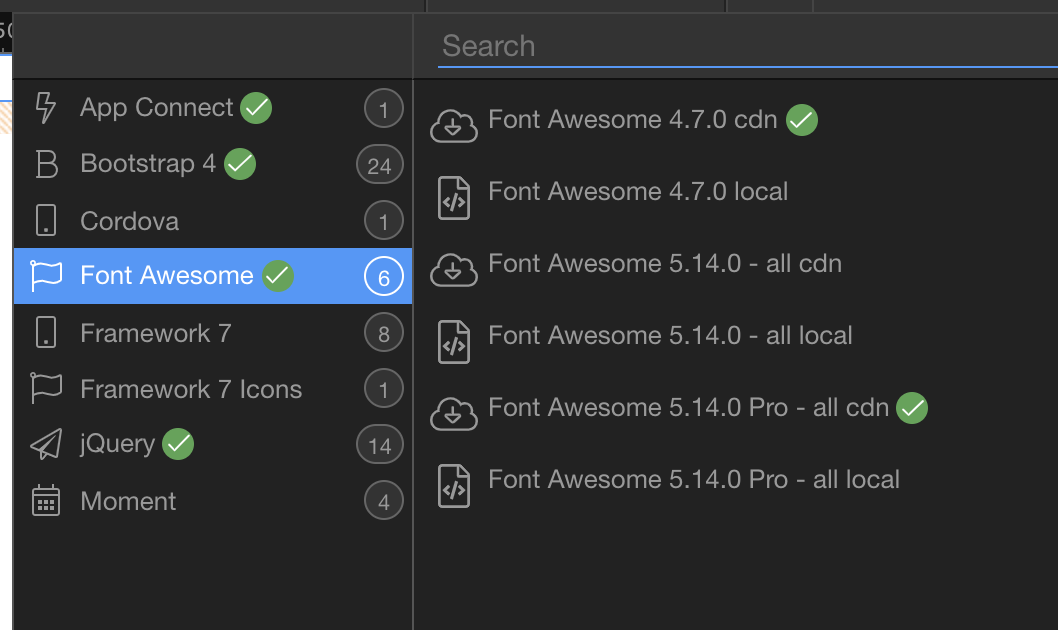
I have fontawesome 5.14 full CDN installed on two sites but have different icon sets.
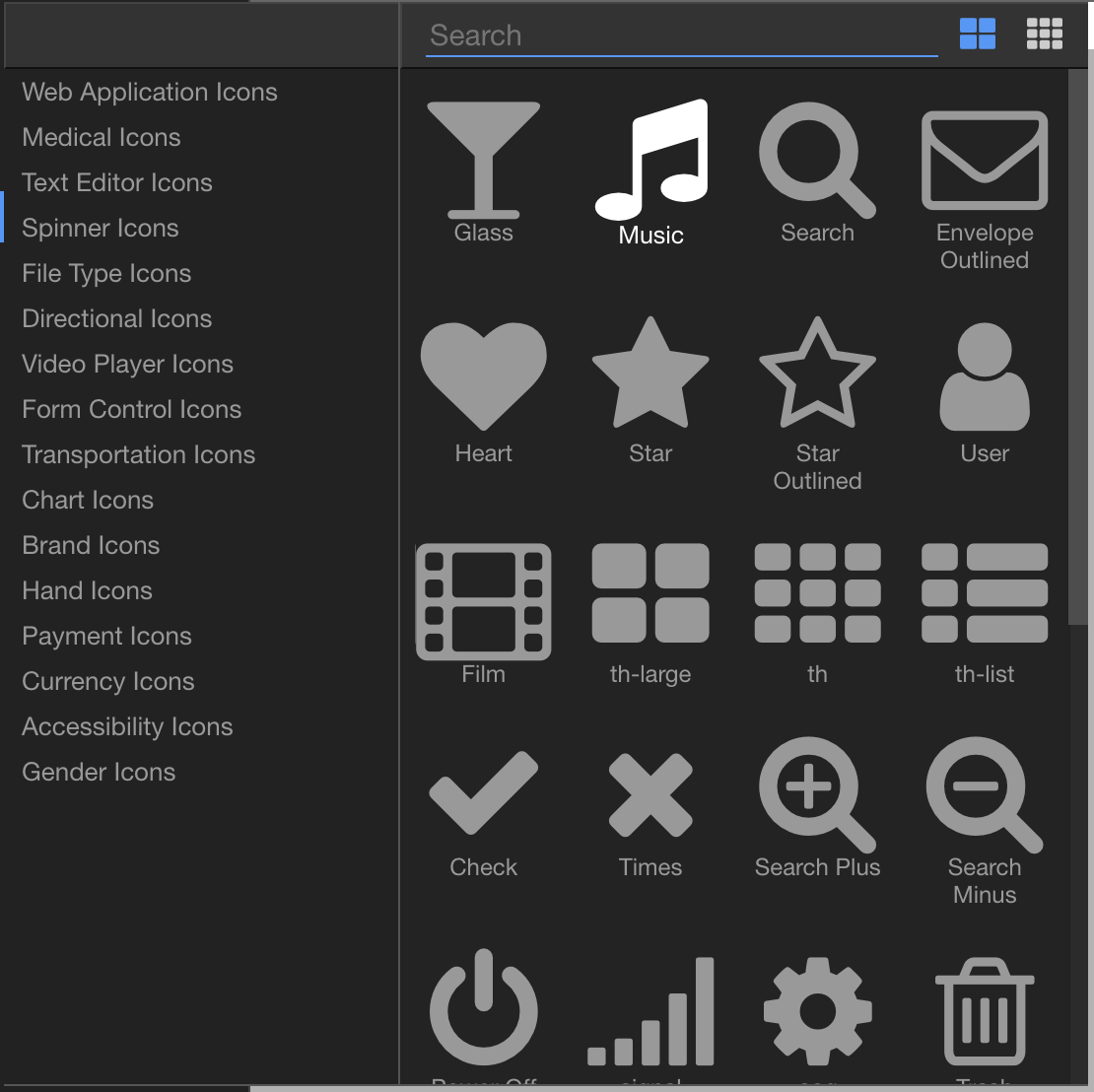
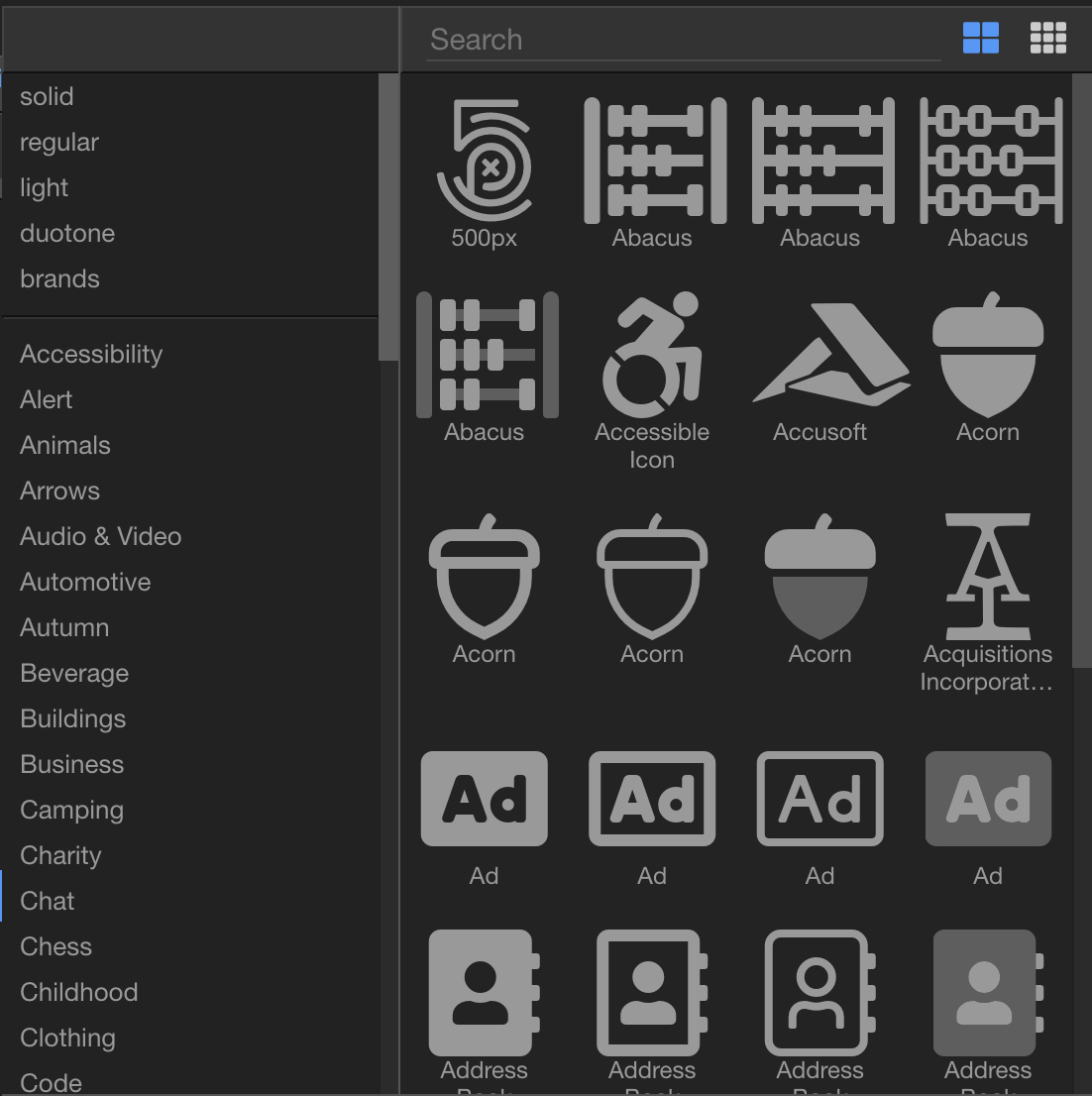
Obviously I would like to have the one with more icons.
Also any chance that FA5 Pro could get updated to 5.15? It won’t let me install from the zip file.
I have fontawesome 5.14 full CDN installed on two sites but have different icon sets.
Obviously I would like to have the one with more icons.
Also any chance that FA5 Pro could get updated to 5.15? It won’t let me install from the zip file.
Are you sure both sites includes point to the PRO version of Font Awesome 5 (and not some other version)?
Yes, @George will include this as an option.
Positive they both have the same version selected in the frameworks UI. Double checked it a million times with multiple sites.
I am actually asking about the includes in the page head tags  Check them please.
Ok, seems the global framework settings is not working. In the Project settings it is 5.14 Pro but on the page it’s still font awesome 4.7.0.
So it seems the globals are not being recognized.
Changing it on the page makes no difference either
Well, the global options are for newly created pages. On your old pages you can just covert the old version to the new one using the Frameworks menu.
What “doesn’t work” Brad? Remove the Font awesome 4 reference and add Font awesome 5.
Even tried creating a new page just now. Still only shows FA 4.7. No matter what I do, I only get FA 4.7 icons. New page, old page, change versions in frameworks setting globally or on page level. …
Isn’t this added on your page when you add it on your page using the frameworks menu?
<link rel="stylesheet" href="fontawesome5pro/css/all.css" />
or this
<link rel="stylesheet" href="fontawesome5pro/css/all.css" integrity="sha384-VhBcF/php0Z/P5ZxlxaEx1GwqTQVIBu4G4giRWxTKOCjTxsPFETUDdVL5B6vYvOt" crossorigin="anonymous"/>
No. That doesn’t get added at all even on a new page. This is what I get. when I add it to a page.
<head>
    <base href="/">
    <script src="dmxAppConnect/dmxAppConnect.js"></script>
    <meta charset="UTF-8">
    <title>Untitled Document</title>
    <script src="https://code.jquery.com/jquery-3.3.1.slim.min.js" integrity="sha384-q8i/X+965DzO0rT7abK41JStQIAqVgRVzpbzo5smXKp4YfRvH+8abtTE1Pi6jizo" crossorigin="anonymous"></script>
    <link rel="stylesheet" href="fontawesome4/css/font-awesome.min.css" />
    <meta name="viewport" content="width=device-width, initial-scale=1, shrink-to-fit=no">
    <link rel="stylesheet" href="bootstrap/4/css/bootstrap.min.css" />
    <link rel="stylesheet" href="https://pro.fontawesome.com/releases/v5.14.0/css/all.css" integrity="sha384-VhBcF/php0Z/P5ZxlxaEx1GwqTQVIBu4G4giRWxTKOCjTxsPFETUDdVL5B6vYvOt" crossorigin="anonymous" />
</head>
If I try to delete the fontawsome 4.7 in he framework tool I get an error saying it’s required.
Well brad i see it in the code you pasted ... just remove the font awesome 4 reference from the code.
It’s a pain to have to do that every time I create a new page. It should pick up the global framework on new pages and it doesn’t. So every time I create a new page I have to go into code and strip out version 4.7?
Well we are going to check what's wrong with this ... i am just explaining you how to remove the old version on the existing pages where you need to see "the one with more icons." ....
But I shouldn’t have to manually do that on every page even new ones.
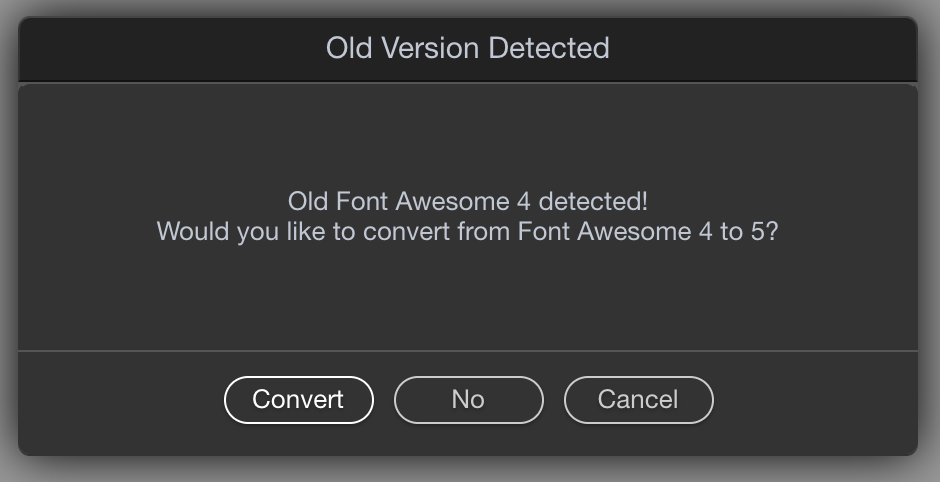
Whenever I create a new page I get the following alert (even though FA 5.14 is in. he project settings)
I click on convert and it adds 5.14 but doesn’t remove 4.7 and I have to go into the code to do it. Hope that helps.
Brad, as i explained:
Here’s a workaround for new pages that works for me:
Remove everything from global frameworks list.
Add jquery, fontawesome, bootstrap and app connect again, in this sequence.
Then creating a new page should only have references to correct version.
Any ETA for his by chance? I purchased FA Pro today and I can't use it locally because of that 
You can. That's the beauty of Wappler. The UI will never get in your way unless you allow it to.
Just add this line in code of your pages until the UI issues(if any) are fixed:
<link rel="stylesheet" href="path/to/your/fontawesome5pro/css/all.css" />