Try removing the dmx-bind:value="sc_pacote_details.data.query.pct_code_pais"
Your most welcome! It’s a nifty concept/feature once you wrap your head around it!
1 Like
I removed it but it didn’t show any results. I’m already running out of hair.
My server connect:
Can you post the code for your server connects? Like…
<dmx-serverconnect id="serverconnect1" url="/api/countries" dmx-param:trip_id="430" dmx-param:countries="tagify1.values"></dmx-serverconnect>

<dmx-serverconnect id="serverconnect2" url="/api/Trips/trips" dmx-param:trip_id="430"></dmx-serverconnect>You need to put the code quotes around it to be visible.
I think I found the problem. The saved field type. I changed it from [“FRA”] to FRA and it managed to filter. If you put ARG, FRA cannot filter either. The problem is in the type of field I think.
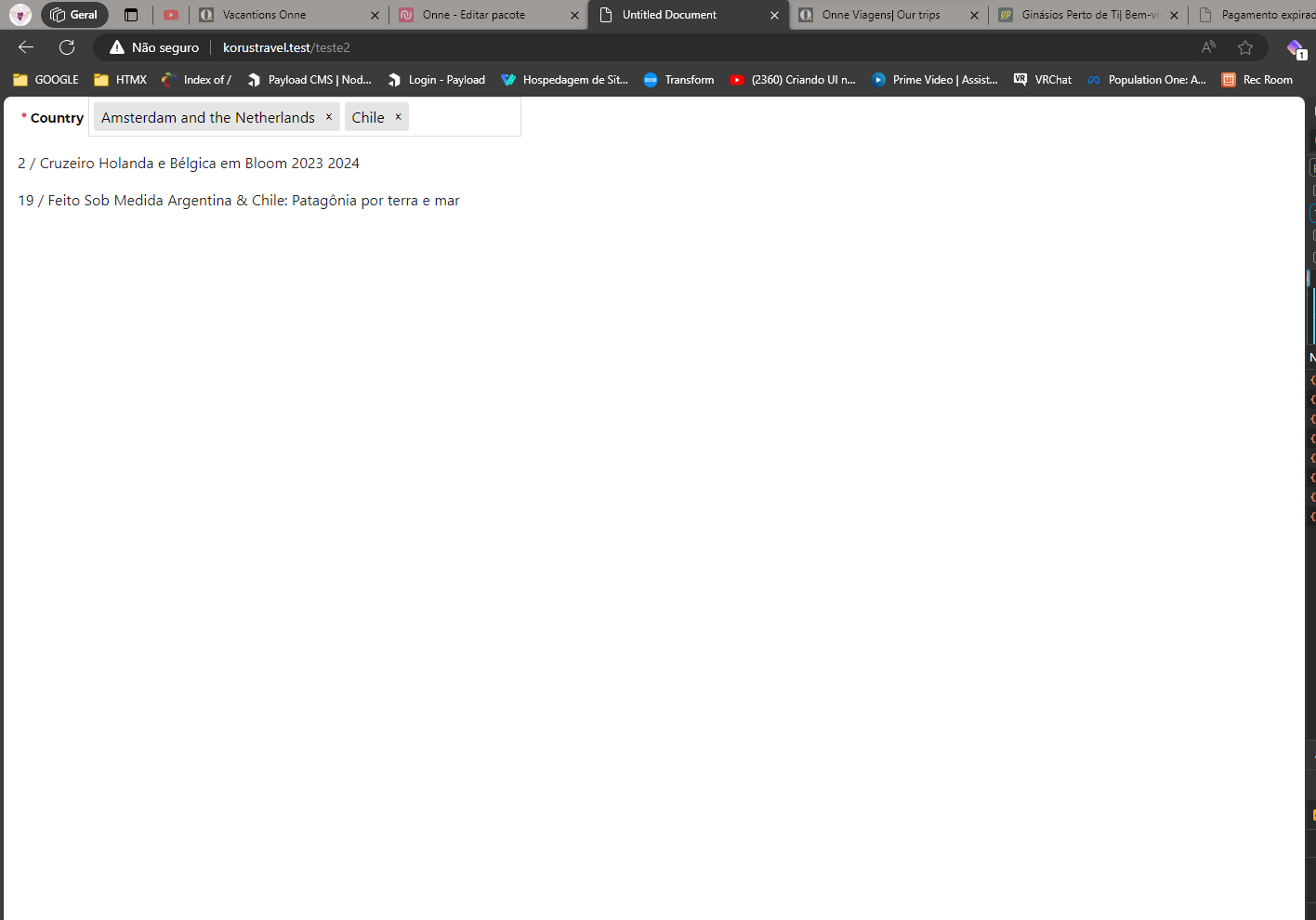
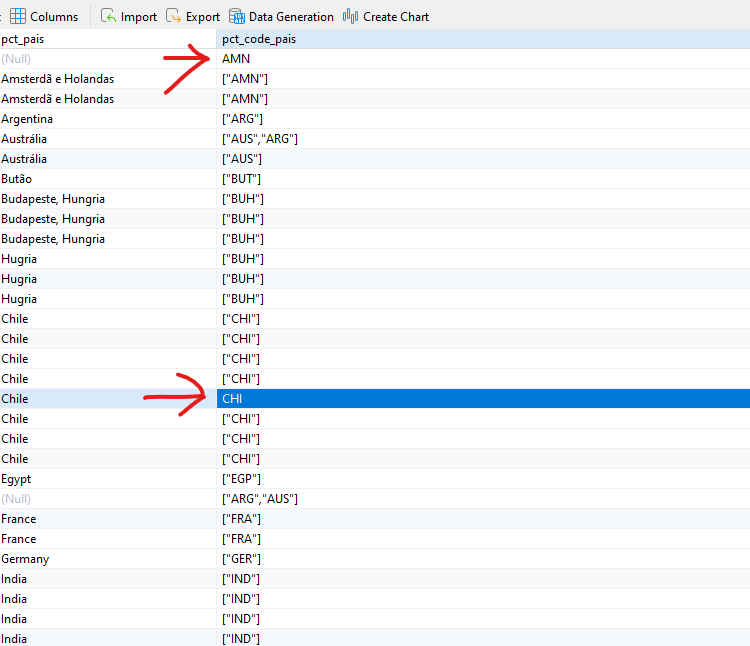
But this way the filter only accepts one country per product. I need to have the option of more countries like [“AUS”,“ARG”]
What about if you put [ARG,FRA]?
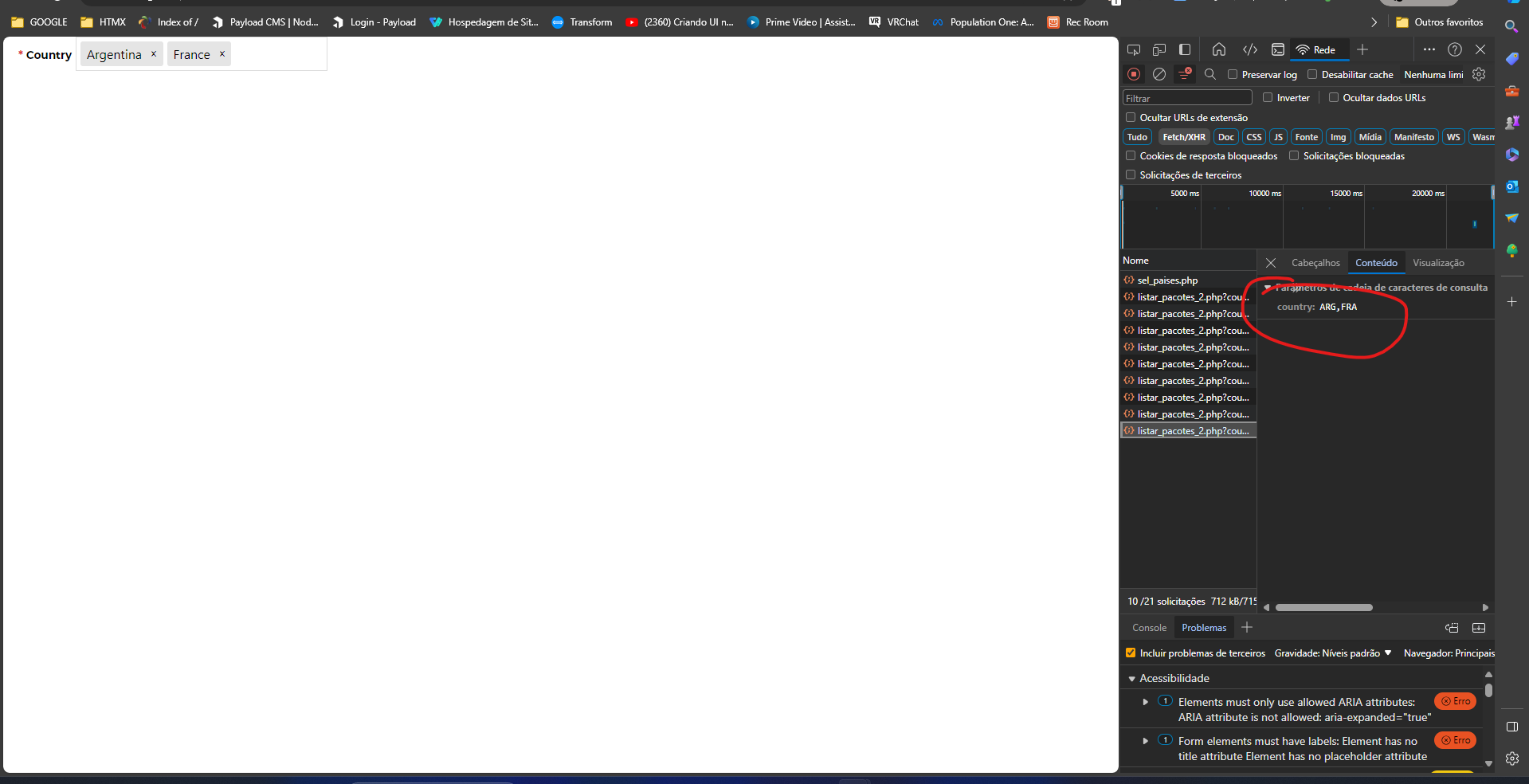
This way I can’t use the fields saved by tagify: [“AUS”,“ARG”]
I think there is a problem with the field type because it was as a string and I changed it to json but I tried changing it to a string again and Wapper is giving an error.
Could you tell me where I can transform this field into a STRING type but in the code? open the file and make the change manually.
I think that might be what’s causing the conflict.
migration
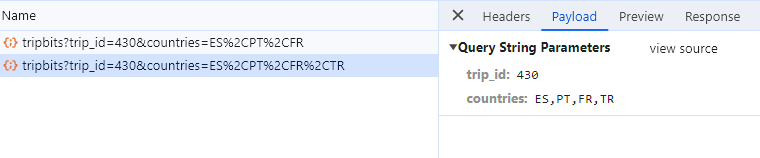
Yes. In the debug it also appears without quotation marks: ARG, FRA
@Teodor can you see if you can help @marcosvinicios
It seems he has a field type conflict but can’t change the field type. Thx.
1 Like
Thank you, @Heather_Mann, @Cheese, @franse, @famousmag e @sid. Very much for your patience. I’ll see if Teodor can help me resolve the issue of the migration conflict
1 Like
I think I managed to resolve the issue of migrations. I simply cleaned the wappler_migrations table and was able to save the changes I had made to the table directly in Wappler.
Awesome. Is it working now?
Hello.
Unfortunately it doesn’t work if the field in the table is like this: [“AUS”,“ARG”]. It only works if there is only one code in the field.
I never use comma separated lists or json arrays in tables as they generally cause all sorts of issues. I didn’t realize it would cause an issue here but that does seem to be the case. Sorry about that!!! https://stackoverflow.com/questions/3653462/is-storing-a-delimited-list-in-a-database-column-really-that-bad
So, two options I can see. One is to use a custom query and JSON_CONTAINS https://dev.mysql.com/doc/refman/8.0/en/json-search-functions.html
Another option would be to normalize your tables so you have a table in between countries and tours.
Example:
tbl_countries
country_id
counrty_code
country_name
tbl_tours
tour_id
tour_name
tbl_tour_countries
tour_countries_id
tour_id
country_id
Then do a query which combines those. That way you would only have one country value in each row. You will have multiple rows for each tour but by using Distinct in your SQL query you can avoid outputting duplicates. This would be a much better solution in the long run IMHO but probably a lot more complicated to implement than the custom query.
FYI - you could create the middle table and then run a repeat in a server action to populate it with the values.
1 Like
Hello, @Heather_Mann .
Because I did a lot of testing yesterday to try to take advantage of what you advised me in the post about Tagify. I would not like to lose all the data stored in this format [“AUS”,“ARG”] that is recorded through tagigy. But anyway. I believe I will have to make another table to relate the two according to your tip. For now, I really appreciate your help and persistence in trying to help me.
1 Like