Believe it or not, I have successfully been able to upload files to my server, store the file location in my DB, and delete both the file on disk and the DB entries without much strife. Thank you Wappler!
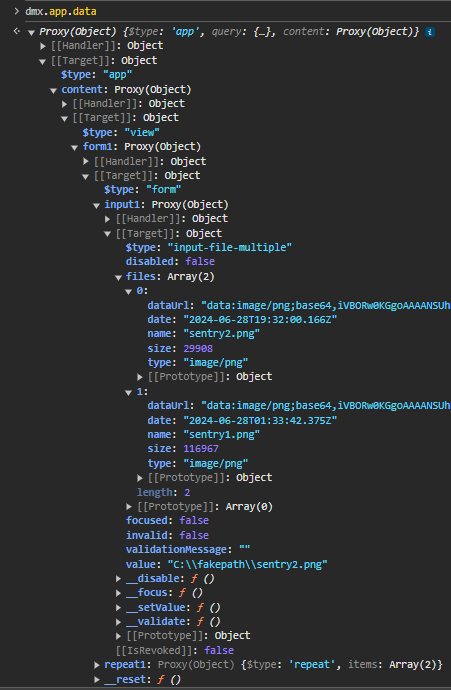
All I want to know is if there's a way to show the user the file names chosen when using the "multiple" option on the form input element. Currently, when more than 1 file is chosen, the input field shows the count of files. It only shows the file name when one file is chosen to be uploaded.
@franse hey thanks! That may be a solution. I was looking for ways to list the added files, even if by just an unordered list. Your solution is appreciated.
@Cheese Thank you. I did try to use Dropzone but received an error. I think I may have toggled off the App Connect Mode because I have a condition that interferes with seeing page elements. It works well, just gets in the way sometimes in "split" view mode.
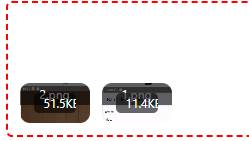
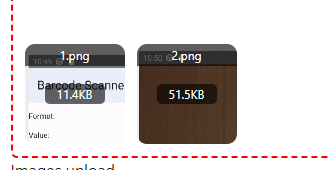
I changed the input to dropzone with app Connect Mode on and tested it. I think that will work. It has the ability to remove individual files from the selection which is ultimately what I was looking for.
Now if only it would play nicely with me styling its initial height. I'd prefer it to start out at 40px rather than what looks like 100 - 120px. Regardless, thanks! I'm pushing that to staging for review.
Your solution creates a list of files by name, each within a paragraph tag. This was one approach I considered: just building a list dynamically below the input field, but using UL and LI tags instead of Paragraph tags. Your answer provided me with the "how to" if I decided to use that solution.