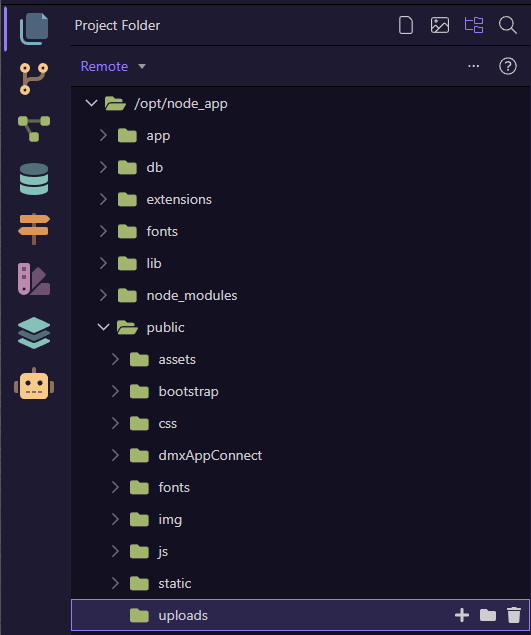
Yes, the root folder should be set to the app root, not the public folder.
From screenshots i assime your app root may be "/node_app".
With your current settings publishing will put the entire website structure into your public folder
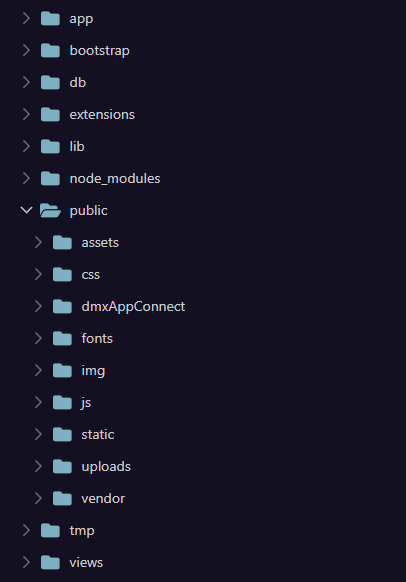
Thanks for explaining. Gave this a try, File Manager updated the file tree properly and all folders and files were copied automatically to the new root folder (from /public/ to /) by Wappler. (Relative) file paths are correct (e.g. dmx script paths and all other relative paths like theme files etc.) in the code, but somehow loading files is not working properly, logically breaking the site. Tried a lot of things to refresh the server to make the new file locations work properly, but without result. All file links (dmx scripts, server connect/api, theme files, assets) are broken it seems. Any idea how to get the (Wappler local node) server to load the files correctly?
Found the cause and fixed it. These folders were copied to the new root folder / by Wappler after changing the web root folder in the project settings, but should have stayed in /public/ folder: