Just tried to make a ‘Hello World’ electron executable app. Just try to make my first executable.
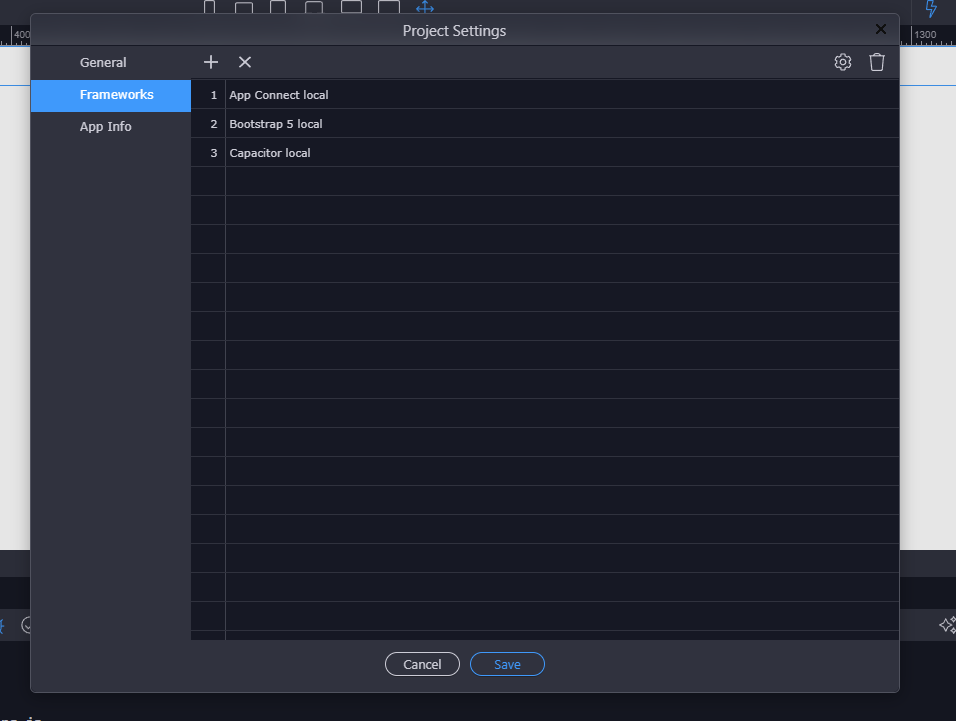
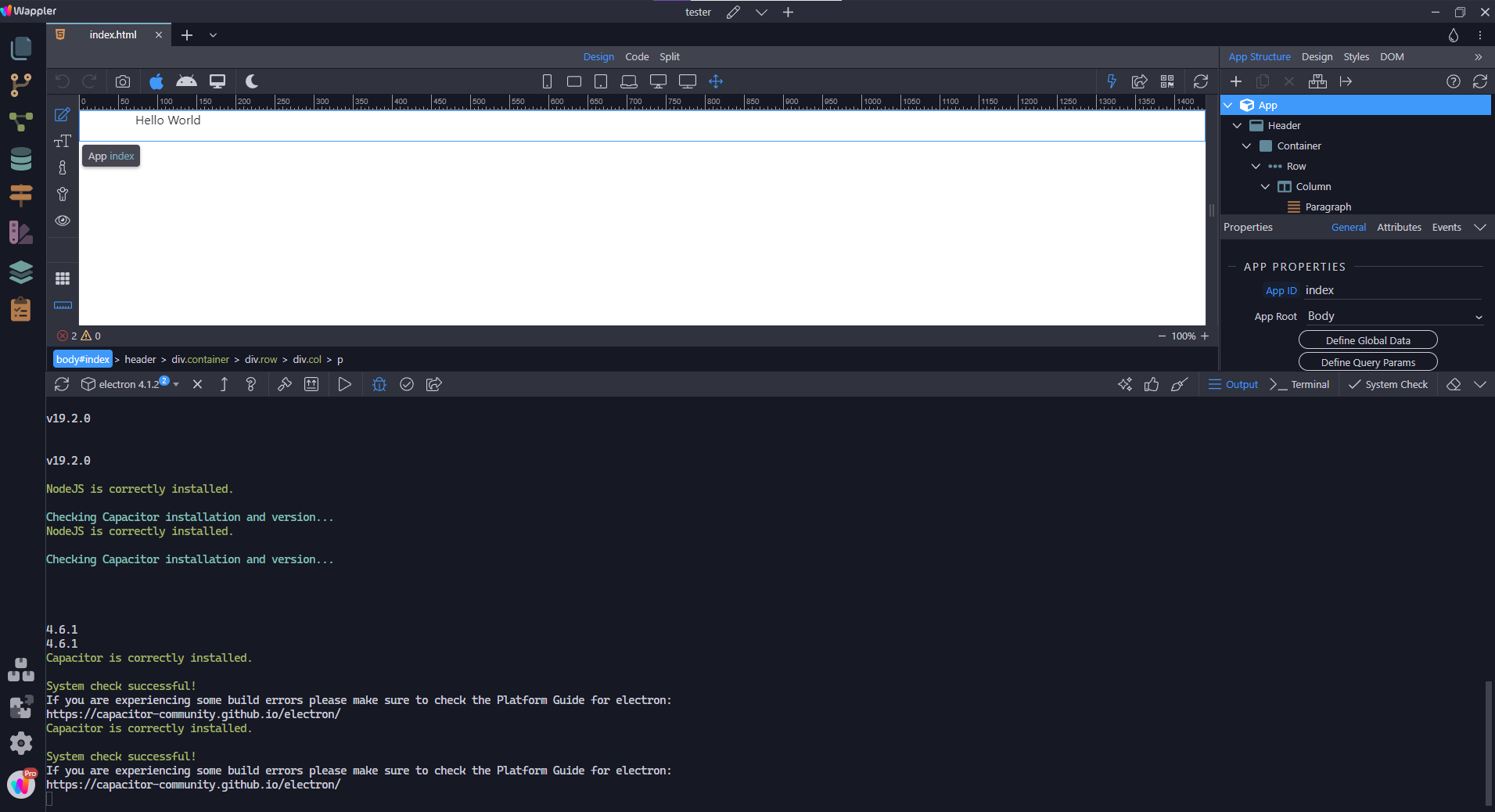
When I hit the pack button after properly checking that NodeJS, and Electron, Capacitor is installed.
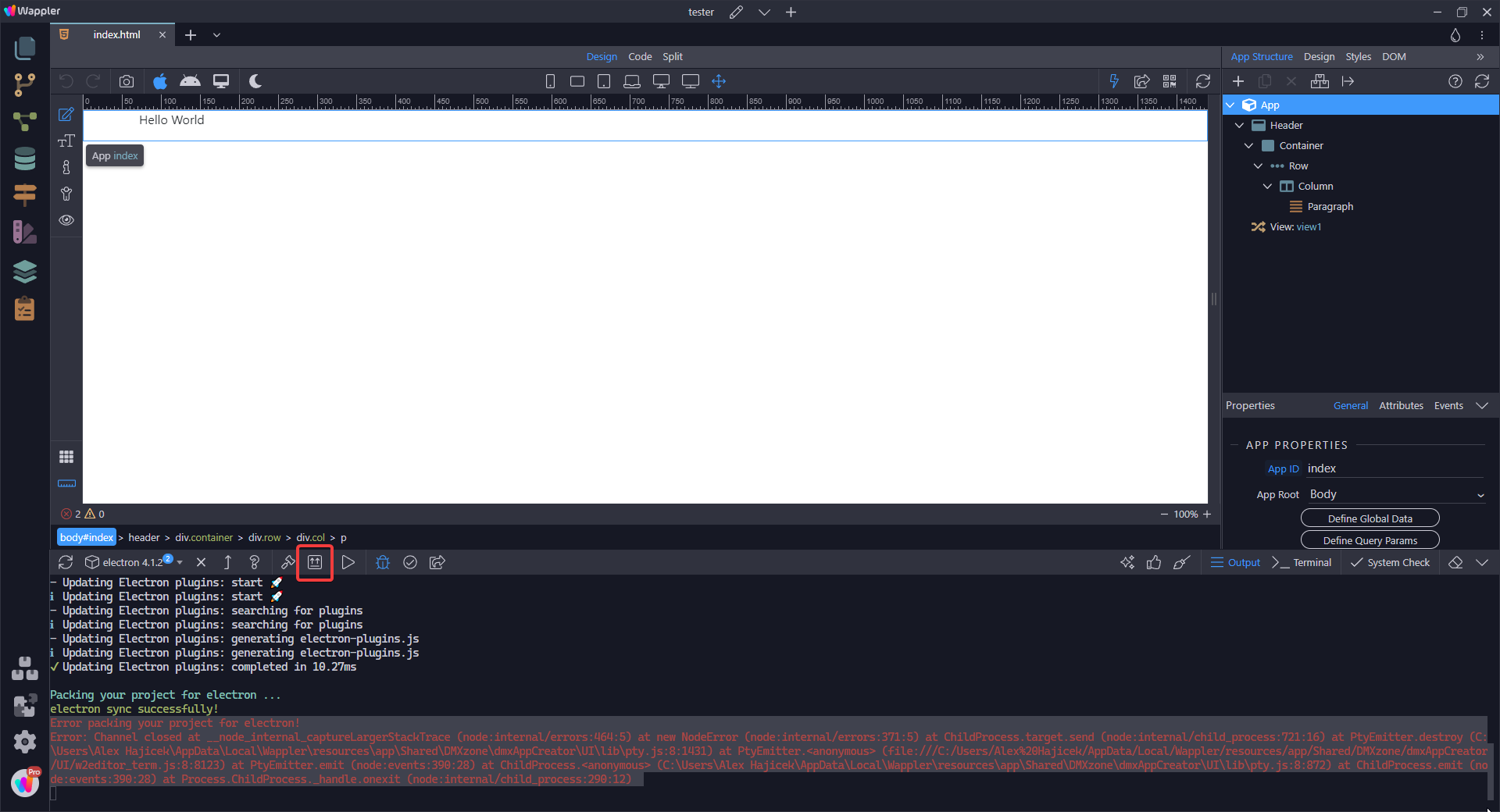
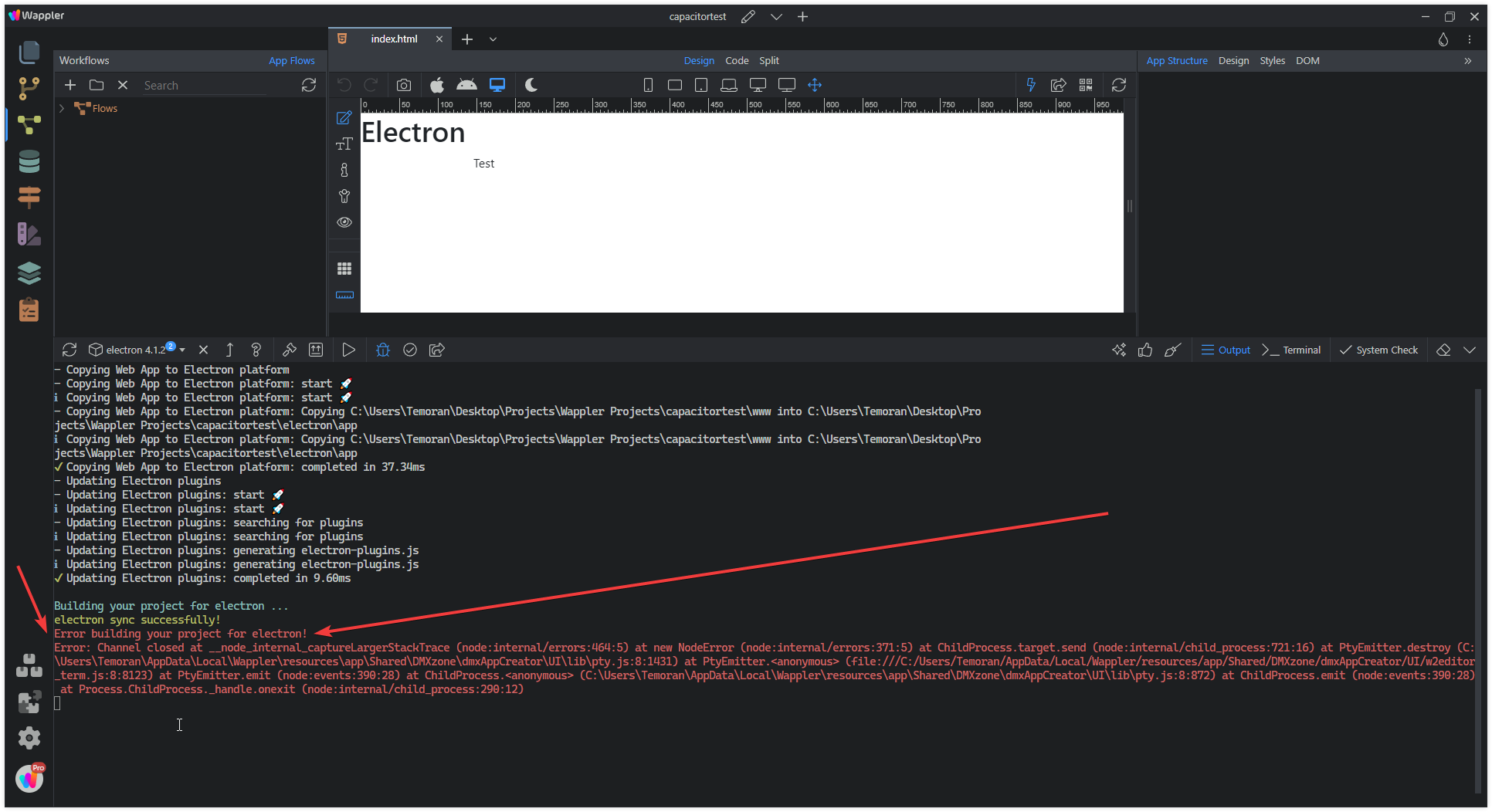
When I hit the pack button I get this nasty error.
Error packing your project for electron!
Error: Channel closed at __node_internal_captureLargerStackTrace (node:internal/errors:464:5) at new NodeError (node:internal/errors:371:5) at ChildProcess.target.send (node:internal/child_process:721:16) at PtyEmitter.destroy (C:\Users\Alex Hajicek\AppData\Local\Wappler\resources\app\Shared\DMXzone\dmxAppCreator\UI\lib\pty.js:8:1431) at PtyEmitter. (file:///C:/Users/Alex%20Hajicek/AppData/Local/Wappler/resources/app/Shared/DMXzone/dmxAppCreator/UI/w2editor_term.js:8:8123) at PtyEmitter.emit (node:events:390:28) at ChildProcess. (C:\Users\Alex Hajicek\AppData\Local\Wappler\resources\app\Shared\DMXzone\dmxAppCreator\UI\lib\pty.js:8:872) at ChildProcess.emit (node:events:390:28) at Process.ChildProcess._handle.onexit (node:internal/child_process:290:12)
@George I restarted wappler a couple times, and tried it on a different computer with a fresh install of wappler and same error pops up with no conceivable executable generated.
2 Ways
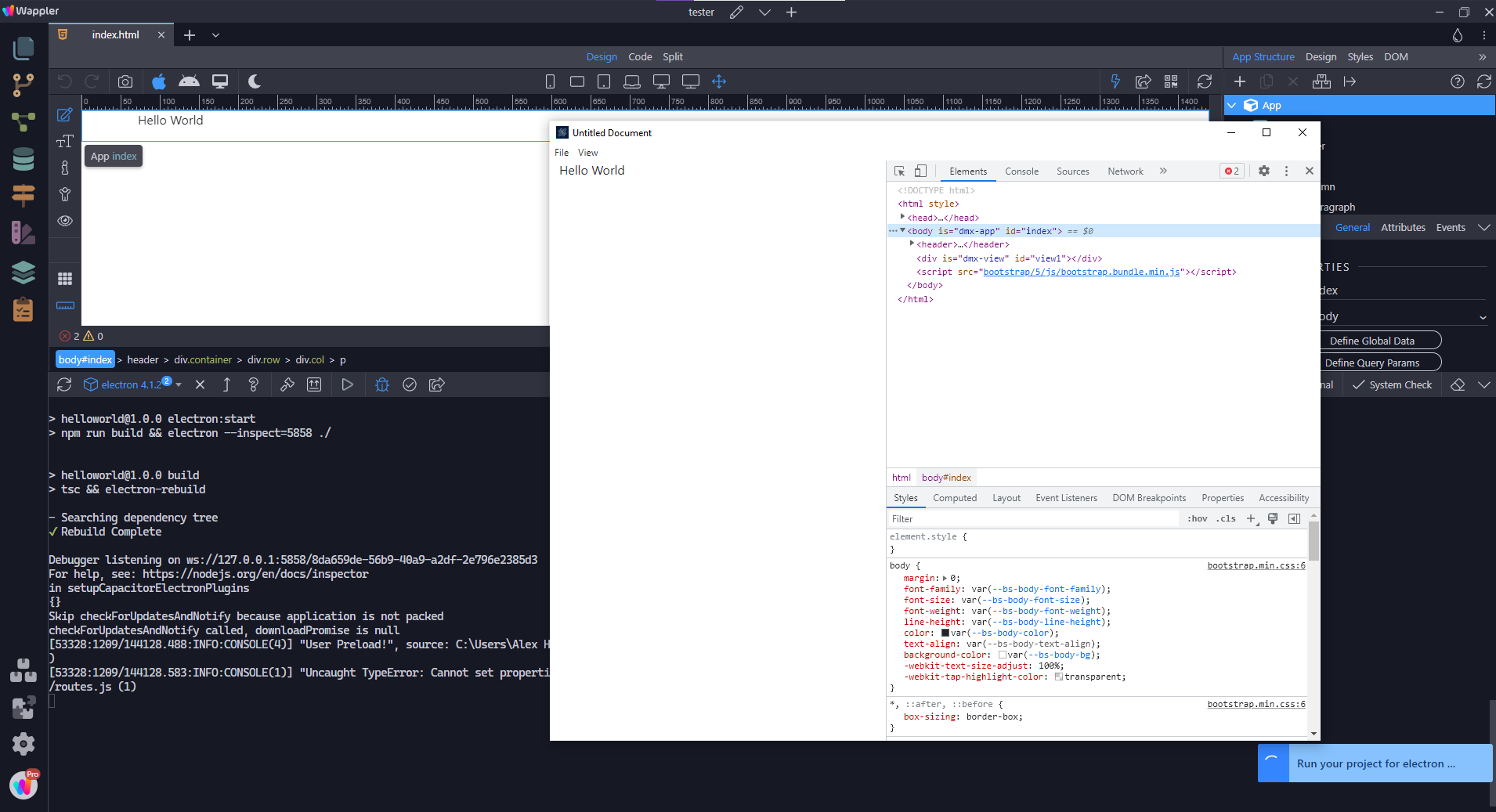
If I run the electron emulator with the ‘run’ button and leave it up and then hit the pack button it just spins its wheels for 30+ minutes with no progress in site or additional dialogs
As soon as I close the emulated electron app that original error message pops up.
If I hit the ‘run’ button and then close the emulated electron app, and then close it once its been shown to run, before hitting the pack button - it fires off that same error immediately.
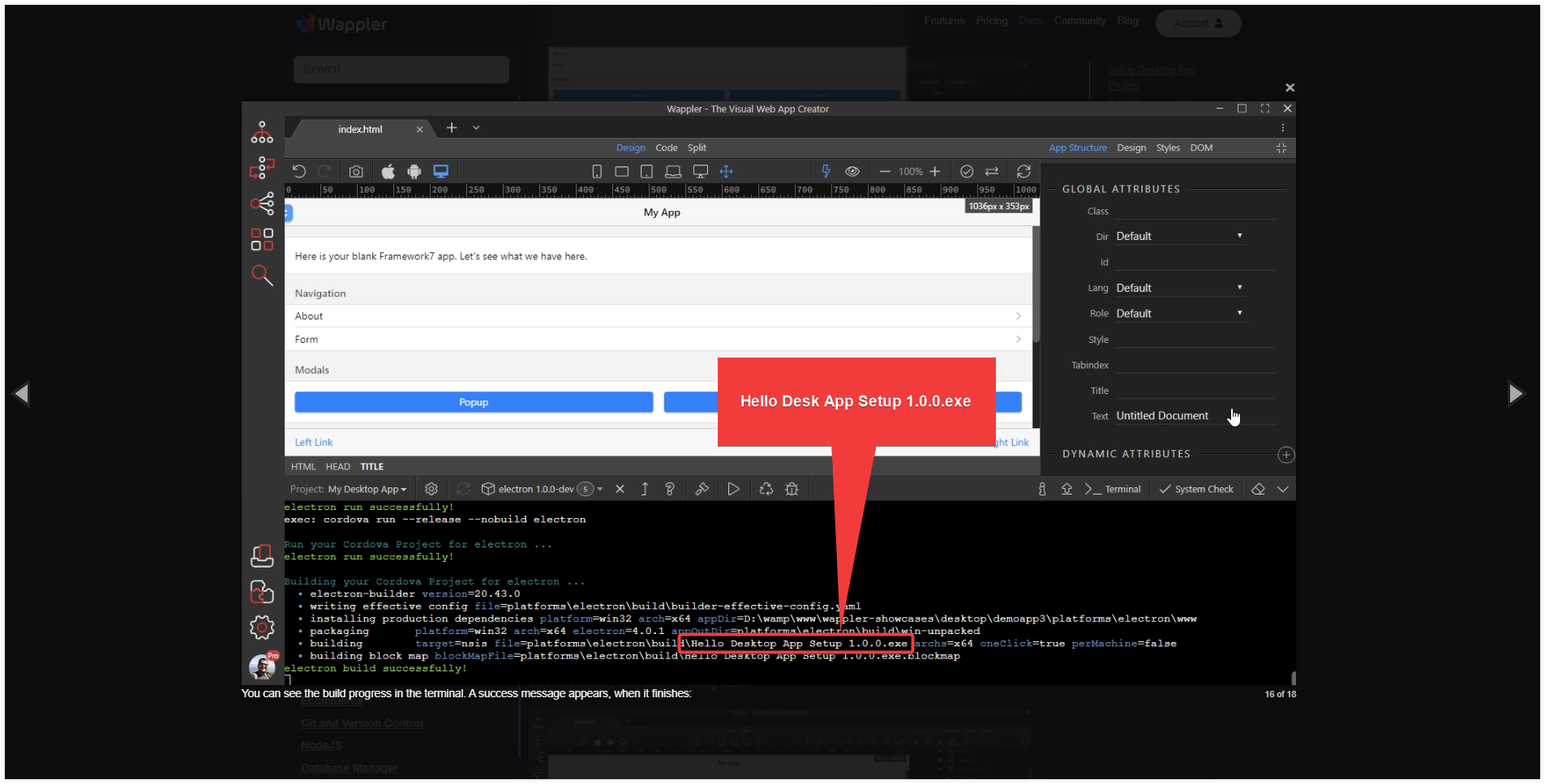
I imagine if its successful I should get some sort of confirmation and an executable should be generated in the electron folder or electron subfolder.
I’m probably being an annoying pest but I’m under the impression that using the build button should create an .exe file that can run on someone’s computer.
Am I wrong?
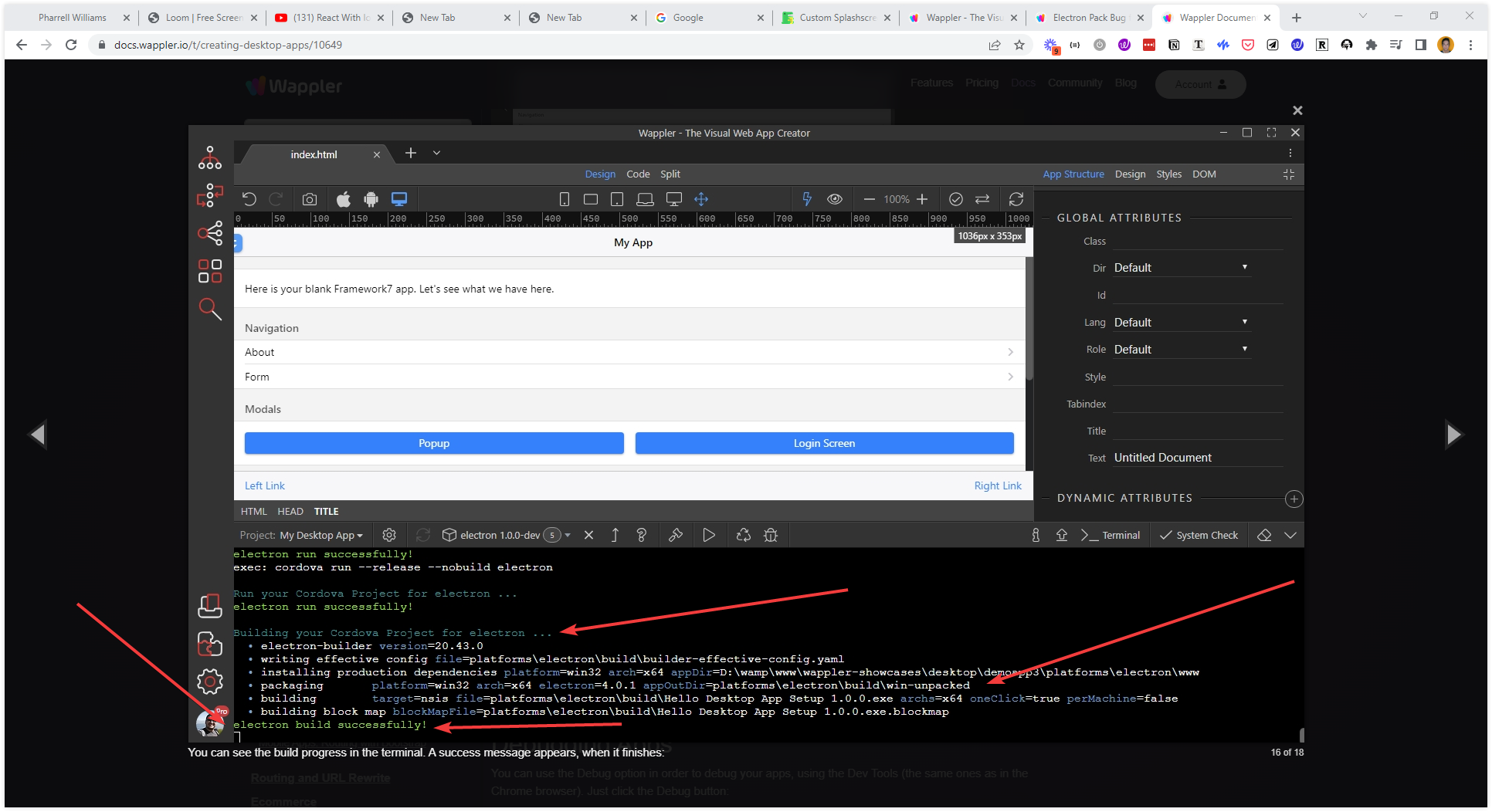
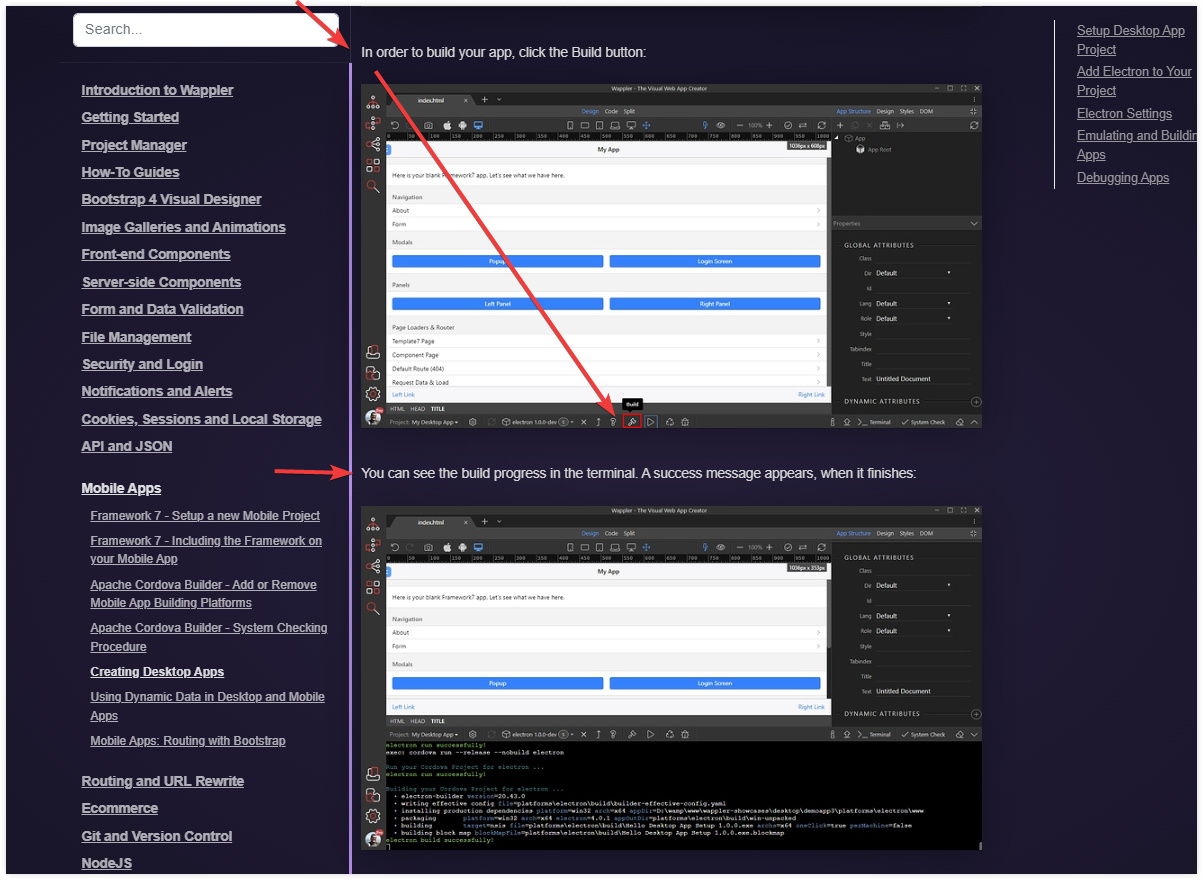
The official wappler documentation shows a successful creation in the output with a directory path of where a .exe is located after a successful ‘build’
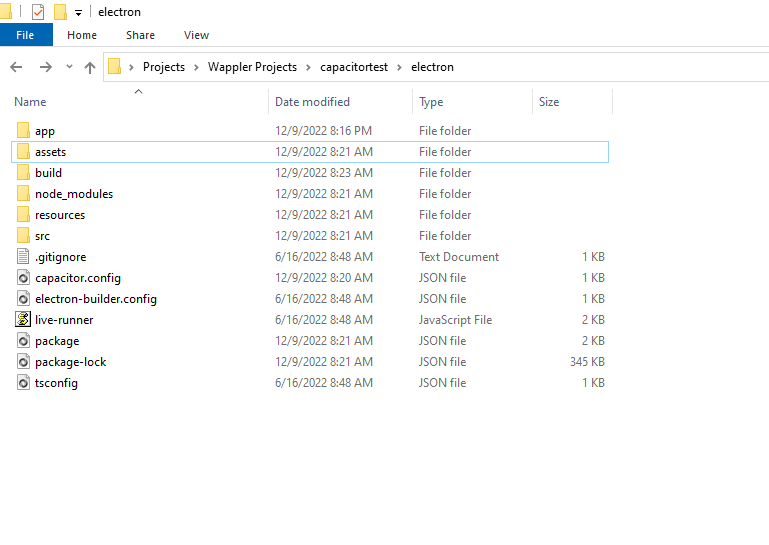
There is no .exe or dialog showing one was creating when I hit the build button. It just shows that error. I’ve checked the folders - No .exe file
There is no other official documentation for wappler that seems to spell anything else beyond that.
From your last message it seems you’re implying that wappler just generates a bunch of folders with javascript/typescript etcetera and than I have figure out on my own how to take those files and turn it into desktop application.
But then why is the wappler documentation showing that wappler generates a workable .exe file?
@George@Dave That error hits me whether I hit ‘build’ or ‘pack.’
Here is a video of me hitting both buttons. They both immediately throw an error message.
So it sounds like wappler can’t convert an app that only has a paragraph on it that says ‘Hello World’ into a working .exe file that someone can install on a different computer without some arcane additional coding steps?
Is there any additional documentation about how to turn a wappler app into a working desktop .exe that can be handed off to someone’s computer?
I’m open to reading about other libraries documentation but the challenge is as a new person to development and wappler is finding the edges of where the responsibilities and abilities of wappler begin/end and traditional development needs to be done to make something a workable solution.
I basically feel like at this point I’m expected to reverse engineer what wappler is doing behind the scene and then tie it up with how someone would do it with a traditional coding framework, see how far into the process wappler has already taken something, and then continue that process.
I hate to bother you or anyone else on your team but I beyond installing of electron on Wappler there seems to be no official documentation or guides on the form that walks through taking an app and showing whats required to make it into a working desktop .exe
Before reaching out to you I was given the impression, however wrongly, that wappler could create working desktop apps. Now I’m left with the vague impression that wappler can get me between 50 to 98% there with no clear indication of where I need to pick up where it leaves off.
I see 2 buttons named build and pack.
All I have to go off of is what the internet says about them in general because wappler’s documentation doesn’t seem to lay anything out.
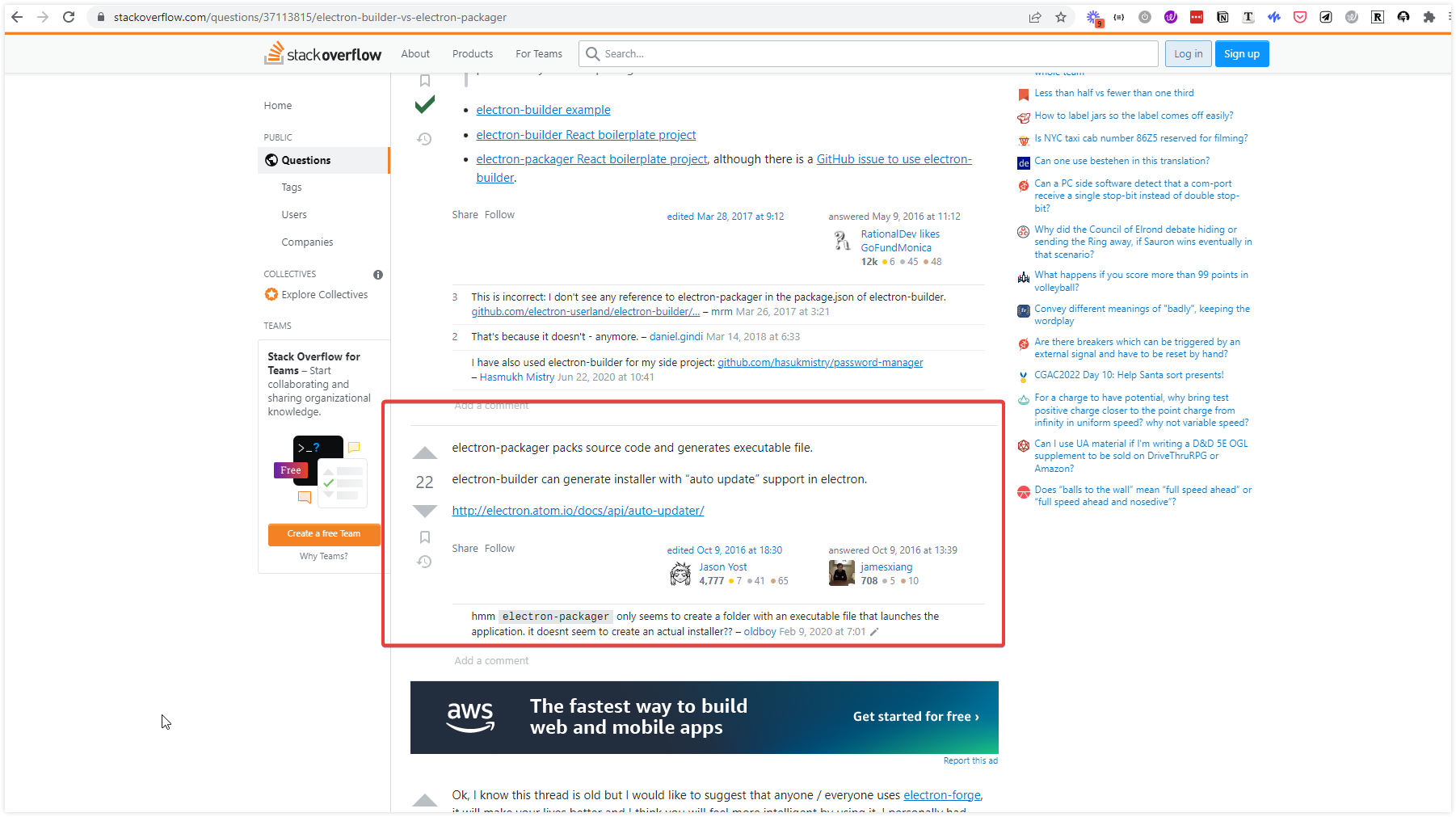
According to stackoverflow I’m led to believe that the only difference between pack and build is using builder, provides an installer with the ability to push updates, and pack creates a standalone installer with none of that functionality.
The only other thing I could find on the forum was this post, but its almost a year old and I have no idea if since than this has been supposed to be turned into an automated build process.
Thanks for taking a second look at this. You made my weekend.
And Sorry for continuing to pester you. While I know I’m not much more than a nuisance right now in the forum. I’m hoping to grow with the tool and give back to the community as I learn.
I think what you and your team are doing is extremely impactful, exciting, and my mind is literally bursting at the seams with what it could accomplish with Wappler.
And while this bugs are really frustrating as a newcomer, they’re completely understandable given the sheer scope and ambition of the wappler project.
Thanks again for pushing to make development elegant, simple, accessible, and powerful.