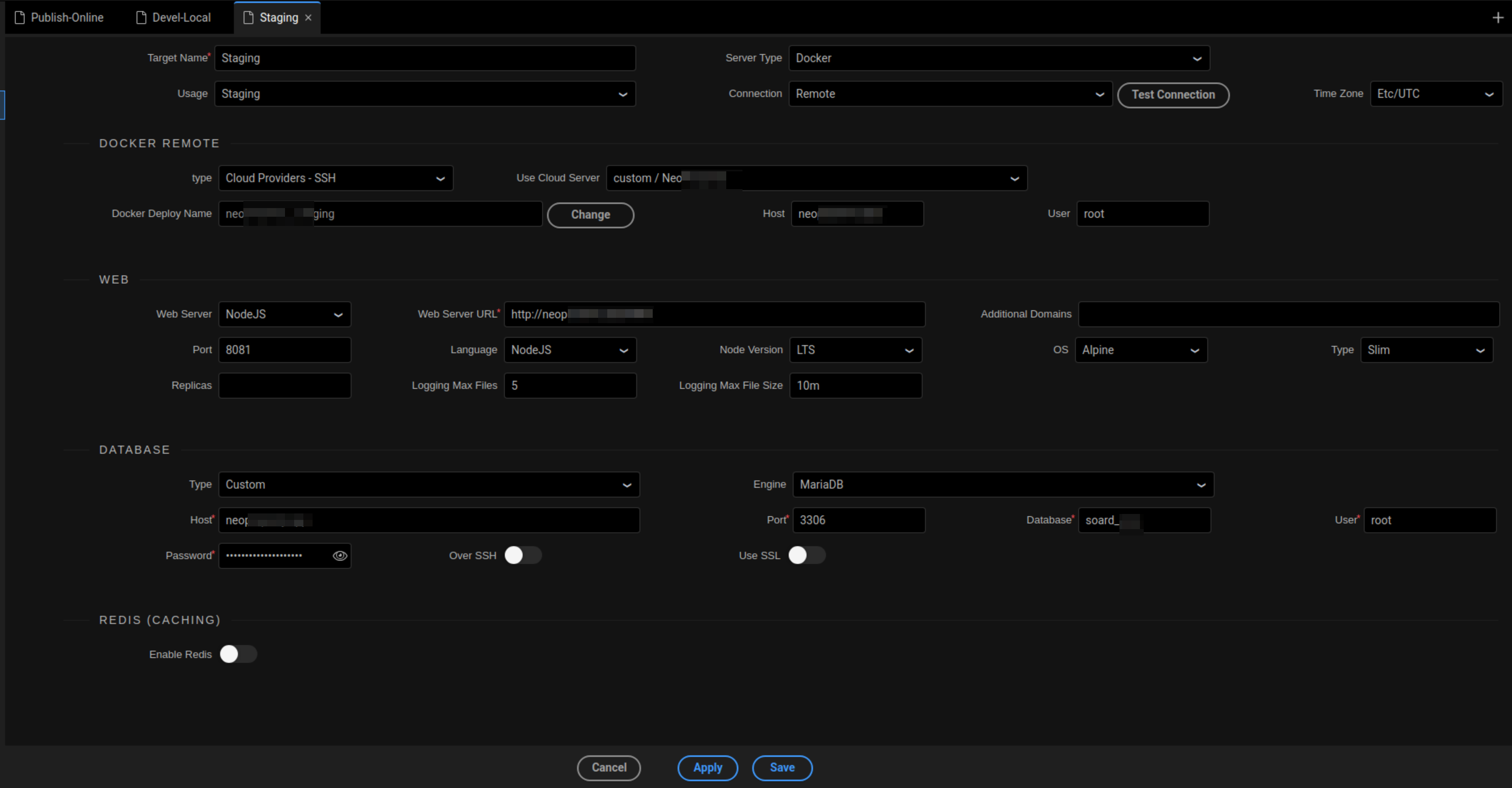
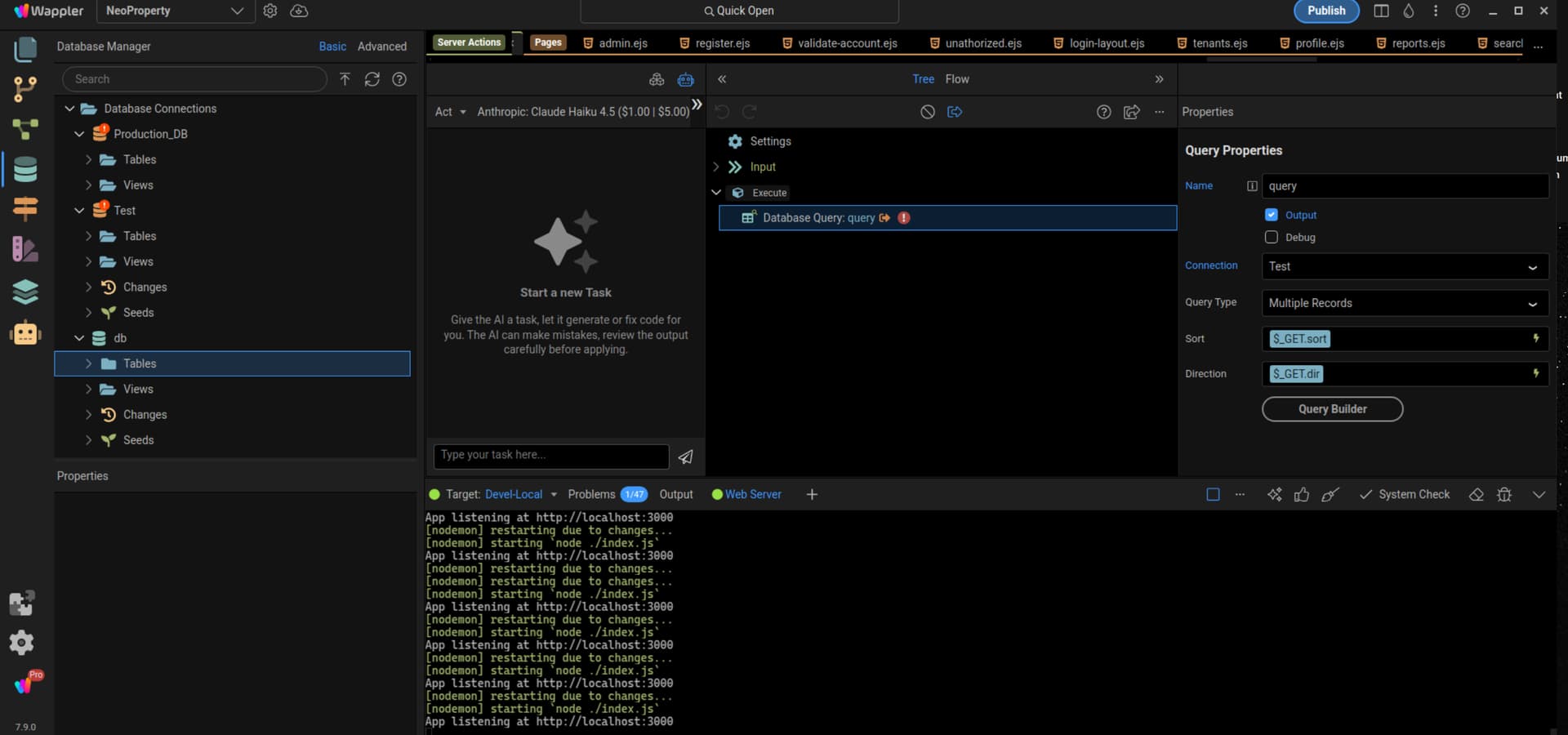
I have a rather serious issue that I feel like is probably just me using Wappler in a way it was not intended. I have a custom MariaDB server that holds my databases. If I configure a custom database connection in the Project Target settings for each target it seems to only ever work in one. IDK Why ? the default DB alway seems to appear and I do not want to use it. What is the proper way to use a single custom database connection across multiple development targets in a single project. Because while of the targets always work the others dont and I get something like the below error in all but 1 of the targets. Below is also a photo of what one of my target configs looks like. But they are basically all the same.
In Wappler you usually have one database connection name that has just has different credentials and setting per target pointing to different databases.
So for each target you give the database setting for that target and a database connection (default called ‘db’) is created and automatically switched when you switch targets.
So you should really make sure every target has its own different database settings.
What if I want all the targets to connect to the same database? Also I tried this but my issue was that my APIs would not work unless I went in and changed the database they where working on each time. Am I doing something wrong?
No you shouldn’t connect to the same database as your development and production data will be mixed then and that is usually want you don’t want as during development you have test data that you don’t want in production
Unfortunately, you are forced to use the Database Manager if you have separate databases. That is not very practical especially if you have close to 100 tables of data containing thousands of records.
I could never replicate that that on a local database. And the Database Manager workflow just isn't a fit for me other than refreshing schemas.
I’m curious about what you mean by this. I don’t use the Database Manager - I use Navicat (like you, I think). I always have at least two databases for a project - development/local (using WAMP) and prodution.
Perhaps I am using the Database Manager in some indirect way, and this is what you meant, but I would never use it for creating or managing databases. It would certainly be very sad if this were ever necessary.
I think I should have the ability to run the same database on both targets regardless of whether it's considered desirable by most developers. My real issue now, is say I create 2 different targets of Production and Development. How do I take 2 differently named custom database connections and have it where the APIs use them relative to the target selected? Because when I switch from one target to another, the database connections for the APIs do not change. So every time I am switching back and forth, I have to update the connections. Am I setting something up wrong? If I have to set different database connections for production and development, how do I get the APIs to keep different database connection settings based on the target enviroment?
Do I need to set everything equal to the DB connection type and set the custom connections in the target database props? Is that the solution?
Okay, I think I have figured that out while we are talking. If I am understanding correctly.. If I do that.. the db connection that pops up is the one I want my APIs linked to. Because that is the one that is actually the database connection I create in the targets settings ? Right?
Correct me if I'm wrong but API's are linked to defined connections under Global (API Panel)
Maybe this can clarify:
In the database panel, you can define the direct connection of the database you need to use only in the Wappler editor.
So if you need to create an API to do for example some query you need to connect a direct database (Database panel) but the API itself will use the connection defined on Globals