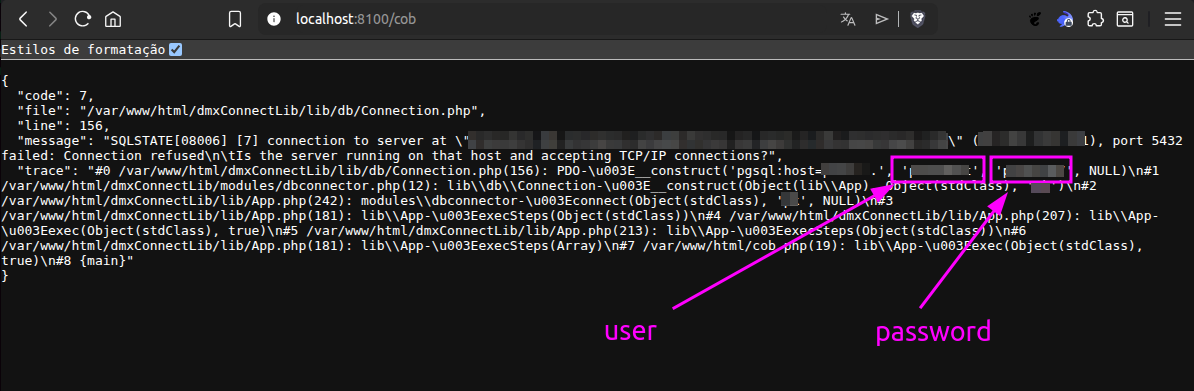
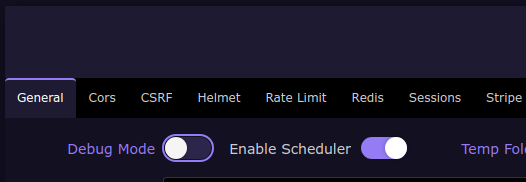
Have you got Debug Mode enabled on your Target? Simply turn it off and you'll receive the message to 'enable debug to see errors', or words to that effect...
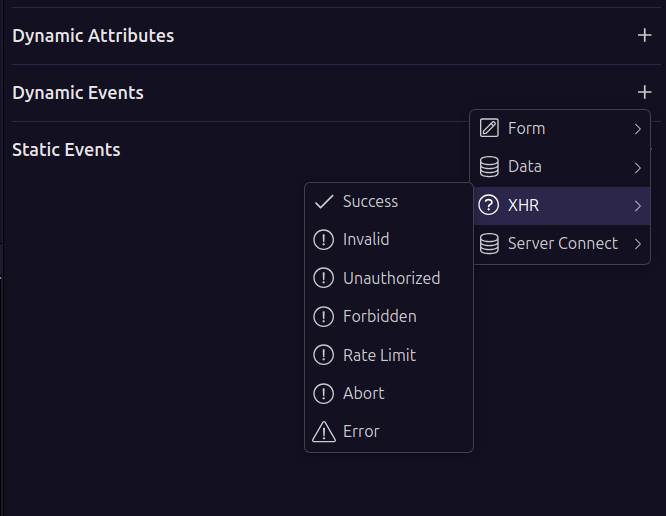
You have direct access to XHR to handle response on your Actions within a page which you can customise as required (could show a toast or notification etc). Click an Action you want to create a response for and then click on Dynamic Events and XHR. From here you can attach specific Actions to trigger using any of the App Connect functions within the page, such as run a Flow etc. The choice is yours from there on out Damacio.