Wappler 7 beta 28 can't DB seed
MacOS, NodeJS, MariaDB
Database seed on column that starts with a digit fails (e.g. "2fa_token")
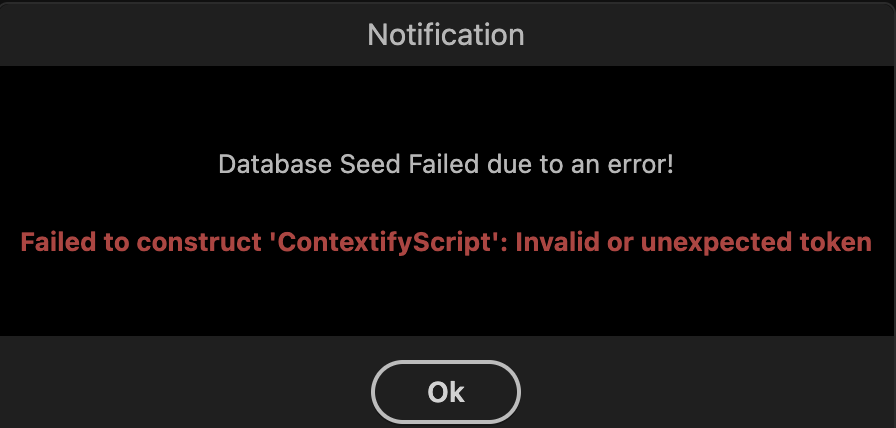
I was able to fix the DB seed by quoting the column name there in the JS code of the seed
This isn’t a bug. Column names can’t begin with a digit - unless they’re enclosed in quotation marks.
You should not use a number as a first character of a column name.
- Table and column names are restricted to alphanumeric and underscore only, i.e "A-Z a-z 0-9 _".
- The first character of all table and column names should be an ASCII letter (a-z A-Z).
and if you insist not to use the correct naming convention you need to wrap the column name in backticks:
CREATE TABLE mytable (`2fa_token` VARCHAR(50));
SELECT `2fa_token` FROM mytable;
I didn't know, thanks