Database Manager: Reset History won't clear queued changes

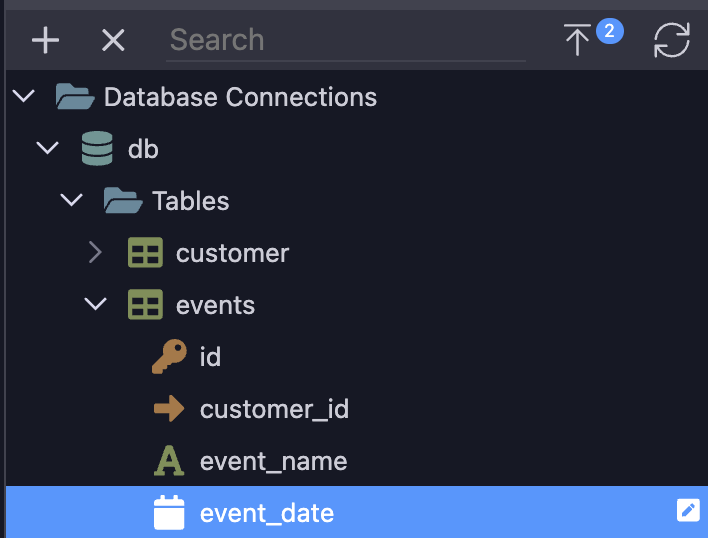
I purged the changes and reset change history, but each time I view the database (localhost env), I see 2 queued changes, which were the last changes I made and applied in my dev environment.

I've already deleted the files in .wappler/migrations/db and tried reseting/unlocking changes many times. There are no files left in the migrations folder. How can I clear these queued changes?

@George Can you provide any assistance here?

To fully reset and reload the database schema just right click on the db name to call the context menu and choose to full refresh schema

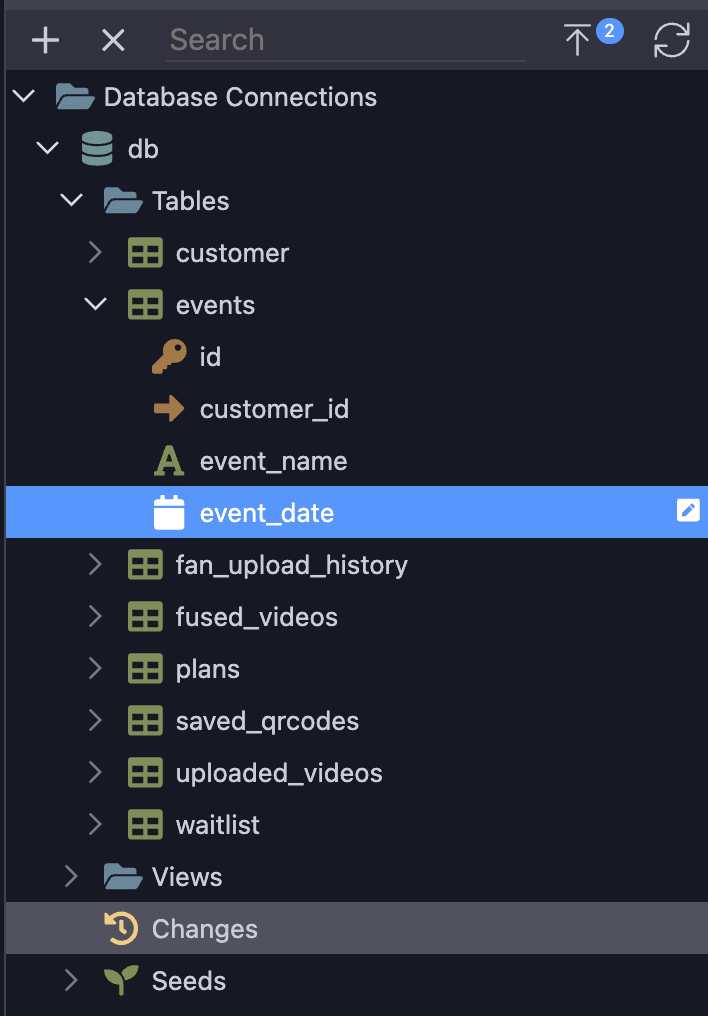
Following your instructions I see the following after a full refresh schema. The event_date column has an edit icon.

If I then click on the event_date column, database manager shows me there are 2 queued changes.

Then, clicking on Changes shows nothing queued.

I can't seem to remove the DB manager's indication that there are queued changes. My .wappler/migrations/db directory is empty.

@George Sorry George. Please see my screenshots above after following your suggestions. I need to make some major alterations to my DB and having my DB manager working again would be extremely helpful.

Update:
It appears that I can still make DB changes successfully and promote them. I just can't seem to get rid of the edit icon next to the event_date column, or the "2" queued changes indicator.
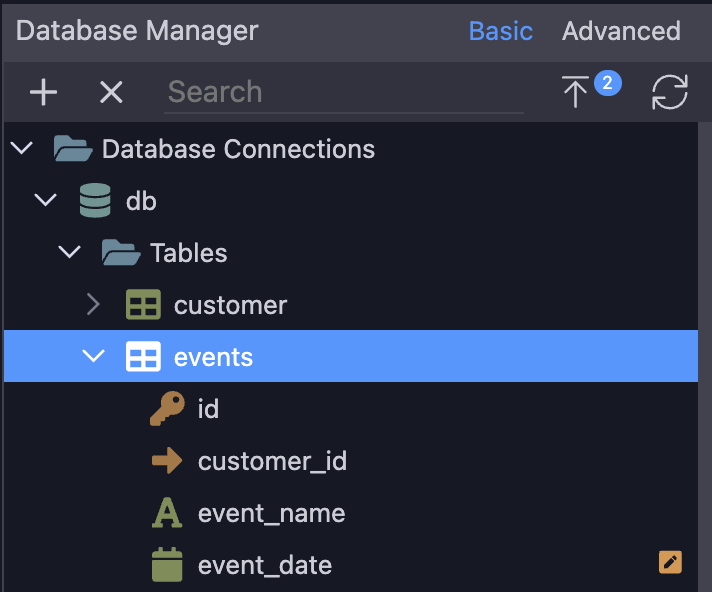
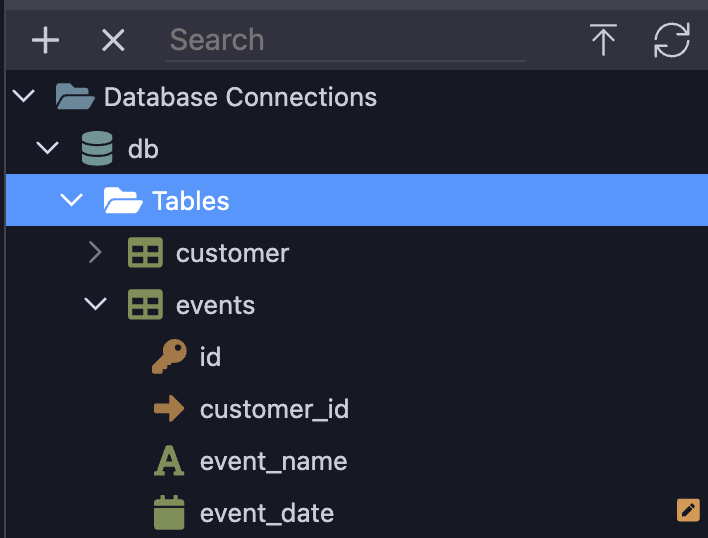
Try refreshing the specific table from the context menu

@George You implemented state saving for the database manager changes creation, and there's no way to completely reset it

Yes the complete refresh of the database schema will reset the pending edits, you get a warning about this.