The settings are well done, I believe. I followed a tutorial. Help me, please

Yes, it only loads in a browser, I think that's just the way it is, I've been working that way for the last 3 years 
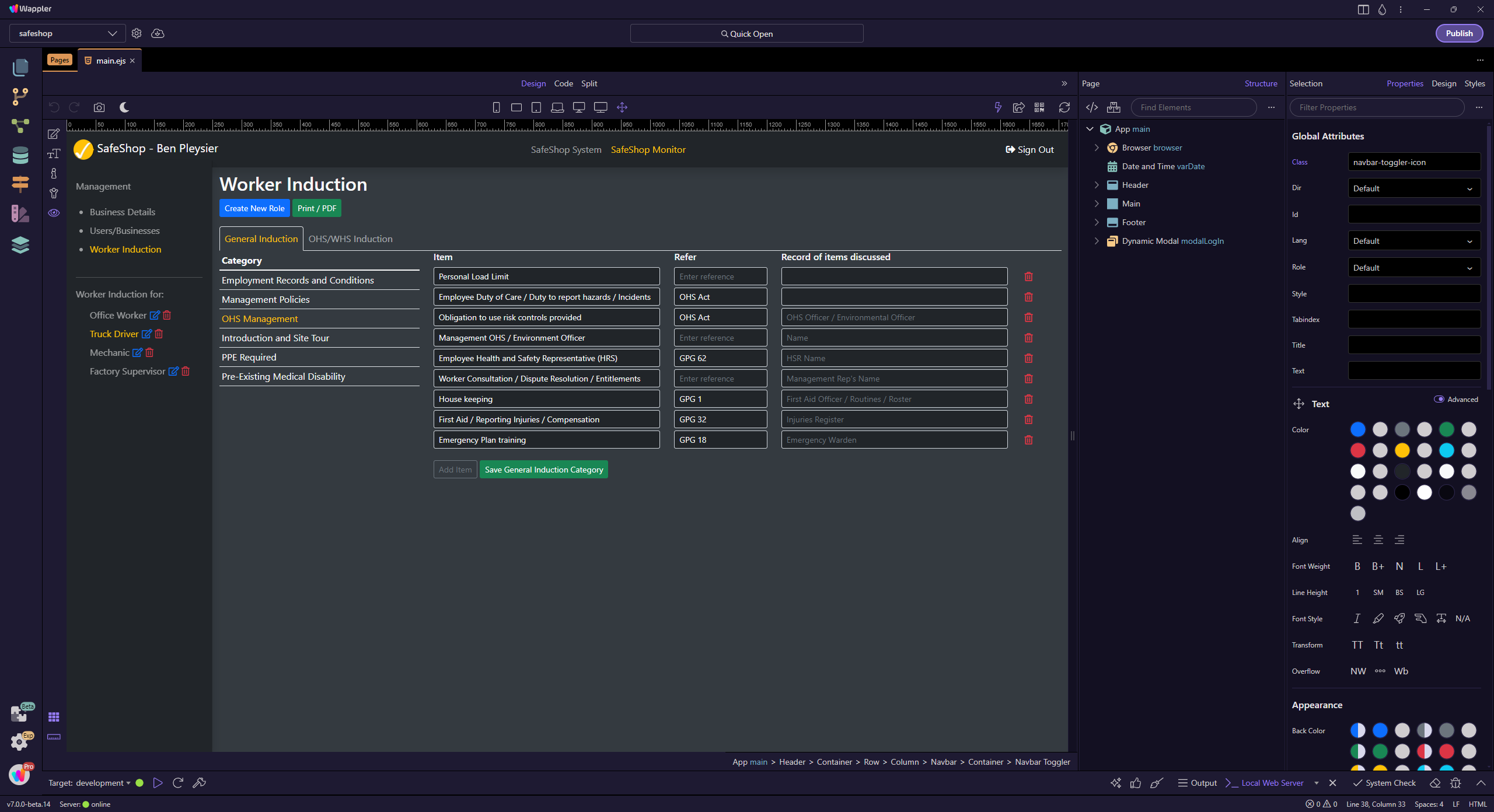
I can run the whole process in Wappler. Need to login first and it is as though I was using a browser.
1 Like
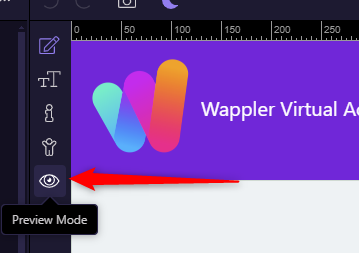
One feature which is not specifically documented but embedded in a more general post re display changes is the preview mode.
If you wish to work interactively (as if you are in real site) you need to activate preview mode from here.
1 Like
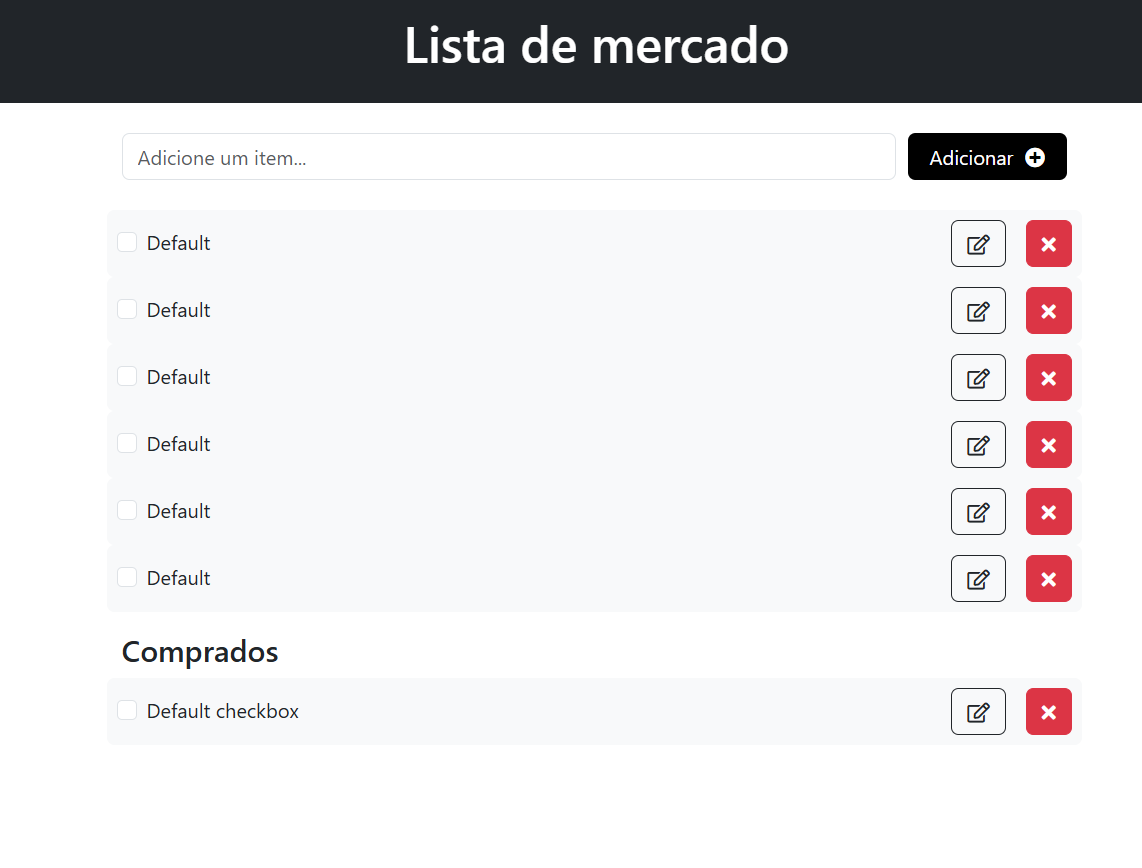
Thank you very much, but I activated the preview mode. For some reason, the workflows don't work in it. The app is a grocery list, so when I write an item in the input and click 'register', nothing happens. However, when I access it through the browser (localhost:3000), everything works perfectly. The bank item list also doesn't work in Wappler mode.
I'm with Ben here...
Are those API restricted? Do you need to login in order to see those values?
They are not, I created the database in MySql to learn, I haven't even gotten to the authentication part yet.
Ainda preciso de ajuda! 
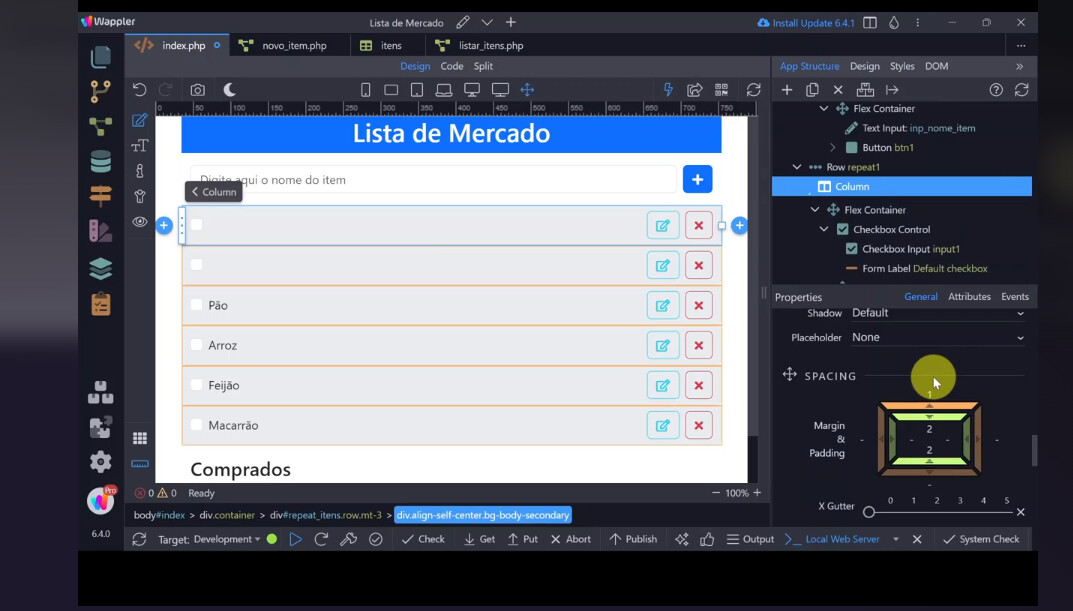
There are 2 errors in design view as you can see from its statusbar below it. You can click on them to see the errors
1 Like
Thanks for your reply, George.
These are the 2 items that appear, apparently due to an error in loading the item list, but the new item registration should be working, right? It works perfectly in the local browser.

I suggest you give up on this matter. Even standard procedure for troubleshooting server action responses relies on inspecting your browser's network tools tab. Using a browser is considered the standard way of web development.
And then there's also possible problems with editing a page that has dynamic data loaded in it. You might find the dynamic data gets statically inserted into the page when you save it (happened to me once) 
1 Like
The basic functionality of a list appears to work perfectly inside Wappler for me so I can only suggest there is some sort of error in your code.
App connect mode must, of course, be active (1) for data to display
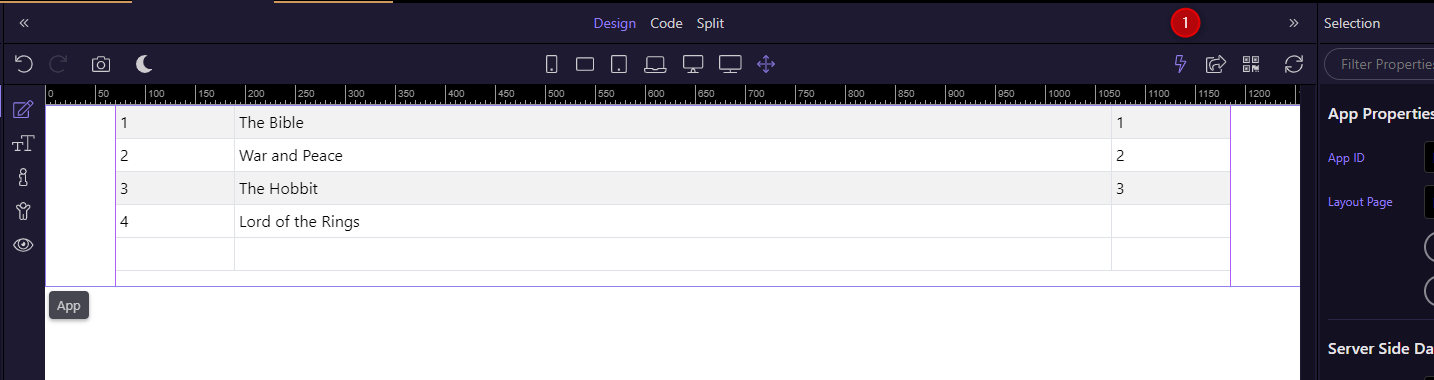
1 Like
I believe it is a Wappler bug, it doesn't make sense, I tried all possibilities. An experienced user accessed my machine via Anydesk and couldn't solve it, he said the same thing happened to him. Thanks for the reply
Error 502 means that Wappler internal web proxy could not call your php server connect action.
So somehow the Wappler doesn’t have access to it. Maybe you have a firewall defined.
Does it happen on other projects as well?
Maybe try restarting your computer so that all services are started well.
1 Like
Thanks for the support, George! I believe it worked now. The problem is actually with the database. Following a course tutorial, I created a MySql Database through Laragon. By pulling data from an API, the items loaded on the screen normally.