Introduction
Last week there was a forum discussion regarding loading files to a Dropbox. I commented it may a useful extension. Here it is!
Installation
Via Wappler Project manager
The extension can be found in the extension manager in the dropbox category.
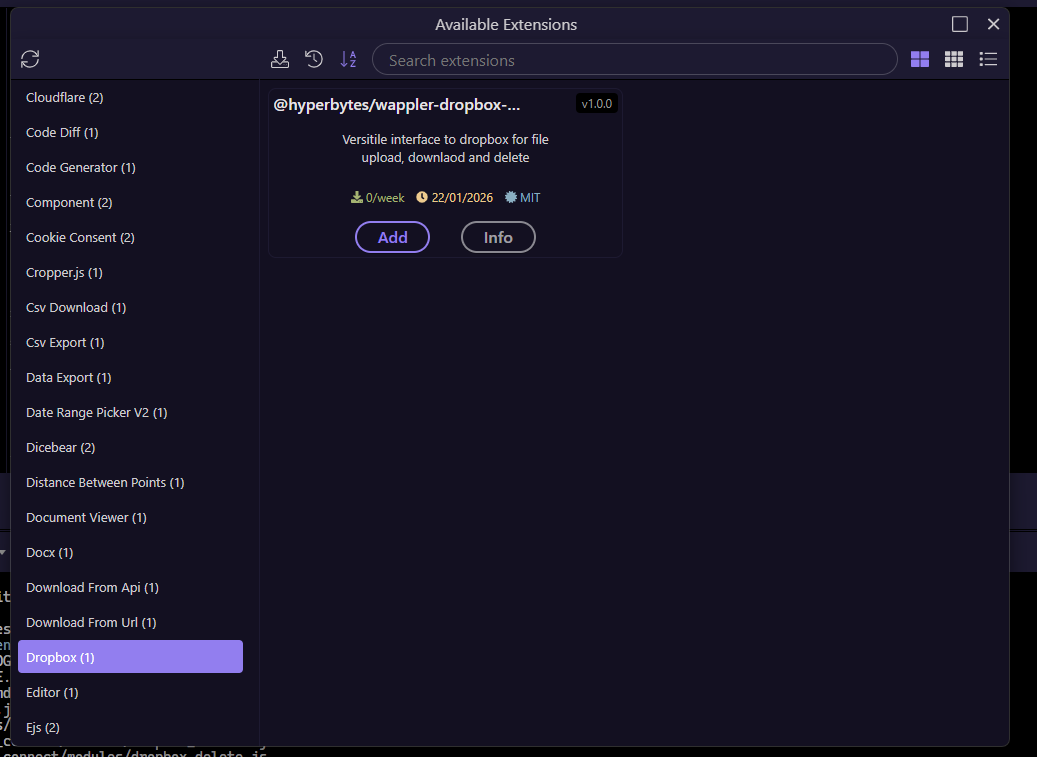
Via terminal
the extension can be installed via terminal with:
npm install wappler-dropbox-manager
Initial Setup
Dropbox does not make api access easy. While it can generate an API token, this is only valid for 4 hours.
To work around this issue, we use a refresh token in it's place using oauth coupled with the dropbox App key and App secret. This is a "one off" process, once generated it is persistent.
So firstly drop into your dropbox developers account at dropbox.com/developers/
Create an app
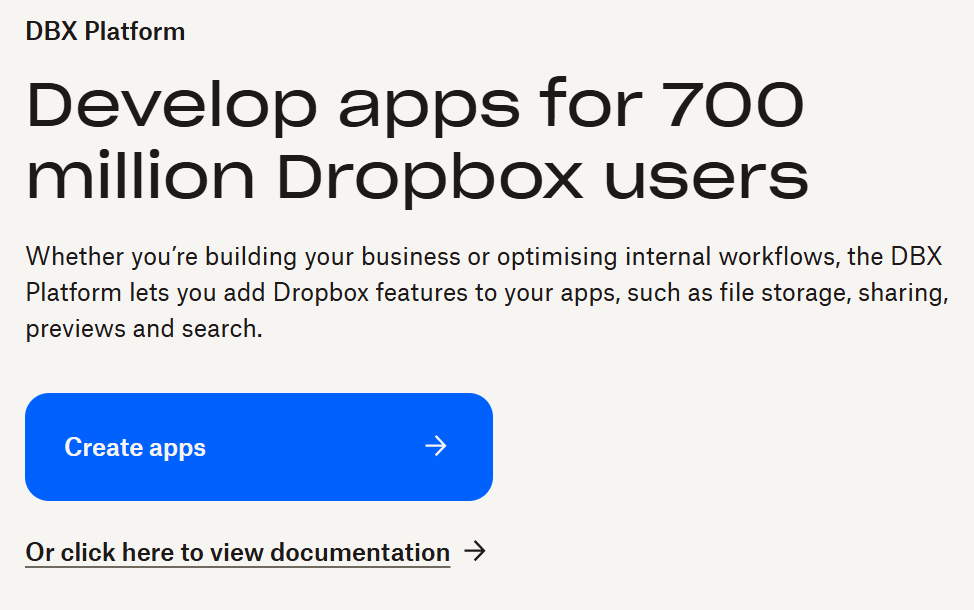
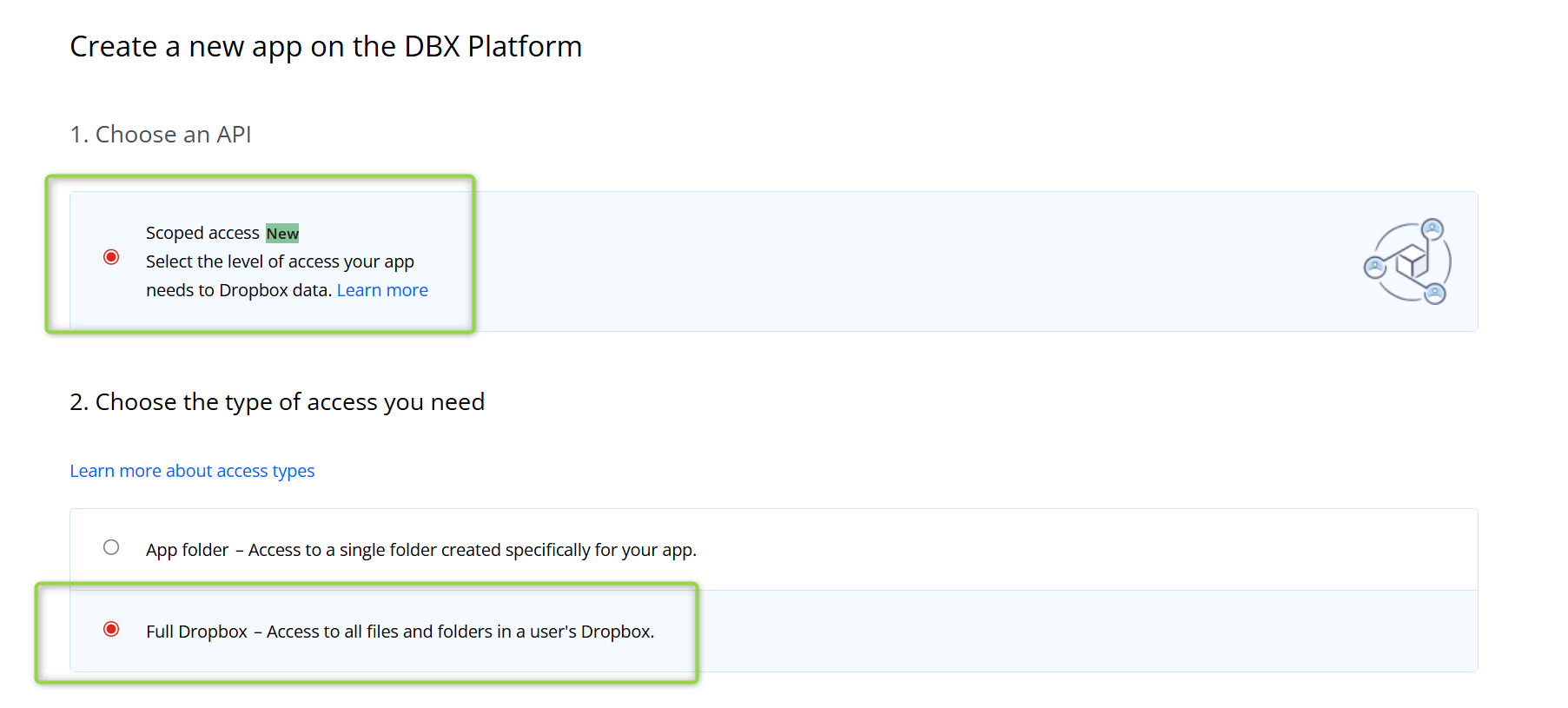
Once in your dropbox developers console you will be asked about scope, do you want to share your entire dropbox or just a folder.
In my case i share my entire dropbox
Lastly, give you app a name, i choose "wappler-extension-demo"
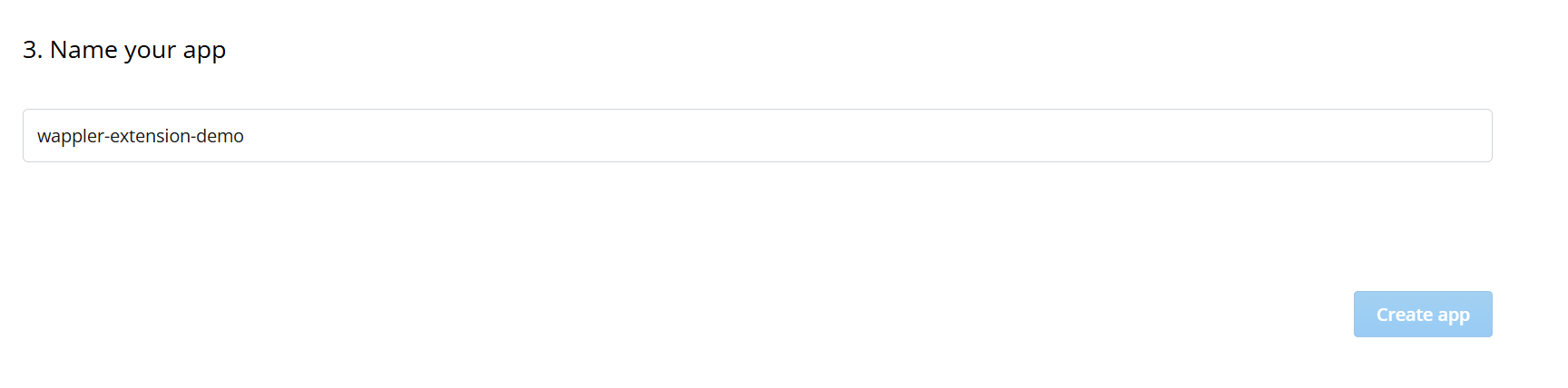
Click create app.
Within the setting tab, you will see your app key and app secret (hidden)

we will be using them extensively. My advice is store these values in the environment variobale of server connect.
I use DROPBOX_APP_KEY and DROPBOX_APP_SECRET

Next go to the permissions tab
grant access to file write and read

Additionally, to use the file exists function, files.metadata permission is required.

these are the basic settings required.
Next we need to use a URL to generate our refresh_token
You can simple type this yourself but the module just simplifies the process.
I have added a module to do that for you - Dropbox Auth URL Gen.
This is a "one off" process to generate the URL required to obtain your refresh token
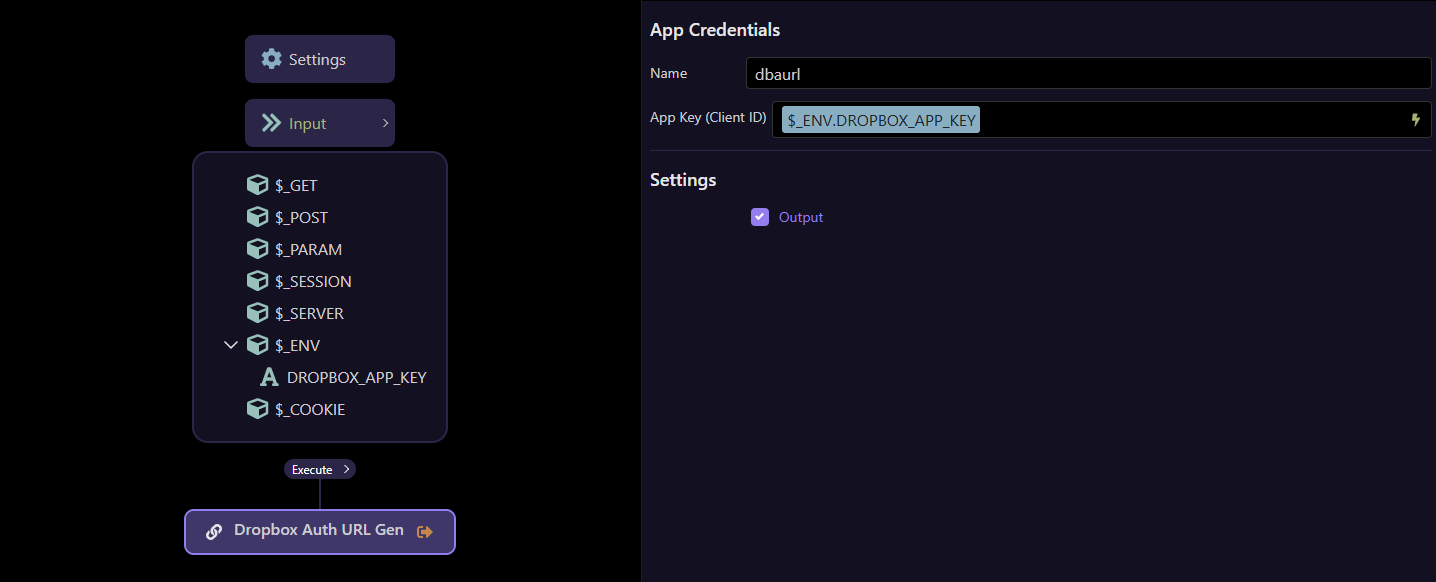
it will return the url needed to generate the refresh token
{"dbaurl":{"auth_url":"https://www.dropbox.com/oauth2/authorize?client_id=xxxxxxxxxxxx&token_access_type=offline&response_type=code"}}
Enter the url generated into your browser. This will take you to the
Authorise the app as requested whereupon you will be given an access code
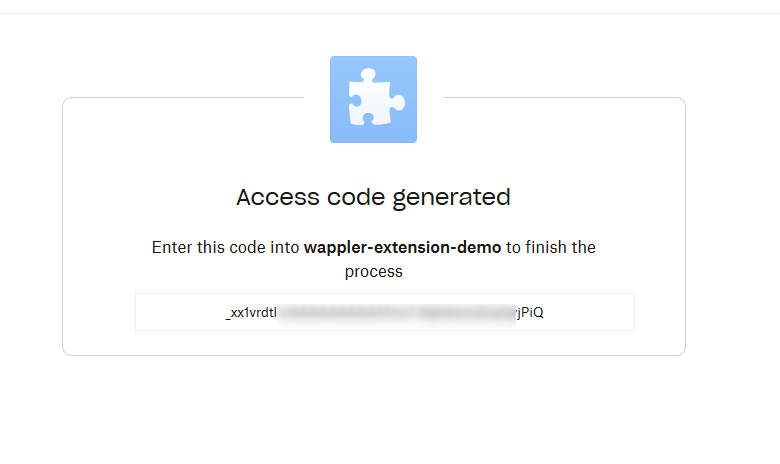
Now we use the access code to generate the refresh token.
We now use this code with the Dropbox Auth Helper module to generate our refresh token.
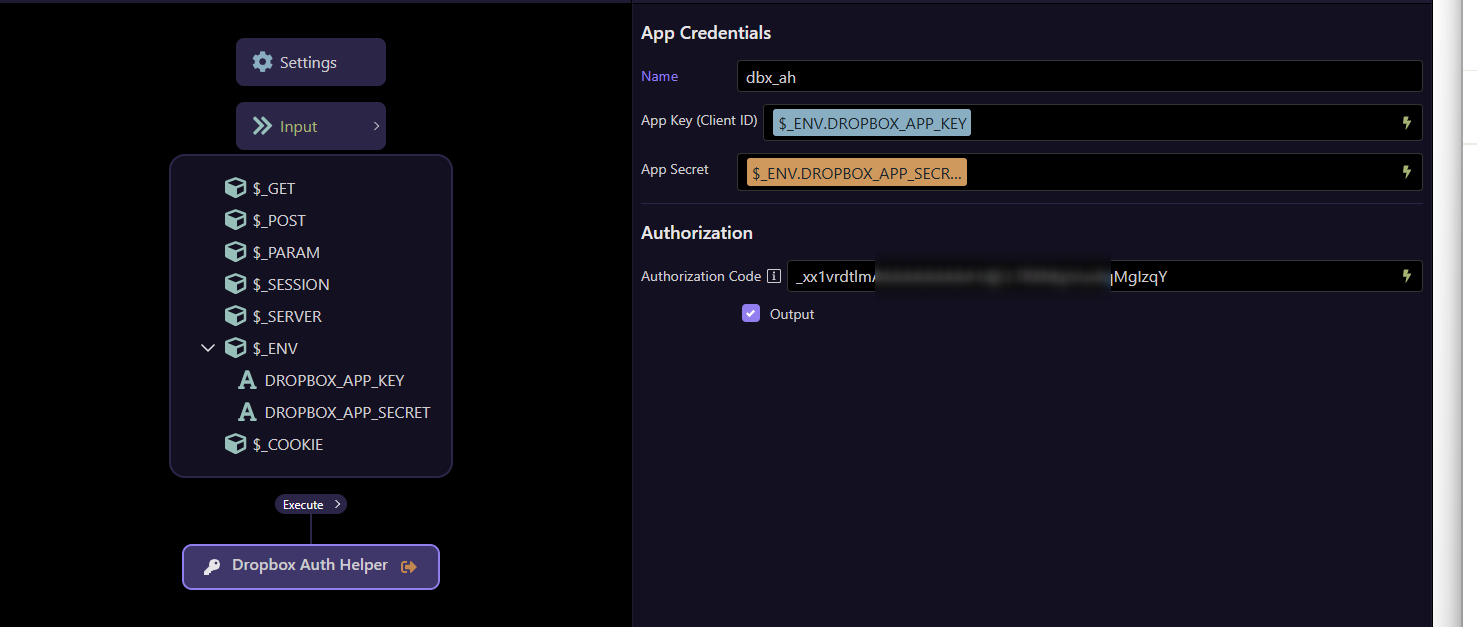
We run the action and get the refresh token value.

Copy the value of the refresh token.
Again i suggests storing this in an ENV variable such as DROPBOX_RESRESH_TOKEN
That's it, you are ready to manage your Dropbox.
Components
Four main components are available in the Dropbox group
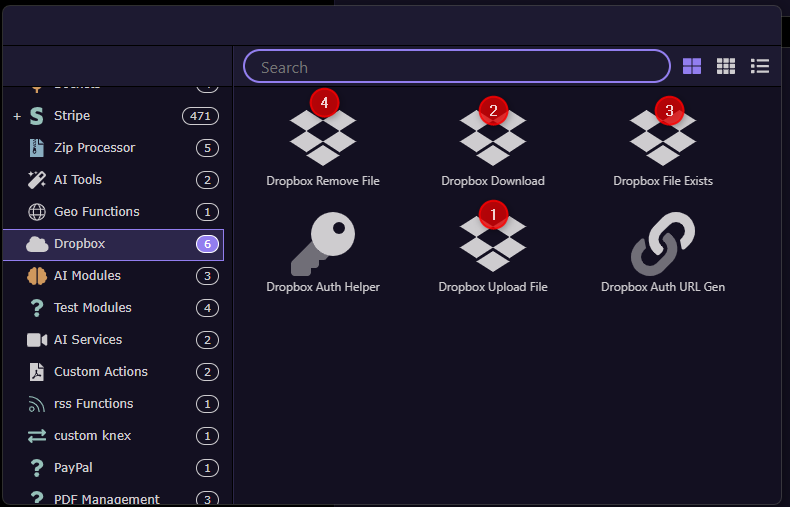
For each component, a status of 200 indicates success.
The response in the event of an error depends of the setting of the debug flag,
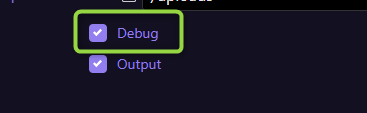
If unchecked, an error returns a status of 400, this allows you to manage the error condition within the api action
If checked it returns a 500 error and error details
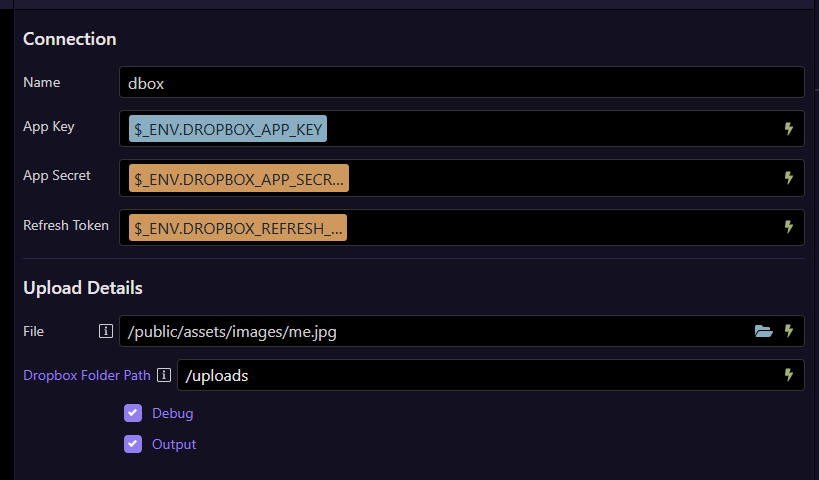
Dropbox Upload
In this case i pass a file upload action to server connect and upload it to a dropbox.
NOTE: Pass the entire upload object, not just a property.
Should you wish to upload a file already on your server then use the file picker icon to select the file and the module will detect the difference and adapt accordingly.
Example using uploaded file
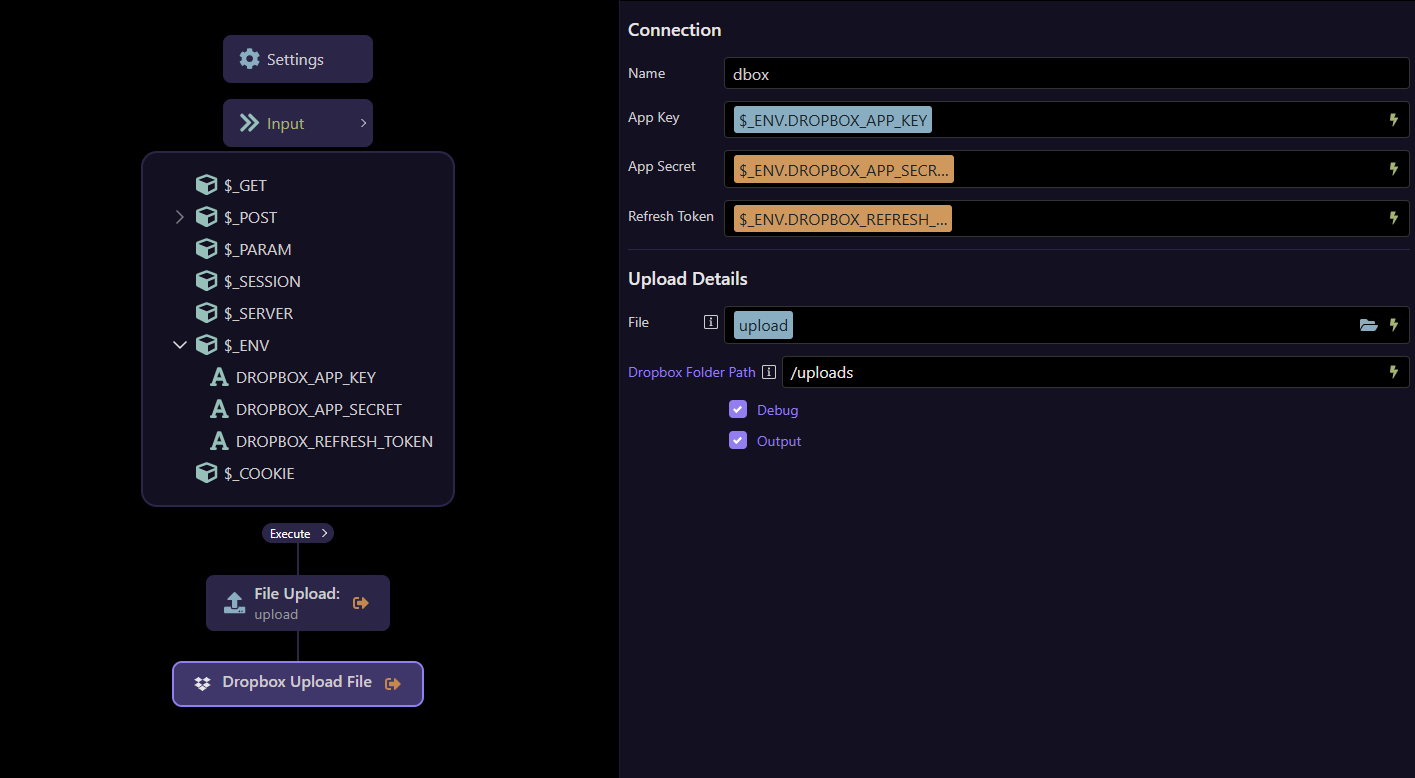
Example using file path to server image
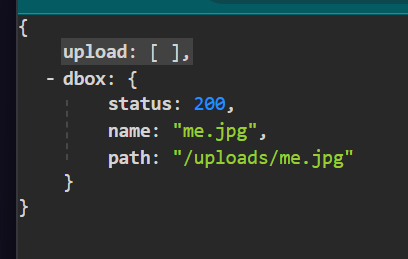
The module outputs the status, file name and path
Dropbox download
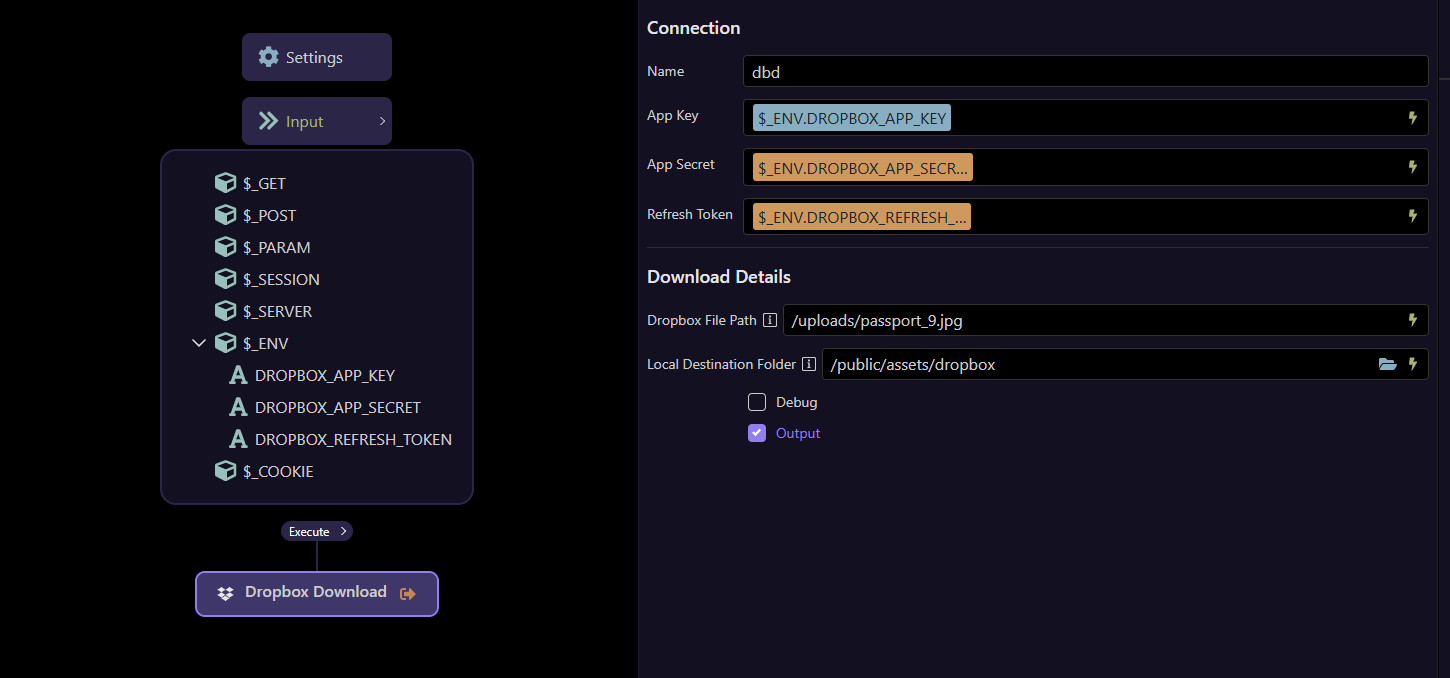
The dropbox download allows the user to download a file from their dropbox to theur server.
if the file is not present, an error will be returned so you may want to use the Dropbox File Exists action to check first (see later)
To use this action, simply enter the dropbox path to the file and the server destination folder path.
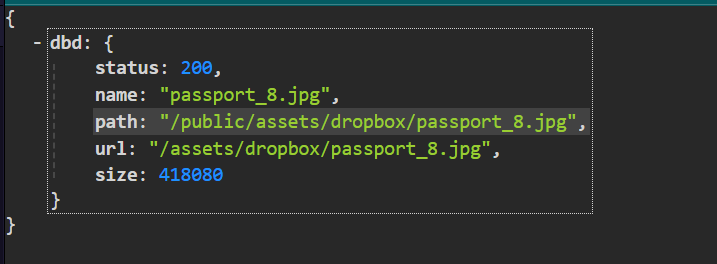
The module returns the status, file name, path and url of the downloaded file
Dropbox Exists
This simply returns true or false depending on the presence of the file
{"dbx":{"exists":true}}
Dropbox Remove File
This action simply takes the path to a file on your Dropbox and removes it.
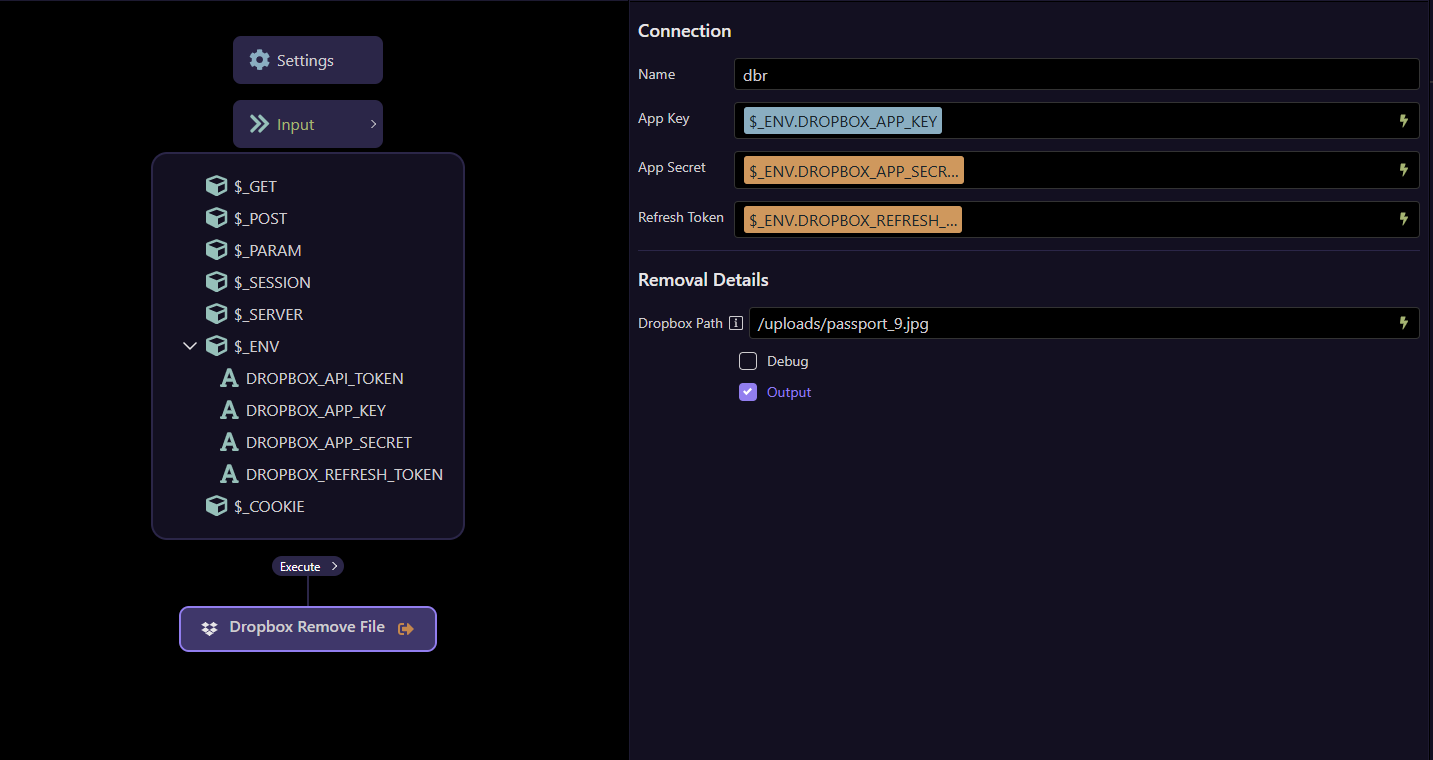
It return status 200 if removed or 400 if an error occurs or file is not present. (use Dropbox Exists to pre check file presence if necessary)
As always, any issues or question a, just ask