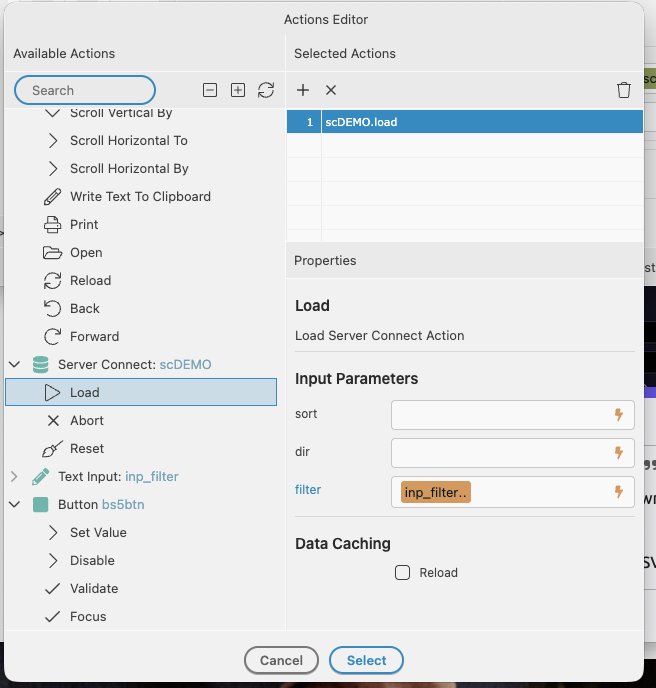
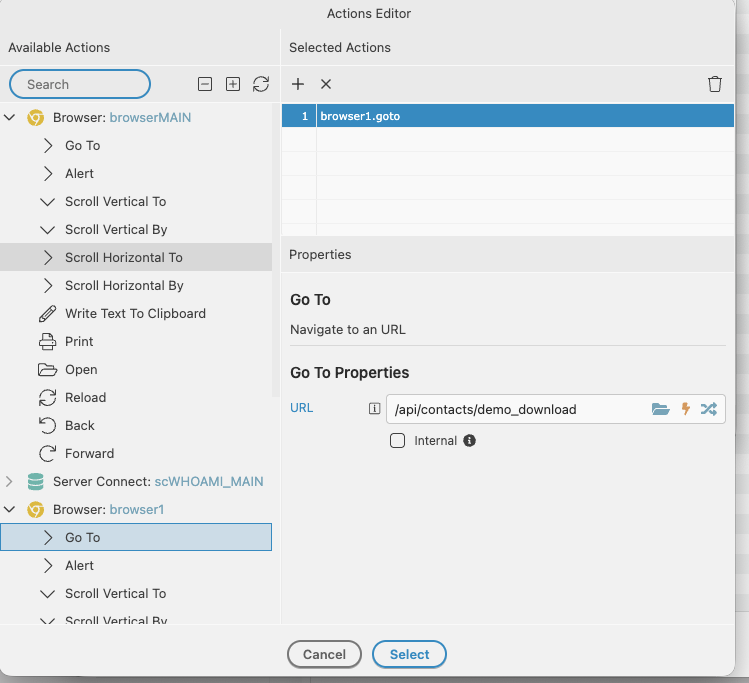
I am trying to learn how to use the export to csv and then download the file.
It works fine if I want to download the whole query in the API. I then call the API from a button on a page.
Then if I put a condition into the database I start to get problems.
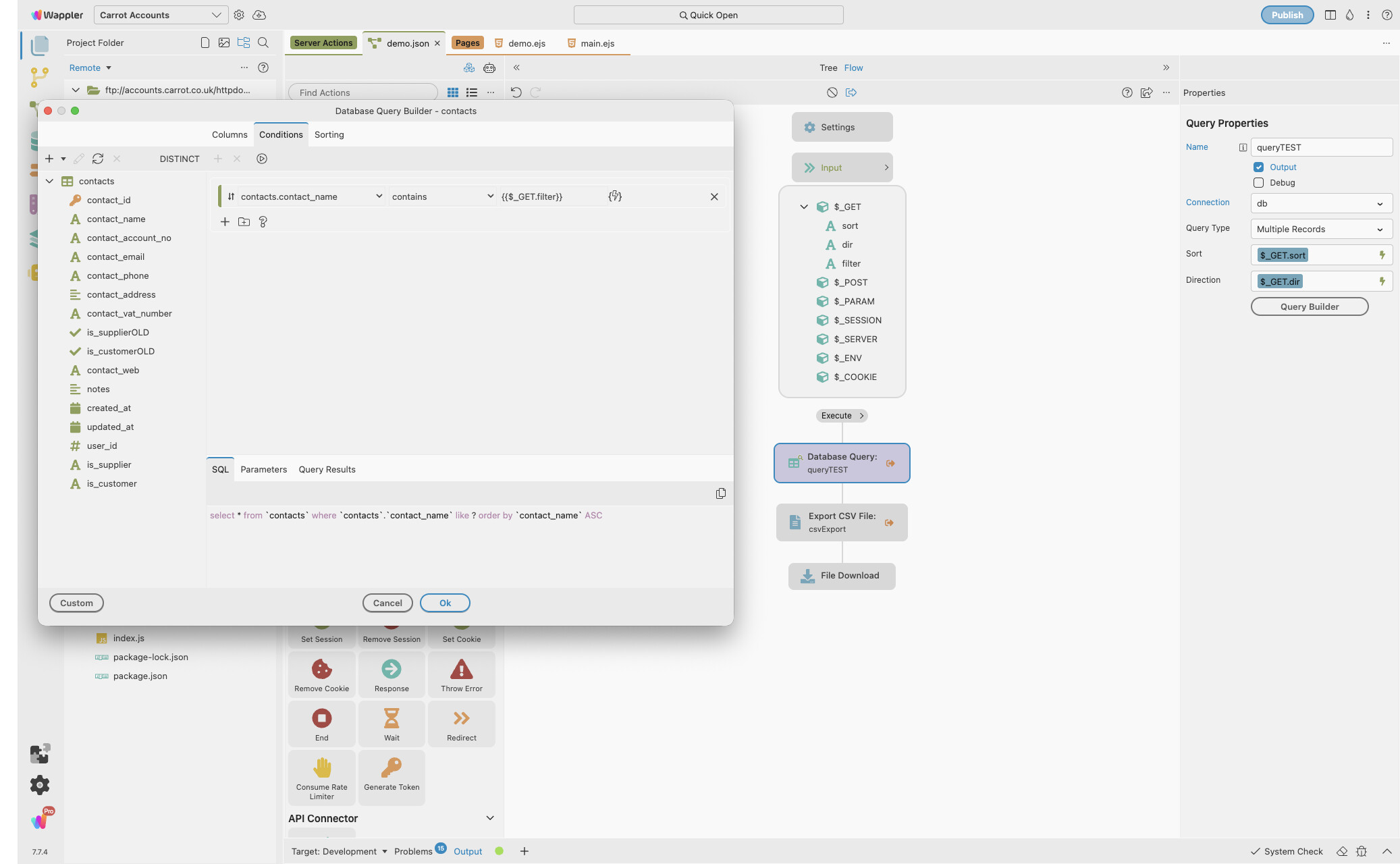
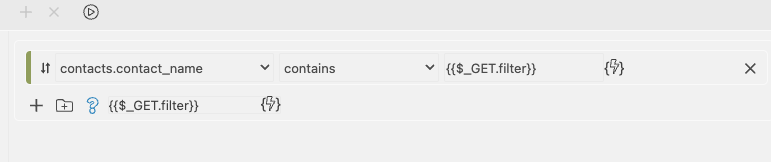
It works fine if I hard code the condition (eg contact_name contains “test”) but as soon as I make the condition based on the $GET_filter I get a error 500 when I click the download button.
I have tried toggling the output switches but that makes no difference.
Try to approach this is a diffrent way… dont put the download in the same SC file.. as the create file…
Query the data….
Check if data returns value
If data is returned then export to csv file
Check if the file has been created and in the folder
Then on the SC for the above… On-Success.. (in a flow) call a diffrent SC file for the download…
Create the download step… then add a “wait” step to delete the file from the folder you just downloaded…
so 2 SC connect files.
That queries…and creates the file.
That (on success from the above) will download the file and deletes it.
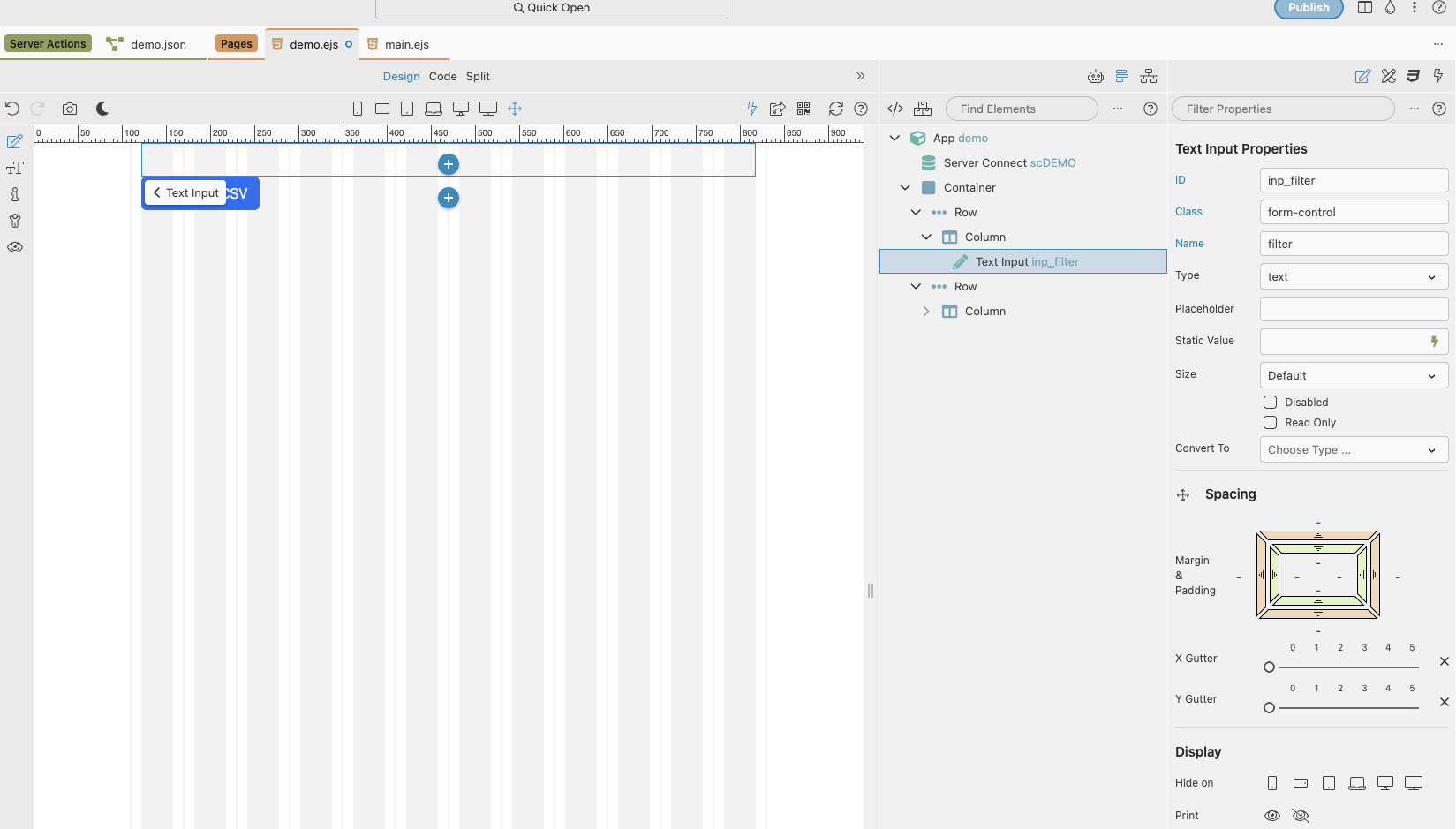
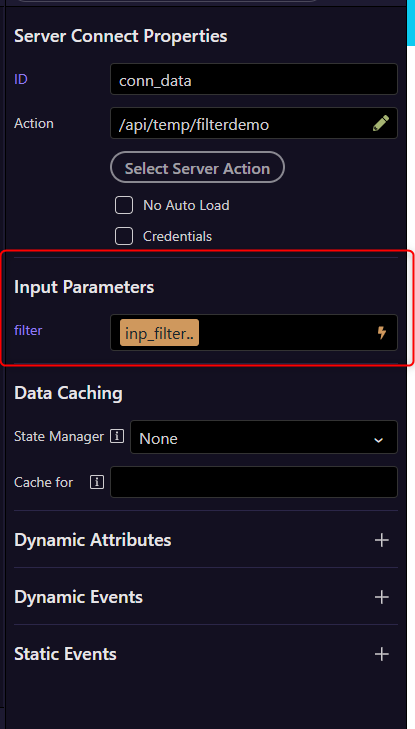
Did you remember to bind your filter variable in your input field in your server connect action, forgetting to do that would result in a 500 error as $_GET.filter would be undefined.