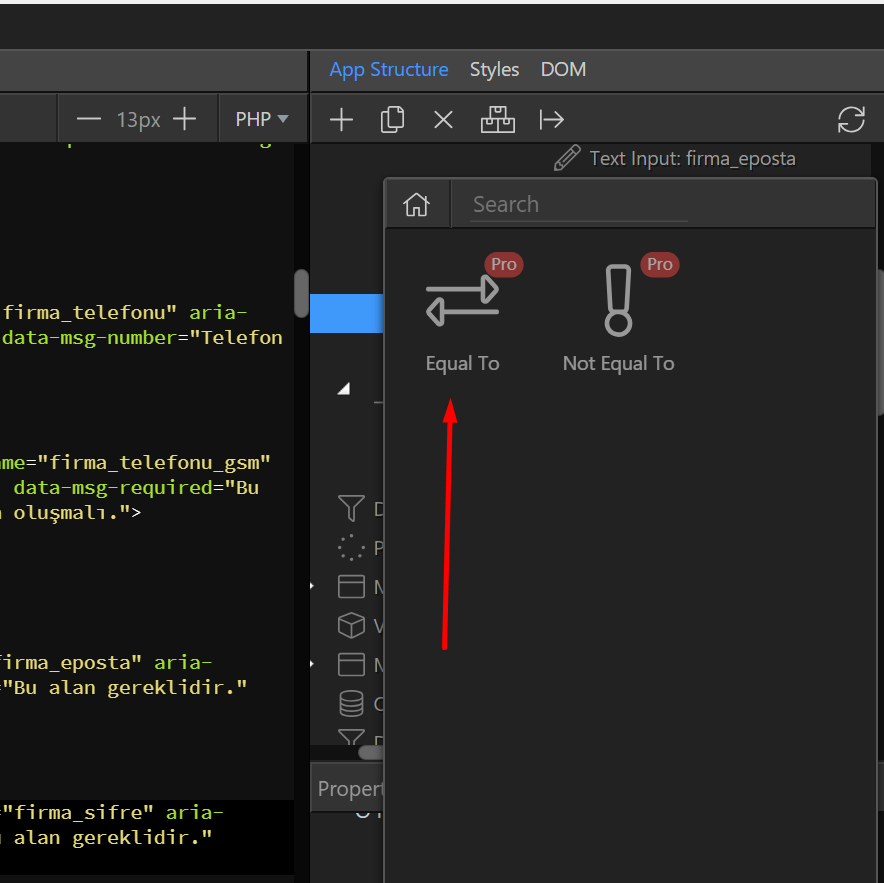
Below you can see how you can create a ‘passwords don’t match’ functionality
This is the form
<form id="formSubscribe" method="post" role="form">
<div class="form-group">
<label for="yourEmail" class="control-label">Type your email</label>
<input name="yourEmail" type="text" required="" class="form-control" id="yourEmail" placeholder="Yoyr email">
</div>
<div class="form-group">
<label for="passwordOne" class="control-label">Password</label>
<input name="passwordOne" type="password" required="" class="form-control" id="passwordOne" placeholder="Password" data-msg-required="Please type a password.">
</div>
<div class="form-group">
<label for="passwordTwo" class="control-label">Confirm</label>
<input name="passwordTwo" type="password" class="form-control" id="passwordTwo" placeholder="Confirm Password" dmx-bind:required="passwordTwo.value==passwordOne.value">
**<span dmx-show="passwordTwo.value!=passwordOne.value" class="label label-warning">Passwords dont match</span>**
</div>
<div class="form-group">
**<button type="submit" class="btn btn-default" dmx-bind:disabled="!passwordOne.value || passwordTwo.value!=passwordOne.value">Submit</button>**
</div>
</form>
Follow these steps
1.Create the form with the two passwords fields
2.Create a <span> that it will only be shown if the two ‘password’ fields are not equal
(<span dmx-show="passwordTwo.value!=passwordOne.value" class="label label-warning">Passwords dont match</span>)
3.Disable the ‘submit’ button when the two ‘password’ fields dont match
4.Make password one field required
Hope it helps, feel free to improve.
Thank you