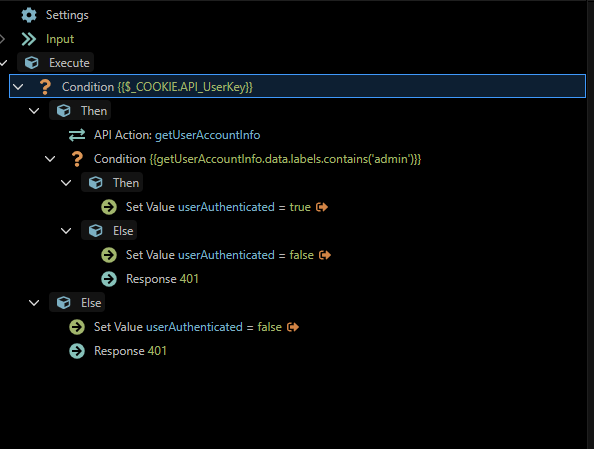
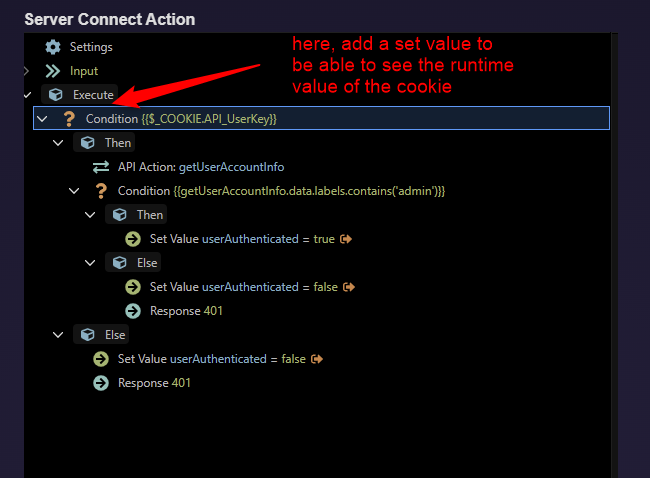
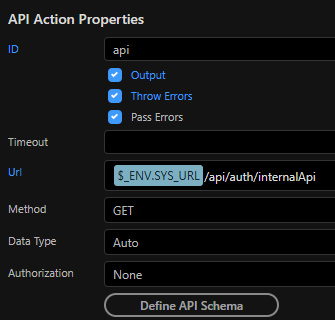
I've had this API Auth ServerConnect / Library action that checks the Cookie assigned and then it validates the cookie with data from the database to check if the user should be allowed access or not.
Recently, after updating to 7.1.1 I've noticed that the Cookie condition is completely bypassed and it goes directly to the "Else" action:
Server Connect Action
Cookie Stored in Browser
What can I do to get this working? Is the condition wrong?
Are you trying to access a browser cookie from server connect using $_COOKIE?
If so that wont work, browser cookies and server cookies are completely different entities
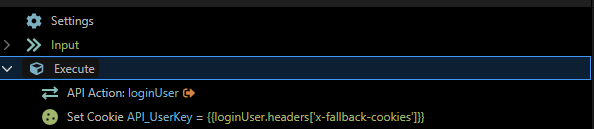
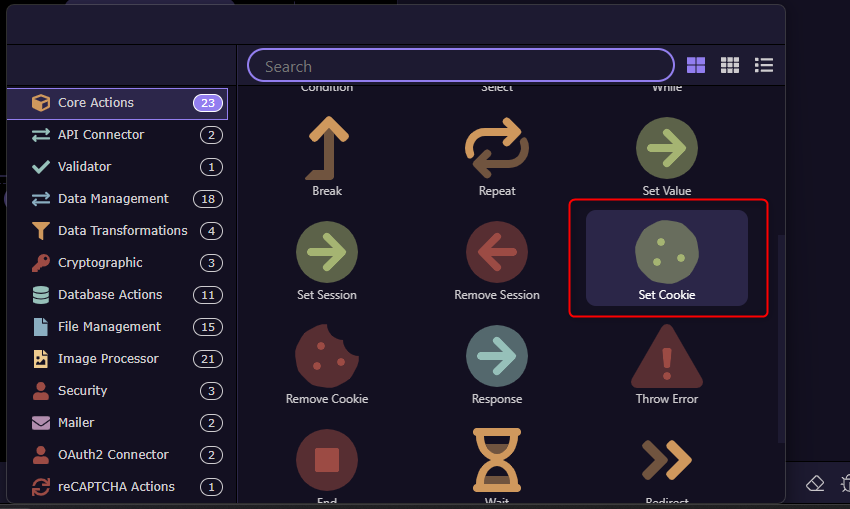
When a user logs in the Server Connect queries the Auth API and gets the generate cookie. We then set the cookie as API_UserKey. Afterwards this Cookie is what determines which user is logged in to the browser and what data is pulled from the server connect.
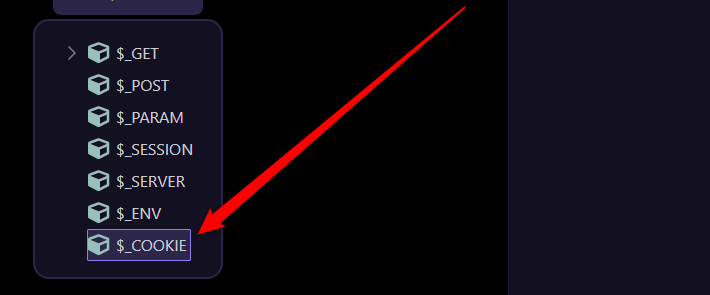
The Cookie is set inside of a Server Connect action, it also shows on the users browser under Cookies. The cookie is always pulled in from $_COOKIE never from an App Connect variable.
OK, lets start with some basic tracing
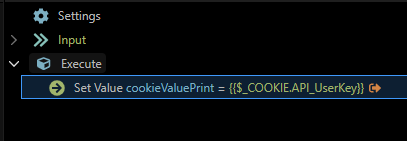
Try adding a set value stage before the condition test.
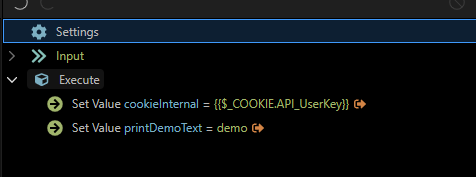
Give it a name, say cookievalue and set it to the value of $_COOKIE.API_UserKey.
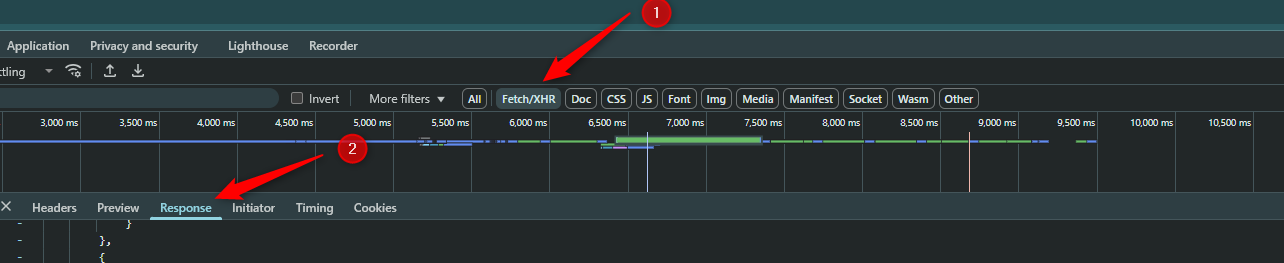
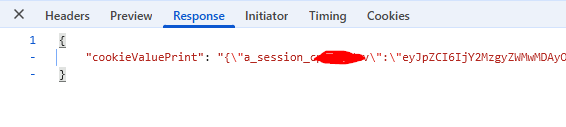
set output on and run the action viewing the API action's output in the Browser Network/ Fetch/XHR tab
What value do you see for the Cookie, if anything. If the value is null you probably wont see the set value stage output at all.
I would like to provide further context on this issue.
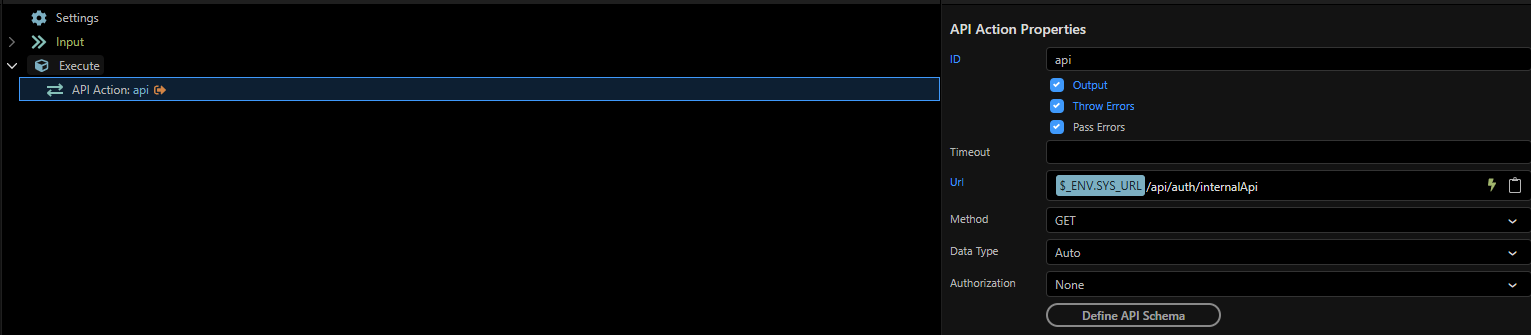
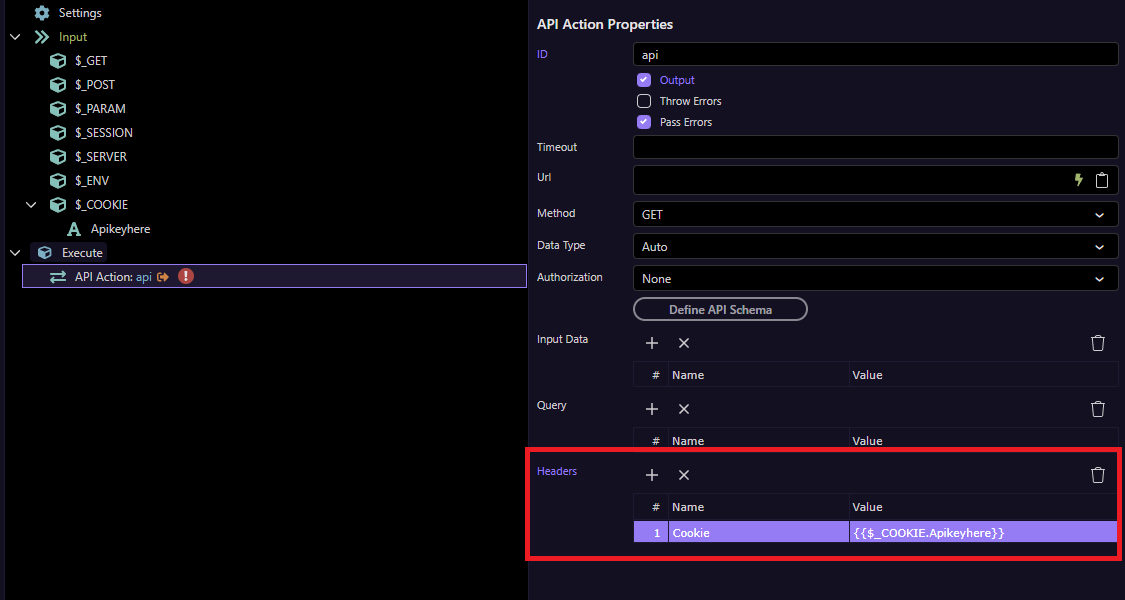
After running a few tests and moving things around, I've determined that the only time we run into this issue is when the Server connect API is being called from another Server Connect using the API Action.
Thats not what i suggested, we need to see the value read by the api via the fetch/XHR tab output to see what the value being read is immediately before the comparison, not what the stored cookie value to check it is being read correctly.
@Hyperbytes - When you say the value read, What value should I be looking for? The Cookie or the result of the Server Connect?
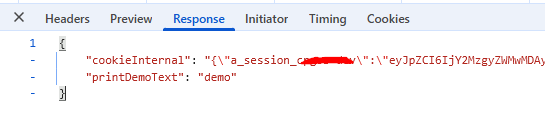
I can tell you now that when I create a Set Value variable and have it output the $_Cookie.API_UserKey variable, it successfully gives me the cookie value.
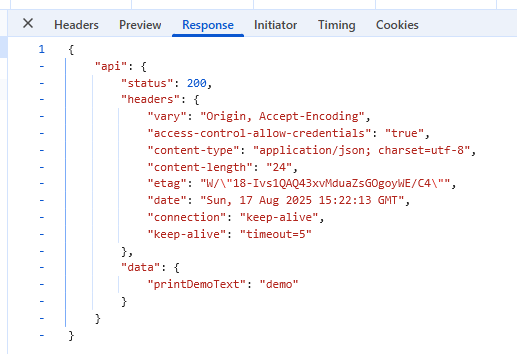
When I call internalApi directly, it does return the cookie to me. However if I call internalApi from inside another Server Connect using the API Action it leaves the cookie empty and only returns data besides the cookie value
Can you explain what you mean by calling an api from inside another api action.
Please clarify using the term wappler API action is its a server action and external API if a call to an external action. One wappler api action cannot call another if thats what you are trying to do.
This works. Although not our preferred method to making this work, it does effectively transfer over the browser cookie into the server side of things.