I apologize in advance that I am not an “super advanced user” and as such, I may not use the proper nomenclature in describing the issue.
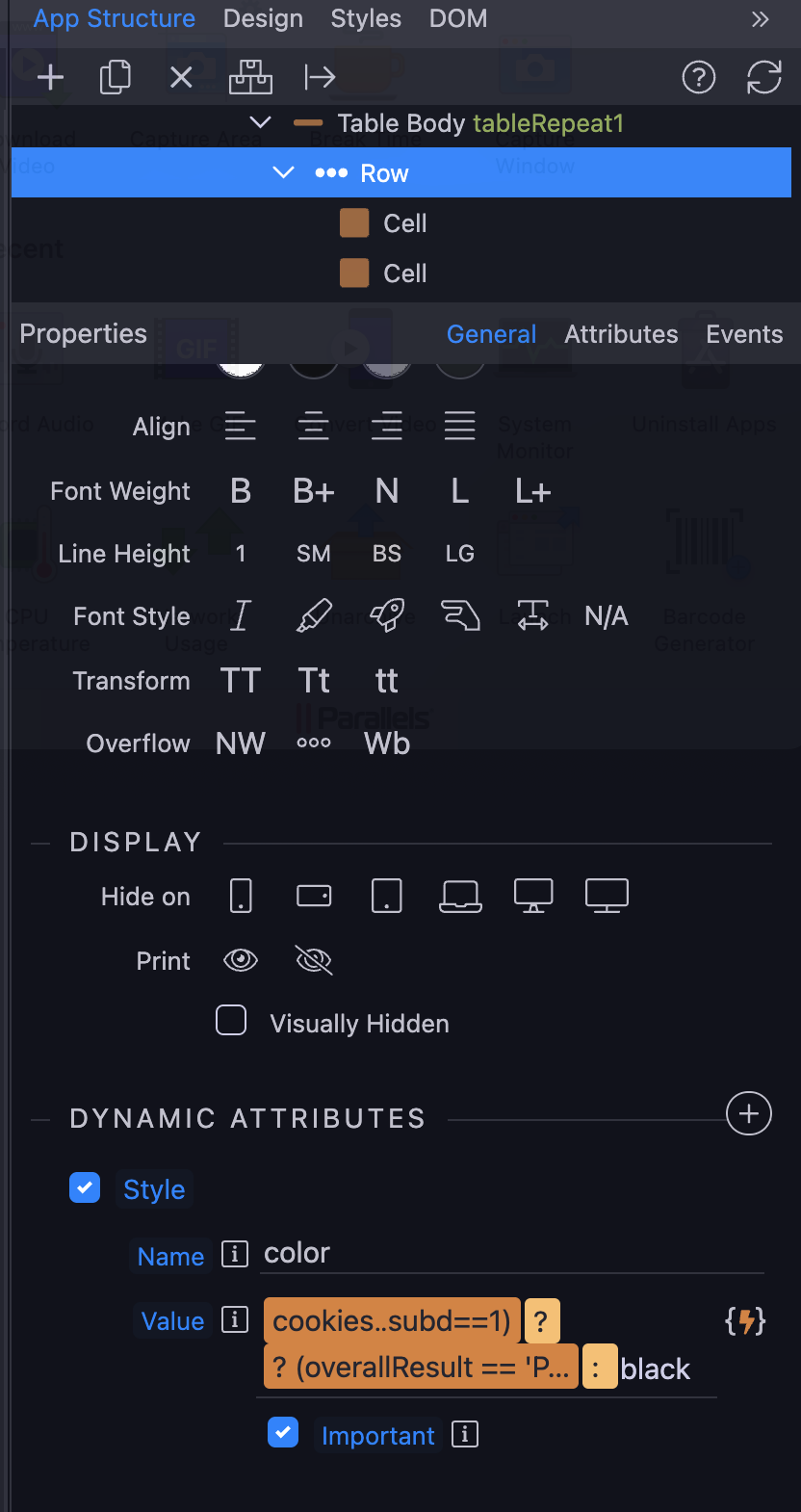
In a dynamic table, I conditionally format (with the important tag checked to override the default) the color of the text for each row. This has worked successfully in all browsers when using Wappler 5.x. After upgrading to Wappler 6, the conditional formatting does NOT work in Chrome but DOES work in other browsers. I have cleared the cache in Google Chrome and am using the latest version of Chrome.
Perhaps there is a programming/formatting change that I need to make with Wappler but I don’t believe so… because when I revert the website to the previous (Wappler 5.x) version, the conditional formatting works correctly.
Thank you for any guidance or fixing the issue (despite my explanation).
I have also experienced this. The way I got around it was to apply my dynamic formatting to the table cells individually rather than the rows. It’s not ideal but seems to work.
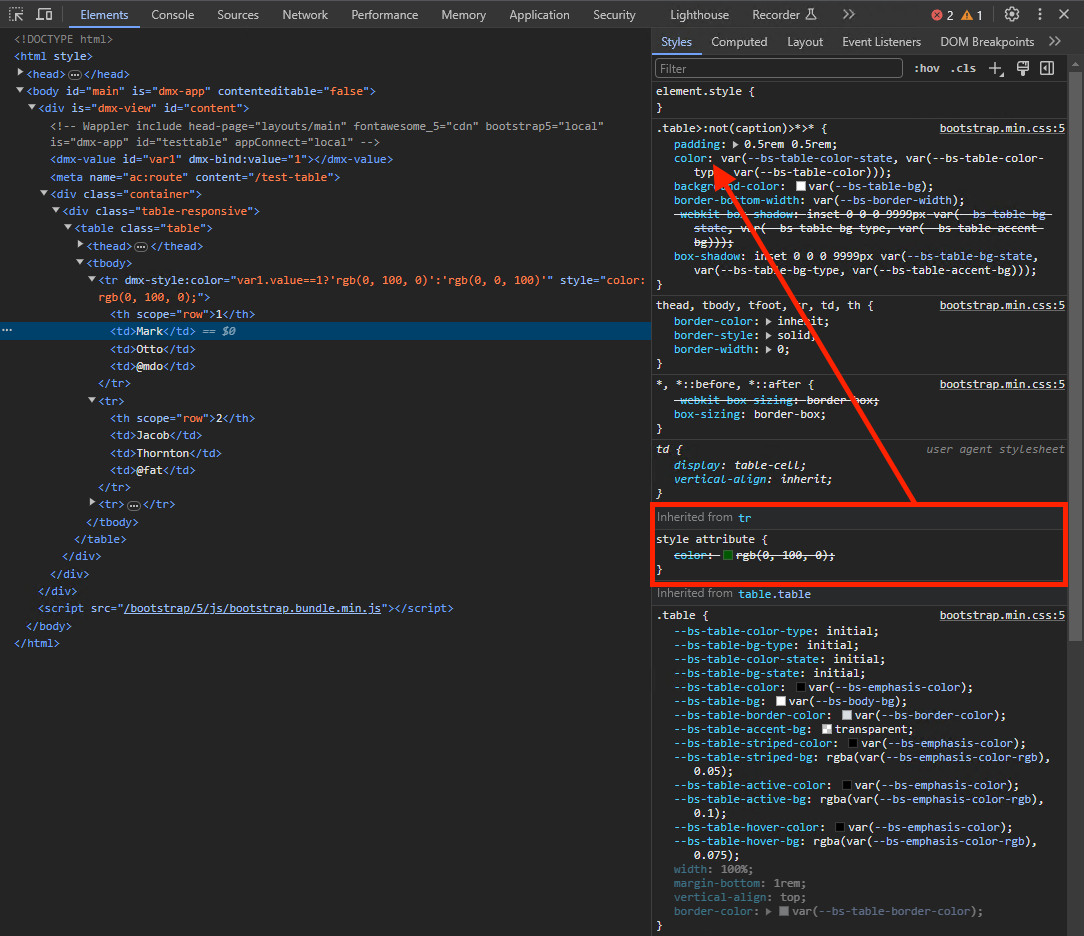
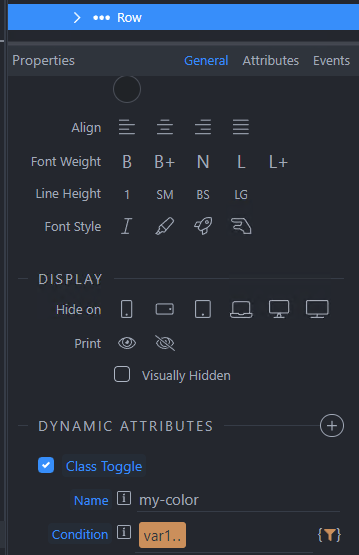
As i mentioned above, this just seem to be how Bootstrap 5.3 is handling styling. Your inline styles are getting overriden by the Bootstrap styles for the table row children:
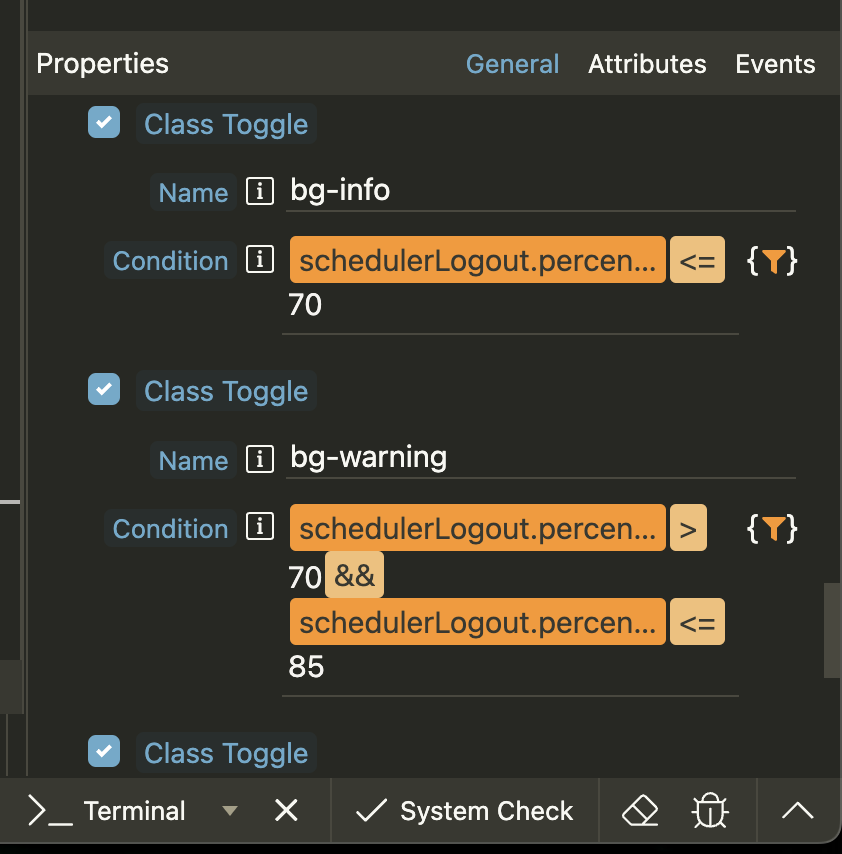
You are correct Brad. I failed to complete filling out the condition for the first class prior to trying to add another class toggle. In other words, I was impatient. Thank you so much!