sid
January 26, 2023, 11:27am
1
Looks great. Would be useful in replacing some custom formatters we have built over the years, and also replace the RunJS steps we have been using more recently.
One suggestion: Create a doc/docs explaining every single component in this new component set. Just explaining 4 out of 14 is not a good doc.
6 Likes
karh
January 26, 2023, 11:31am
2
Agreed with Sid, this would replace most of my custom formatters / runjs stuff. So a much needed component!
Just playing around with it: am I doing this wrong?
I’m expecting to see my ‘initial value’ on the page now:
luxray
January 26, 2023, 11:57am
3
Great new feature! This was always a headache for me
2 Likes
George
January 26, 2023, 12:10pm
4
Well if you haven’t add any items to it or assigned a value it will be empty of course
1 Like
Notum
January 26, 2023, 12:28pm
5
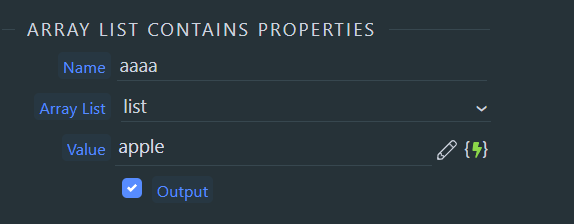
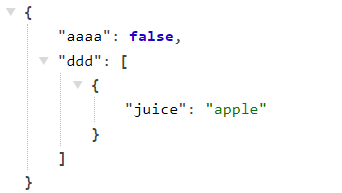
Looks like contains doesn’t work:
Teodor
January 26, 2023, 12:35pm
6
Contains looks for direct values, not properties of objects.
Notum
January 26, 2023, 12:47pm
7
Could you please explain a bit more?
Teodor
January 26, 2023, 1:02pm
8
Arrays can contain strings list:
{
    "myarray": [
        "San Francisco",
        "Boston",
        "Amsterdam",
        "Paris",
        "Tokyo"
    ]
}
or objects:
"myarray": [
    {
        "city": "San Francisco"
    },
    {
        "city": "Boston"
    },
    {
        "city": "Amsterdam"
    },
    {
        "city": "Paris"
    },
    {
        "city": "Tokyo"
    }
]
So ["San Francisco","Boston","Amsterdam","Paris","Tokyo"] (first example) contains Paris
But [{"city":"San Francisco"},{"city":"Boston"},{"city":"Amsterdam"},{"city":"Paris"},{"city":"Tokyo"}] does not.
1 Like
sid
January 26, 2023, 1:11pm
9
There is already a formatter for this. Why create a module?
ben
January 26, 2023, 2:02pm
11
Think of an invoice embedded in an email.
In other words, something that we have been asking for since the birth of Wappler.
2 Likes
sid
January 26, 2023, 2:10pm
12
Oh no, I am just talking about the array list contains module.
sid
January 26, 2023, 2:12pm
13
Wappler docs website is linked to the commmunity/forum. https://docs.wappler.io/
TomD
January 26, 2023, 2:40pm
14
I haven’t tried the new feature yet, but I have no doubt it will be very useful. However, I wouldn’t expect it to make it easier to embed an invoice in an email. Would it be very different to putting line items + some HTML into a variable, using a repeat, and incorporating the variable into the email?
Teodor
January 26, 2023, 2:43pm
15
Actually a lot easier and cleaner than using repeats, variables with global names etc.
Intro
The Server Connect Array List component allows you create and manipulate Array Lists easily with Server Connect actions. You can add items to an array, join multiple sources, remove and set arbitrary items, keep simple or complex objects or collections in an Array List. It’s also easy to use it as a string builder, when you need multi lines strings.
Basics
In order to be able to add items to an array you first need to define the array.
The Array List actions are located in the Data Man…
1 Like
Very exciting update. Thanks guys!!
Quick question:
I found that you can access the posting from the DOCS link Wappler Documentation - Working with Server Connect Array Lists
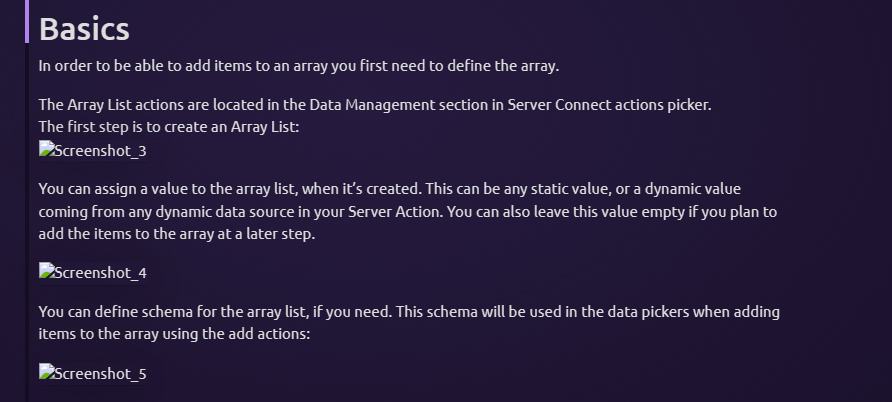
the images do not show properly. See an excerpt here:
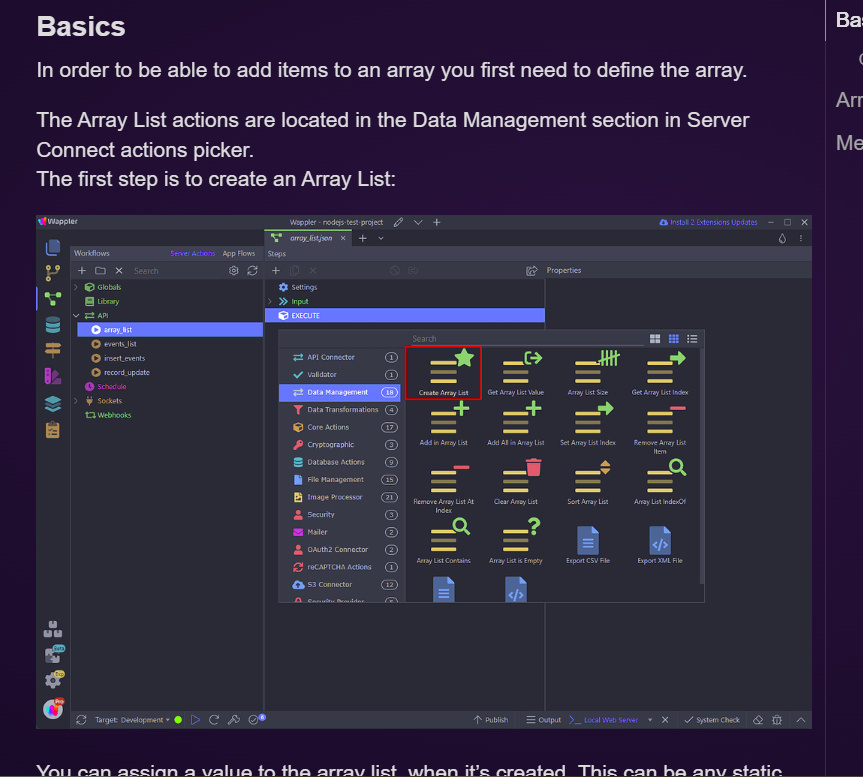
This does not happen if I access it from the FORUM using this link:
Intro
The Server Connect Array List component allows you create and manipulate Array Lists easily with Server Connect actions. You can add items to an array, join multiple sources, remove and set arbitrary items, keep simple or complex objects or collections in an Array List. It’s also easy to use it as a string builder, when you need multi lines strings.
Basics
In order to be able to add items to an array you first need to define the array.
The Array List actions are located in the Data Man…
The same excerpt looks like this;