Wappler Version : 6.5.5
Operating System : MAC OS
Server Model: NodeJS
Database Type: PostgrSQL
Hosting Type: Digital Ocean Droplet and Cloud Database by DO
Expected behavior
What do you think should happen?
When the remote project is deployed using Cloud Database it should connect and work as normal.
Actual behavior
What actually happens?
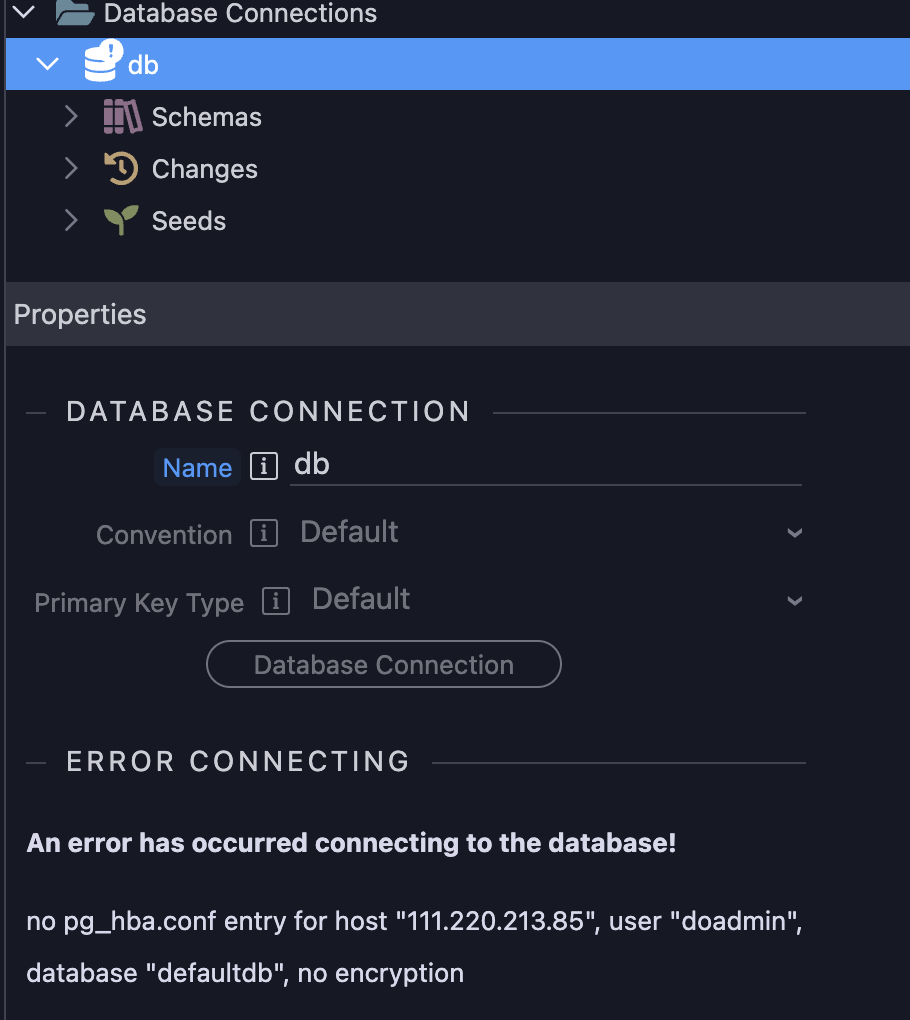
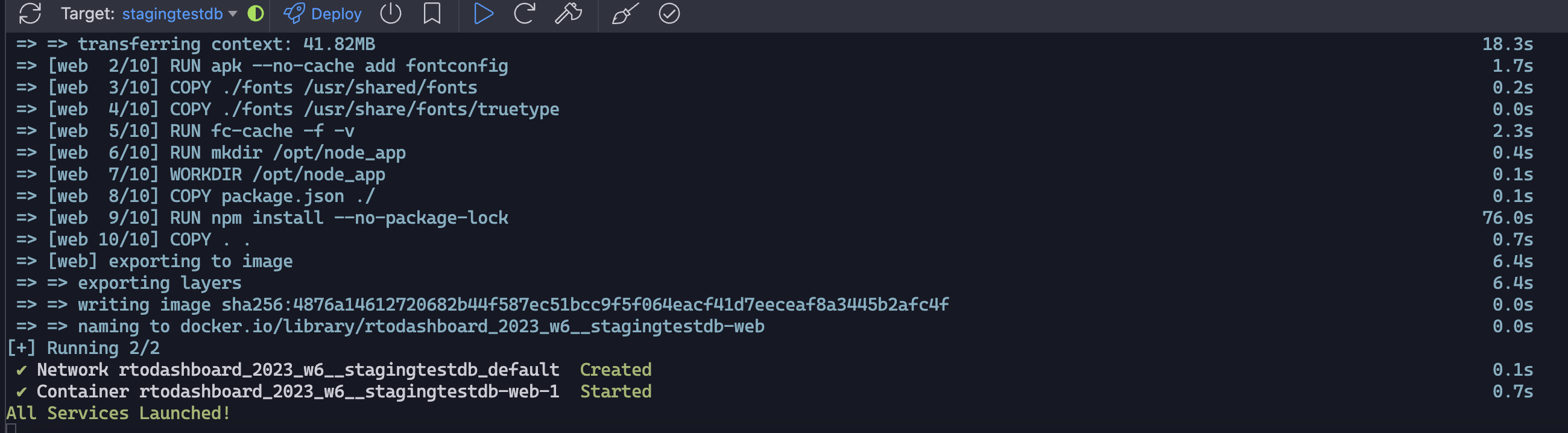
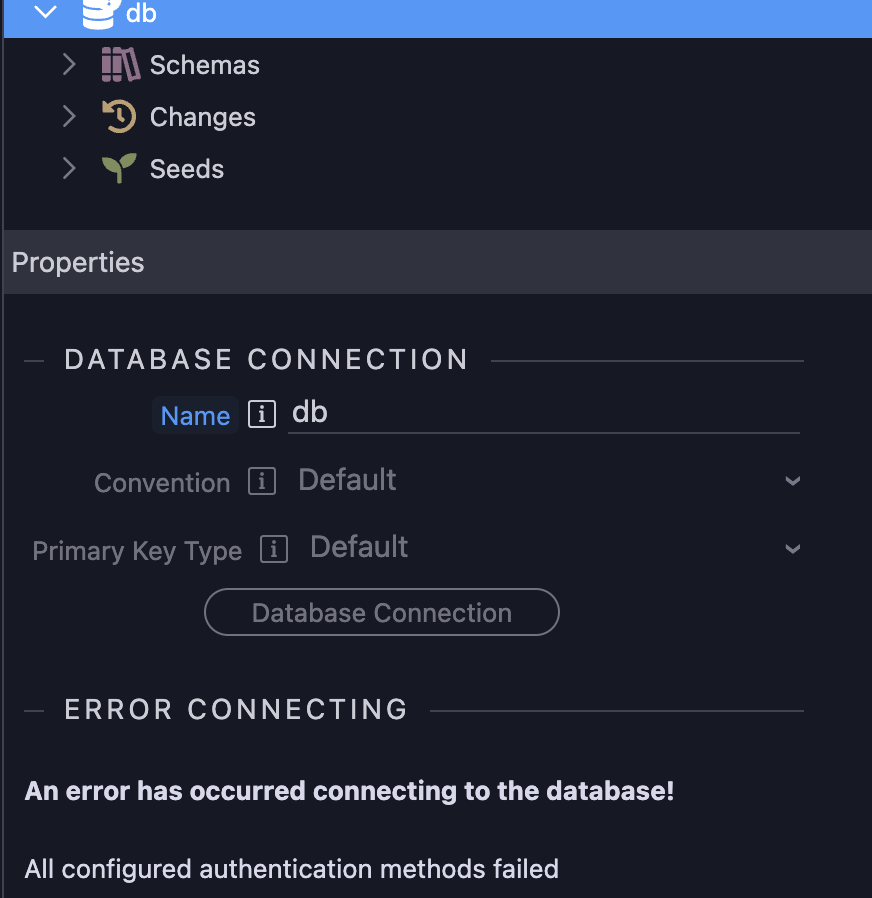
After successfully creating the Cloud Database (thanks to Wappler 6.5.5), when I deploy the remote project I get this error.
Hmm, did you also revert/set back to the settings in the original post here after you added the IP addresses? I think to take advantage of the IP setting, you also have to restrict to secure connections as shown in your original screenshots.
NOTE - I'm not entirely sure the issue is being caused by missing certs, and I'm not near my development machine to check if the following is even accurate, it's off memory - so only do this if you're trying anything, backup first and you can try this... if you download the files from DO using the second link do you see an option in your database connection settings (after toggling on require SSL) where you can select or choose your certificate files? If so, choose the files you got from DO (unzip if needed), save, and try again
Have you tried connecting to the database outside of Wappler (using whatever db management app is free and easy for you to install on your machine)? If you don't want to try that first, you can just create a new blank Wappler project and set up a connection to the existing database to see if that works. These things would narrow down for me what went wrong; someone else may chime in with a clear and direct answer so feel free to skip all the above.
I did download the SSL and tried connecting to the database on the local target using Wappler and it worked fine. But I want to use it for remote target. I would think that if the database is created using the resource manager it should handle the SSL/encryption as well.
Do you know if I can add the SSL manually to the remote target?
This was solved in the recent update of Wappler 6.6.0 and 6.6.1
Now you can fully choose to use SSL that is needed for Digital Ocean Managed Databases.
It is also automatically selected now when you choose a DO managed cloud database in your target settings.
Also in resource Manager, the required CA Certificate files are automatically downloaded. When creating new managed database clusters.
For existing ones, you can refresh them in resource Manager from their context menu, refresh and then the CA file will be also automatically downloaded.
Then just reselect them in the project targets to auto apply the SSL options