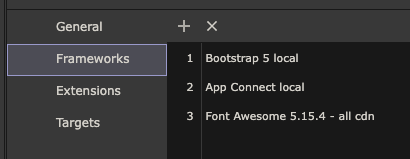
Hi guys, for some reason my FA icons stopped showing on Wappler local server. They show up fine in Wappler and Live server but just not on the local server. They were working fine. No idea why they stopped on all of my projects.
I have been using an old version of FA that I purchased back in it's kick starter days.
I would just like to change that to FA Local so I don't have to change my million icons manually.
I can change the Framework in the settings and on the page but when I do that it just shows a box where the icons should be. It's like the local icons are not being generated and available.
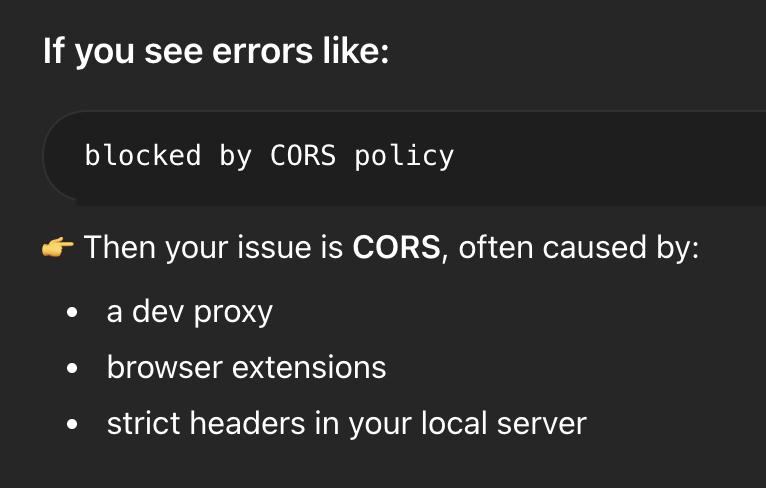
I get the following error in Dev Panel
Any help on switching from CDN to Local would be appreciated. Thanks.
They aren't content pages, they are just straight up PHP files. I think something has changed on the local server last update. This is what I get from ChatGPT: