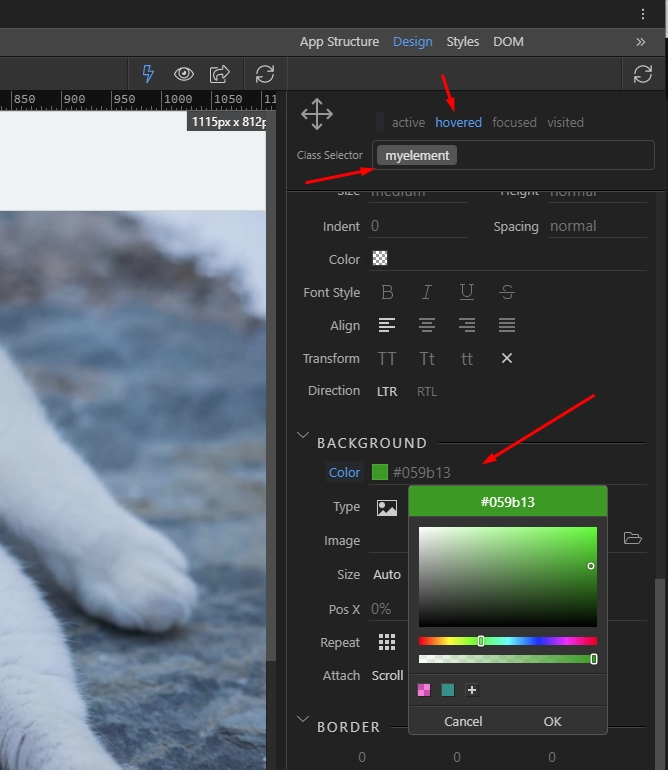
Must be having a brain freeze, i can’t remember for the life of me how to do this in wappler.
Anyone give me a quick refresher.
Hello,
<div class="myelement">Content ... </div>
.myelement:hover {
    background-color: #444;
}
cheers buddy, I knew it was something simple 
For more options/control, there is a ‘Wappler Way’ - by applying the Style dynamic attribute to the div and setting the style value dynamically (variable or database value etc.) using a mouseover event.
(For most most purposes Teodor’s solution is the answer.)
2 Likes