Formatted and re-installing apps on my macbook.
Accidentally logged into wrong account and not the current active one.
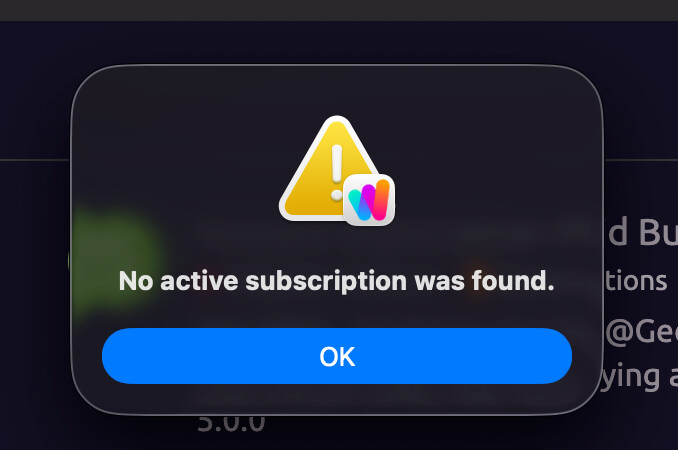
Now Wappler opens with this image:
When clicking ok Wappler closes and I cannot get in to change the account.
Is this a bug? How do I open Wappler to login with correct account that has subscription?
Try uninstalling with appcleaner and clean my mac, but Wappler stores the login state somewhere that I cannot easily find.
Please let me know where in library to delete what to reset the login state on Wappler
Teodor
June 30, 2026, 5:42pm
3
Simply right click the Logout and Quit from the system tray icon and log in again.
There was no icon in system tray, but was able to get in using an older version of Wappler. Log in and then installed the current version. All sorted. Thanks