Wappler Version : 7.9.1
Operating System : Windows 11
Server Model: NodeJS
Hosting Type: Docker (maybe all)
Expected behavior
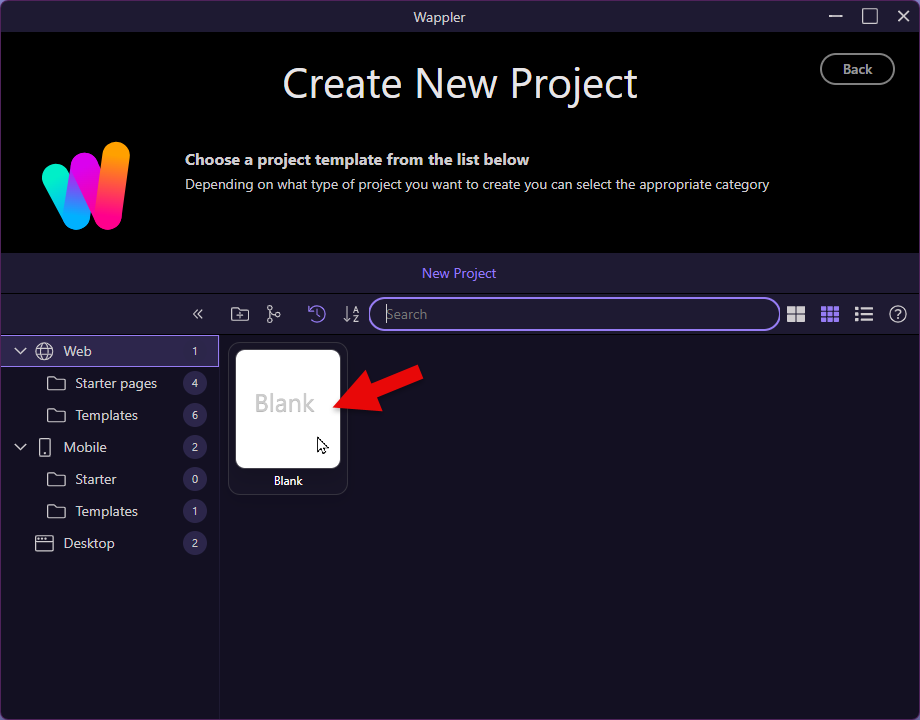
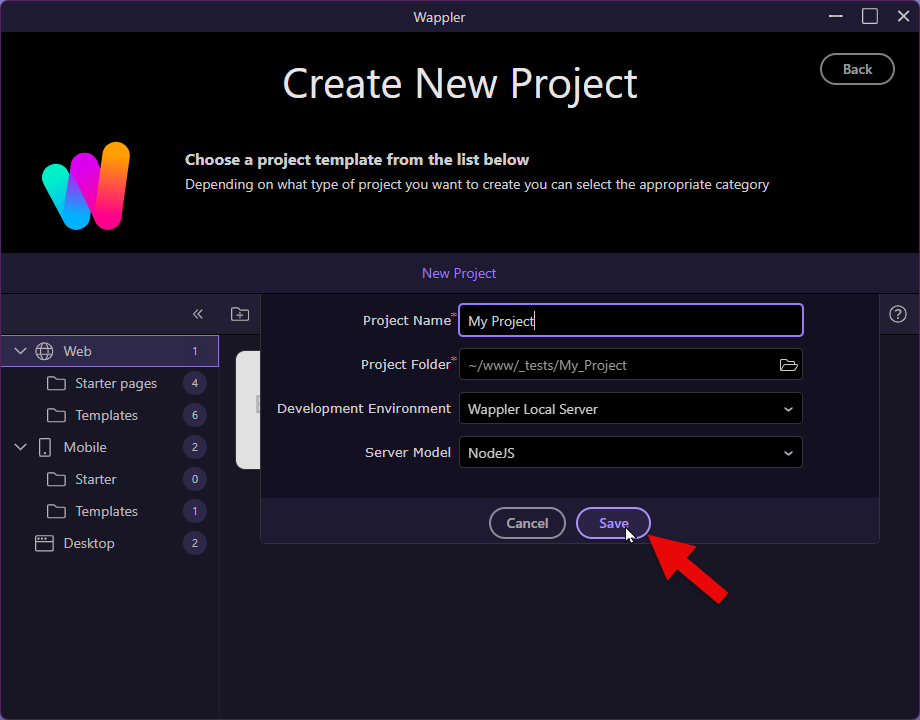
Create a new blank project that creates a layout and an index page
Actual behavior
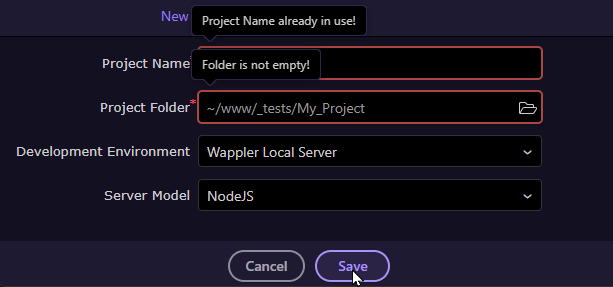
Nothing happens until Wappler is refreshed and even then, there are no pages that have been created
How to reproduce
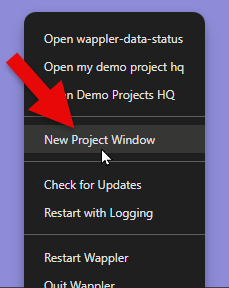
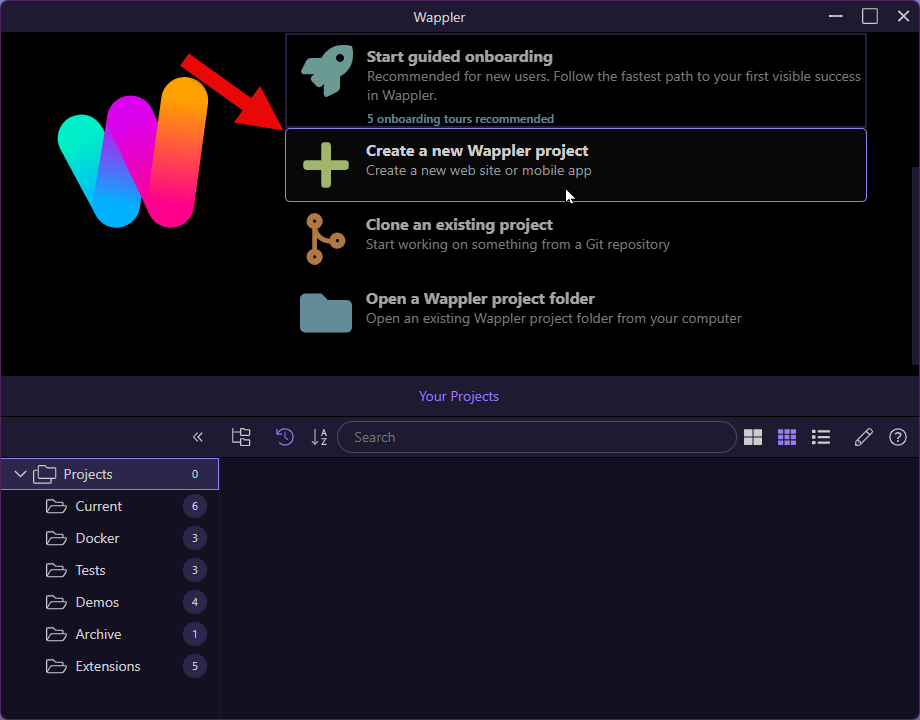
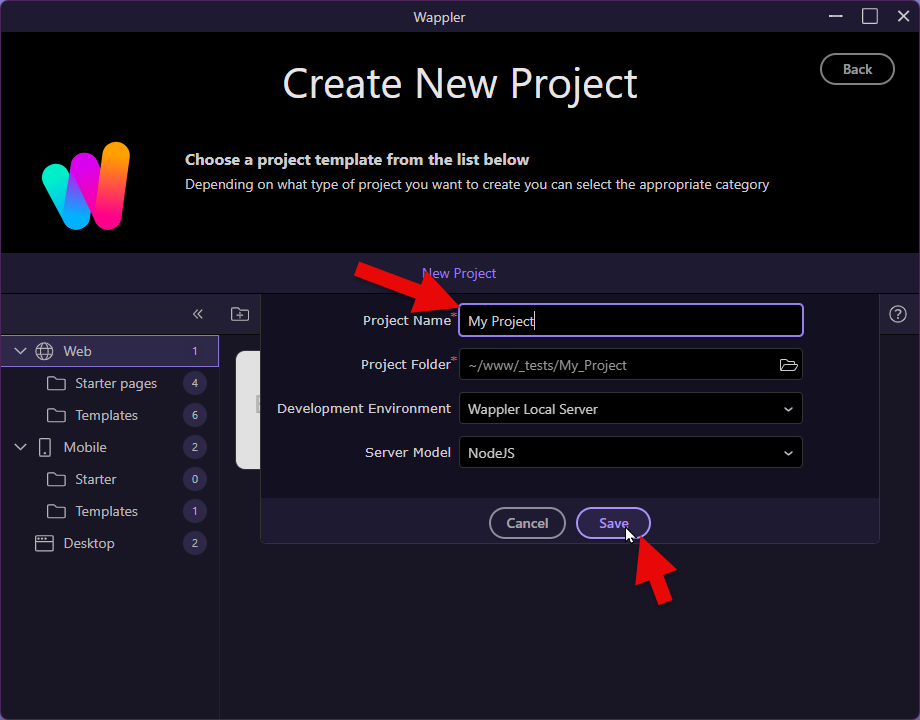
Create a new project as normal
Delete the new project and close Wappler
Delete the new project folder using Explorer or similar
Open Wappler
Create a new project
In fact, this could also happen when Wappler is newly installed, i.e. anytime Wappler is installed for the first time. The only difference is that steps 1 - 3 are not required.
Yes, that is correct. But I also had an occasion where I deleted Wappler and the associated AppData files (in other words a whole new installation) where exactly the same happened.
I am having the same issue on Mac. It actually creates the project files but fails to load the project it just stays static on the new project screen. Then you try click “save” again but obviously it wont because its already been created. This has been an issue for the last few builds