Cannot connect to API that requires multiple security keys

Hi All

Sorry newbie here and can’t seem ti find any documention for connecting to APIs thst require Multiple keys
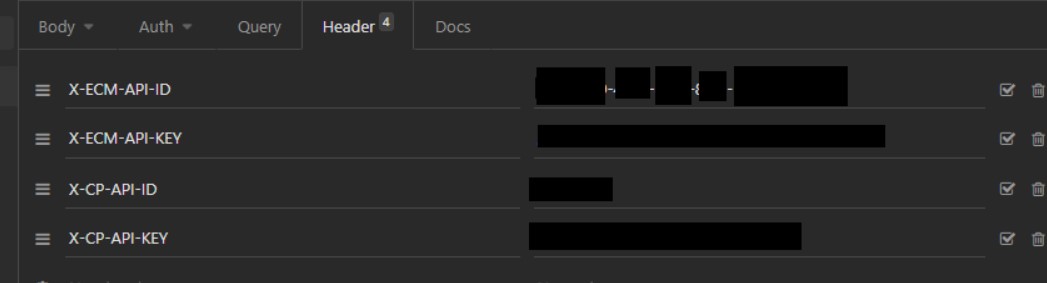
,Im trying to connect to an API that require. The following security keys to be able to access it:

X-CP-API-ID: xxxx-xxxx-xxx-xxx
X-CP-API-KEY: xxxxx
X-ECM-API-ID: xxxxxxxxx
X-ECM-API-KEY: xxxxxxxx

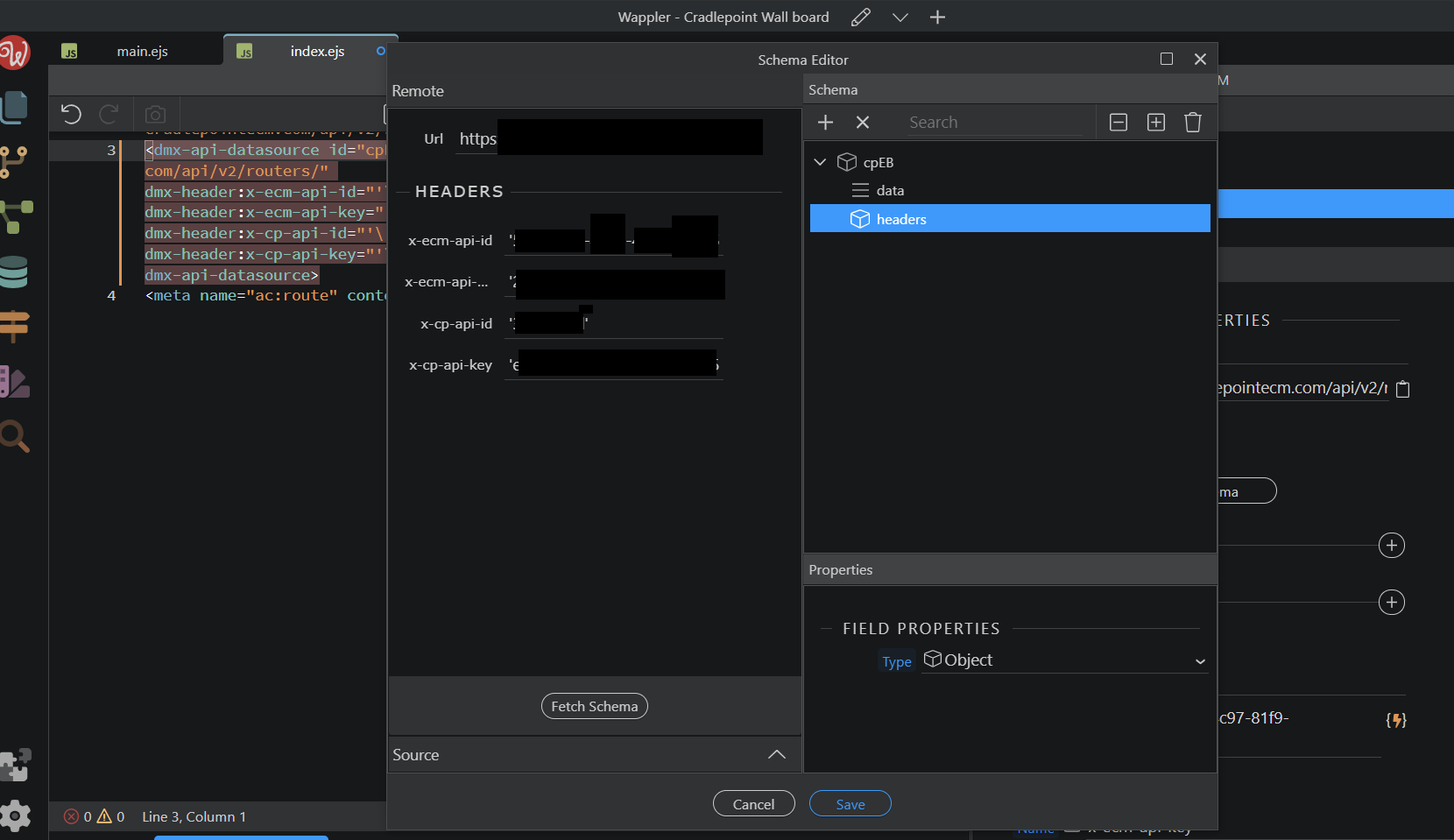
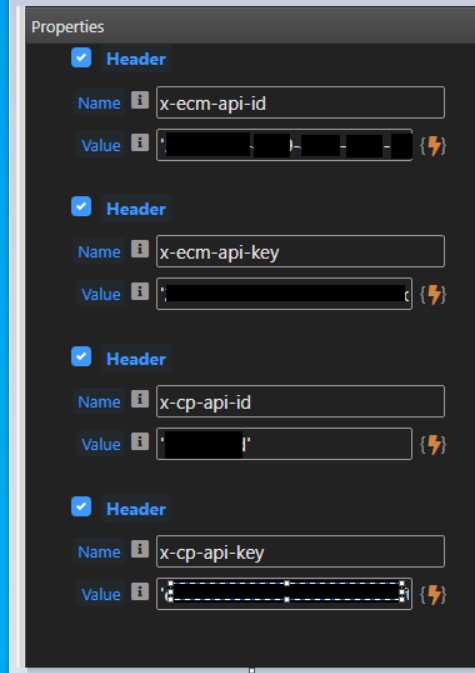
I have tried API action and API data source, and tried putting each one as it’s own header, tried all under 1 header but still get a 404 error, can see a credential tick box thst seems new but I’m not sure how this works, can anyone advise what I am doing wrong?

Thanks

Have you tried postman or Insomnia? Get it working there first then port

Hi

I have tried both Postman and Inmomnia and have no connection issues.

However, still does not work when trying them as headers on Wappler (I still get a 404 error)

This is a “page not found” error, not an error caused by missing or incorrect headers. Triple-check the URL :slight_smile:

1 Like

Which component exactly is that and are you sure this is a screenshot from Wappler?

Hi Sorry That is a screenshot from a Dreamweaver extension I was also trying, I got my screen shoots mixed up, here is the actual one from Wappler

So which component in Wappler are you using exactly?

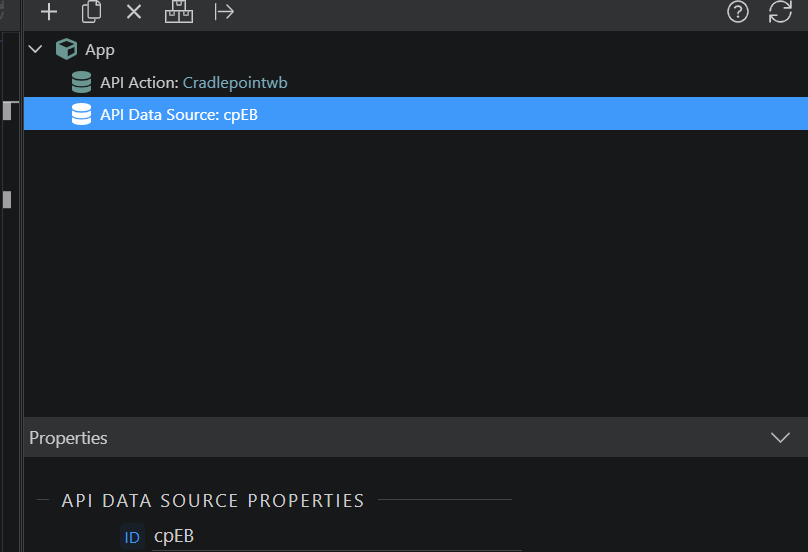
It’s API data source

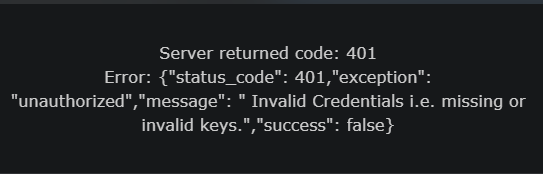
Sorry meant 401error, my bad :slight_smile: image

From what I can determine from your graphic, you’re attempting to connect to this remote API from the client side webpage rather than a server connect.

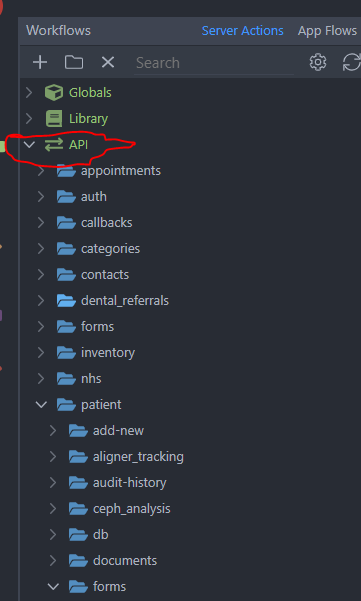
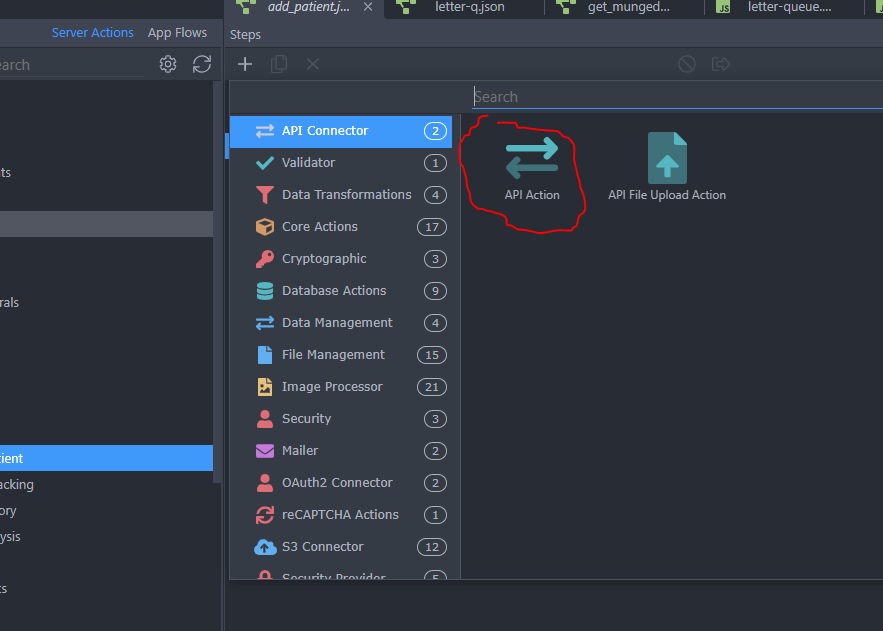
If that’s the case then you need to create a server action under the API and add an API action there
I doubt it will work from the client web page and would be very insecure if it did.

That worked

Thank you , for all your help :slight_smile:

1 Like