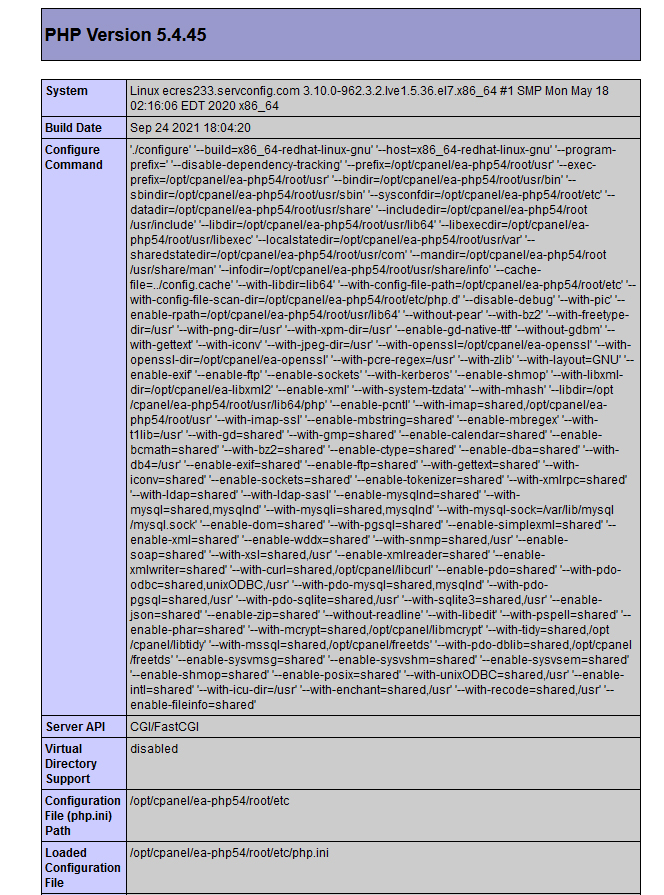
Again dont think its a bug if its working on localhost… But maybe somebody can give me a heads up why it will go all pear-shaped online… i even changed passwords and usernames on the database online.
Its a older site that I upgraded to by using the request to update files via Wappler.
OK I can confirm if I copy BACK the “OLDER” dmxConnectLib then it all works online again.
So weird… but yes … just replacing it with the older “dmxConnectLib” from a backup it worked online
Ok … if i use the older Connection.php file it works as im using php 7.2.34 .
I have checked online there is no ini or htaccess forcing 5.5+
It could be very specific to this server…
Can you please check this in your php.ini and confirm this by checking the phpinfo() ?
Create a php file named info.php and place it in the root of your site (upload to remote server).
Add the following content inside it
@Teodor… no the server needs to upgrade… but thanks for the offer
Im busy making the sites on my side compatible to the latest version of wappler… so forward and onward as they would say …
PHP 5.6 is the minimum version required for Server Connect.
PHP support vor PHP 5.6 ended in 2019 and currently PHP 7.3 is the minimum version supported. This means that there are no security updates for older PHP versions and I would advise to at least update to version 7.3. With Server Connect we will support 5.6 for a little while for the users that are still running on it, but I would advise on upgrading to 7 or 8.
Yes 100% that i understand… what got my was the sever said in cpanel ver 7.2php *see above)… but the info() said 5.2 hence the confusion… thanks @patrick … im not sticking around with those… i am updating all the time…
** so i guess you can move this out of the bugs section as its not a bug…


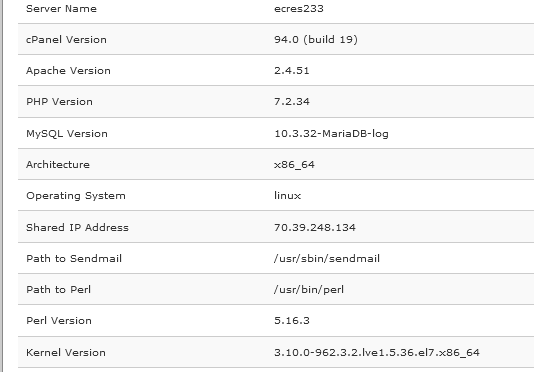


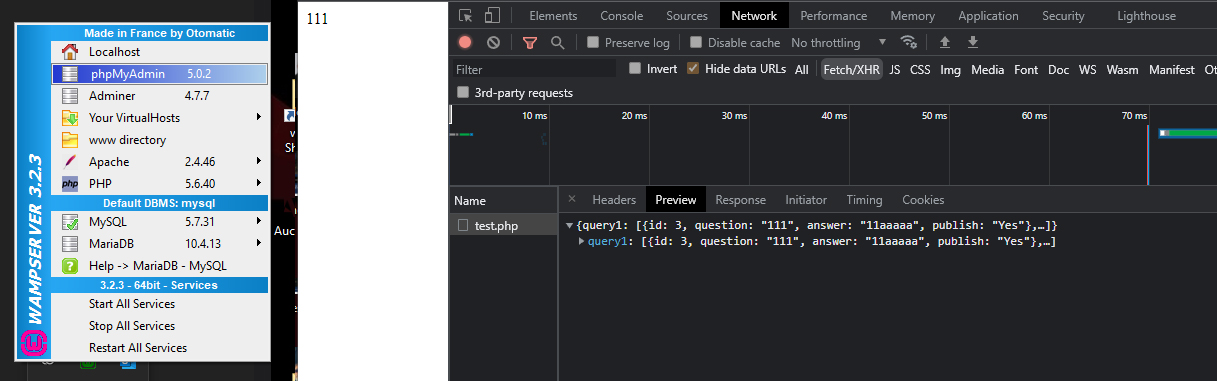
 maybe the server shows 7.2 but the info might bring something else up… weird as monkey nuts in the city of Jozi.