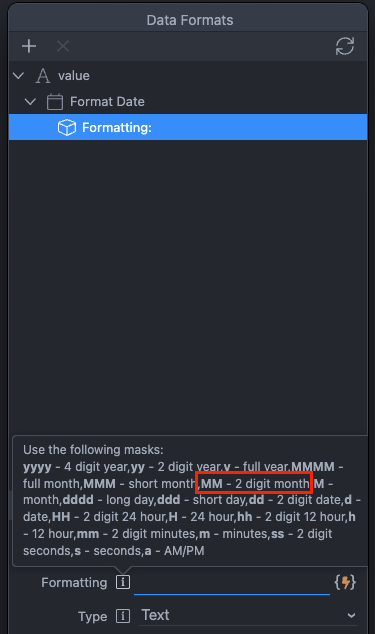
Hi everyone, by clicking on a date in the calendar, I can see the result of the event correctly, but after formatting in dd/mm/yyyy the month is always 00.

Hi everyone, by clicking on a date in the calendar, I can see the result of the event correctly, but after formatting in dd/mm/yyyy the month is always 00.
Thank you, I take the opportunity to ask you one more thing.
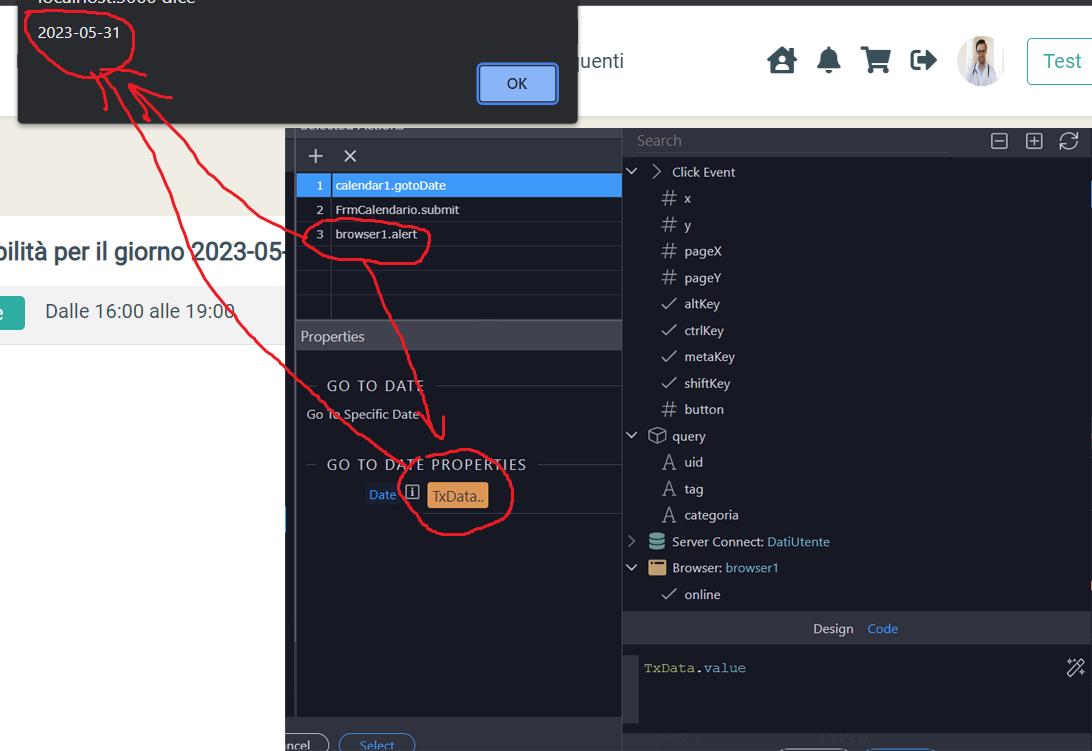
After submitting the form I entered the event to position the calendar on a certain date but nothing happens.
I also inserted an alert to see that the date is correct and there doesn’t seem to be any problems
Not sure i understand what you did exactly and what is the issue?
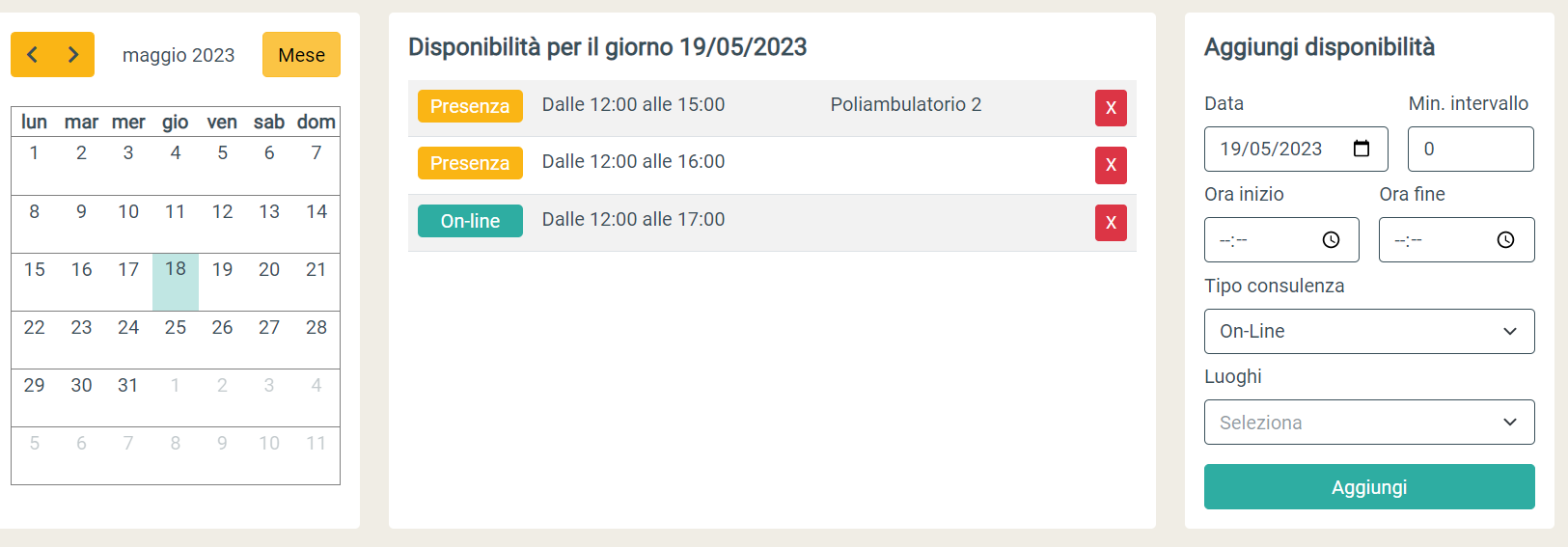
I have a form that the user uses to add an event.
After submitting I should position the calendar (Go to date) on the date entered by the user via the data pitcher present in the form but nothing happens, or rather the calendar does not seem to update.
Can you post the code of the event you are using, as in my tests it works fine?
<button id="btn1" class="btn btn-secondary align-self-xxl-start w-100" dmx-on:click="calendar1.gotoDate(TxData.value);FrmCalendario.submit();browser1.alert(TxData.value)">Aggiungi</button>This should work fine, at least works in my tests. Do you have a link where i can check your page?
No unfortunately, I’m still developing locally.
However it is not a problem I will mark it in the list of things to fix.
Thanks for the support