New to Wappler and I have just started building my first project today so I am super excited.
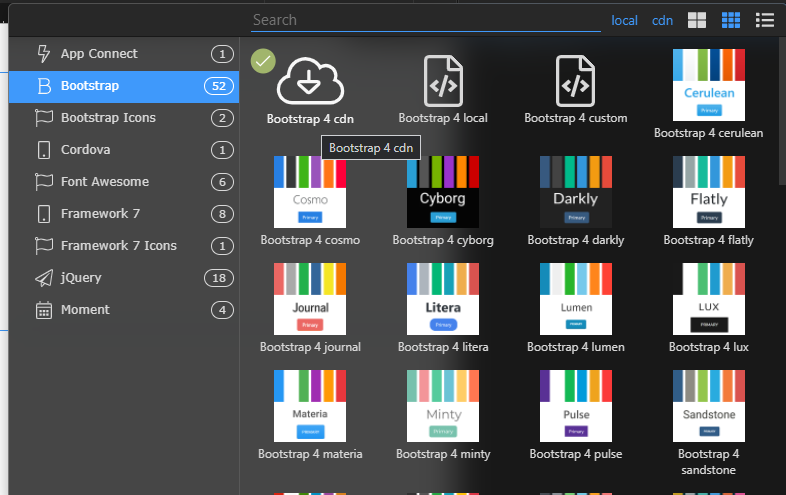
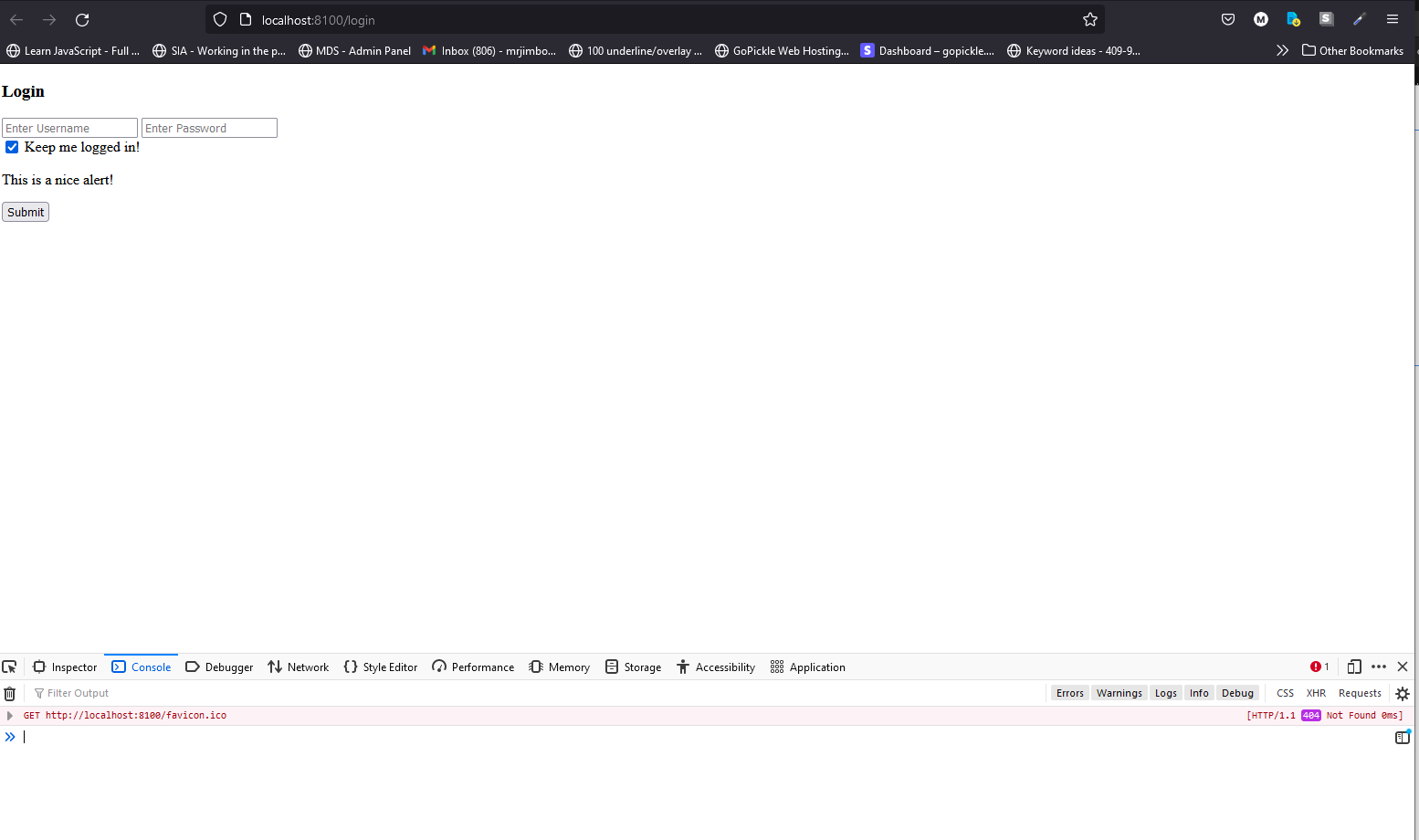
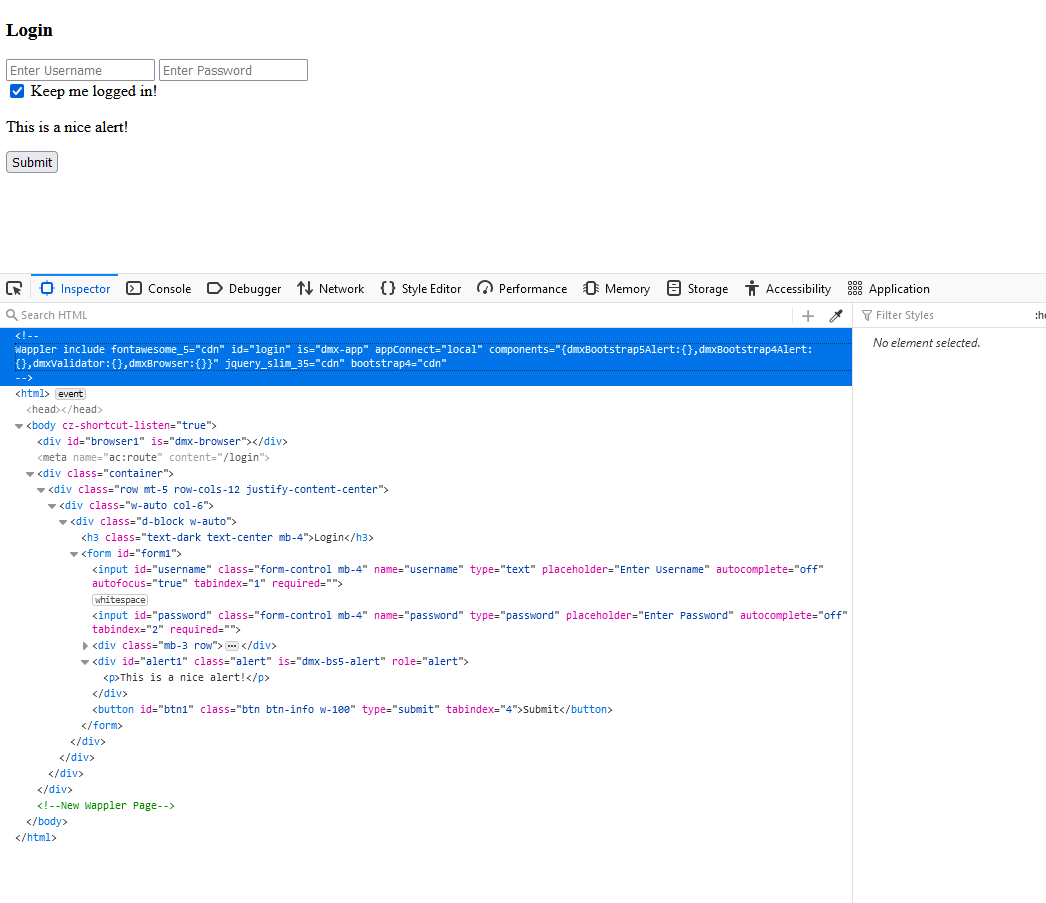
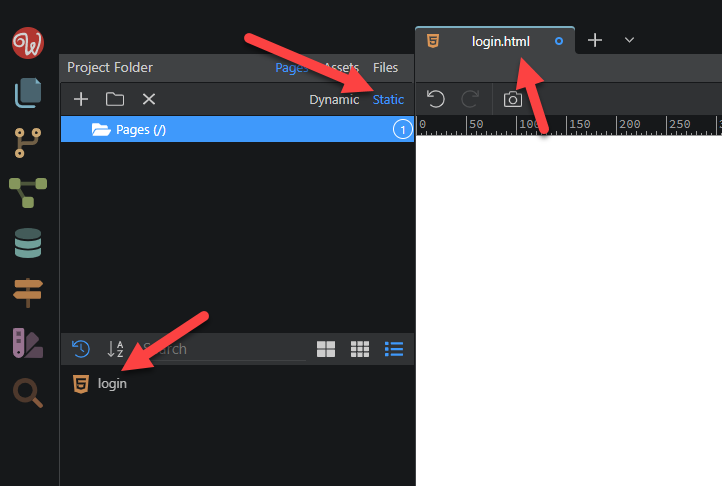
Upon creating a login page using BS4 CDN, it looks perfectly fine in the design view and DOM view, however on browser preview, it seems the BS4 CDN isn’t being added.
I will also add that, routes seem to be setup correctly, I have also tried, re-deploy the docker instance, and restart services. Also as per a similar post issue, I went to target and clicked save, the re-deploy with no change.
There are not really any errors related to Bootstrap files. Something else must be wrong - when you right click the page and click show page source, do you see the Bootstrap css/js files in the source code?
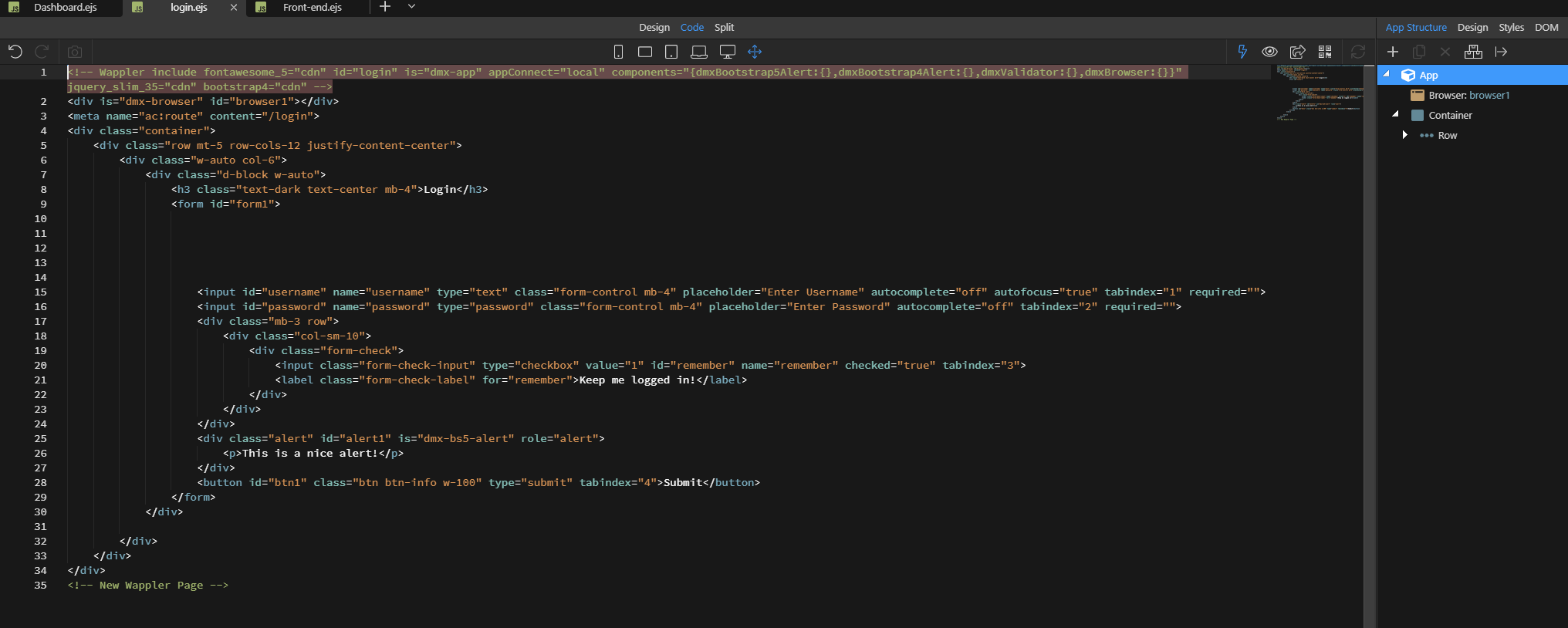
That has fixed the issue Thank you, I didn’t select a layout for the page. So with NodeJS each page must have a layout page?
Due to the login page being nothing more than the login form, I wasn’t going to use a layout page. I planned on using a layout page for the dashboard and frontend to include headers, footers, navs etc