Block browser from automatically filling in input fields

Hi everyone.

I imagine it's not something directly related to Wappler, but rather to best practices or HTML features that I don't yet know how to implement. I'd like to block browsers from automatically filling in certain fields, especially password and email fields, which are usually auto-populated with data saved in the browser.

Does anyone have a solution to prevent this from happening?

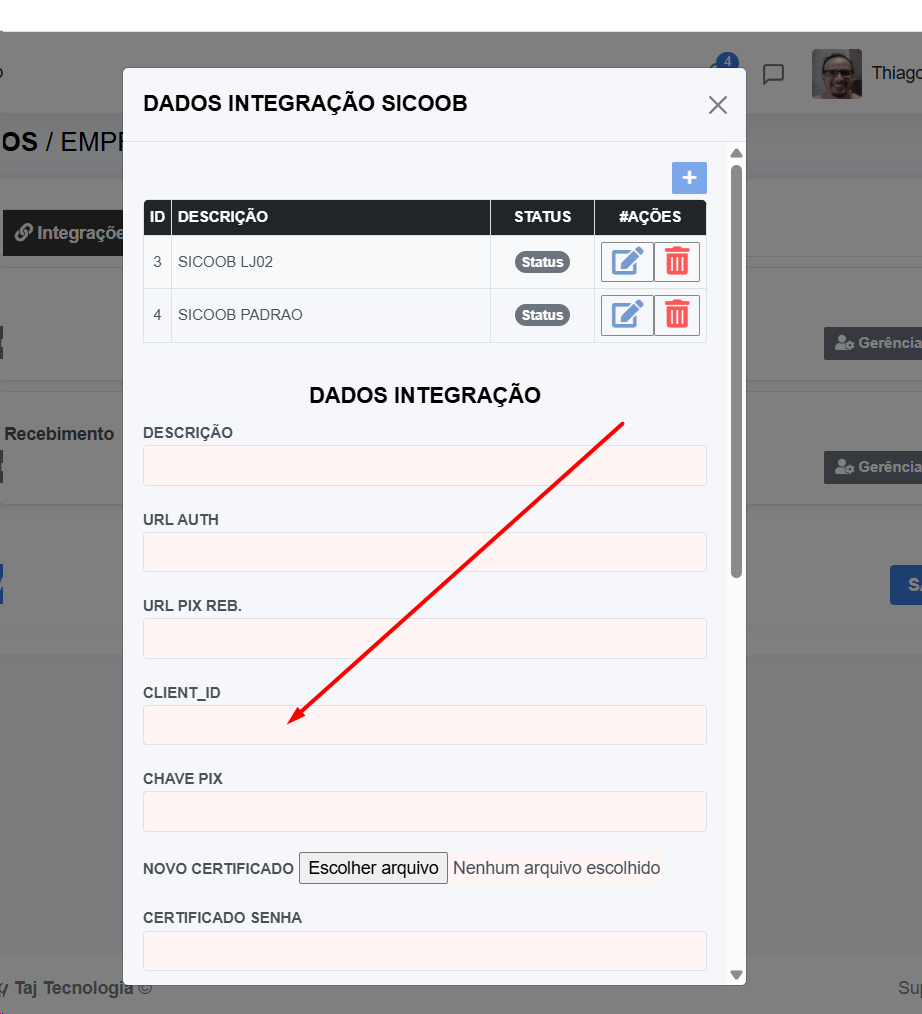
In this example, when I opened the form, my email and a password saved by the browser were already pre-filled.

Hey @Thiago_Toneli

Try setting autocomplete="off" like:

<input type="text" id="inp_email" name="email" class="form-control" placeholder="Email" is="dmx-input" autocomplete="off">

But if your question is about credentials, it's up to each user to configure it as they want.

It seems you have now saved it and it will suggest it every time..
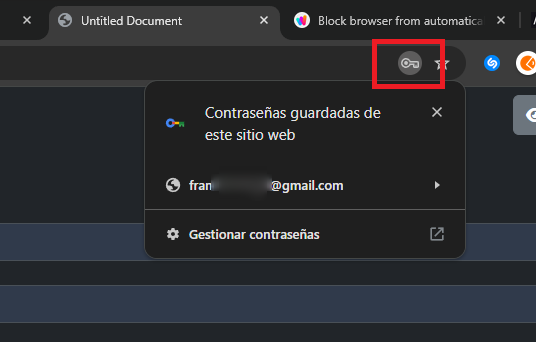
You can configure it by clicking in the key icon:

Hello friend. @franse

I had already tried setting autocomplete="off" in the input, but even with this feature, when I open the form it fills in again. I would like to block autocomplete permanently.

It's a native thing from the browser.. If user chooses to save it, then it will be saved:

Maybe as a workaround, you can try changing the name and type of the input, instead of name="email" change it to name="myinput"and instead of type="email", use type="text" and validate it to use it as email input type from the validate attribute option..

Note: if you change name="email" you'll need to change the behavior of the backend too because that input won't be sended anymore as "email", instead, it will be now "myinput"

You can add autocomplete="off" directly within the form tag as well.

<form autocomplete="off">

Most browsers will still ignore that though, especially Chrome..

In my experience, giving your form fields a completely obscure id and name especially on log in forms will prevent it as it cann't recognize them as login and password inputs.
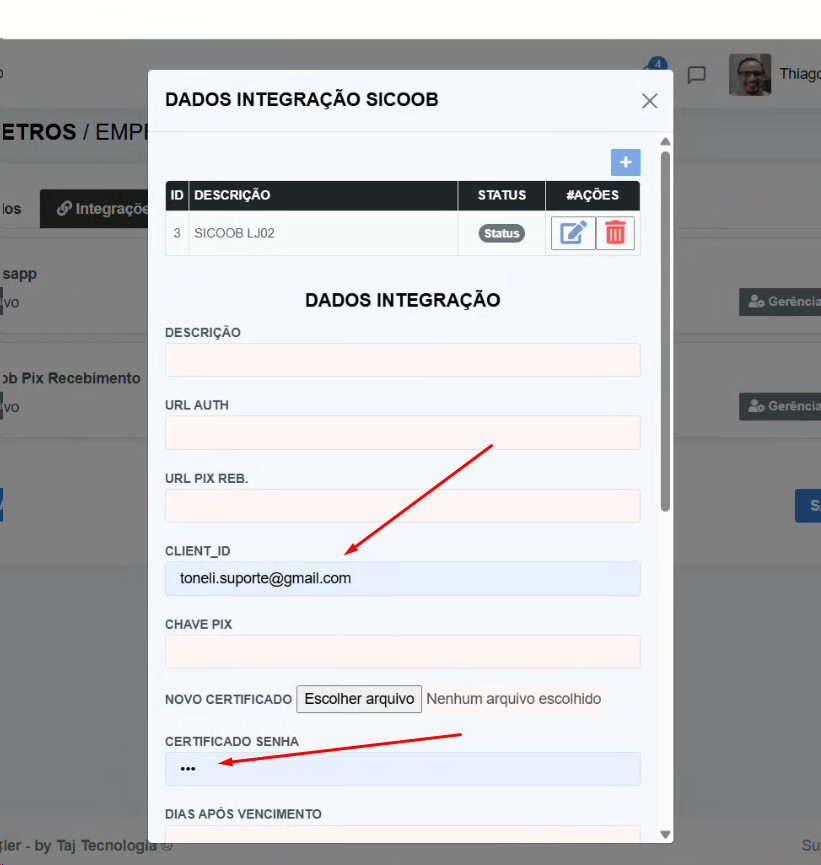
I did something that apparently worked... but it's not something it was designed for.

I set the input to 'readonly' and then added a 'Static Event' action to input.focus with this command:

"this.removeAttribute('readonly')"

It seems to work. An interesting alternative.

Here, 90% of our clients use Chrome....lol

I was looking for a definitive solution.

There is not one. Just hacks unfortunately.

Browsers are stubborn, so developers often combine multiple strategies.

  1. autocomplete="off"
  2. autocomplete="new-password"
  3. a fake, hidden field before the real one -
    browsers often autofill the first email/password field they detect.

e.g

<input type="text" name="fake-email" autocomplete="username" style="display:none">
<input type="password" name="fake-pass" autocomplete="current-password" style="display:none">

<!-- Real fields -->
<input type="email" name="email" autocomplete="off">

Summarising conversation history....

:rofl:

I found a solution. It worked very well here.

Inside the Form tag, I placed all the components inside a 'fieldset' and conditioned it to be 'disabled' until a "var" had the condition =='F'.

I use this 'var' to control when a 'Column' has the status 'Show'.

It worked perfectly here.

<dmx-value id="var_tela_crud_sicoob" dmx-bind:value="'F'"></dmx-value>

<fieldset class="order-10" dmx-bind:disabled="var_tela_crud_sicoob.value=='F'">

<div class="form-group mb-3">
     <label for="inp_client_id" class="label_padrao">CLIENT_ID</label>
     <input type="text" class="form-control" id="inp_client_id" name="client_id" dmx-bind:value="sc_busca_int_sicoob_por_id.data.query.client_id" aria-describedby="inp_client_id_help" required="" data-msg-required="Campo obrigatório!">
</div>

</fieldset>

Here, when I'm going to display the form, I use SetValue on var_tela_crud_sicoob=='A'.

4 Likes