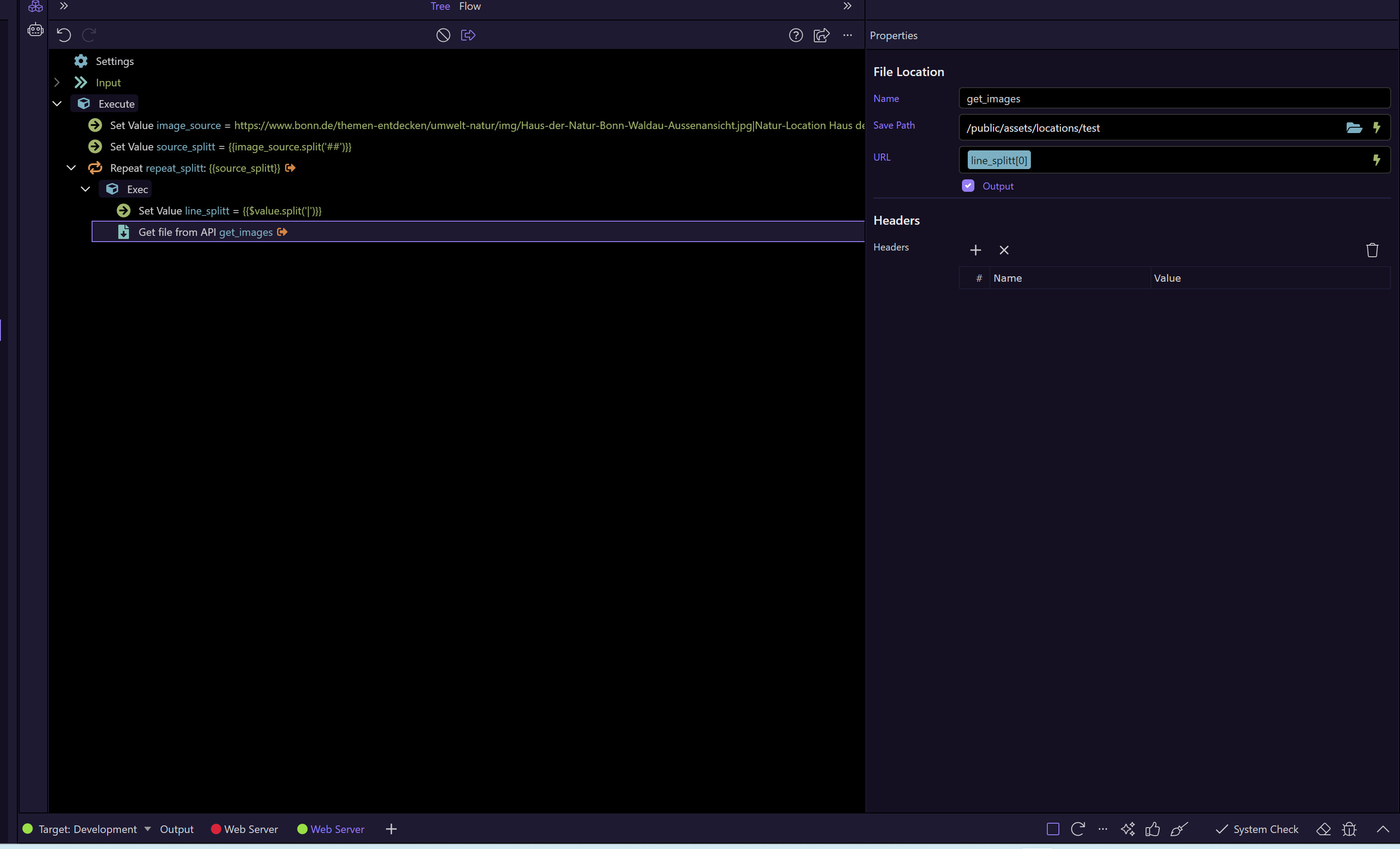
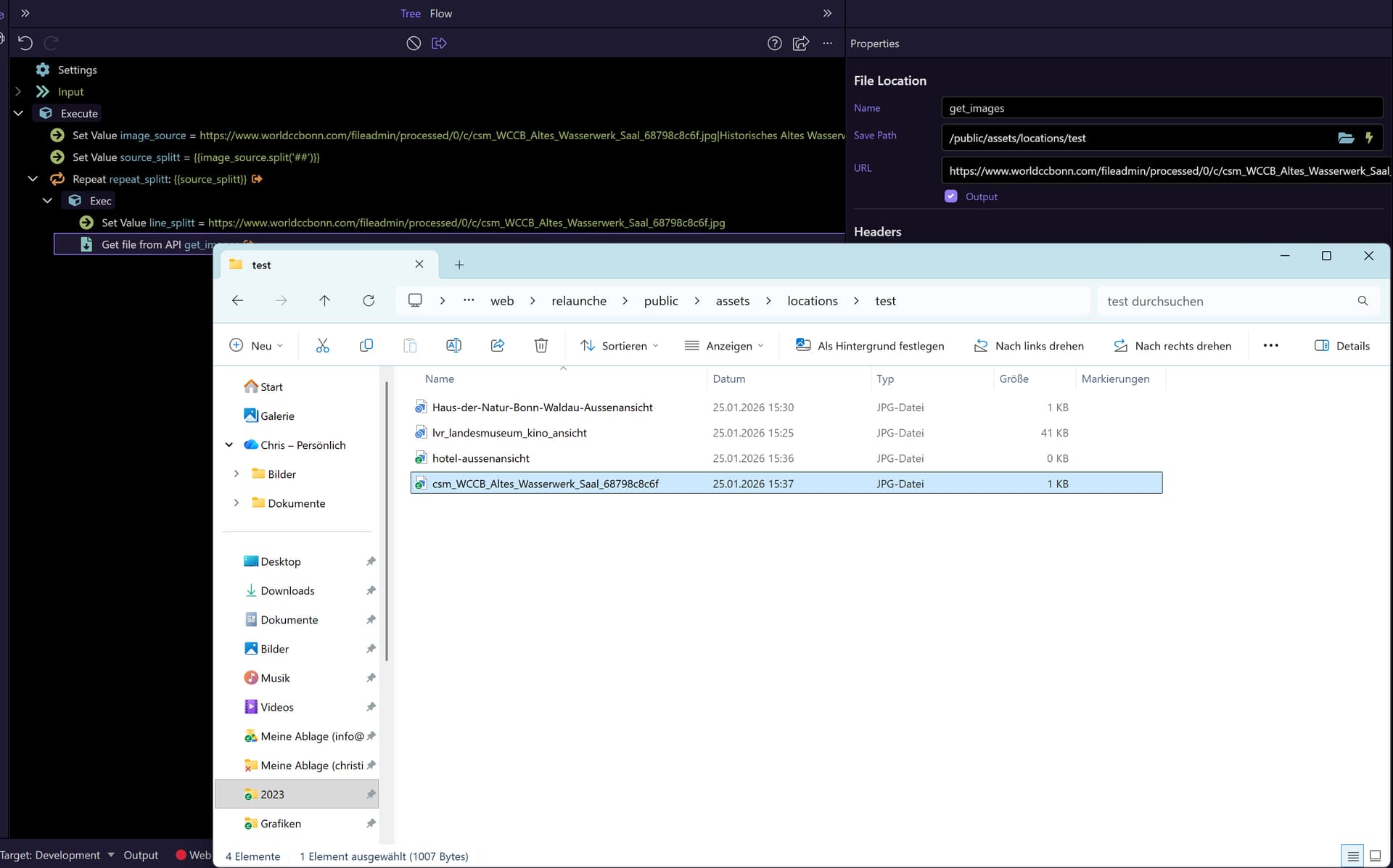
Sounds like you'll need a smart file retrieve utility since you'll come across various server responses (or obstacles). The server connect's File Download component, in my experience, is for allowing a user to download a file to the browser from the server, not to retrieve a remote file. I don't believe that the File Download component will serve your needs. API Action allows you to interact with remote API's, so this will help you only when the remote image can be retrieved by a remote API. If the image is just sitting in a public folder somewhere, the API Action won't be any help.
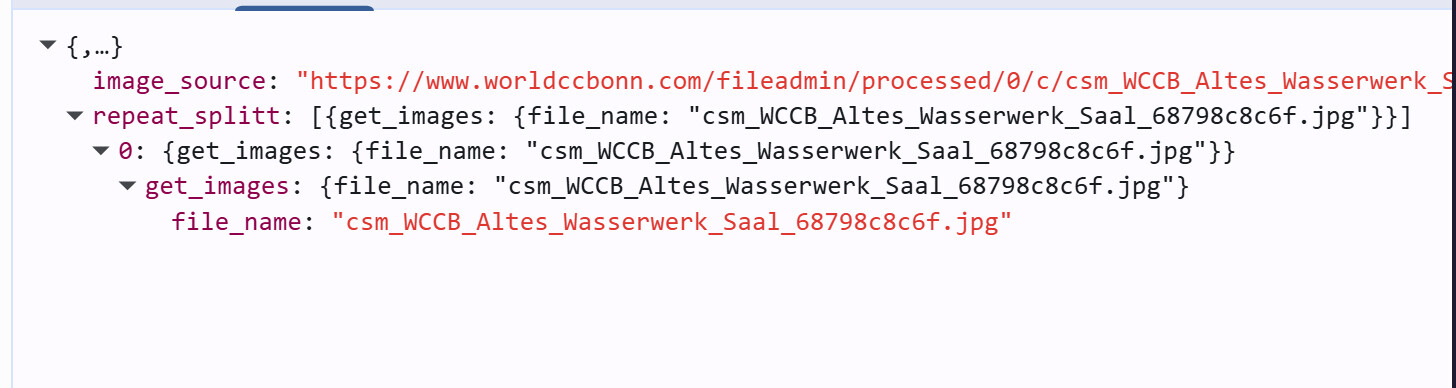
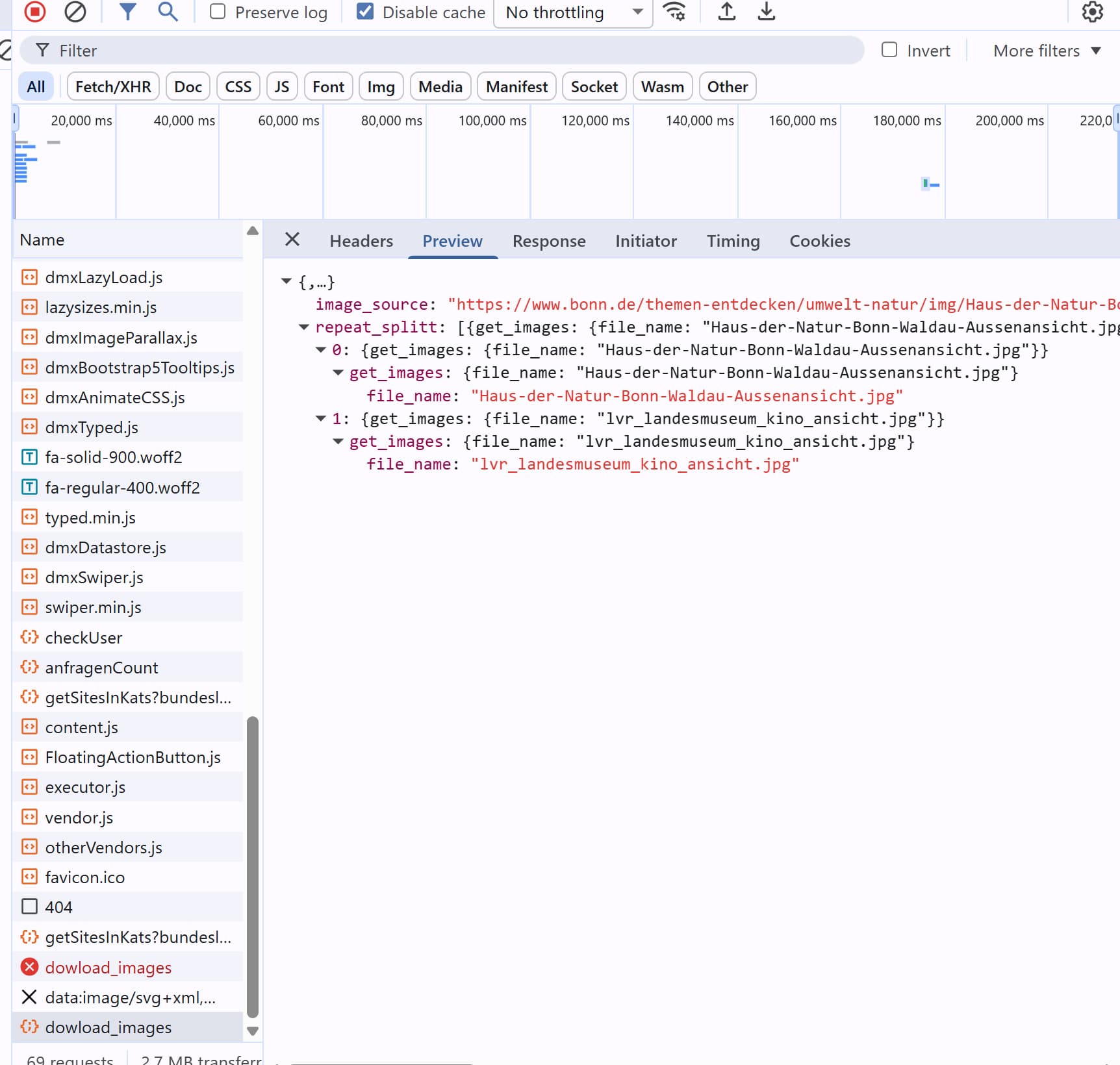
If the number of images to be retrieved and the rate of retrieval are both modest/reasonable, a front-end solution may work best for you. A user could enter in a URL, or a list of URL's, and Javascript could easily retrieve the image files, include error handling, sending HTTP headers, etc., then POST them to your own API on your local server for saving.
I'm not sure if I installed the extension correctly.
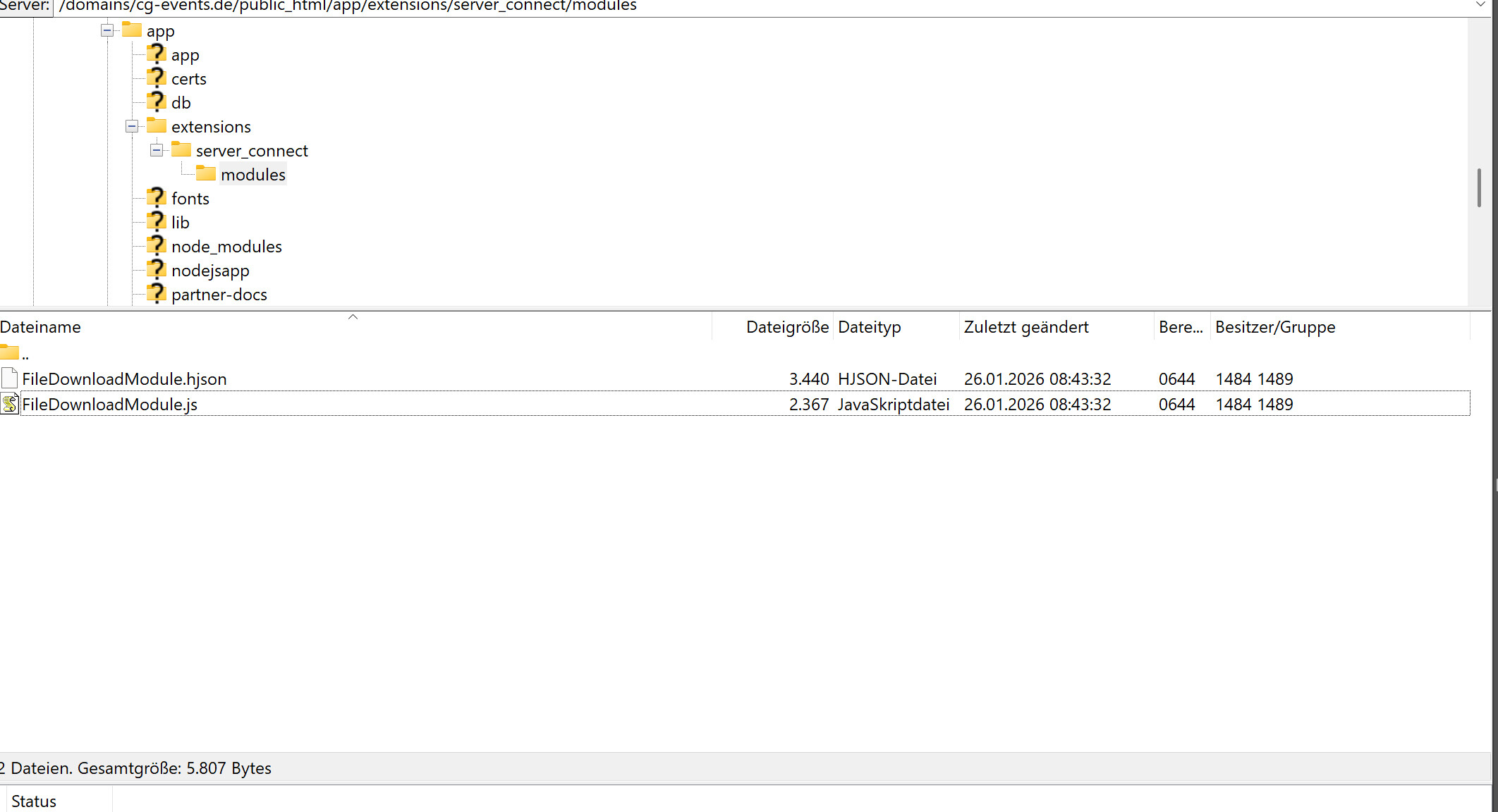
My first attempt failed, so I manually placed the two files in /server_connect/modules.
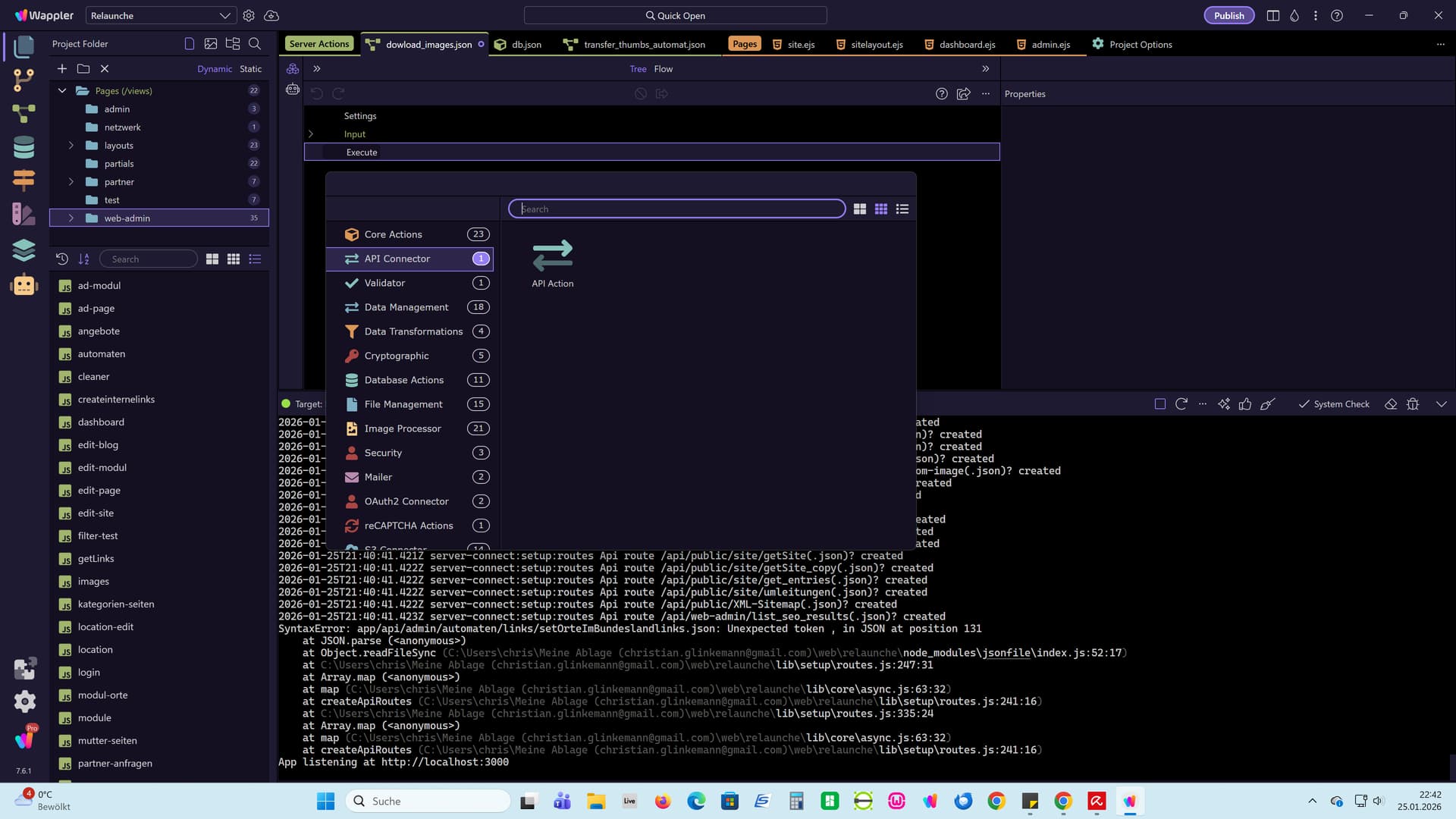
It then appeared in API Connector, but it didn't work.
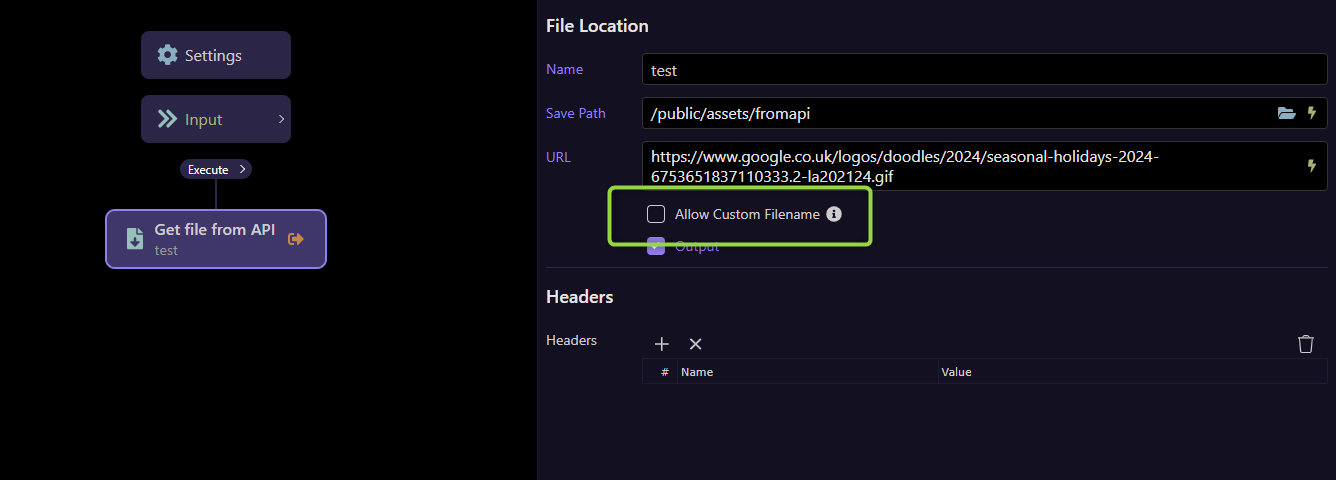
The "Allow Custom filename" option wasn't even displayed.
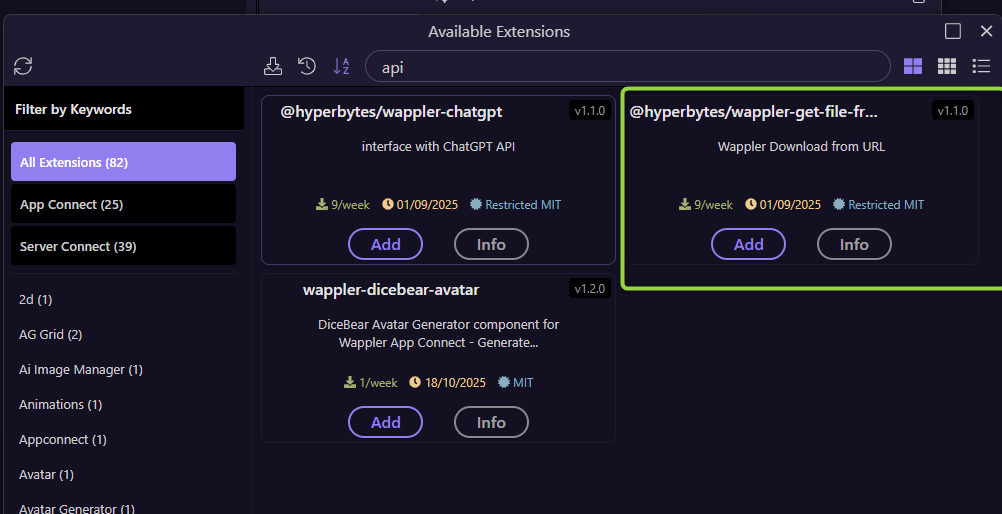
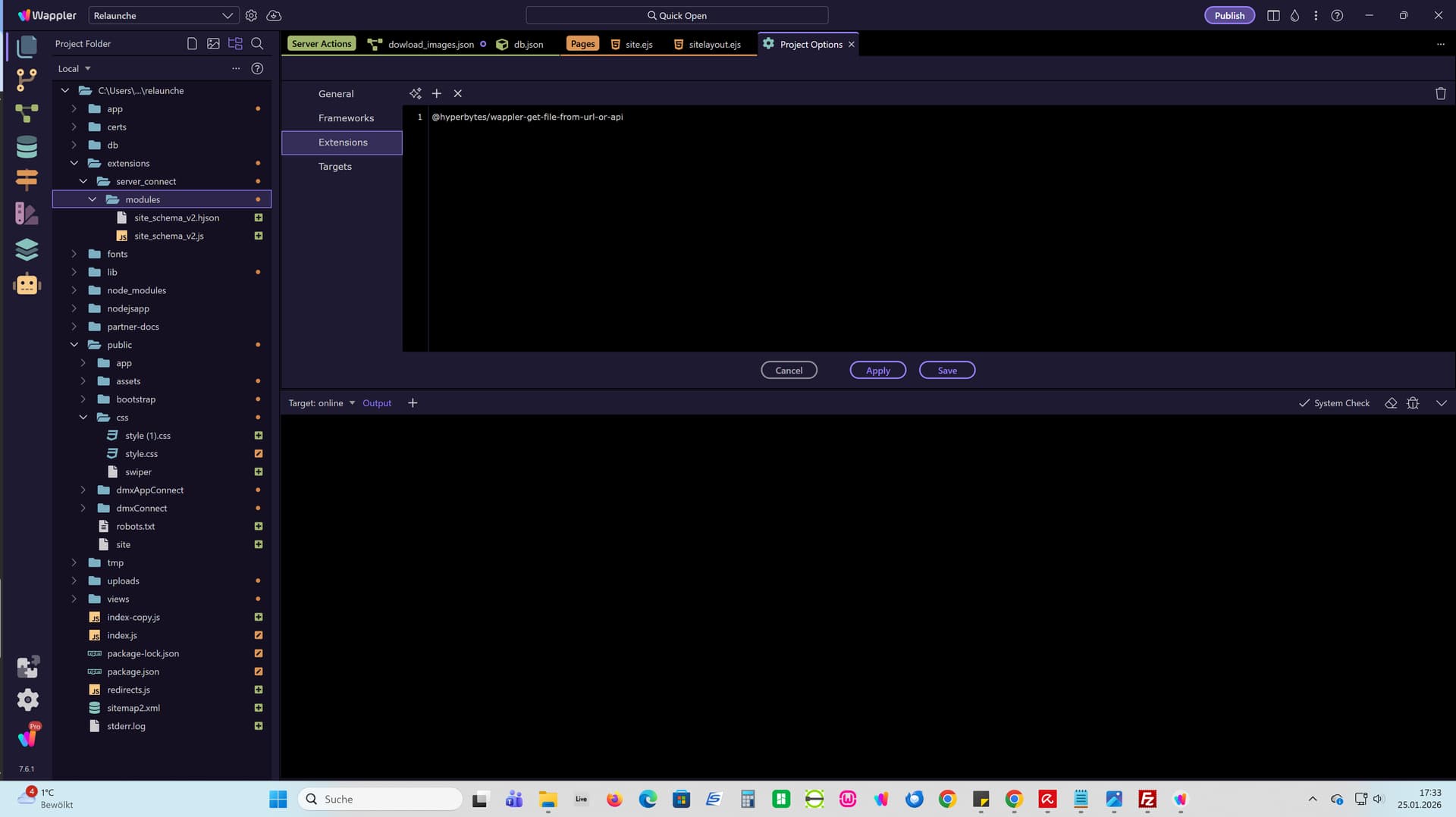
I deleted the files again and tried installing it via extensions. It's now listed there. However, even though it's shown in extensions, it's not listed in modules.
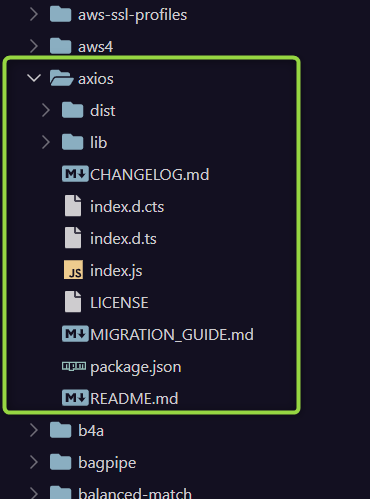
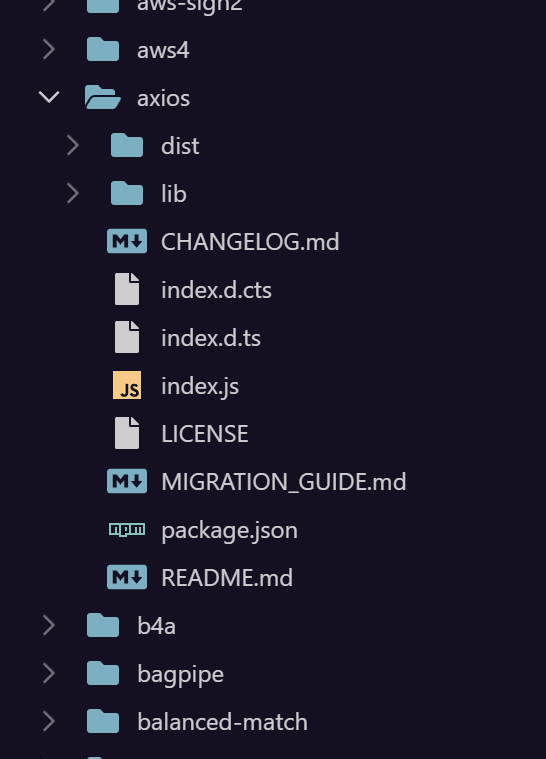
If you did not use the installer there is a likelihood that the dependencies of axios, uuid and fs-extra are not installed.
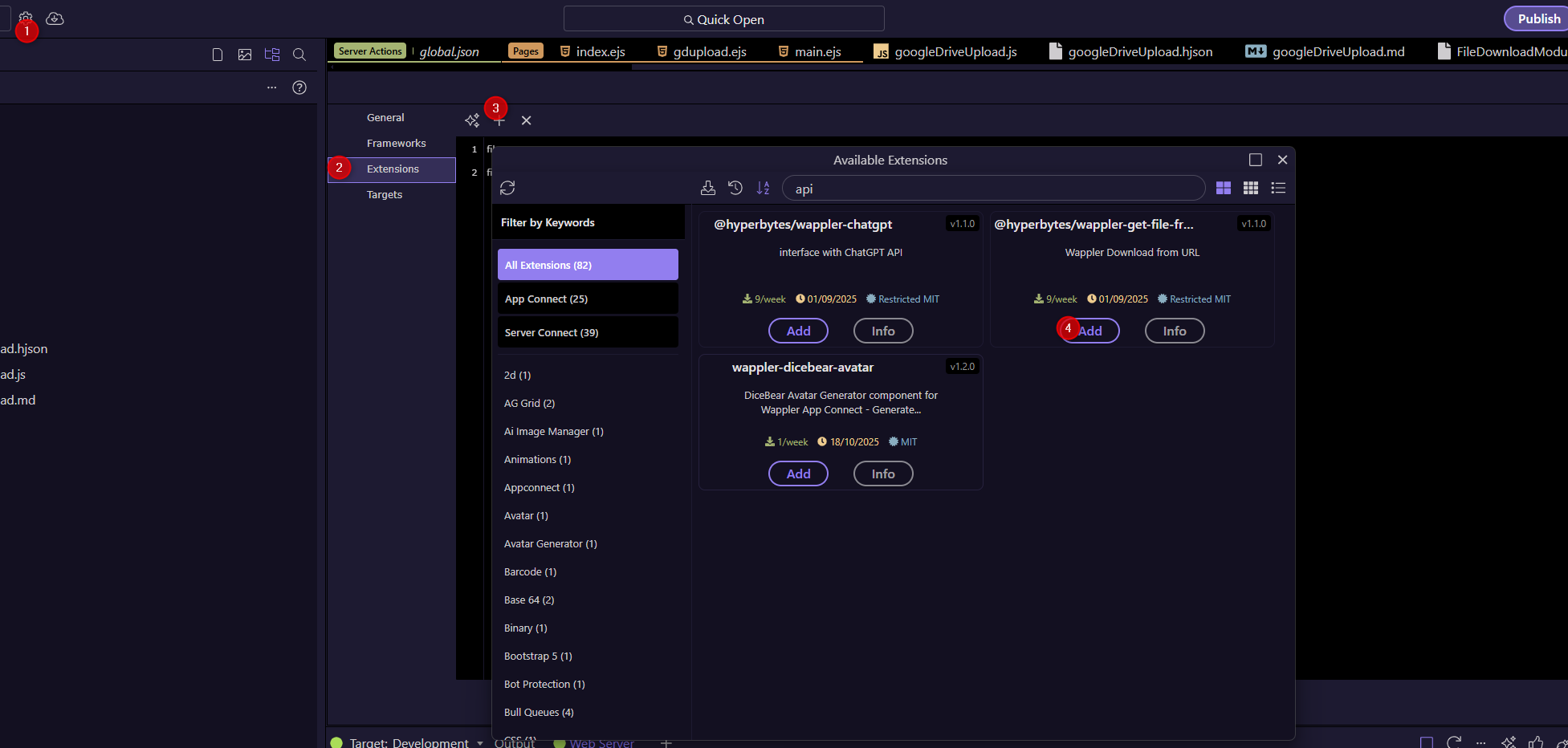
I suggest you remove the files you manually added and install it the correct way via the project.
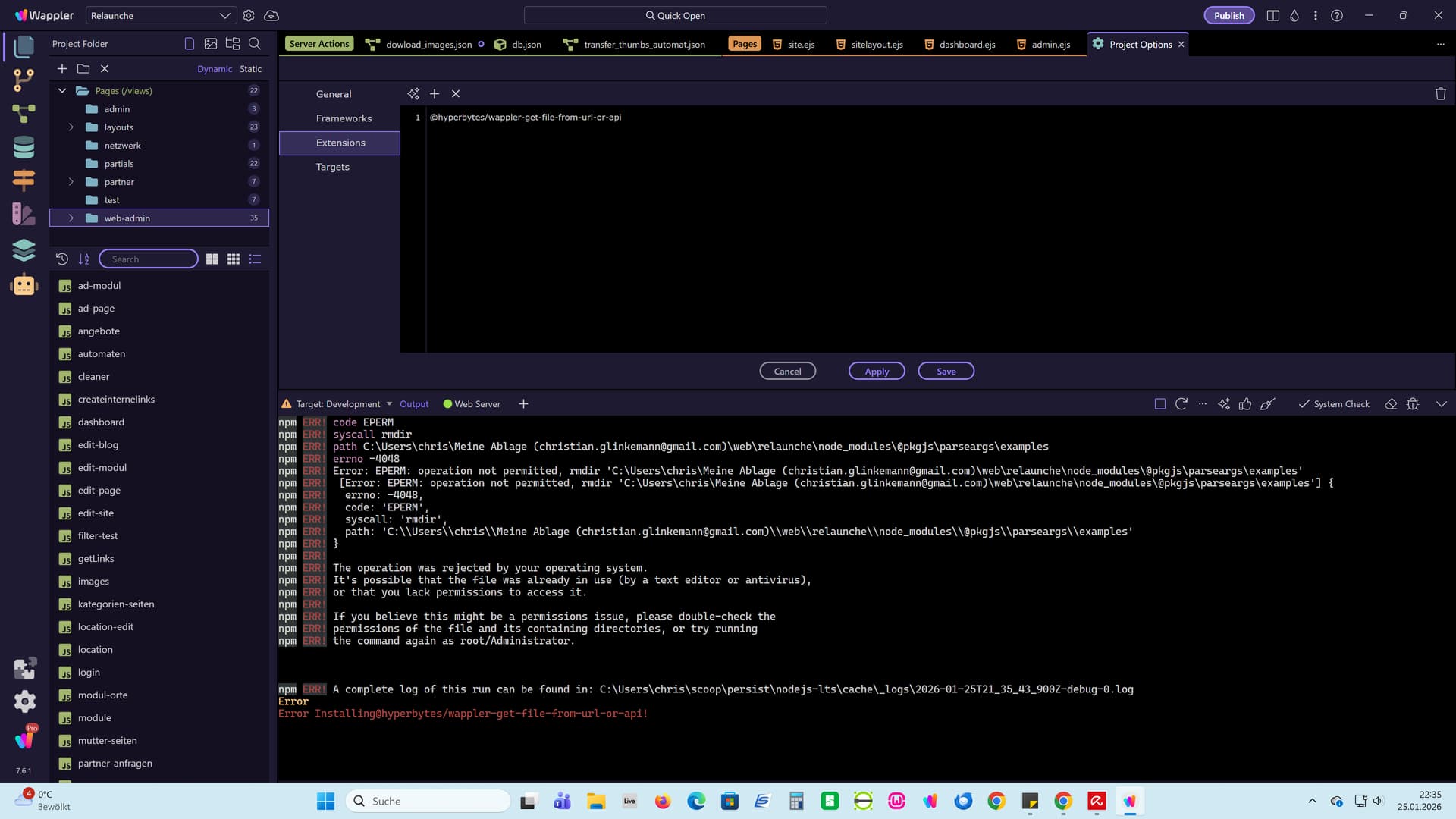
This seems to be a permission issue within your node_modules folder.
The error is being thrown by the installer rather than the extension.
It seems to be trying to remove the @pkgijs/parseargs/examples folder which seems to be locked for some reason.
I have no idea why Wappler would be trying to do this, that is not related to anything in the actual extension.
As this is the installer throwing the error I cannot give a definitive answer as to why,
Perhaps @George could assist?
Manual Install
Unzip these 2 files and add to the /extensions/server_connect/modules folder of your project.
{status: "500", message: "Download failed with status code 404",…}
message
:
"Download failed with status code 404"
stack
:
"Error: Download failed with status code 404\n    at C:\\Users\\chris\\Desktop\\web\\relaunche\\extensions\\server_connect\\modules\\FileDownloadModule.js:40:31\n    at process.processTicksAndRejections (node:internal/process/task_queues:95:5)"
status
:
"500"
Normally the installer adds all dependencies for you but if amnually instlaled the4y need to be added manually.
If missing, you forgot to run
npm install axios
in the Wappler terminal
Does it work locally or is the error only on your production server.
Some servers require the dependencies to be manually updated from a control panel.
what server technology are you using, docker or VPS?
P.S. storing projects on cloud services is know to cause issues, i recommend you don't do it.