Wappler Version: 5.4.0
Operating System: Windows 11
Server Model: node.js
Database Type: Postgres
Hosting Type: local docker
Expected behavior
Renaming a table should work without errors in Database Manager, and not cause failures for future changes related to the renamed table.
Actual behavior
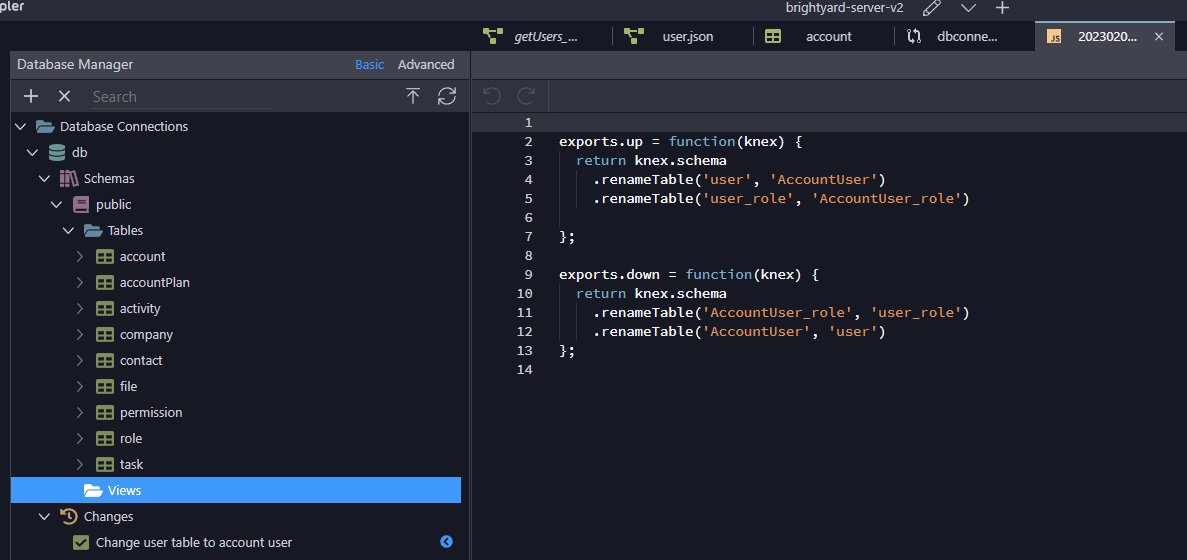
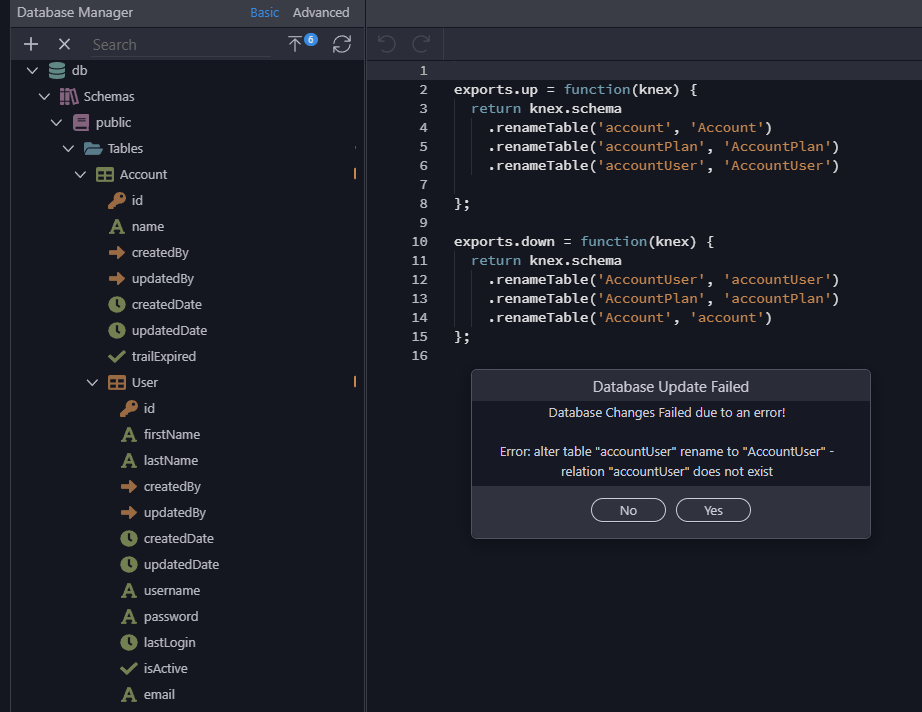
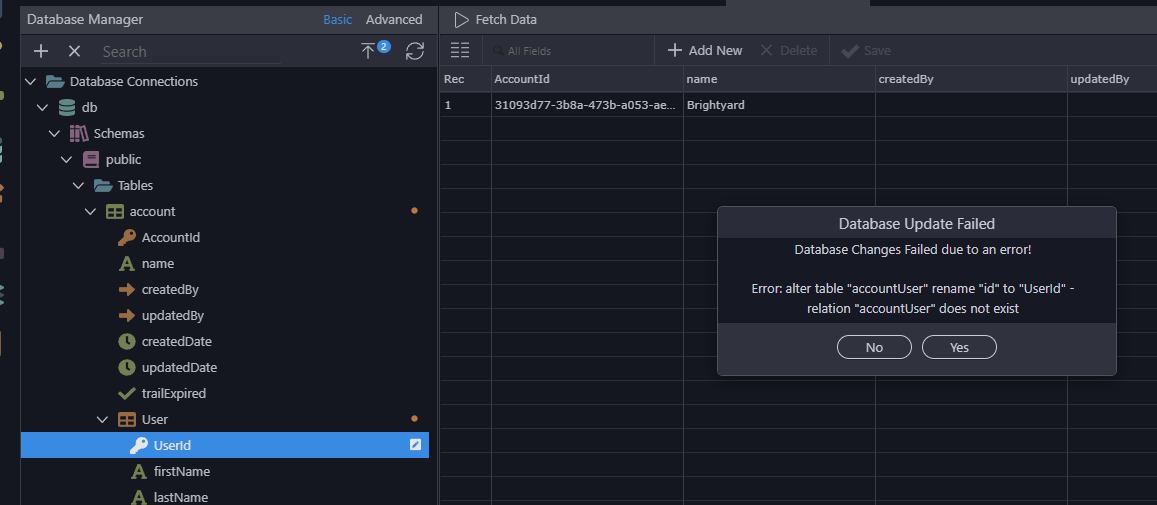
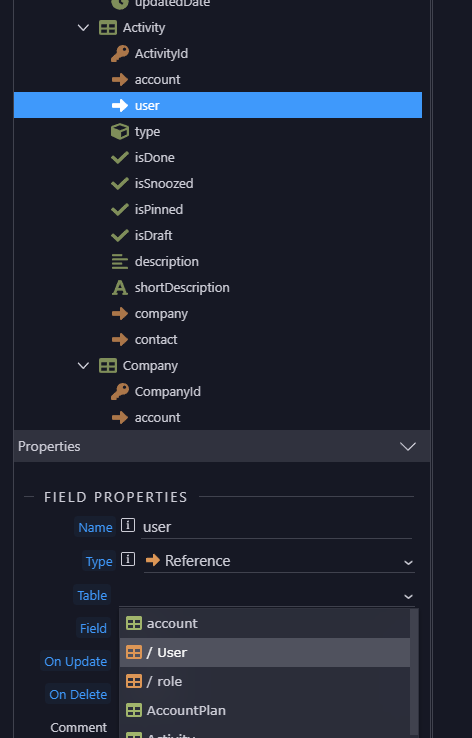
The renamed base table (user) was moved under the Account table when its name was changed to “AccountUser”. Future changes, like changing the id field to AccountUserId results in an alter table error.
I can see the change and the migration file looks good. I also tried to refresh schema at Table level, DB level, and using the Refresh icon in Database Manager. I also quite Wappler, shutdown all Docker instances, and restarted.
You are renaming primary key names, you might also check all references to it.
Anyway start over by refreshing the schema to reset the edits and try to isolate each issue separately and make different topics about the different issues.
So when you renamed user to accountUser it detects it as a subtable I believe same as account_User would
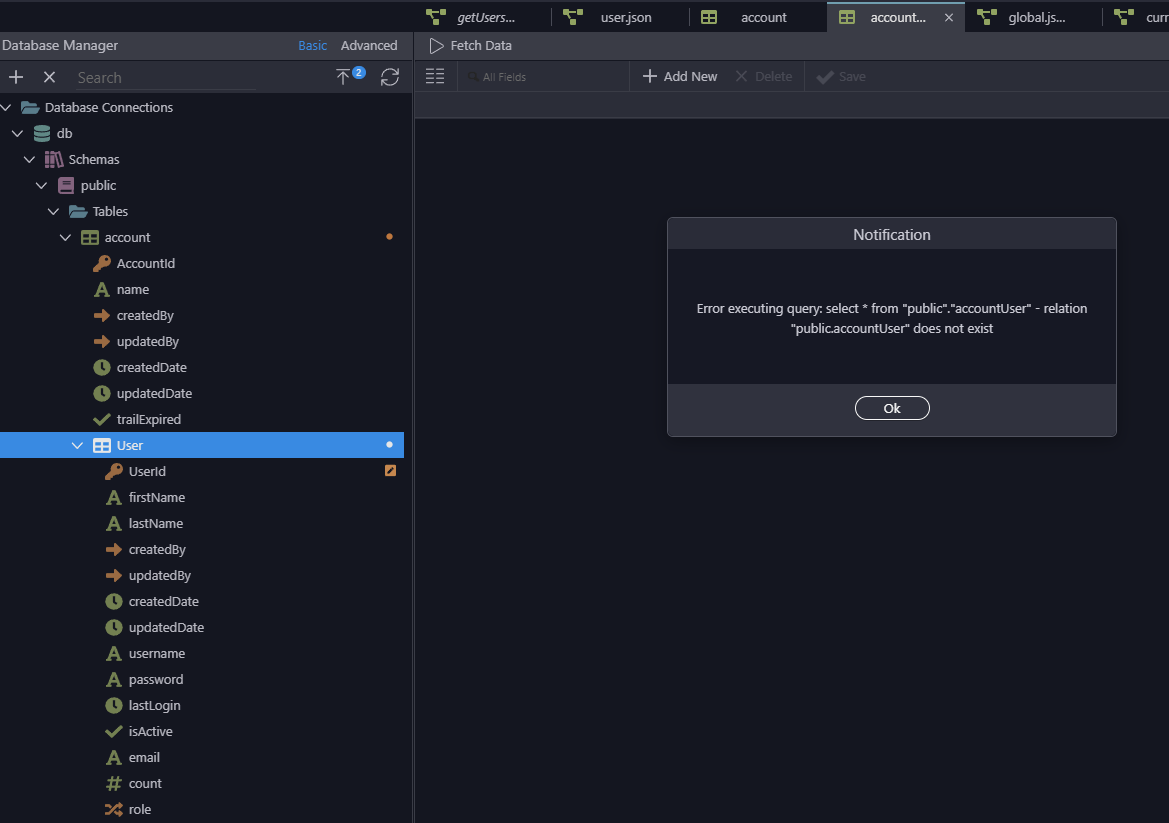
You can see User is now a subtable of account meaning this table is actually named accountUser it shows as User to be easier on the eyes as you can already see the nesting visually
That makes sense from a UI perspective, but during the process something isn’t working correctly anymore. The system is looking for AccountUser, but saying it doesn’t exist.
So does it or does it not? That is the question.
Also I’ve had an AccountPlan table for some time, so why wasn’t that converted to a subtable in the UI?
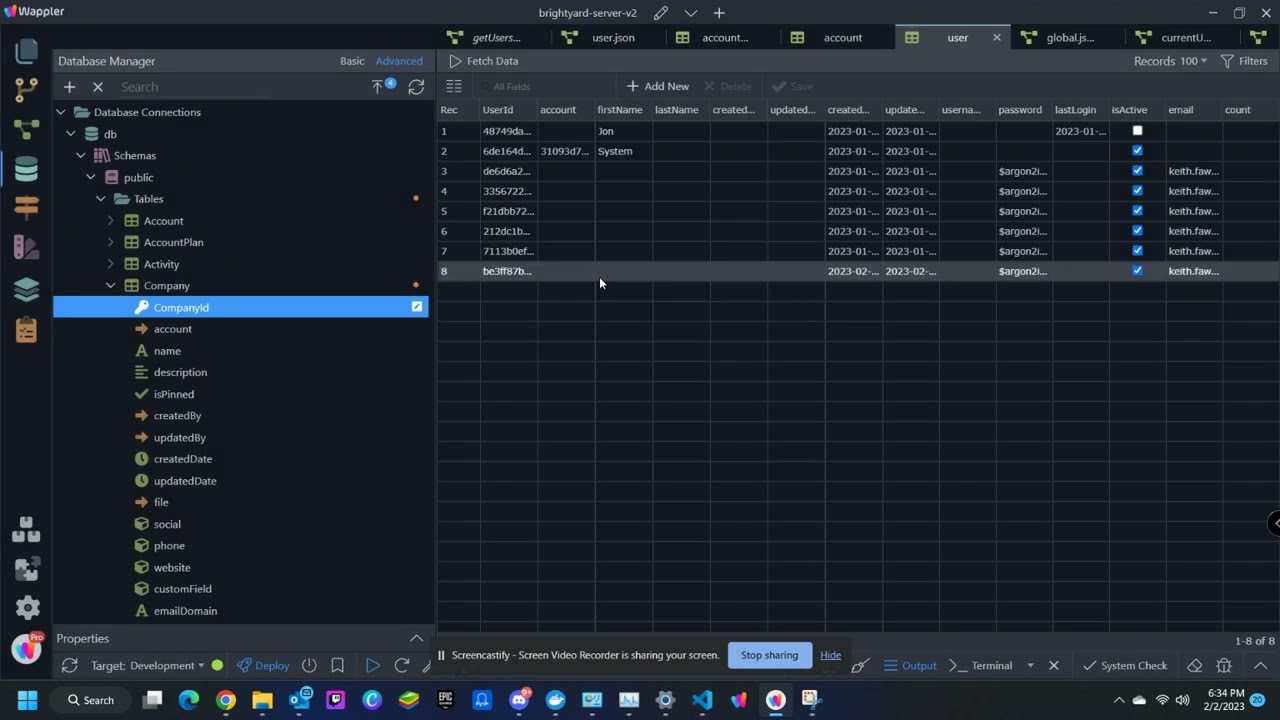
It looks like the issue happens when more than one change, that renames a table and field, are combined. See this video – it shows trying to make the two changes together, then making the two changes as separate database changes.