Array component "Empty Array" issue

Wappler 3.3.6
Windows 10
php - spa project

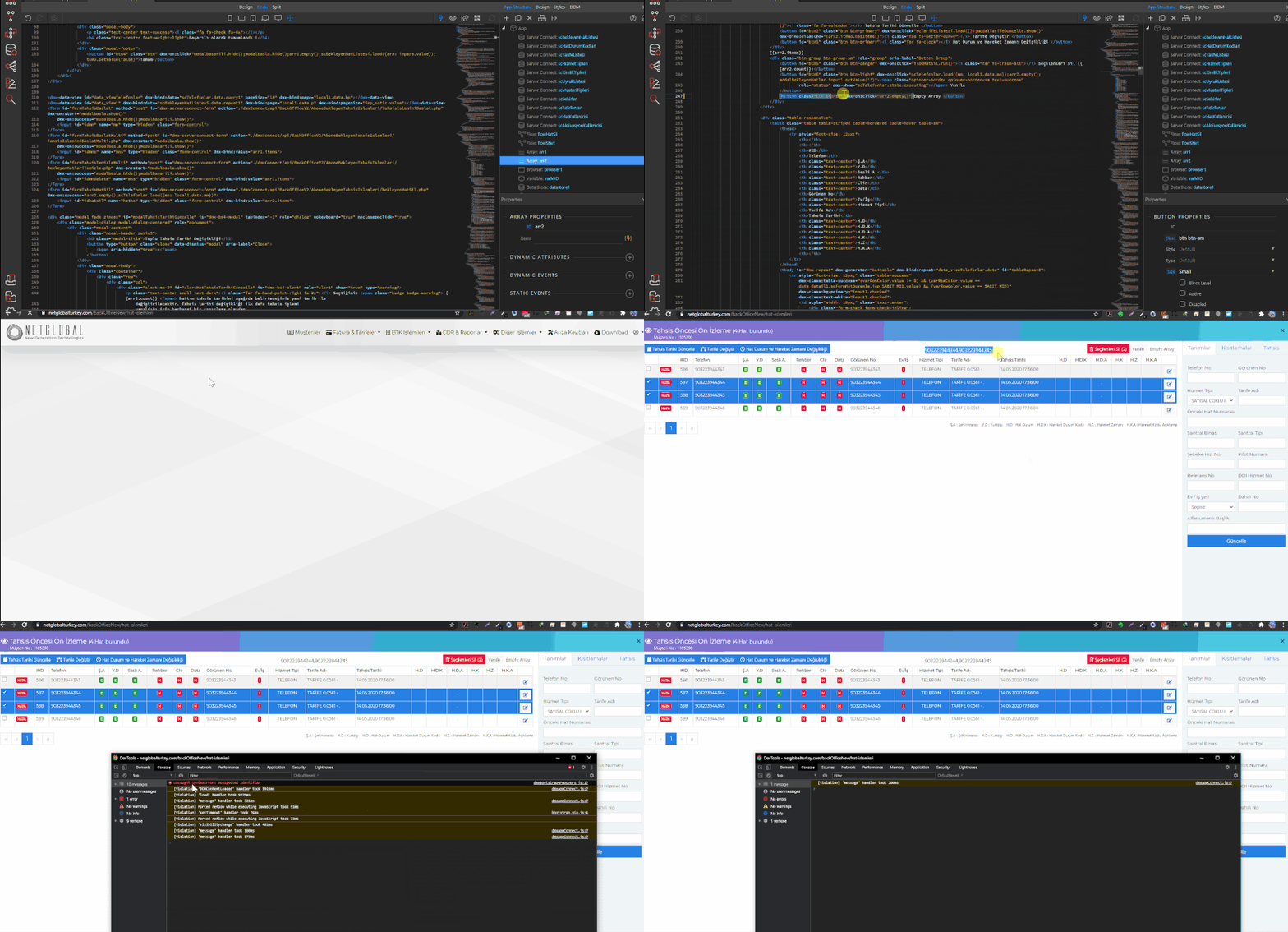
I added array component to the page. And I added the ids of the lines I want to delete with the checkbox. These ids appeared in the array successfully. But what I want to do is to empty the array after the deletion. However, I saw that the empty array feature is not working properly. The “empty array” property does not work at all.

I would appreciate if you have any suggestions for a temporary solution until this problem is fixed.

Tested this on the same configuration and seems to work fine.
Empty is correctly emptying the array.

Could it be that your arr2 component is nested inside some other component… which is why its not accessible directly?
Try using dmx.parse/dmx.app.data in console to verify.

yes I have done all the necessary checks but unfortunately it does not work properly on my side.
Maybe @Teodor can check

I have just tested the empty array option and it is working just fine. Please check your browser console for errors.

I cant see any error on console … ??

Is this only happening on this page? Maybe try a simple test on a blank page and check if it’s working there.

yes @Teodor it is working on test page . I dont know why it is not working only on this page .

I don’t have to do anything else to empty the array, but what could be the reason why it’s not working on this page?

@Teodor,
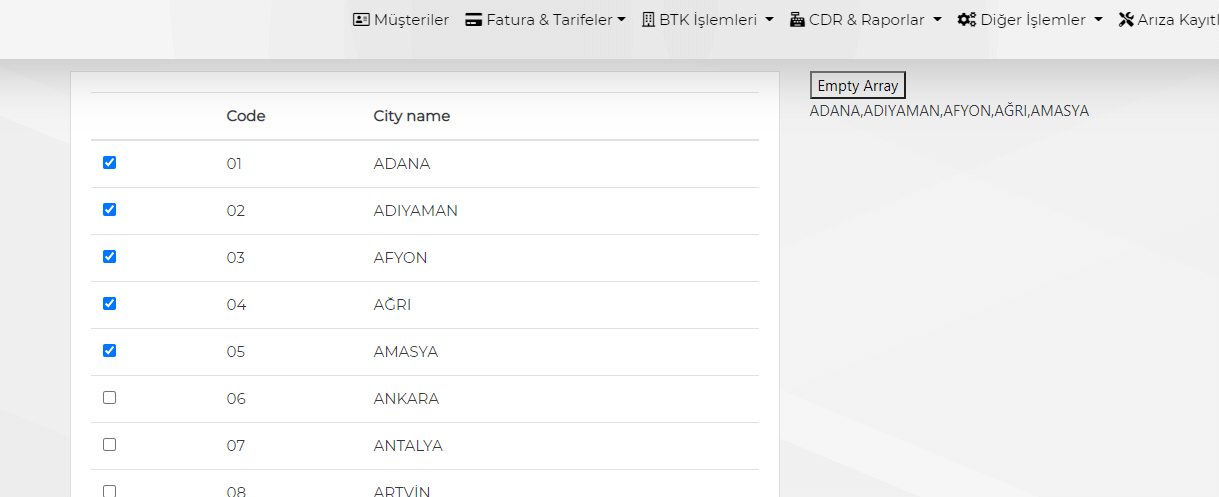
Now I recreated the same example in a blank page;

I tested it in two ways

  1. I created a list of cities and added a checkbox at the beginning of each line. When the checkbox is checked, it adds it to the array. When unchecked, it should delete it from array. But when it is checked, it adds the data belonging to that row infinitely. and Array empty feature does not work.

<input class="form-check-input" type="checkbox" value="" id="input1" name="input1" dmx-bind:checked="checked ? arr2.add(CityName) : arr2.remove(CityName)">

  1. Likewise, I added a checkbox in the city list and asked it to add to the array when it was checked. This time I added it as “arr2.addUniq (Cityname)”. He worked successfully at Array. But the empty array still didn’t work.

<input class="form-check-input" type="checkbox" value="" id="input1" name="input1" dmx-bind:checked="checked ? arr2.addUniq(CityName) : arr2.remove(CityName)">

PS: If I add data to the Array with an input field and empty it with the array empty function, everything works perfectly. I think this problem occurs when the problem is used in Array. If you want, I can share the sample test page with you or I can create a similar sample for you.
(Sorry that I created an incorrect test in the previous post and reported the result.)

<dmx-serverconnect id="serverconnect1" url="./dmxConnect/api/BackOfficeV2/AdresIslemleri/aboneSehirListesi.php"></dmx-serverconnect>
<dmx-array id="arr1"></dmx-array>
<dmx-array id="arr2"></dmx-array>
<dmx-datastore id="datastore1"></dmx-datastore>
<dmx-local-manager id="local1"></dmx-local-manager>
<div class="container mt-4">
    <div class="row">
        <div class="col-8">
            <div class="card">
                <div class="card-body">
                    <table class="table">
                        <thead>
                            <tr>
                                <th></th>
                                <th>Code</th>
                                <th>City name</th>
                            </tr>
                        </thead>
                        <tbody is="dmx-repeat" dmx-generator="bs4table" dmx-bind:repeat="serverconnect1.data.query1" id="tableRepeat1">
                            <tr>
                                <td>
                                    <div class="form-check form-check-inline">
                                        <input class="form-check-input" type="checkbox" value="" id="input1" name="input1" dmx-bind:checked="checked ? arr2.addUniq(CityName) : arr2.remove(CityName)">
                                    </div>
                                </td>
                                <td dmx-text="code"></td>
                                <td dmx-text="CityName"></td>
                            </tr>
                        </tbody>
                    </table>
                </div>
            </div>
        </div>
        <div class="col-4">
            <button dmx-on:click="arr2.empty()">Empty Array</button>
            <p dmx-html="arr2.items"></p>
        </div>
    </div>
</div>

Sorry serhat, I don’t really understand what exactly are you doing. What are you trying to achieve?

This expression makes no sense to me

dmx-bind:checked="checked ? arr2.add(CityName) : arr2.remove(CityName)"

When the checkbox is checked, I want to add that row to the array.

how should the correct expression be? I cant find different way . What is your suggestion ?

Check the following topic please: