Marzio
December 17, 2018, 11:54pm
1
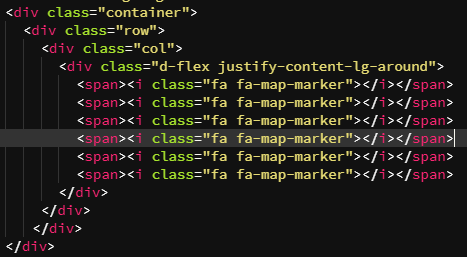
I have a row with 6 Awesome icons in 6 columns
ben
December 18, 2018, 1:01am
2
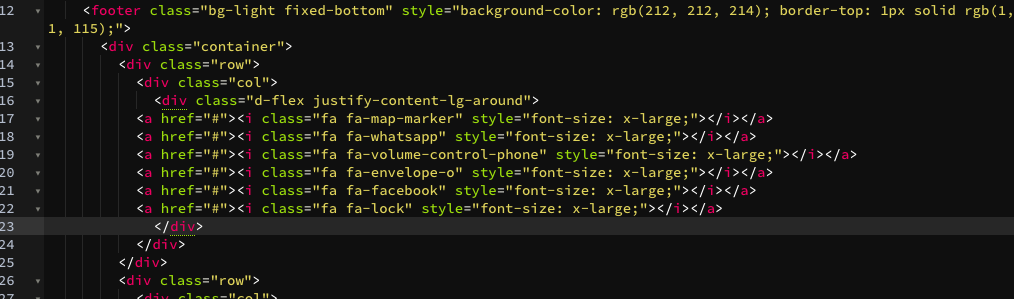
Have just the one column and add a flex container and justify content around to finish up with
George
December 18, 2018, 7:12am
3
Actually we have a “flex container” element to insert that is just that
ben
December 18, 2018, 11:24am
5
I may have misunderstood the word ‘approach’ in your original question. What exactly do you mean by that?
Marzio
December 18, 2018, 1:44pm
6
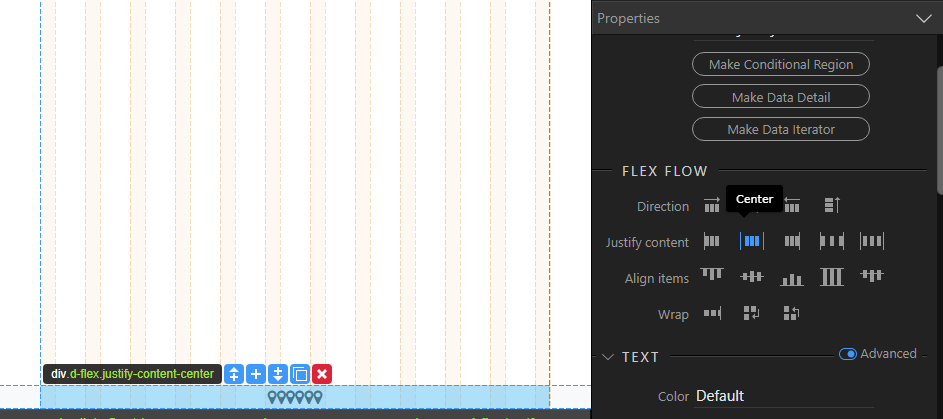
I would like the icons in the center of the container with little distance between them
ben
December 19, 2018, 1:45am
7
Sorry for the late reply. You can use the closest alternative, like this one where I used Center instead of Space around.
Marzio
December 19, 2018, 7:38am
8
Perfect thank you very much
Teodor
December 19, 2018, 7:41am
9
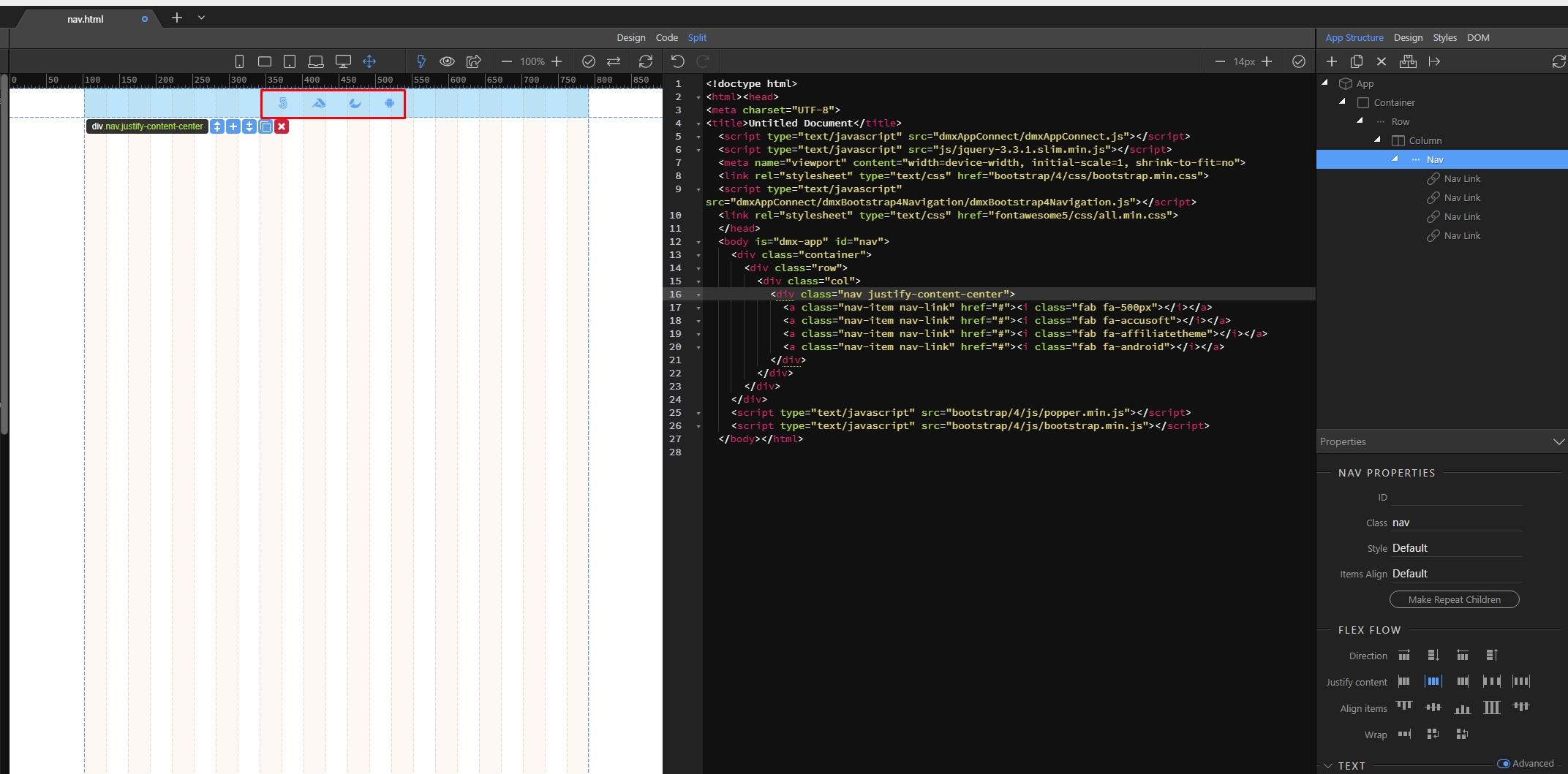
Similar to what Ben suggested, but with using a nav with nav items instead, as from what i see on your screenshot is that you are using the nav element:
Marzio
December 19, 2018, 8:03am
10
Thank you
Teodor
December 19, 2018, 1:02pm
11
You can check the docs we prepared about the different align options in the nav and navbar elements:
You already know HOW TO CREATE A NAVBAR and in this tutorial we will take a look at the align options for the navbar items. This also applies to the Nav element (in case you are not using a navbar, but a nav on the page).
We added a simple navbar to the page. Select the Navbar Nav element:
[Screenshot_9]
First, let’s set its width to 100%:
[Screenshot_10]
The align options are located in the Flex Flow section. The property you need to change is called Justify Content:
[Screenshot_11]
W…
Marzio
December 19, 2018, 2:38pm
12
it is very useful but it would be even better if there was an icon in the program to open the tutorial contextual to the operation in progress