Page edits but causes App Structure Panel to just say “Loading…”
Built page in Wappler but at some point, editing or updating it will not load in App structure.
Program works great on other pages so I suspect my page code is triggering something.
Page loads parameters from URL like this:
https://www.chrisdixonstudios.com/artgallery/item.php?gal=/cdsgallery/&id=CD74-20-1aGBH&name=Great%20Blue%20Heron%20Lifesize
item.zip (8.6 KB)
Trying to replace older parts, images, show/hide with App Connect components if I can edit.
Hi Chris,
you have a lot of non-Wappler code on that page. I would think that somewhere there is some bad code. Just loading your page in a browser brings up 38 errors in the Browser Developer Tools.
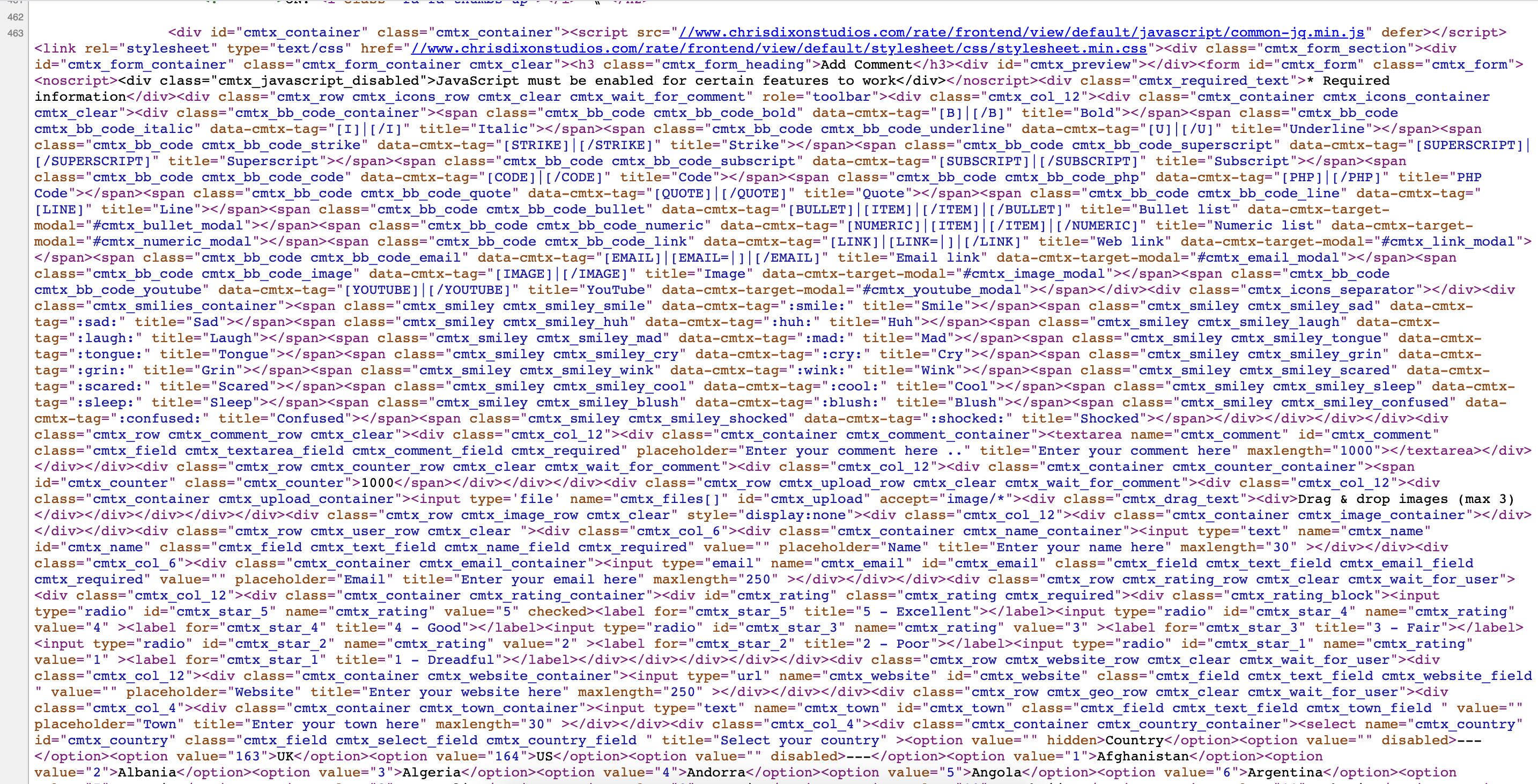
That is an include file of a Commentics comment section. Page still loads forever with or without comments included. Thanks
Try reloading so all is processed: Only getting 4 warnings in console and Wappler errors are my code trying to correct, id repeats… wanting to bootstrap divs, slideshow ans show/hide pics. I ran Dreamweaver error checks ok… any way to better check code is ok with me, please advise!!

Just ran it through a HTML Validater …178 errors and warnings.
Be careful with this, the validator is not equipped with handling DMX/App Connect parts of the code. As an example:

The HREF is properly compiled by JS when the page is loaded.
1 Like
Thanks Ben
well yes the {{serverconnect1.data.query1… all the data stuff is not being processed. so source code requiring client side processing will not validate. I tried that last night. Appreciate your advise. be glad to divide and conquer any task.
Here is a nice testing place Google’s Rich text
https://search.google.com/test/rich-results
Google does not load everything often but renders some of page… rendered page results can be better validated here as text input: https://validator.w3.org/nu/
Trying view rendered source extension for chrome:
https://chrome.google.com/webstore/detail/view-rendered-source/ejgngohbdedoabanmclafpkoogegdpob
…seems similar to google results…will analyze more and remove comments code bloat…after dinner 
your first screenshot looked good. How do I get accurately rendered results ?
Hi Ben!, You stepped up while I was researching and eating with the family. It has been a while since we tossed some code talk in the lounge, Cheers!
So I removed comments bloat and used the chrome extension then validated that rendered code. @brad I got it down to about 50 errors and warnings to work on! Guess have to hand code, yikes…would rather take a powertool to it! Wappler usually does a powerful great job on older code too. That same coding has been on there… It may be the order of something too.

Chris, I hate to be the devil’s advocate, but I would be inclined to start afresh.
It should not be a great problem, you could tackle each page as you go. Give the home page a shot to get the feel of developing with Wappler. In the main, you should not have to do any hand coding and Bootstrap will take care of most of the styling.
With apologies,
Ben
PS. Tested the page, that you supplied the link to, in Wappler. Wappler became unresponsive.
Did some testing and could trace it back to the id=“test” on the html tag, removing that will make Wappler responsive again. We are investigating the actual cause of the problem.
2 Likes
Yessss!!! I can work around that…just move id=“item” from Body to Html tags when ready to publish. That way I can still reference the id. Thank you so much. 
I moved id=“item” to the html tag so I can have dynamic title and meta tags. I have used in the id= and is=“dmx-app” in Html tags of other pages successfully. At least now I can update the older code sections with Wappler.
2 Likes
We found out that it is a bug in the actual DOM, having an id called item, length or namedItem has some strange effects on the HTMLCollection object.
1 Like
Thank you for the clarity. I could not figure out that one without Team Wappler’s help! So, we have three reserve words in the the HTMLCollection object to never use for id: item , length or namedItem.
If there are any more it would be good to list together as an alert.
Here is the explanation for your answer: https://www.w3schools.com/jsreF/dom_obj_htmlcollection.asp
Javascript reserved words: https://www.w3schools.com/js/js_reserved.asp