Now that I’ve had a couple of weeks time to “cut my teeth” in Wappler, I am seeing things come together quickly and the need for organization in the App Structure pane is becoming more apparent. In my first 5 days of learning, I was able to put together a stock dashboard that pulls in most active stocks, stocks with the most volume, top gaining stocks and biggest losers. I can also filter these lists with the click of a button (or using a REAL TIME search bar that also pulls in current news and company information). If it weren’t for Wappler, there’s no way I would have been able to do this. By the way, I know in the context of what Wappler is capable of, this is pretty basic stuff, which underscores even more the need to keep things organized.
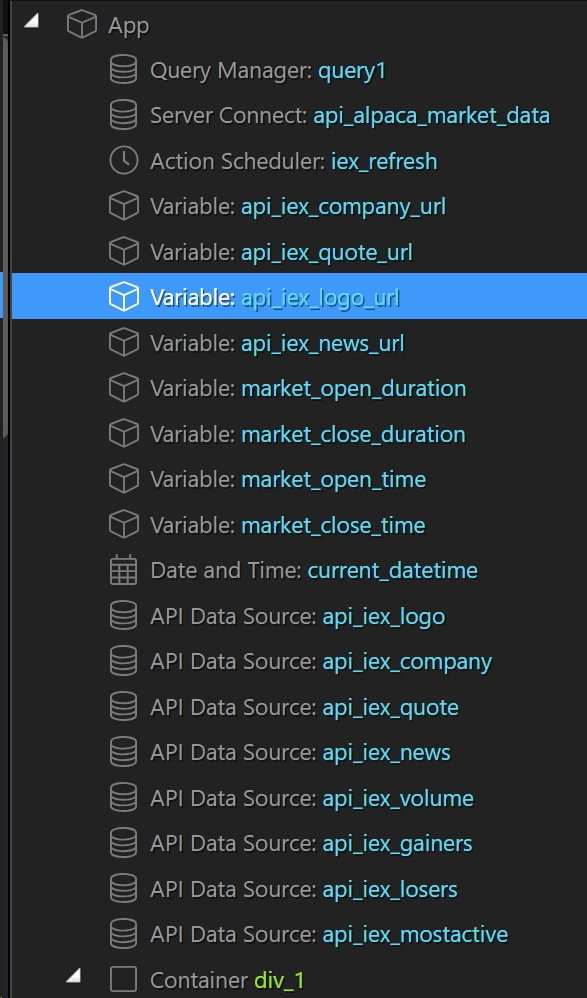
Here is a look at the App Structure before even getting into the real structure of the page. I’d love to put all my variables in a folder, and all of my API Data Sources in a folder.
If we had the ability to group these “non-structural” items (e.g. most of the stuff in the Data and State Management sections) into folders just as we can with Server Connect actions, that would be awesome and would go along way in making things more manageable.
Actually you don’t need to put all the app connect components at the top. You can embed them within the html structure wherever you want and need them. So this way you can also organize.
Btw feel free to post your project in the #showcase category, i’m sure everybody will love to see it and learn from it.
Thanks for the tip @George. Personally, I would love to have this stuff neatly nested in folders at the top of the App Structure pane. It makes more sense to me that way. It doesn’t strike me as quite as logical to have these kinds of things within the HTML structure. Just a thought!
i understand what you mean. Like grouping them automatically inherited / nested to „variable“ or „API Data Source“, with same icons… but as @George mentions it can be dragged into another. But i see both points and I refer to Photoshop or in general all Adobe Products, where these Groupings/Collapsible Groupings are very helpful.
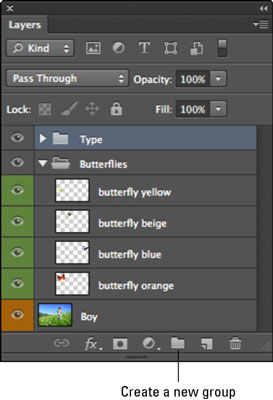
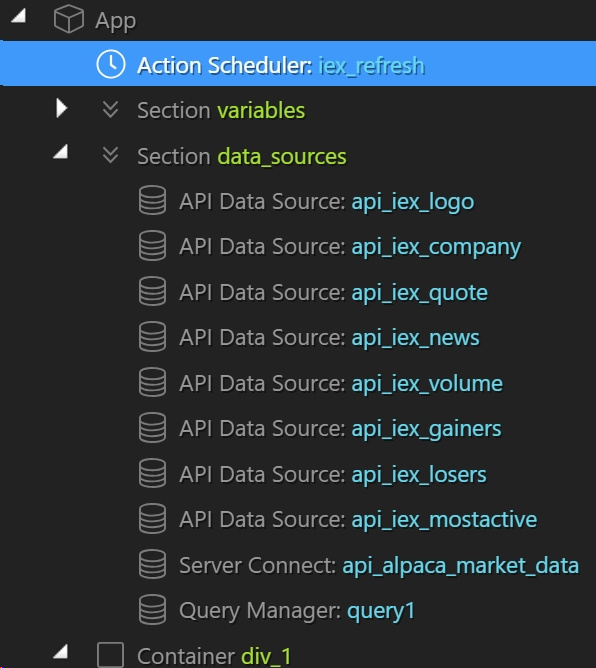
Very much like Groups in Photoshop. However, I am not proposing that anything is automatically grouped. I like having the freedom to structure my projects in a fashion that is logical to me. So maybe I would like to create a variables folder? Or a datasources folder? Or maybe a folder for the components responsible for a specific function in my app?
Do not use the <section> element as a generic container; this is what <div> is for, especially when the sectioning is only for styling purposes. A rule of thumb is that a section should logically appear in the outline of a document.
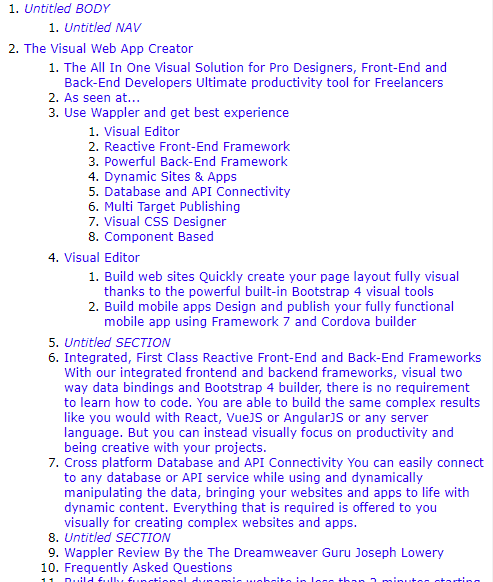
From this we can see what search engine bots and other screen readers see.
I am not sure of an alternative, maybe we should add a heading to the section that is readable by screen readers only, something like <h4 class="sr-only">Program Variables</h4>


 which is logic of course.