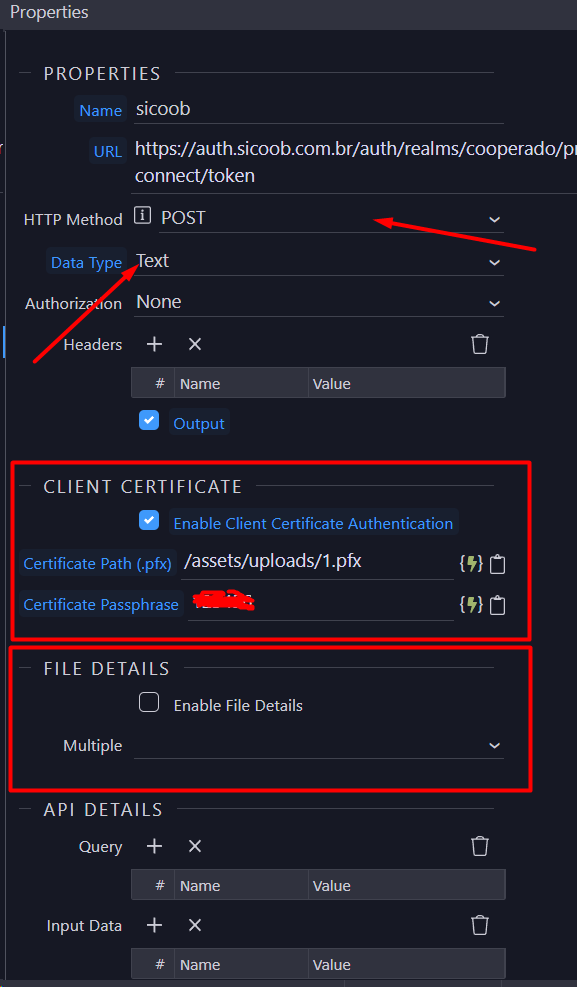
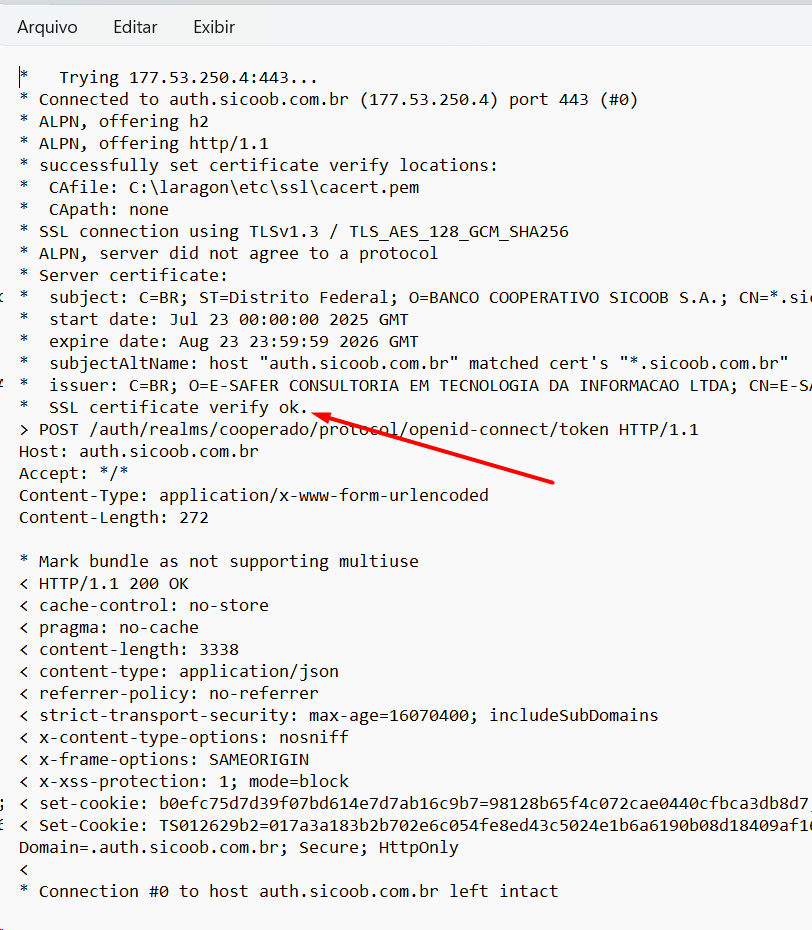
Hello. While we're on the subject, would it be possible to create an extension similar to this one, but one that allows client authentication using a digital certificate in the international x.509 standard?
In this case, it would have the same properties as the File Upload Action API action, adding only methods that can be changed dynamically and containing the digital certificate file path and password.
Practically all Brazilian banks use this authentication and I'm having to send the requests to another application I have with this possibility and it causes me a lot of rework.
Yes, all the points you have mentioned can be configured in the custom module.
You can ask any LLM to modify the HJSON and and JS code to add support. All new LLMs have some understanding of Wappler - or they look it up and build it.
Excuse my ignorance. I'm new to the group, I'm using the translator, and I don't have in-depth knowledge of hide-code programming. I didn't quite understand what you were saying. Are there people in the community capable of making this improvement? If so, is there any way I can contact them to request this improvement?
@Teodor Can you please connect him to other Brazillian Wappler-devs? They should be able to help him get this extension modified.
I could try to help him, but with the language barrier, it would take too much time I assume.
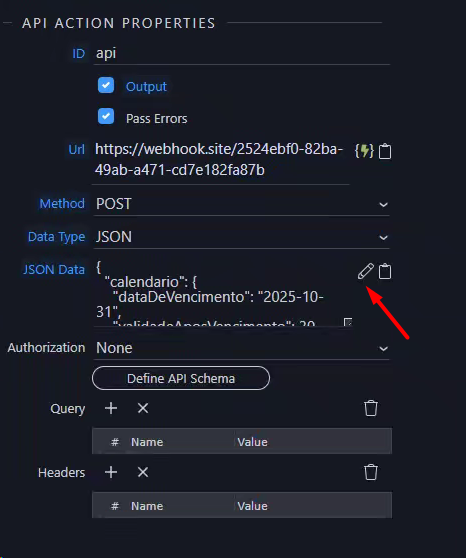
Studying the structure of the fileupload module, I noticed that setting allowPaste: true enables the clipboard function. What attribute would enable the editor represented by this pencil?
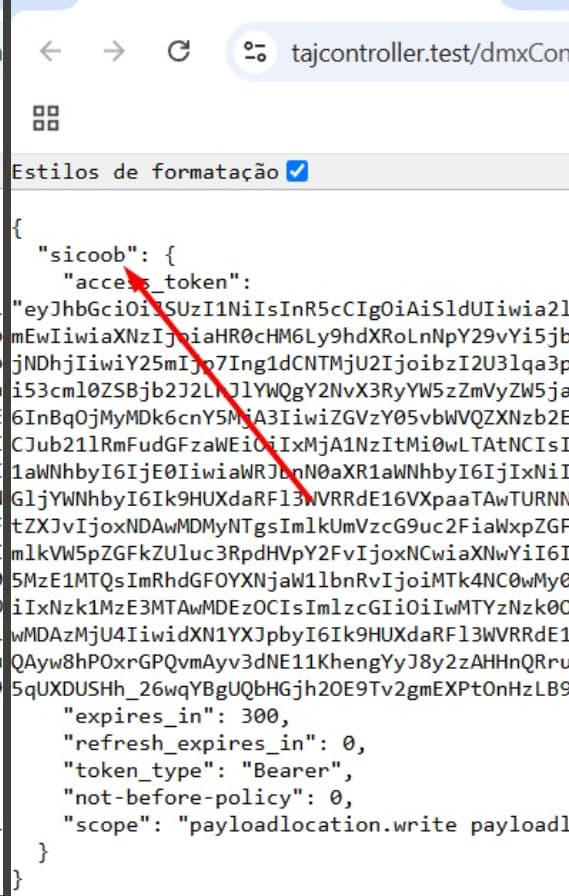
Thanks, friend. I refactored the FileUploadAction module (PHP), adding more methods, improving digital certificate authentication, and finally adjusting the three data types that weren't working well (text/json/Form). I'll be making it available to the community soon. I'm finishing testing.
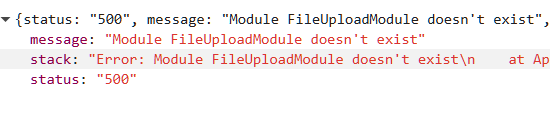
The full wording on the error is here: ``{ "status": "500", "message": "Module FileUploadModule doesn't exist", "stack": "Error: Module FileUploadModule doesn't exist\n at App._exec (C:\Users\micro\Documents\aaawwwroot\redacted\lib\core\app.js:737:19)\n at App._exec (C:\Users\micro\Documents\aaawwwroot\redacted\lib\core\app.js:716:20)\n at async App.exec (C:\Users\micro\Documents\aaawwwroot\redacted\lib\core\app.js:682:5)\n at async App.define (C:\Users\micro\Documents\aaawwwroot\redacted\lib\core\app.js:664:5)" }``
Looks like Wappler is not recognising the module, even though its correctly place and I’ve restarted Wappler a few times. node-fetch2 and form-data have been successfully installed via NPM.
Any ideas anyone?
In addition, the help page posted multiple times on this page now has zero relevance to installing an extension, its been updated to the latest set of instructions.:
Wappler really needs to have this as a native action instead of having to use an extension.
@TMR I recently had a similar issue with another extension.. try to kill all running node instances, restart wappler, after few attempts, all was working fine for me..
That’s whats strange about it Brian, the file is present and correct in its correct location. I’ve a feeling it was developed before the big changes in Wappler V7
Recreated and the same fix goes for this and the issues posted above:
Try: npm uninstall node-fetch npm install node-fetch@2.6.1
Then kill server - start server, error is gone
You’re both correct..!! Turns lout I had both versions of fetch in there, uninstalling the older one then reinstalling node-fetch@2.6.1 did the trick, thank you both for helping out - much appreciated.
I’m now getting an error: Request path contains unescaped characters" which should be a lot easier for me to figure out.
@Hyperbytes I think it would still be great to have this included in your multi AI extension if its not too much hassle to create it.