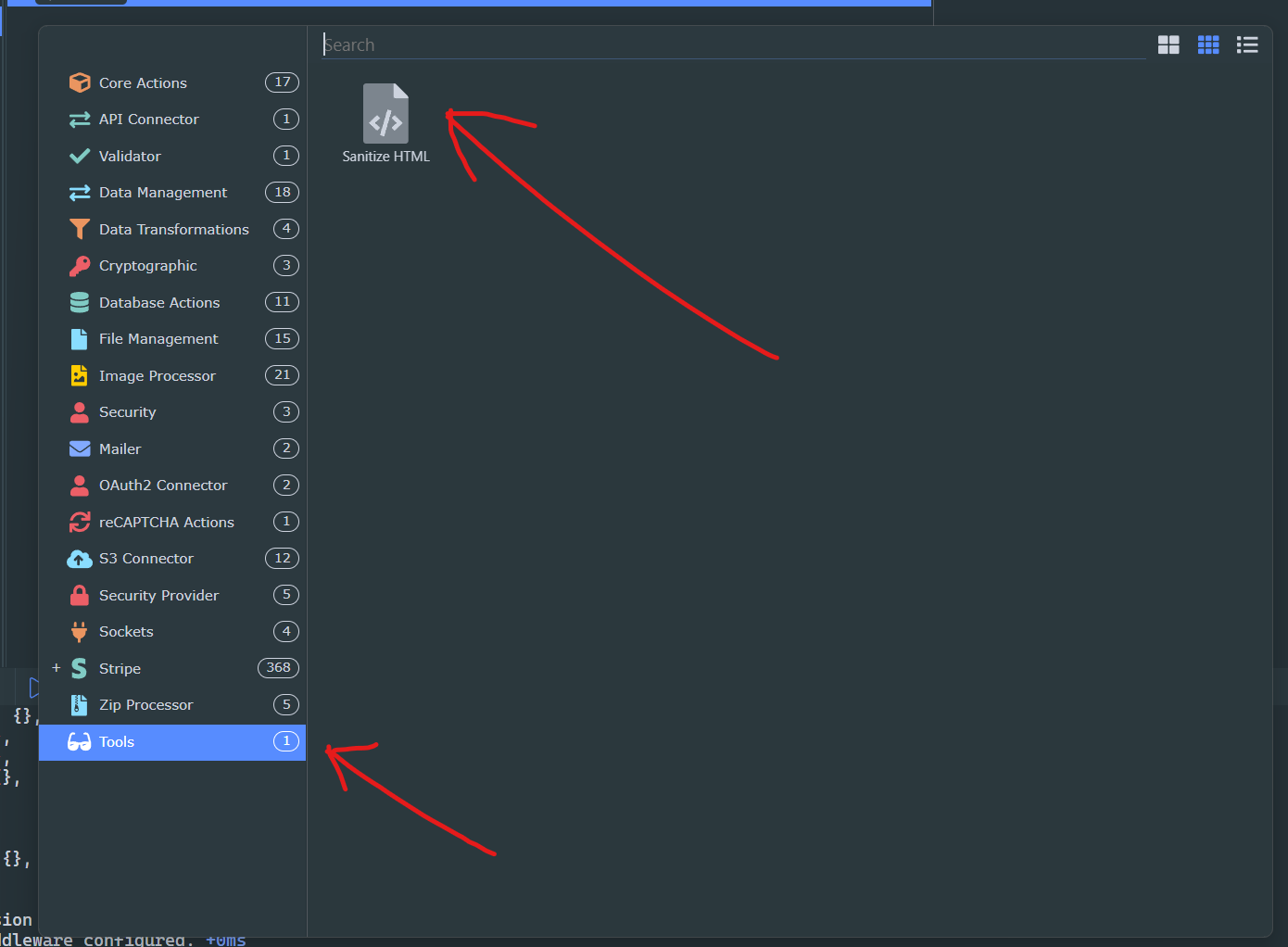
I’m using a WYSIWYG editor (Quill) for user text input in my project, and while displaying the output via innerhtml in Wappler seems to prevent any possible XSS, I’d really like to sanitize it prior to it hitting the database since it’s best practice, and also so I can prevent tags that would typically be allowed, but the site owner wishes to disallow as this should also be done on the backend.
Has anyone implemented sanitize-html into an extension on their projects? It doesn’t look like anyone has mentioned it on these forums before.
Otherwise, I’ll likely try and turn this into an extension if it’s possible. Is there any demand for it?
You can input <script>alert('hello world')</script><p><strong>Hello World</strong></p> and extension will return only <p><strong>Hello World</strong></p>
Indeed! I created this before last night before really looking into the docs for it (or alternatives). I will probably end up making a version at some point in the next week that allows for editing most of the config options within the Wappler UI since I have some extra uses for it in that area.