Sorry for the previous post, I saw the api was linked to another security provider.
@vyakritidev I know you’re on Framework 7 4.5.2
I have just tested with “5.7.14 With App Connect” and got it working.
I don’t know if it works on 7.1.14 cause I have some issues with Framework 7 components as reported here: https://community.wappler.io/t/framework-7-action-sheet-bug/52127/11
The reason why I’m telling you this is because instead of 4.5.2, in 5.7.14 you can have components like action sheets, modal sheets, pull to refresh, etc and others improvements and fixed bugs.
https://framework7.io/release-notes/
/*!
 App Connect Framework7 v5 plugin
 Version: 1.2.2
 (c) 2023 Wappler.io
 @build 2023-03-02 13:35:47
 */
/*!
 App Connect
 Version: 2.0.0-beta.14
 (c) 2023 Wappler.io
 @build 2023-09-08 14:54:57
 */
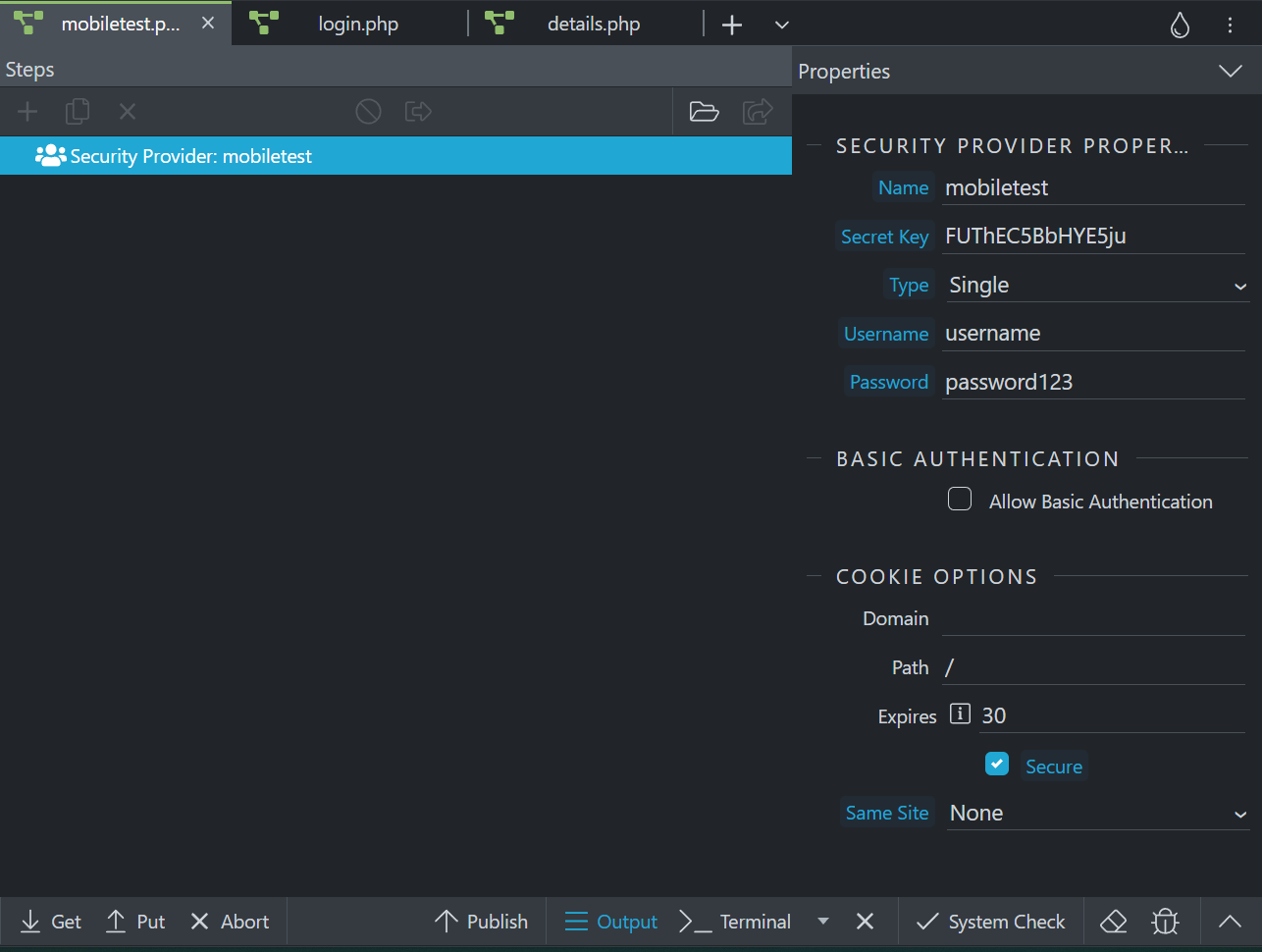
The setup on the api project:
Security provider
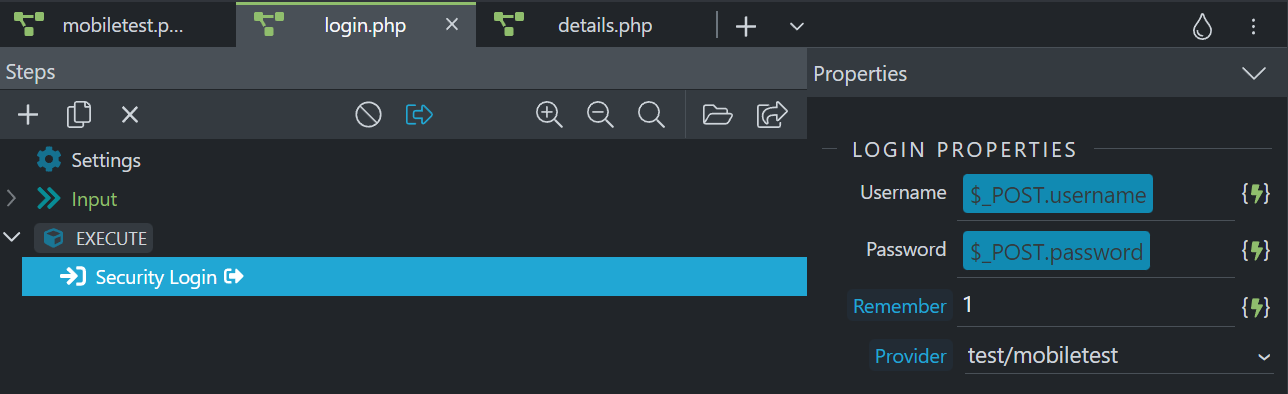
Login step
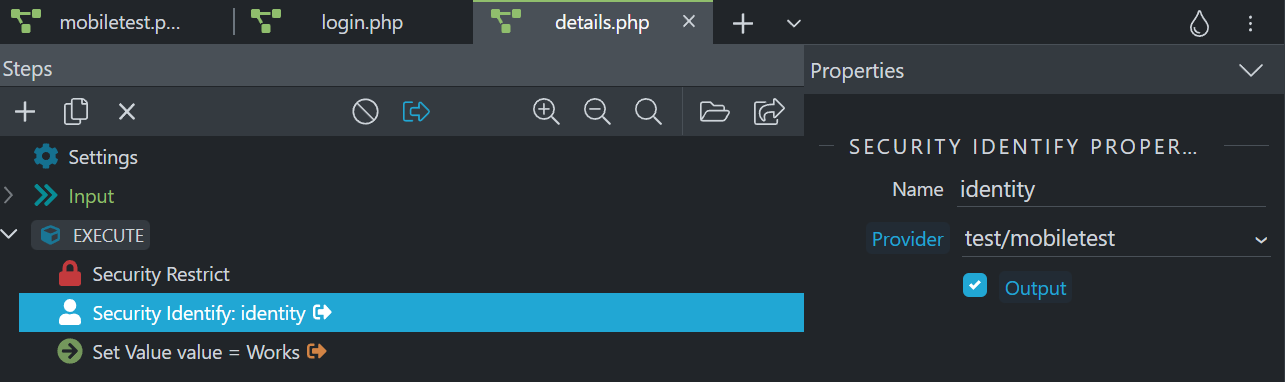
Private api (with an identity value and a setted value)
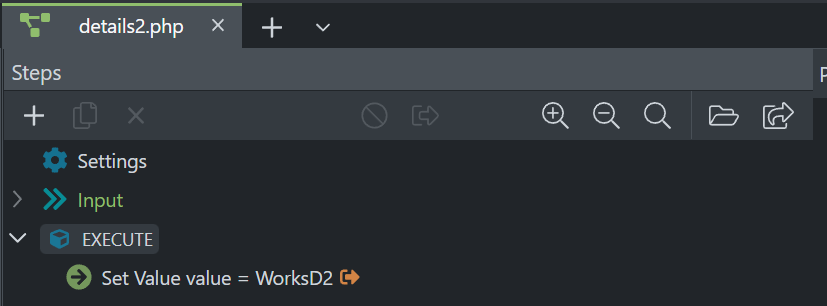
Public Api: For testing, a non-restricted api
Now on the mobile project:
2 Pages:
- Index (Main)
- Logged (Content)
Login page on index
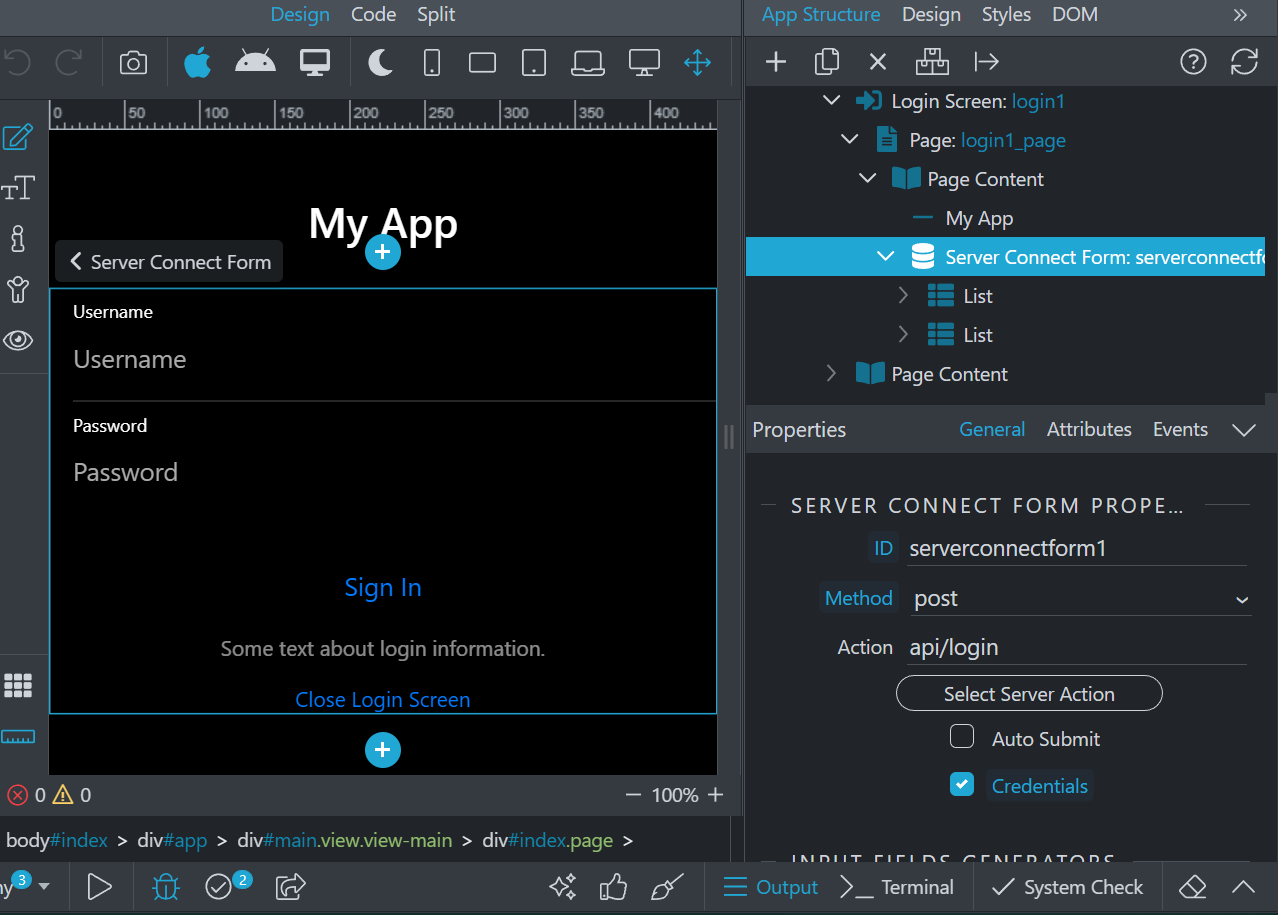
On success: Close the login page and navigate to logged.
Logged page: I have 2 sc, one for the private and one for the public
Server connect 1: Private api
Server connect 2: Public api
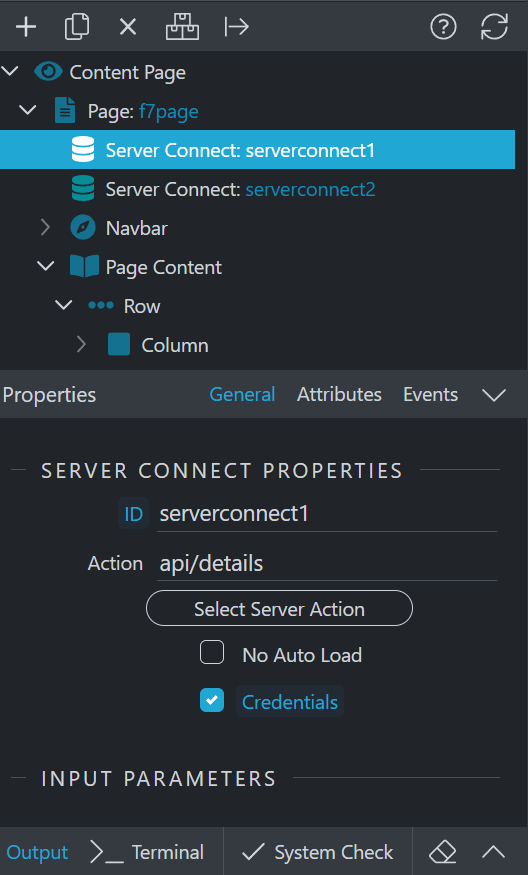
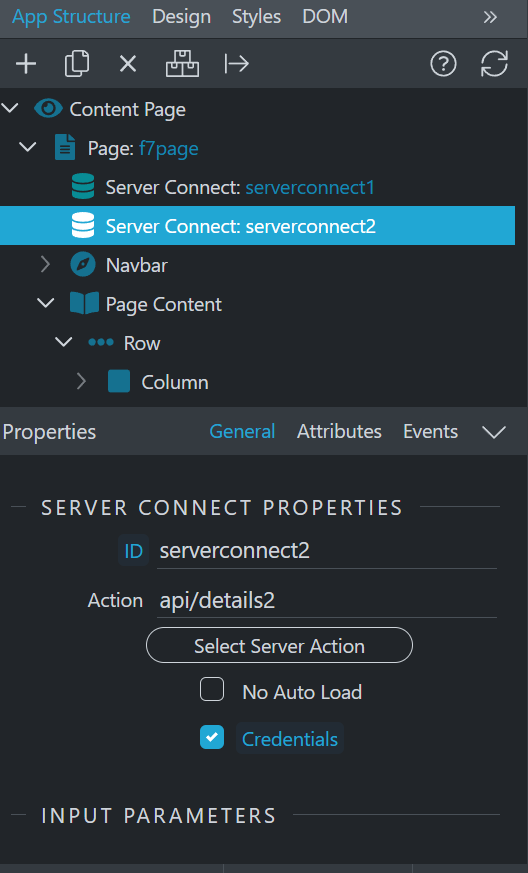
On the code I have to make sure that I have the correct https link:
<dmx-serverconnect id="serverconnect2" url="https://www.domain.com/dmxConnect/api/api/details.php"
For testing I binded the identity value and the 2 setted values from all my sc each on one paragraph, but for some reason, I need to manually change from: app.main.f7page.serverconnect1.data.identity
to:
serverconnect1.data.identity
(The same for serverconnect1.data.value and serverconnect2.data.value)
The results
If I go directly to logged page, I can see only the non-restricted value:
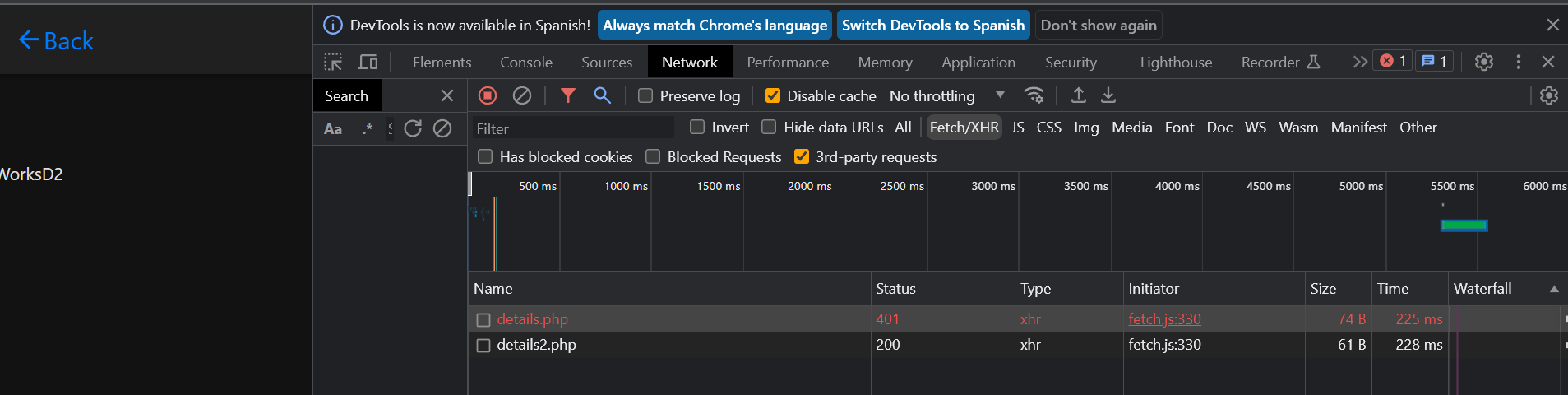
So I login:
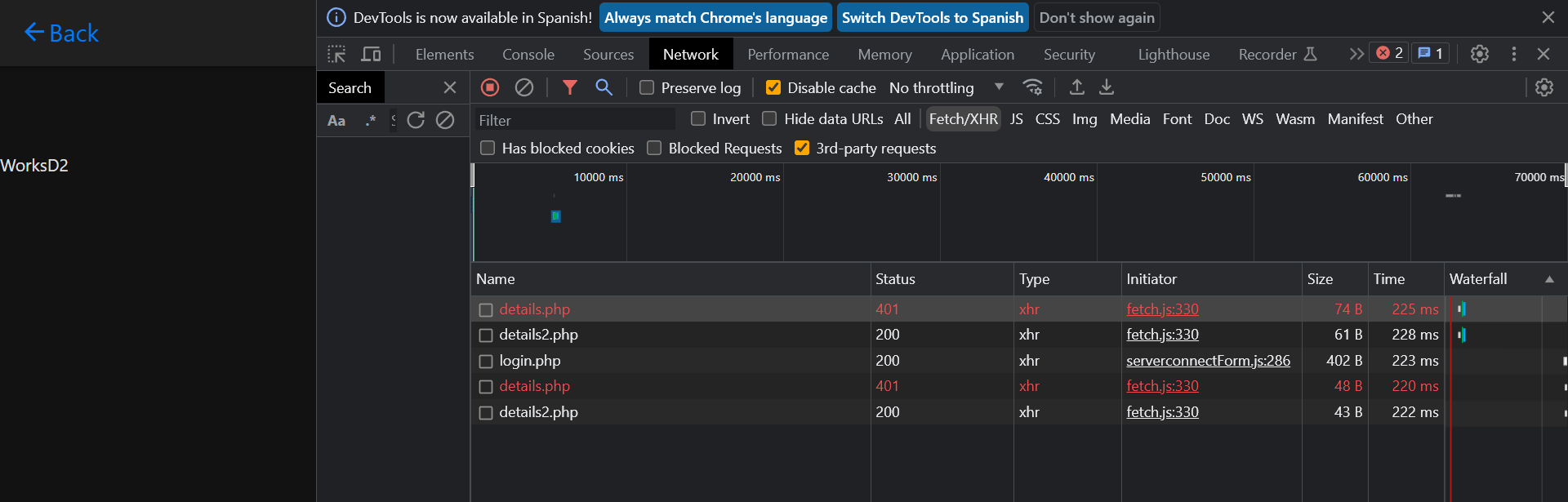
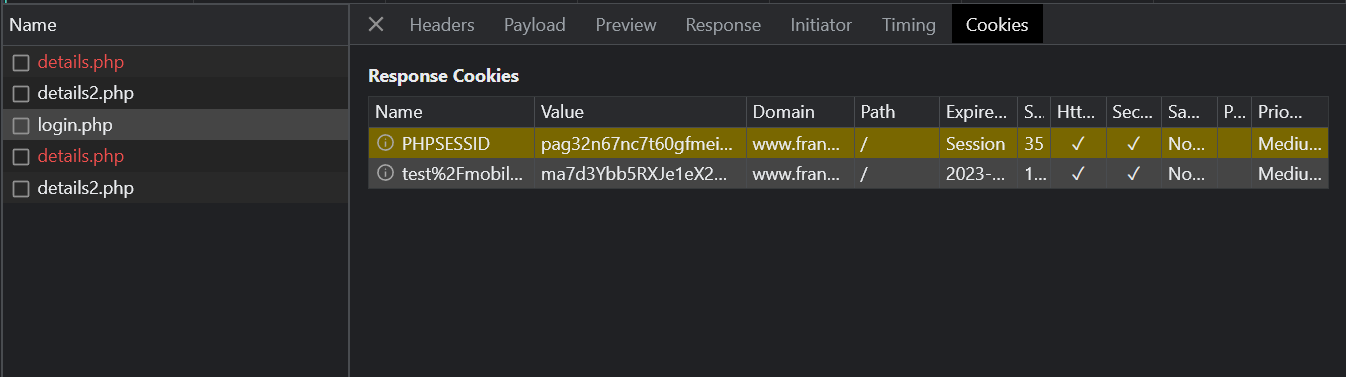
As you can see the login is correct, but it’s till blocked bacause we have dissalowed third party cookies :
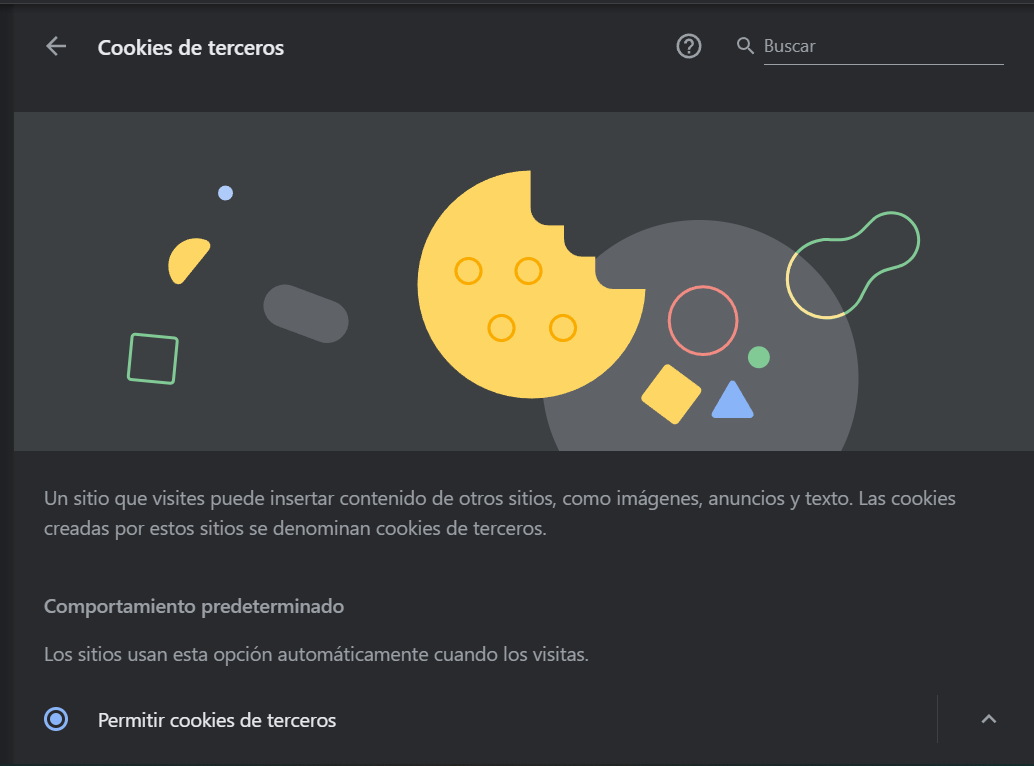
So we enable this:
And now we can see:
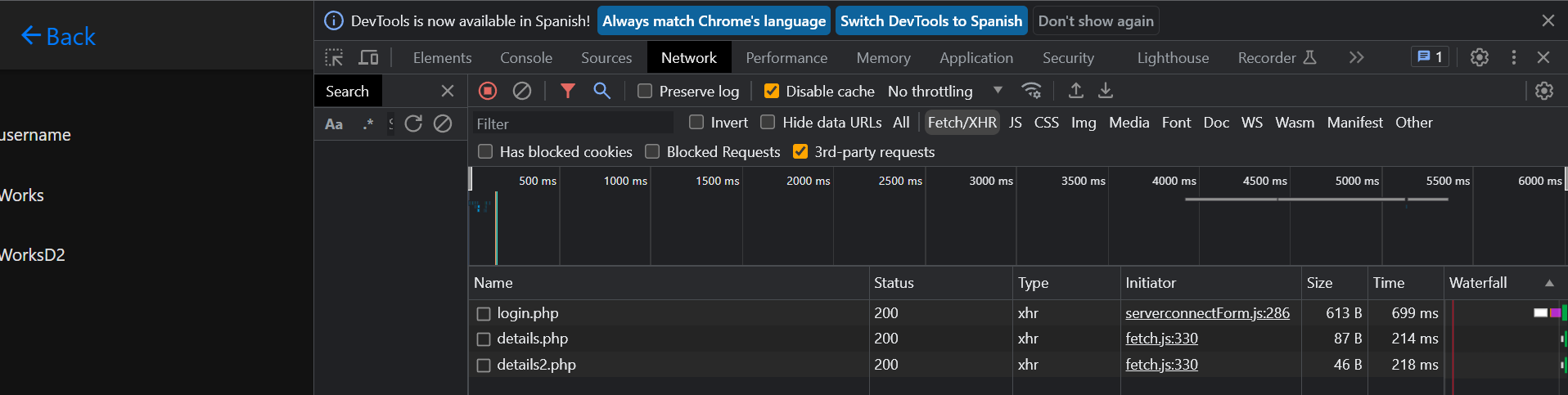
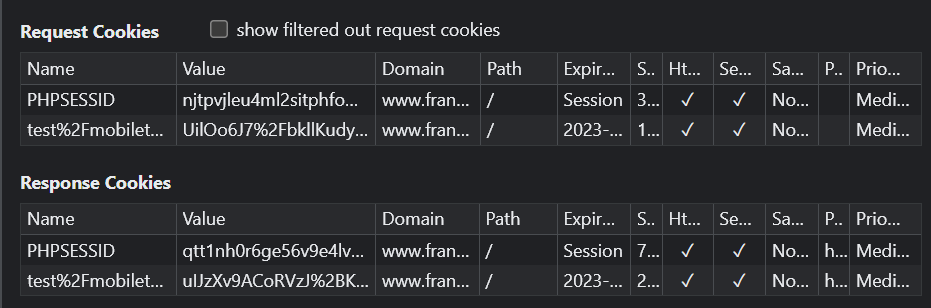
I can go wherever I want, and still have fully logged.
I also deployed an apk and it’s working too:

After login
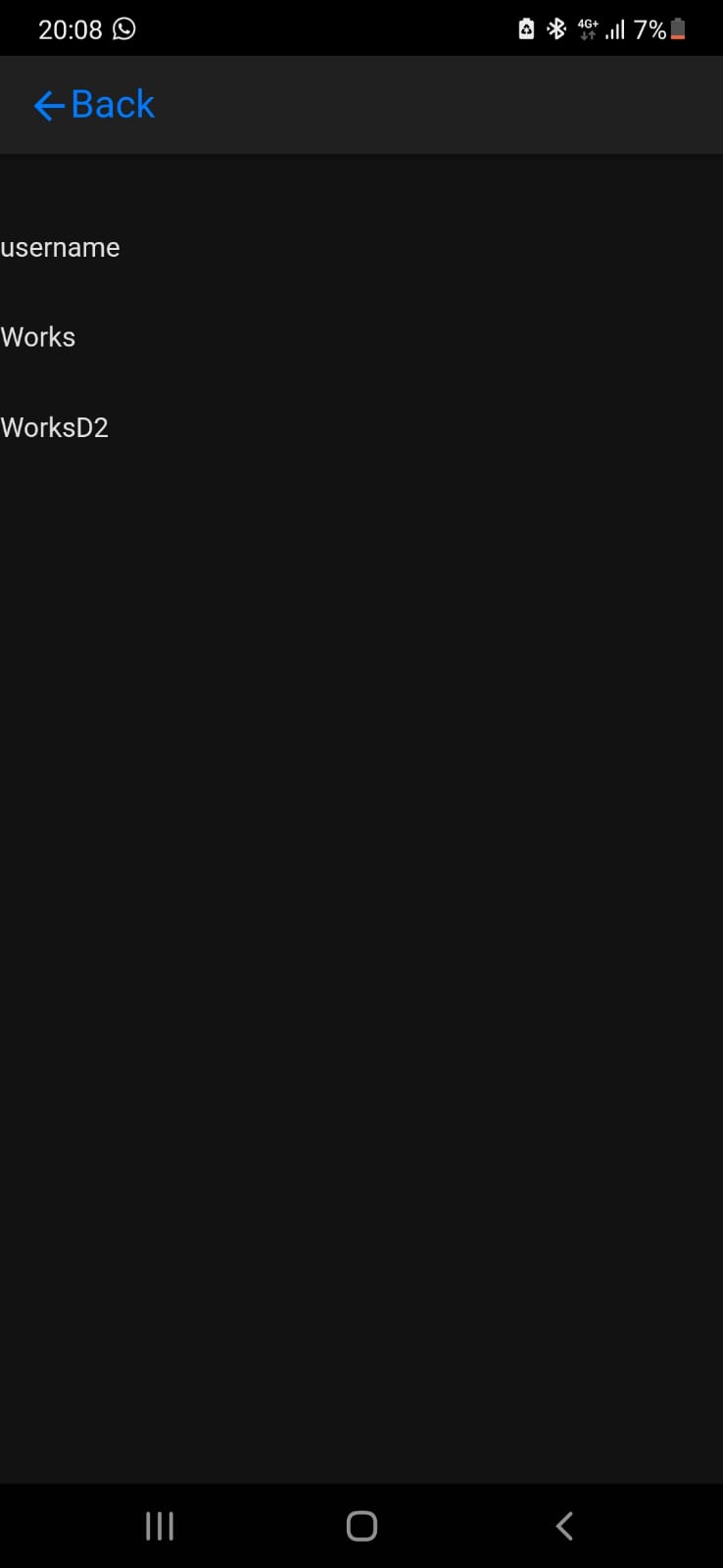
PS: I don’t use * for the cors settings, as I have some issues with that, my workaround is external edit the config.php:
$CONFIG_CORS_ORIGIN = 'capacitor://,capacitor://localhost,http://localhost:56417,http://localhost,capacitor-electron://localhost';
So in that way I can preview from http://localhost:56417/index.html avoiding cors issues
PS2: In capacitor maybe you need to implement Capacitor cookies because closing the app deletes all.
I hope this can help you, and can help others who are searching for similar things.